PC 용 Labelr: Label & Sticker Maker
- 카테고리: Lifestyle
- 최근 업데이트: 2026-09-15
- 현재 버전: 4.1.2
- 파일 크기: 37.98 MB
- 개발자: Aykut Ersahin
- 호환성: 필요 Windows XP, Windows Vista, Windows 7, Windows 8, Windows 8.1 and Windows 10, Windows 11
PC에서 Labelr: Label & Sticker Maker 용 호환 APK 다운로드
| 다운로드 | 개발자 | 평점 | 점수 | 현재 버전 | 성인 랭킹 |
|---|---|---|---|---|---|
| ↓ PC용 APK 다운로드 | Aykut Ersahin | 0 | 0 | 4.1.2 | 4+ |
에뮬레이터의 중요성은 컴퓨터에서 안드로이드 환경을 흉내 내고 안드로이드 폰을 구입하지 않고도 안드로이드 앱을 설치하고 실행하는 것을 매우 쉽게 만들어주는 것입니다. 누가 당신이 두 세계를 즐길 수 없다고 말합니까? 우선 아래에있는 에뮬레이터 앱을 다운로드 할 수 있습니다.
A. Nox App . OR
B. Bluestacks App .
Bluestacks는 매우 대중적이므로 개인적으로 "B"옵션을 사용하는 것이 좋습니다. 문제가 발생하면 Google 또는 Naver.com에서 좋은 해결책을 찾을 수 있습니다.
Bluestacks.exe 또는 Nox.exe를 성공적으로 다운로드 한 경우 컴퓨터의 다운로드 폴더 또는 다운로드 한 파일을 일반적으로 저장하는 곳으로 이동하십시오.
찾으면 클릭하여 응용 프로그램을 설치하십시오. PC에서 설치 프로세스를 시작해야합니다.
다음을 클릭하여 EULA 라이센스 계약에 동의하십시오.
응용 프로그램을 설치하려면 화면 지시문을 따르십시오.
위 사항을 올바르게 수행하면 소프트웨어가 성공적으로 설치됩니다.
이제 설치 한 에뮬레이터 애플리케이션을 열고 검색 창을 찾으십시오. 지금 입력하십시오. - Labelr: Label & Sticker Maker 앱을 쉽게 볼 수 있습니다. 그것을 클릭하십시오. 응용 프로그램 창이 열리고 에뮬레이터 소프트웨어에 응용 프로그램이 표시됩니다. 설치 버튼을 누르면 응용 프로그램이 다운로드되기 시작합니다. 이제 우리는 모두 끝났습니다.
그런 다음 "모든 앱"아이콘이 표시됩니다.
클릭하면 설치된 모든 응용 프로그램이 포함 된 페이지로 이동합니다.
당신은 Labelr: Label & Sticker Maker 상. 그것을 클릭하고 응용 프로그램 사용을 시작하십시오.
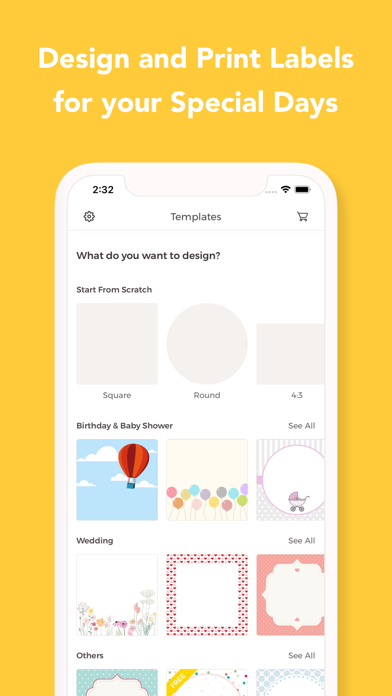
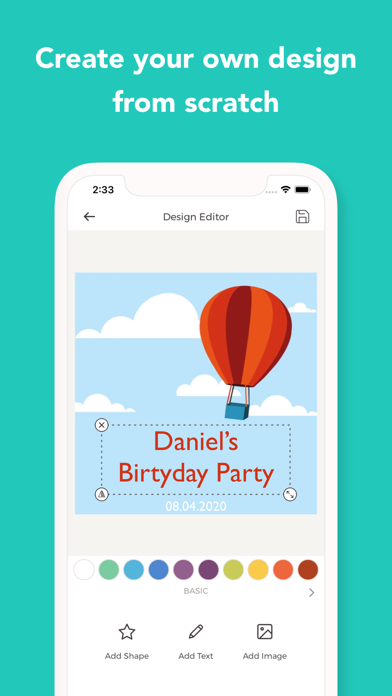
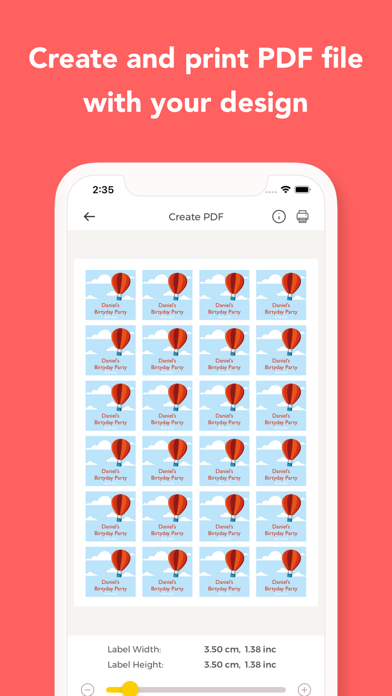
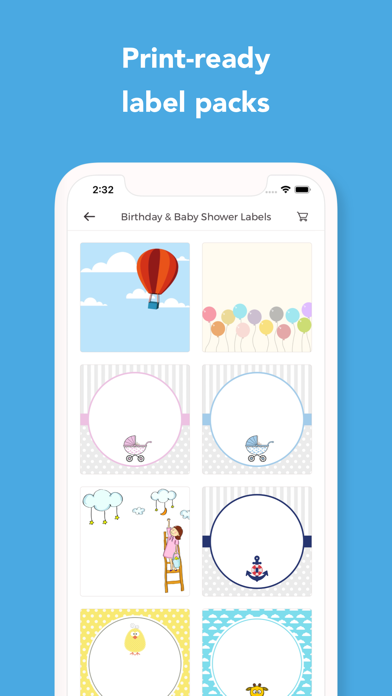
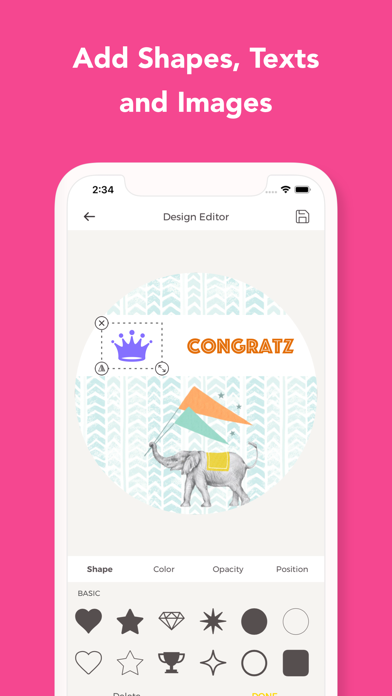
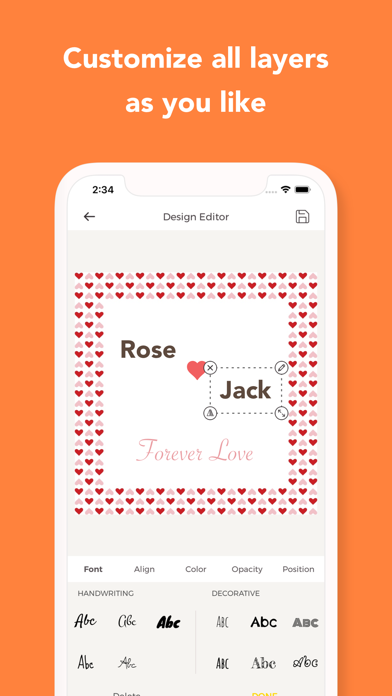
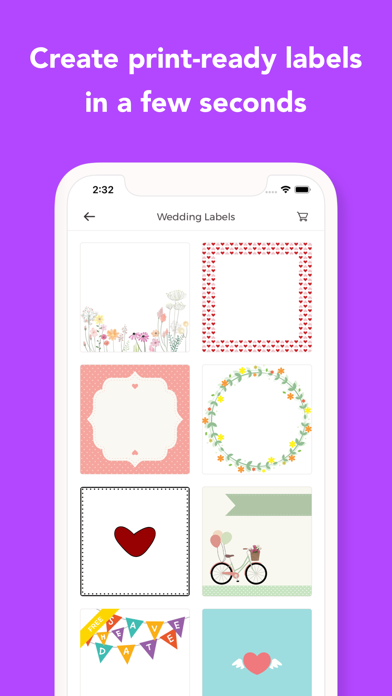
Create custom printable labels, stickers, tags, QR codes, and barcodes in minutes. Labelr is an easy label maker for jars, packaging, address labels, gifts, events, home organization, and small business branding. Start with ready-made templates or design from scratch. Add text, photos, shapes, logos, QR codes, and barcodes, remove photo backgrounds, add shadows, glows and outlines, then export your design as a high-quality PDF, PNG, or JPEG for printing at home or at a print shop. Key Features: - Choose from beautifully designed label, sticker, and card templates — or start from scratch with full customization - Select your layout: round, square, rectangle, or custom sizes to fit your specific needs - Easily drag, drop, resize, and rotate shapes and elements - Add fully customizable text — choose from various fonts, sizes, colors, and styles to make your design unique - Import photos directly from your device’s gallery and remove backgrounds for clean product cut-outs - Add shadows, glows, and outlines to text, shapes, and images - Upload and add your own logo to your designs — perfect for branding and professional labels - Generate QR codes and barcodes for product labeling, event passes, or business branding - Export your design as a high-quality PDF or image file (JPEG, PNG), perfect for printing at home or at professional print shops Labelr is ideal for: - Creating custom labels for products, jars, and packaging - Designing personalized stickers for events, gifts, or crafts - Making tags for organizing home, office, or school items - Printing business cards, logos, and promotional materials - Branding and labeling for small businesses and handmade products Get creative, customize your designs, and print with confidence — Labelr makes label and sticker creation simple and fun! Privacy Policy: https://www.labelrapp.com/privacy Terms of Service: https://www.apple.com/legal/internet-services/itunes/dev/stdeula