
PC 용 Wishlist & Gift Registry
- 카테고리: Shopping
- 최근 업데이트: 2026-10-27
- 현재 버전: 6.3.0
- 파일 크기: 57.01 MB
- 개발자: Giftbuster Inc.
- 호환성: 필요 Windows XP, Windows Vista, Windows 7, Windows 8, Windows 8.1 and Windows 10, Windows 11
PC에서 Wishlist & Gift Registry 용 호환 APK 다운로드
| 다운로드 | 개발자 | 평점 | 점수 | 현재 버전 | 성인 랭킹 |
|---|---|---|---|---|---|
| ↓ PC용 APK 다운로드 | Giftbuster Inc. | 1 | 4 | 6.3.0 | 12+ |
에뮬레이터의 중요성은 컴퓨터에서 안드로이드 환경을 흉내 내고 안드로이드 폰을 구입하지 않고도 안드로이드 앱을 설치하고 실행하는 것을 매우 쉽게 만들어주는 것입니다. 누가 당신이 두 세계를 즐길 수 없다고 말합니까? 우선 아래에있는 에뮬레이터 앱을 다운로드 할 수 있습니다.
A. Nox App . OR
B. Bluestacks App .
Bluestacks는 매우 대중적이므로 개인적으로 "B"옵션을 사용하는 것이 좋습니다. 문제가 발생하면 Google 또는 Naver.com에서 좋은 해결책을 찾을 수 있습니다.
Bluestacks.exe 또는 Nox.exe를 성공적으로 다운로드 한 경우 컴퓨터의 다운로드 폴더 또는 다운로드 한 파일을 일반적으로 저장하는 곳으로 이동하십시오.
찾으면 클릭하여 응용 프로그램을 설치하십시오. PC에서 설치 프로세스를 시작해야합니다.
다음을 클릭하여 EULA 라이센스 계약에 동의하십시오.
응용 프로그램을 설치하려면 화면 지시문을 따르십시오.
위 사항을 올바르게 수행하면 소프트웨어가 성공적으로 설치됩니다.
이제 설치 한 에뮬레이터 애플리케이션을 열고 검색 창을 찾으십시오. 지금 입력하십시오. - Wishlist & Gift Registry 앱을 쉽게 볼 수 있습니다. 그것을 클릭하십시오. 응용 프로그램 창이 열리고 에뮬레이터 소프트웨어에 응용 프로그램이 표시됩니다. 설치 버튼을 누르면 응용 프로그램이 다운로드되기 시작합니다. 이제 우리는 모두 끝났습니다.
그런 다음 "모든 앱"아이콘이 표시됩니다.
클릭하면 설치된 모든 응용 프로그램이 포함 된 페이지로 이동합니다.
당신은 Wishlist & Gift Registry 상. 그것을 클릭하고 응용 프로그램 사용을 시작하십시오.
Mac OS 에서 Wishlist & Gift Registry 다운로드
| 다운로드 | 개발자 | 점수 | 현재 버전 | 성인 랭킹 |
|---|---|---|---|---|
| 무료 - Mac 에서 다운로드 | Giftbuster Inc. | 4 |
6.3.0 | 12+ |
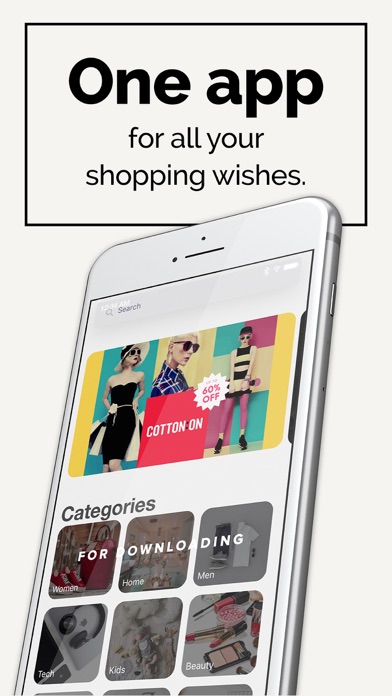
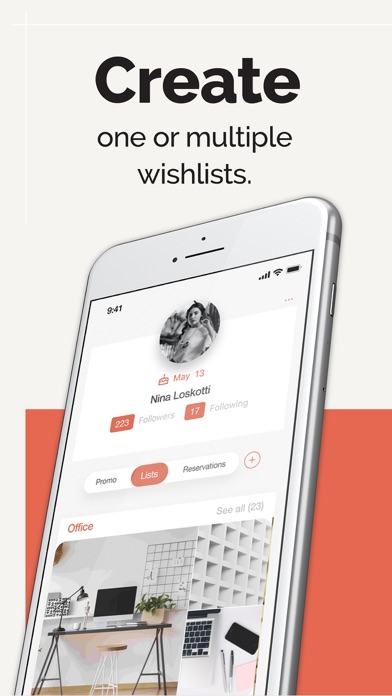
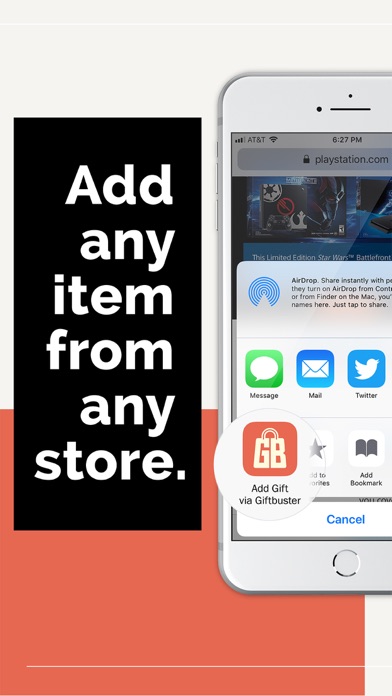
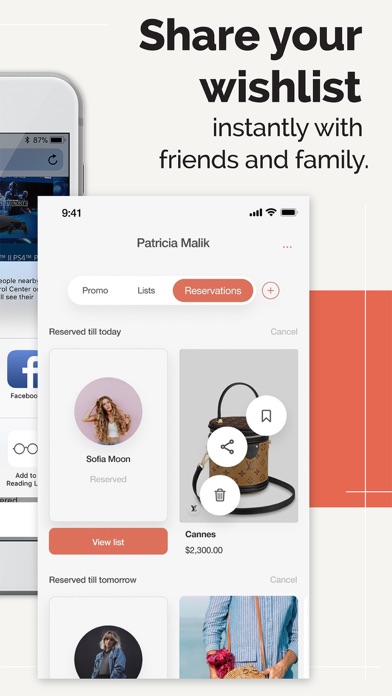
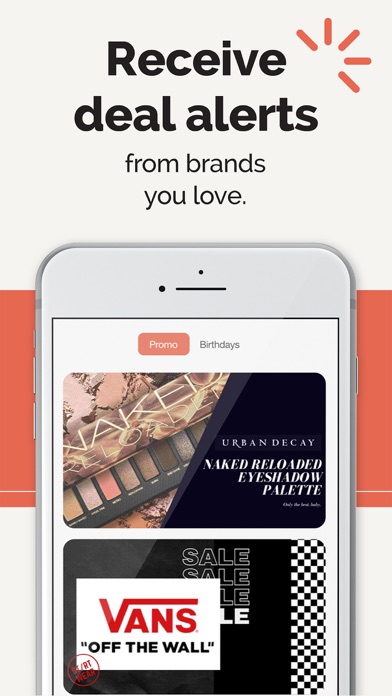
Save gifts from any store, share your wishlist, and let friends reserve gifts without spoiling the surprise. ONE LIST FOR EVERY WISH Create as many wishlists as you like: for you, your kids, your partner, or things to buy later. ADD FROM ANY STORE IN ONE TAP Tap Share in Safari and choose GiftBuster. Title, photos, price and link are saved automatically, including the original price when an item is on sale. SHARED WISHLISTS Invite family or friends to build a list together. RESERVE WITHOUT SPOILING THE SURPRISE Friends reserve gifts so nobody buys the same thing twice, and the list owner never sees what was reserved. TRACK PRICES See when prices change on the items you saved. FOR EVERY OCCASION Birthday, Christmas, wedding and baby registry, all in one app, with birthday reminders for your friends. ON THE WEB TOO Manage your lists in Safari on your Mac at giftbuster.app. MORE: + Create your gift registry for Birthday, Christmas, Weddings, Baby shower + Invite your friends and family to view your wish list. They can reserve gifts. + Receive birthday reminders + Web version (Profile view) FAQ Imagine you go online and browse different shopping websites using your native browser. When you see something you would like to buy later, with one click (share button), you can easily add it to your wishlist. The app automatically stores information like title, photos, description, price, currency, and a direct link to the product page. You can add anything from any website. Discover gift ideas and the newest trends. Receive notifications with promo codes (valid !) from brands you love. How do I add gifts to my list? There are three ways to do this: FROM BROWSER Activate the GiftBuster button into your bookmarks bar; that way, whenever you come across something you want, you can add that item without ever leaving your browser. SAVE/COPY ANY ITEM ON GIFTBUSTER MANUALLY How do I activate the GiftBuster browser extension (widget)? Open any page in Safari Tap the Share icon Swipe the grey icons in the bottom row and tap "More." Turn On "Add Gift via GiftBuster" and tap "Done." Now when you see an item you like, you can add it to your GiftBuster list without ever leaving the Safari browser by tapping the "Share" icon and then clicking "Add Gift via GiftBuster"! How do I reserve gifts that I want to buy for my friends? Go to your friend's list. Choose the gift you wish to buy. Tap "Reserve". Set reservation date (i.e. your friend's birthday or Christmas). Click "Continue". Can my friend see that I reserved a gift from his/her list? That's the best part. The list makers can't see who and what was reserved on his/her list, but others can. So no more double gifting! Can I cancel a gift that I had reserved? Yes, you can. Go to the RESERVATIONS and click "Cancel." Click "Confirm." Can I mark gifts that are on TOP of my list? Yes, you can. When you are adding a new item to your list - check the "Prioritise" option. You can also add it later (edit). How can I delete gifts from my list? Long tap on the item image you want to delete. Click the "Delete" icon. If I like an item from someone else's list, how can I add it to my list? Long tap on the item image you want to save. Click the "Save" icon. What are the benefits of following others? Friends on your list can instantly view your gift list, reserve gifts, receive birthday reminders. Only when you follow each other, you can reserve gifts from your lists. How can I invite friends to use GiftBuster? You can invite them by sending a text message or email. Go to "YOUR PROFILE" and tap the right top corner for settings. Tap "Find Friends," and then the "+" icon. Are there birthday reminders? When your GiftBuster friend has a birthday coming up, you will receive a notification one week in advance.


