PC 용 Swimming Adventure Relaunched
- 카테고리: Games
- 최근 업데이트: 2016-09-09
- 현재 버전: 1.0
- 파일 크기: 62.26 MB
- 개발자: kailash mondal
- 호환성: 필요 Windows XP, Windows Vista, Windows 7, Windows 8, Windows 8.1 and Windows 10, Windows 11

PC에서 Swimming Adventure Relaunched 용 호환 APK 다운로드
| 다운로드 | 개발자 | 평점 | 점수 | 현재 버전 | 성인 랭킹 |
|---|---|---|---|---|---|
| ↓ PC용 APK 다운로드 | kailash mondal | 0 | 0 | 1.0 | 4+ |
호환되는 PC 앱 또는 대안 확인
| 소프트웨어 | 다운로드 | 평점 | 개발자 |
|---|---|---|---|
| Swimming Adventure Relaunched |
PC 앱 받기 | 0/5 0 리뷰 0 |
kailash mondal |
에뮬레이터의 중요성은 컴퓨터에서 안드로이드 환경을 흉내 내고 안드로이드 폰을 구입하지 않고도 안드로이드 앱을 설치하고 실행하는 것을 매우 쉽게 만들어주는 것입니다. 누가 당신이 두 세계를 즐길 수 없다고 말합니까? 우선 아래에있는 에뮬레이터 앱을 다운로드 할 수 있습니다.
A. Nox App . OR
B. Bluestacks App .
Bluestacks는 매우 대중적이므로 개인적으로 "B"옵션을 사용하는 것이 좋습니다. 문제가 발생하면 Google 또는 Naver.com에서 좋은 해결책을 찾을 수 있습니다.
Bluestacks.exe 또는 Nox.exe를 성공적으로 다운로드 한 경우 컴퓨터의 다운로드 폴더 또는 다운로드 한 파일을 일반적으로 저장하는 곳으로 이동하십시오.
찾으면 클릭하여 응용 프로그램을 설치하십시오. PC에서 설치 프로세스를 시작해야합니다.
다음을 클릭하여 EULA 라이센스 계약에 동의하십시오.
응용 프로그램을 설치하려면 화면 지시문을 따르십시오.
위 사항을 올바르게 수행하면 소프트웨어가 성공적으로 설치됩니다.
이제 설치 한 에뮬레이터 애플리케이션을 열고 검색 창을 찾으십시오. 지금 입력하십시오. - Swimming Adventure Relaunched 앱을 쉽게 볼 수 있습니다. 그것을 클릭하십시오. 응용 프로그램 창이 열리고 에뮬레이터 소프트웨어에 응용 프로그램이 표시됩니다. 설치 버튼을 누르면 응용 프로그램이 다운로드되기 시작합니다. 이제 우리는 모두 끝났습니다.
그런 다음 "모든 앱"아이콘이 표시됩니다.
클릭하면 설치된 모든 응용 프로그램이 포함 된 페이지로 이동합니다.
당신은 Swimming Adventure Relaunched 상. 그것을 클릭하고 응용 프로그램 사용을 시작하십시오.
Mac OS 에서 Swimming Adventure Relaunched 다운로드
| 다운로드 | 개발자 | 점수 | 현재 버전 | 성인 랭킹 |
|---|---|---|---|---|
| 무료 - Mac 에서 다운로드 | kailash mondal | 0 |
1.0 | 4+ |
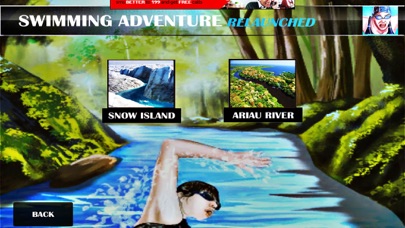
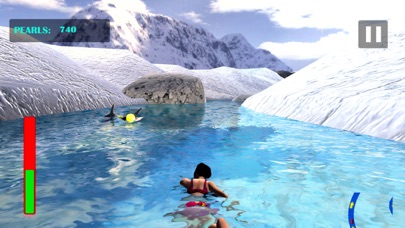
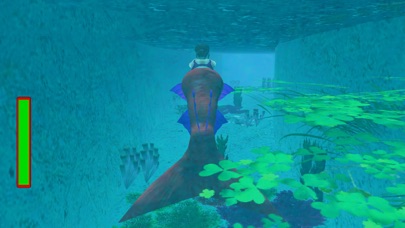
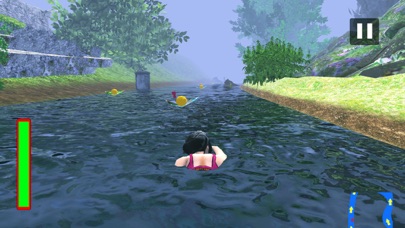
Swimming Adventure Reloaded free version gives you the realistic swimming experience with great 3D graphics. In this back to school swimming game you have the option to choose the environment or scene, where you either swim through the Grand Canyon which has beautiful mountains and landscape or the Ariau River which has a scenic view of the Amazon jungle with green lively trees and thick forest . You can consider this as 3D summer game and can be recommended to kids or preschool or children who love to play sea shark adventure swimming game or swimming with dolphins or swimming pool based game. You can also choose between male and female swimmer with swimsuits. After choosing these options you start swimming at the novice level and complete it only then you move up to the amateur and pro level and the speed increases as you progress to higher levels. This children game can also be enjoyed by the adult as the game gets more and more challenging as the level progress. You swim through the river and collect as many pearls as you can as these pearls can buy you more lives, try to avoid bumping into things like log of wood or big rocks because it will slow you down and you will be caught up by the massive crocodile that’s chasing you and there are also water whirlpool on the edges of the river which you also need to avoid as it can sink you in the river, which makes this app so thrilling and fun, at the same time very challenging. There are also power up booster to collect such as a mermaid custom and a water scooter which will increase your speed. If you enjoy swimming as a sport this is the perfect game for practice. Get the best and most realistic swimming experience and you can check your swimming score on the statistic table and try to beat your own scores.