
PC 용 ChordAid: Chord Reference
- 카테고리: Music
- 최근 업데이트: 2019-03-07
- 현재 버전: 4.5
- 파일 크기: 75.68 MB
- 개발자: EMSI SOFT
- 호환성: 필요 Windows XP, Windows Vista, Windows 7, Windows 8, Windows 8.1 and Windows 10, Windows 11

PC에서 ChordAid: Chord Reference 용 호환 APK 다운로드
| 다운로드 | 개발자 | 평점 | 점수 | 현재 버전 | 성인 랭킹 |
|---|---|---|---|---|---|
| ↓ PC용 APK 다운로드 | EMSI SOFT | 1 | 5 | 4.5 | 4+ |
에뮬레이터의 중요성은 컴퓨터에서 안드로이드 환경을 흉내 내고 안드로이드 폰을 구입하지 않고도 안드로이드 앱을 설치하고 실행하는 것을 매우 쉽게 만들어주는 것입니다. 누가 당신이 두 세계를 즐길 수 없다고 말합니까? 우선 아래에있는 에뮬레이터 앱을 다운로드 할 수 있습니다.
A. Nox App . OR
B. Bluestacks App .
Bluestacks는 매우 대중적이므로 개인적으로 "B"옵션을 사용하는 것이 좋습니다. 문제가 발생하면 Google 또는 Naver.com에서 좋은 해결책을 찾을 수 있습니다.
Bluestacks.exe 또는 Nox.exe를 성공적으로 다운로드 한 경우 컴퓨터의 다운로드 폴더 또는 다운로드 한 파일을 일반적으로 저장하는 곳으로 이동하십시오.
찾으면 클릭하여 응용 프로그램을 설치하십시오. PC에서 설치 프로세스를 시작해야합니다.
다음을 클릭하여 EULA 라이센스 계약에 동의하십시오.
응용 프로그램을 설치하려면 화면 지시문을 따르십시오.
위 사항을 올바르게 수행하면 소프트웨어가 성공적으로 설치됩니다.
이제 설치 한 에뮬레이터 애플리케이션을 열고 검색 창을 찾으십시오. 지금 입력하십시오. - ChordAid: Chord Reference 앱을 쉽게 볼 수 있습니다. 그것을 클릭하십시오. 응용 프로그램 창이 열리고 에뮬레이터 소프트웨어에 응용 프로그램이 표시됩니다. 설치 버튼을 누르면 응용 프로그램이 다운로드되기 시작합니다. 이제 우리는 모두 끝났습니다.
그런 다음 "모든 앱"아이콘이 표시됩니다.
클릭하면 설치된 모든 응용 프로그램이 포함 된 페이지로 이동합니다.
당신은 ChordAid: Chord Reference 상. 그것을 클릭하고 응용 프로그램 사용을 시작하십시오.
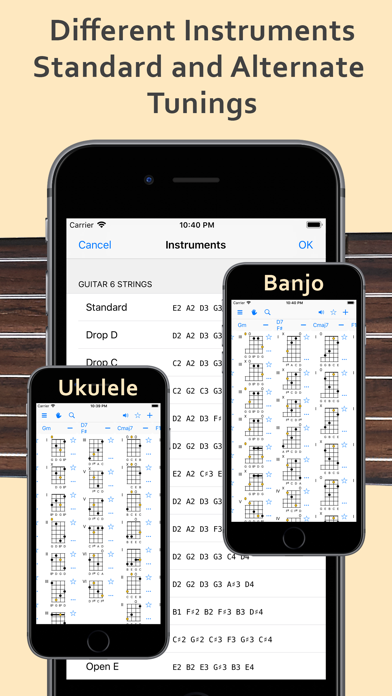
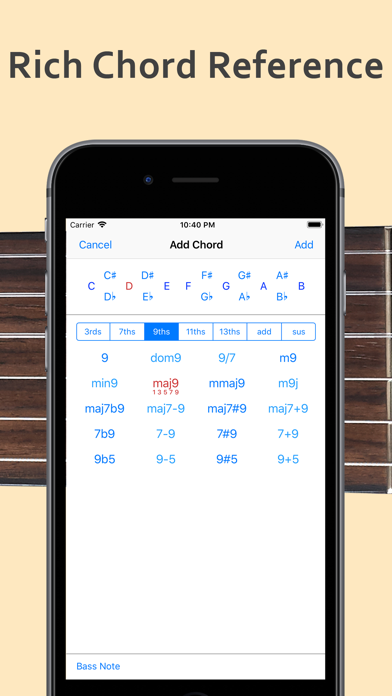
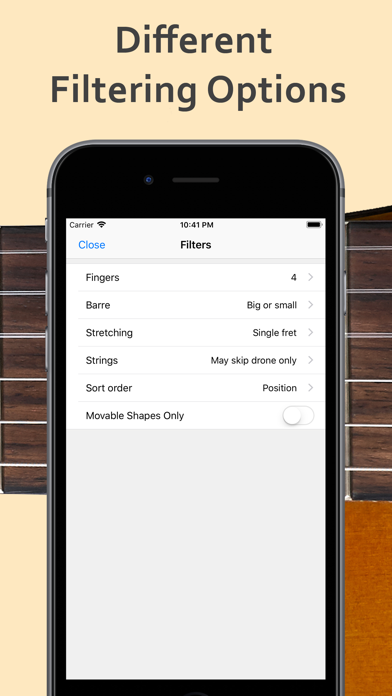
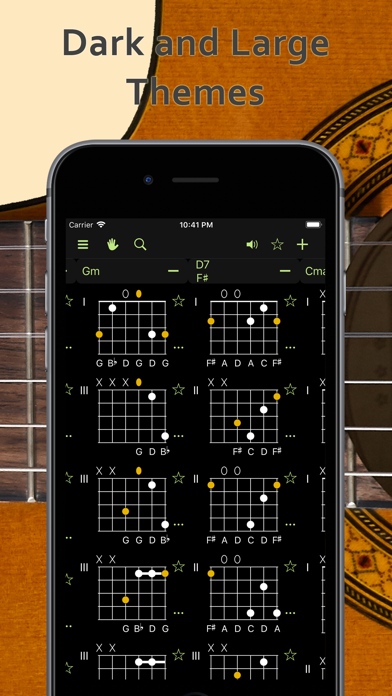
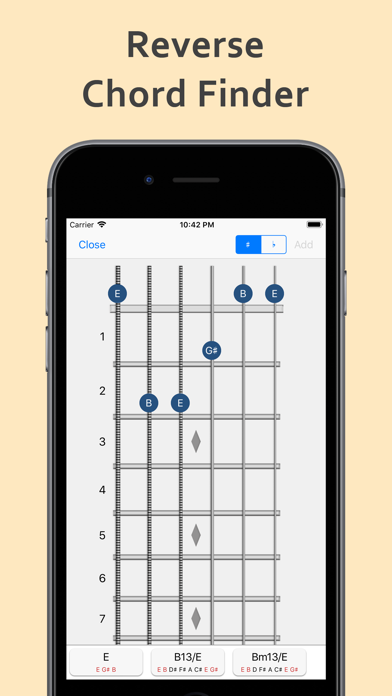
Chord reference and chord finder for guitar, bass, banjo, ukulele, mandolin and bouzouki. Supports standard and alternate tunings and includes more than forty-five chord types: both simple and complicated ones used in jazz music, including slash chords. You can display, compare and practice several different chords at once. They may be the chords of a song or different variations of the same chord. You can adjust the complexity of the chord shapes shown according to your skill. In addition to the usual chord shapes, ChordAid lets you choose among more difficult chord shapes with two barres and big stretching between fingers. Several strumming options or finger-picking style are available. Supports left handed players. You can translate chords from one instrument to another. You can mark individual chord shapes as favorites. Then you can switch to a display mode that shows you favorite shapes only. In this way you can build a chord library of your own. In a "Reverse Chord Finder" mode, you can select a few notes on the fretboard and the app will show you the names of the chords that match. You can then add the chord to the chord list and the app will show other fingerings. Here is a list of the currently supported instruments and tunings: • Guitar 6 strings - Standard - Open C, D, G, A, B, E, C#, D minor, G minor - Modal D, G - Drop C, D, B - Tenor (Mandola) • Bass guitar 4 strings - Standard - Drop C, D • Bass guitar 5 strings - Standard - Tenor • Ukulele - Concert, Concert low G - D - Canadian - Baritone - Bass • Mandolin - Standard - Mandola • Bouzouki - Three, four courses - Irish - Octave mandolin - Open D, G • Guitalele • Banjo 5 strings - Open G, D, A - Drop C, Double C, Old time D, Sawmill • Banjo 4 strings - Standard(CGDA), Celtic, Chicago, Plectrum • Waldzither Please visit our support page if you have questions about using the application or if you have any issues. Drop us a line if you do not see your favourite feature or if you have suggestions for improvement. Follow us on Twitter or like us on Facebook to get notified for new releases and updates. http://emsi.eu/chord-aid https://www.facebook.com/chordaid https://twitter.com/altichord Happy playing!


