PC 용 Pixelable - Pixel Art Editor
- 카테고리: Entertainment
- 최근 업데이트: 2024-01-21
- 현재 버전: 2.10.4
- 파일 크기: 13.45 MB
- 개발자: Yosuke Seki
- 호환성: 필요 Windows XP, Windows Vista, Windows 7, Windows 8, Windows 8.1 and Windows 10, Windows 11
PC에서 Pixelable - Pixel Art Editor 용 호환 APK 다운로드
| 다운로드 | 개발자 | 평점 | 점수 | 현재 버전 | 성인 랭킹 |
|---|---|---|---|---|---|
| ↓ PC용 APK 다운로드 | Yosuke Seki | 894 | 4.84227 | 2.10.4 | 4+ |
에뮬레이터의 중요성은 컴퓨터에서 안드로이드 환경을 흉내 내고 안드로이드 폰을 구입하지 않고도 안드로이드 앱을 설치하고 실행하는 것을 매우 쉽게 만들어주는 것입니다. 누가 당신이 두 세계를 즐길 수 없다고 말합니까? 우선 아래에있는 에뮬레이터 앱을 다운로드 할 수 있습니다.
A. Nox App . OR
B. Bluestacks App .
Bluestacks는 매우 대중적이므로 개인적으로 "B"옵션을 사용하는 것이 좋습니다. 문제가 발생하면 Google 또는 Naver.com에서 좋은 해결책을 찾을 수 있습니다.
Bluestacks.exe 또는 Nox.exe를 성공적으로 다운로드 한 경우 컴퓨터의 다운로드 폴더 또는 다운로드 한 파일을 일반적으로 저장하는 곳으로 이동하십시오.
찾으면 클릭하여 응용 프로그램을 설치하십시오. PC에서 설치 프로세스를 시작해야합니다.
다음을 클릭하여 EULA 라이센스 계약에 동의하십시오.
응용 프로그램을 설치하려면 화면 지시문을 따르십시오.
위 사항을 올바르게 수행하면 소프트웨어가 성공적으로 설치됩니다.
이제 설치 한 에뮬레이터 애플리케이션을 열고 검색 창을 찾으십시오. 지금 입력하십시오. - Pixelable - Pixel Art Editor 앱을 쉽게 볼 수 있습니다. 그것을 클릭하십시오. 응용 프로그램 창이 열리고 에뮬레이터 소프트웨어에 응용 프로그램이 표시됩니다. 설치 버튼을 누르면 응용 프로그램이 다운로드되기 시작합니다. 이제 우리는 모두 끝났습니다.
그런 다음 "모든 앱"아이콘이 표시됩니다.
클릭하면 설치된 모든 응용 프로그램이 포함 된 페이지로 이동합니다.
당신은 Pixelable - Pixel Art Editor 상. 그것을 클릭하고 응용 프로그램 사용을 시작하십시오.
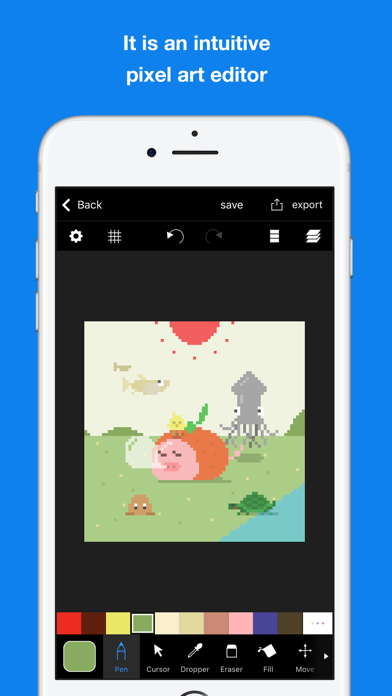
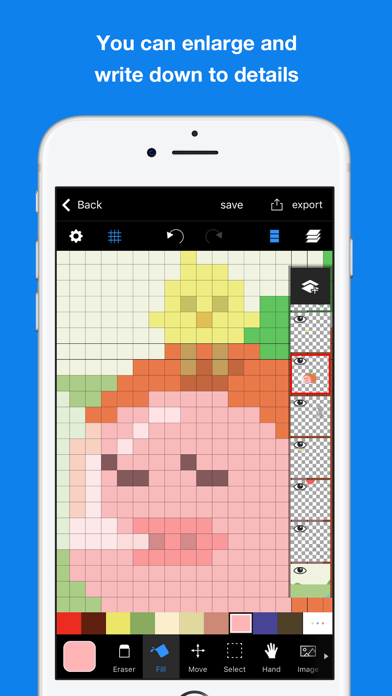
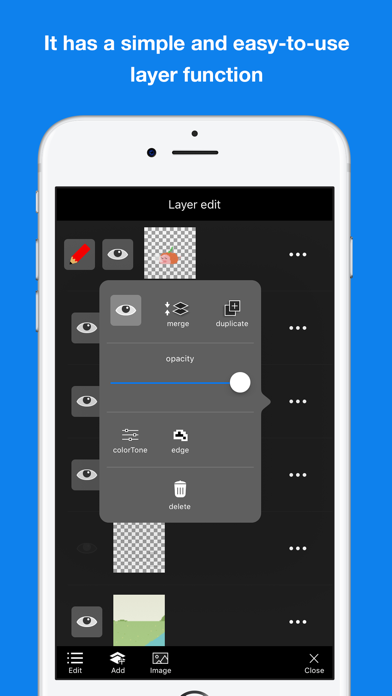
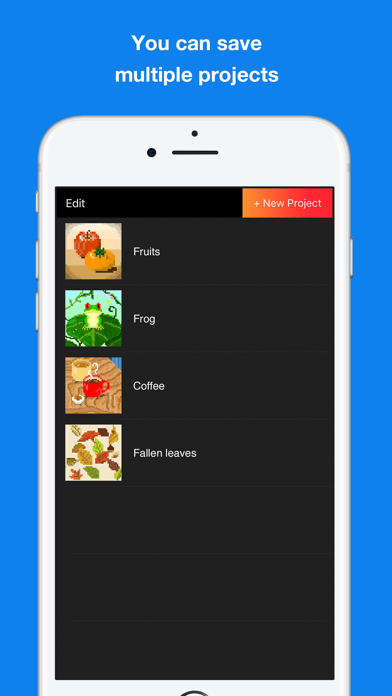
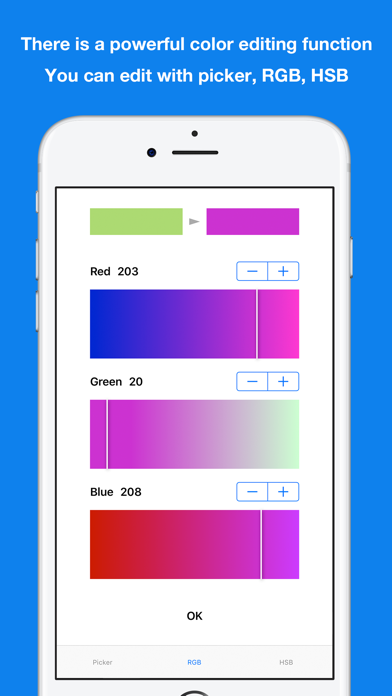
Here is a pleasant pixel art editor! This is an app which pursue the stress-free and intuitively drawing of pixel art. The app has genuine functions, like layer editing, color making, and various tools. Also, you can operate intuitively. For example you can enlarge and reduce the canvas by pinch in or pinch out. Main functions are below. - Layer editing You can add and erase, and copy layers. Also, you can select display or non-display mode, change the order of layers, and make a layer transparent. - Tools The app has basic tools to draw pixel arts. (For example, pen, spuit, filling and transfer) ・Undo and redo You can cancel drawing. - Animated GIF export Each layer is going to be one frame. - Color making You can make your favorite color easily. You can save 150 colors in maximum by a work. - Pinch in and pinch out You can enlarge and reduce the canvas by pinch in and out. It enables you to draw more details. - Saving multiple pictures You can save several projects, so that you can edit other projects later. - Setting canvas size You can select the size of canvas from 5*5 to 256*256. - Setting a exporting pixel size You can select exporting size. Pictures will be saved to camera roll as a png file. - Reflection function You can reflect the selected layer vertical and horizontal. ※There is another flunked app, ‘Dottable’. ※To prevent a crash, you need more than 150MB of free space to make a new project. Sorry for the inconvenience.