PC 용 MySports: Connect with the gym
- 카테고리: Health & Fitness
- 최근 업데이트: 2024-02-26
- 현재 버전: 3.37.0
- 파일 크기: 65.85 MB
- 개발자: MySports GmbH
- 호환성: 필요 Windows XP, Windows Vista, Windows 7, Windows 8, Windows 8.1 and Windows 10, Windows 11

PC에서 MySports: Connect with the gym 용 호환 APK 다운로드
| 다운로드 | 개발자 | 평점 | 점수 | 현재 버전 | 성인 랭킹 |
|---|---|---|---|---|---|
| ↓ PC용 APK 다운로드 | MySports GmbH | 0 | 0 | 3.37.0 | 4+ |
에뮬레이터의 중요성은 컴퓨터에서 안드로이드 환경을 흉내 내고 안드로이드 폰을 구입하지 않고도 안드로이드 앱을 설치하고 실행하는 것을 매우 쉽게 만들어주는 것입니다. 누가 당신이 두 세계를 즐길 수 없다고 말합니까? 우선 아래에있는 에뮬레이터 앱을 다운로드 할 수 있습니다.
A. Nox App . OR
B. Bluestacks App .
Bluestacks는 매우 대중적이므로 개인적으로 "B"옵션을 사용하는 것이 좋습니다. 문제가 발생하면 Google 또는 Naver.com에서 좋은 해결책을 찾을 수 있습니다.
Bluestacks.exe 또는 Nox.exe를 성공적으로 다운로드 한 경우 컴퓨터의 다운로드 폴더 또는 다운로드 한 파일을 일반적으로 저장하는 곳으로 이동하십시오.
찾으면 클릭하여 응용 프로그램을 설치하십시오. PC에서 설치 프로세스를 시작해야합니다.
다음을 클릭하여 EULA 라이센스 계약에 동의하십시오.
응용 프로그램을 설치하려면 화면 지시문을 따르십시오.
위 사항을 올바르게 수행하면 소프트웨어가 성공적으로 설치됩니다.
이제 설치 한 에뮬레이터 애플리케이션을 열고 검색 창을 찾으십시오. 지금 입력하십시오. - MySports: Connect with the gym 앱을 쉽게 볼 수 있습니다. 그것을 클릭하십시오. 응용 프로그램 창이 열리고 에뮬레이터 소프트웨어에 응용 프로그램이 표시됩니다. 설치 버튼을 누르면 응용 프로그램이 다운로드되기 시작합니다. 이제 우리는 모두 끝났습니다.
그런 다음 "모든 앱"아이콘이 표시됩니다.
클릭하면 설치된 모든 응용 프로그램이 포함 된 페이지로 이동합니다.
당신은 MySports: Connect with the gym 상. 그것을 클릭하고 응용 프로그램 사용을 시작하십시오.
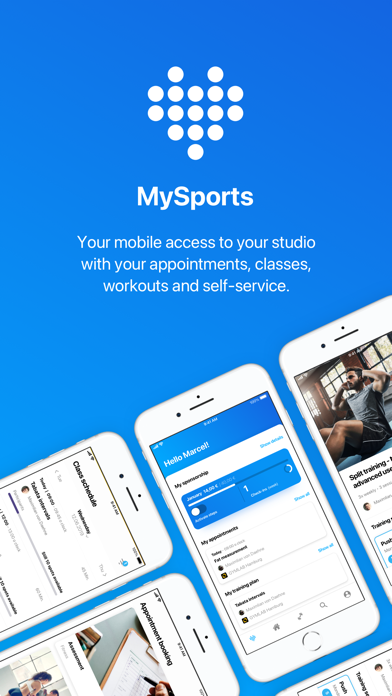
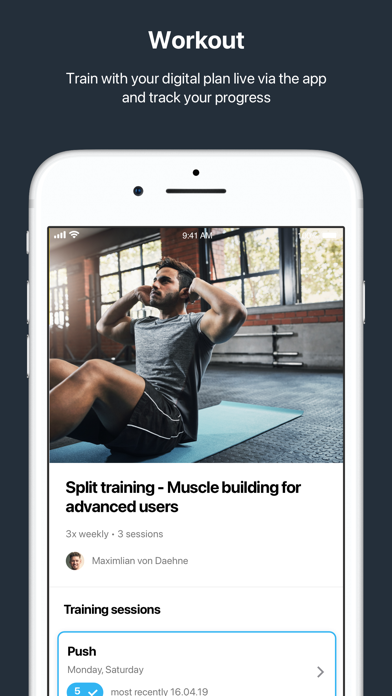
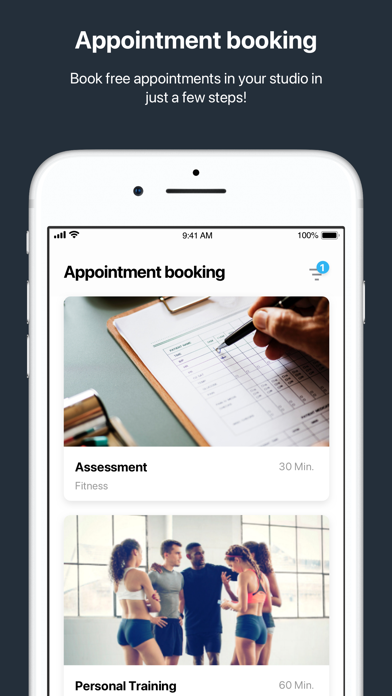
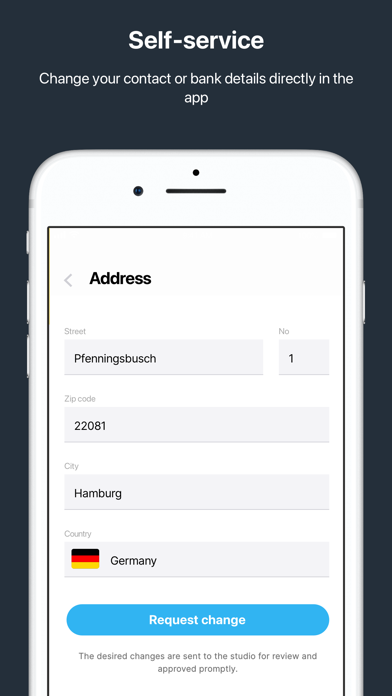
Your mobile access to your gym Does your gym use the MySports app to service you digitally? Good for you! This app will change your training experience and make life much easier. Conveniently book classes and appointments via your smartphone! No need to call, no need to come in person - if you want to book a class with a limited number of participants, an EMS or personal training appointment, you can do so conveniently via the app. Simply select a service, set an appointment and nothing stands in the way of your training. If something should come up, you can of course make changes at any time - at the touch of a button. All training data at a glance In the MySports app, you can take a look at your individual training plan at any time and log all your activities in detail. On the other hand, your data including your health profile, fitness level and training progress are also available to the studio so that your coach can always provide you with the best possible support and motivation. If necessary, your coach can easily adjust your training plan on his end- MySports shows you the updates immediately. Manage your membership With the self-service area, you can manage your gym membership from the comfort of your own home. Change your contact details or enter your new bank account. You can also request idle periods and view the details of your contract. Optionally, you can also participate in the new sports sponsorship programme by sharing your step data from the HealthKit. The app was released in the past under the name NoExcuse. EULA: https://www.apple.com/legal/internet-services/itunes/dev/stdeula/