
PC 용 Bored Button - Games
- 카테고리: Games
- 최근 업데이트: 2024-05-30
- 현재 버전: 4.4
- 파일 크기: 82.50 MB
- 개발자: Gabble Studios
- 호환성: 필요 Windows XP, Windows Vista, Windows 7, Windows 8, Windows 8.1 and Windows 10, Windows 11
PC에서 Bored Button - Games 용 호환 APK 다운로드
| 다운로드 | 개발자 | 평점 | 점수 | 현재 버전 | 성인 랭킹 |
|---|---|---|---|---|---|
| ↓ PC용 APK 다운로드 | Gabble Studios | 5 | 5 | 4.4 | 4+ |
에뮬레이터의 중요성은 컴퓨터에서 안드로이드 환경을 흉내 내고 안드로이드 폰을 구입하지 않고도 안드로이드 앱을 설치하고 실행하는 것을 매우 쉽게 만들어주는 것입니다. 누가 당신이 두 세계를 즐길 수 없다고 말합니까? 우선 아래에있는 에뮬레이터 앱을 다운로드 할 수 있습니다.
A. Nox App . OR
B. Bluestacks App .
Bluestacks는 매우 대중적이므로 개인적으로 "B"옵션을 사용하는 것이 좋습니다. 문제가 발생하면 Google 또는 Naver.com에서 좋은 해결책을 찾을 수 있습니다.
Bluestacks.exe 또는 Nox.exe를 성공적으로 다운로드 한 경우 컴퓨터의 다운로드 폴더 또는 다운로드 한 파일을 일반적으로 저장하는 곳으로 이동하십시오.
찾으면 클릭하여 응용 프로그램을 설치하십시오. PC에서 설치 프로세스를 시작해야합니다.
다음을 클릭하여 EULA 라이센스 계약에 동의하십시오.
응용 프로그램을 설치하려면 화면 지시문을 따르십시오.
위 사항을 올바르게 수행하면 소프트웨어가 성공적으로 설치됩니다.
이제 설치 한 에뮬레이터 애플리케이션을 열고 검색 창을 찾으십시오. 지금 입력하십시오. - Bored Button - Games 앱을 쉽게 볼 수 있습니다. 그것을 클릭하십시오. 응용 프로그램 창이 열리고 에뮬레이터 소프트웨어에 응용 프로그램이 표시됩니다. 설치 버튼을 누르면 응용 프로그램이 다운로드되기 시작합니다. 이제 우리는 모두 끝났습니다.
그런 다음 "모든 앱"아이콘이 표시됩니다.
클릭하면 설치된 모든 응용 프로그램이 포함 된 페이지로 이동합니다.
당신은 Bored Button - Games 상. 그것을 클릭하고 응용 프로그램 사용을 시작하십시오.
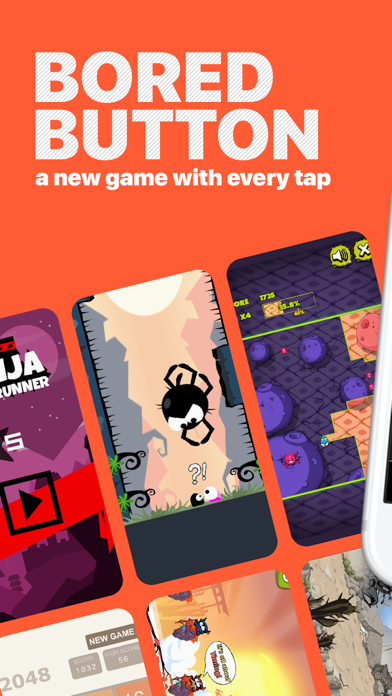
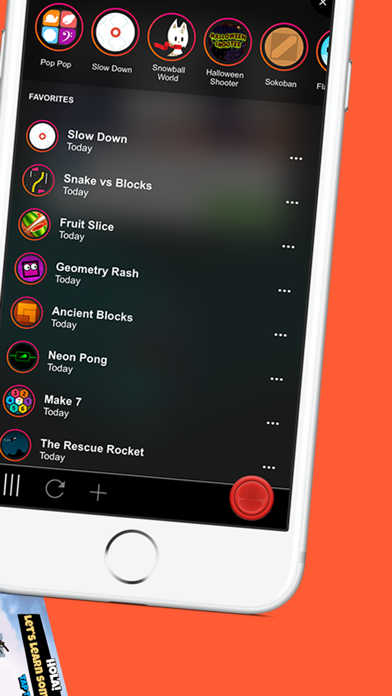
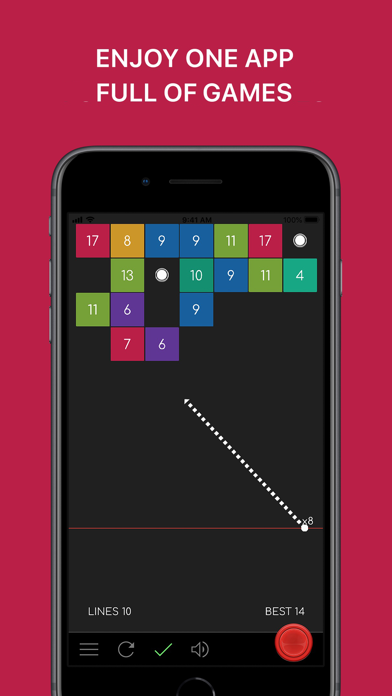
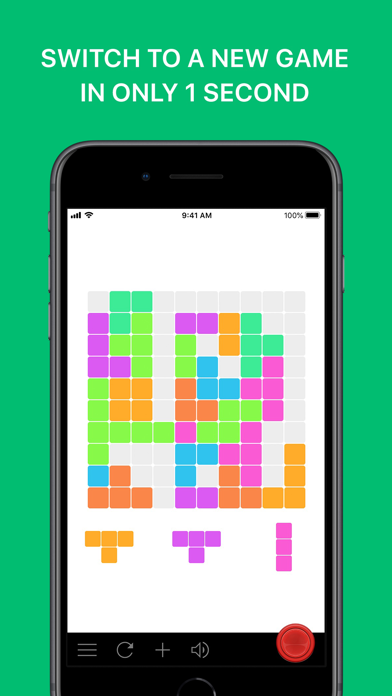
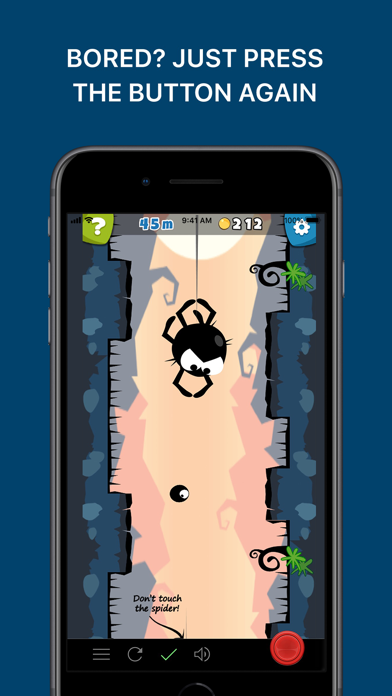
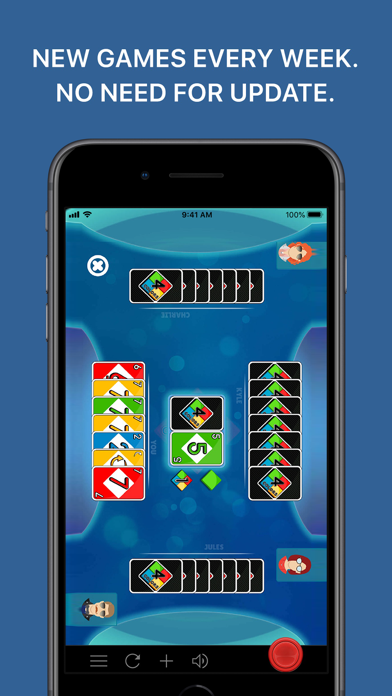
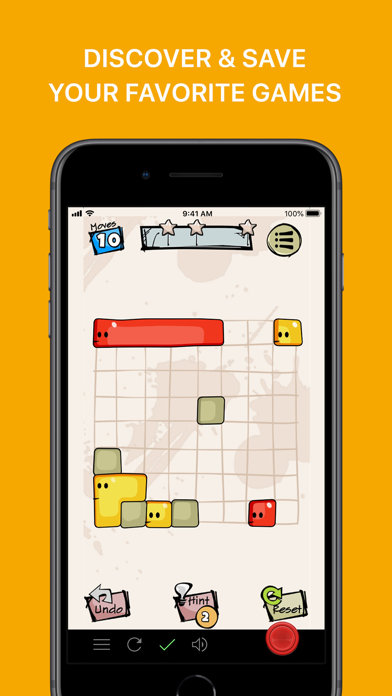
Discover many addictive games with every tap, save the games you love and build your own game list. Tap the Bored Button and start your journey into series of games specially selected for you. Every game will try its chance to entertain you with their best features. If they succeed, you can play as much as you like and save it to your favorites for another time. But they may seem boring to you, in that case just tap the bored button again and it will give another game a chance to impress you. Bored button has series of games specially selected for you to play with the extra luxury to change it anytime with just a tap. But do not be mistaken, you will not be downloading any of the games, you will be streaming them from our newly established fast servers. And they will always be available for you to play. Also some of your most played games and some selected games are available for you to play offline. Bored Button serves you large number of games which is increasing every week with new arrivals. You can play them only by tapping the Bored Button again. There is no need to update for new games. We are open for any suggestions and criticisms. Feel free to contact us for whatever you have in mind. Details on Subscriptions User Agreement http://gabblestudios.com/eula.html Privacy Statement http://gabblestudios.com/privacy.html The App Store Subscription feature renews automatically via your iTunes Account. Users can manage the subscription through your iTunes/Apple ID Settings Manager. The subscription will auto-renew for the assigned billing period if the auto-renew feature is not turned off 24 hours before the current subscription expires. 4c53a3aec9


