PC 용 Word Charm
- 카테고리: Games
- 최근 업데이트: 2025-01-20
- 현재 버전: 1.3.4
- 파일 크기: 94.59 MB
- 개발자: WePlay Technologies
- 호환성: 필요 Windows XP, Windows Vista, Windows 7, Windows 8, Windows 8.1 and Windows 10, Windows 11
PC에서 Word Charm 용 호환 APK 다운로드
| 다운로드 | 개발자 | 평점 | 점수 | 현재 버전 | 성인 랭킹 |
|---|---|---|---|---|---|
| ↓ PC용 APK 다운로드 | WePlay Technologies | 1 | 5 | 1.3.4 | 4+ |
에뮬레이터의 중요성은 컴퓨터에서 안드로이드 환경을 흉내 내고 안드로이드 폰을 구입하지 않고도 안드로이드 앱을 설치하고 실행하는 것을 매우 쉽게 만들어주는 것입니다. 누가 당신이 두 세계를 즐길 수 없다고 말합니까? 우선 아래에있는 에뮬레이터 앱을 다운로드 할 수 있습니다.
A. Nox App . OR
B. Bluestacks App .
Bluestacks는 매우 대중적이므로 개인적으로 "B"옵션을 사용하는 것이 좋습니다. 문제가 발생하면 Google 또는 Naver.com에서 좋은 해결책을 찾을 수 있습니다.
Bluestacks.exe 또는 Nox.exe를 성공적으로 다운로드 한 경우 컴퓨터의 다운로드 폴더 또는 다운로드 한 파일을 일반적으로 저장하는 곳으로 이동하십시오.
찾으면 클릭하여 응용 프로그램을 설치하십시오. PC에서 설치 프로세스를 시작해야합니다.
다음을 클릭하여 EULA 라이센스 계약에 동의하십시오.
응용 프로그램을 설치하려면 화면 지시문을 따르십시오.
위 사항을 올바르게 수행하면 소프트웨어가 성공적으로 설치됩니다.
이제 설치 한 에뮬레이터 애플리케이션을 열고 검색 창을 찾으십시오. 지금 입력하십시오. - Word Charm 앱을 쉽게 볼 수 있습니다. 그것을 클릭하십시오. 응용 프로그램 창이 열리고 에뮬레이터 소프트웨어에 응용 프로그램이 표시됩니다. 설치 버튼을 누르면 응용 프로그램이 다운로드되기 시작합니다. 이제 우리는 모두 끝났습니다.
그런 다음 "모든 앱"아이콘이 표시됩니다.
클릭하면 설치된 모든 응용 프로그램이 포함 된 페이지로 이동합니다.
당신은 Word Charm 상. 그것을 클릭하고 응용 프로그램 사용을 시작하십시오.
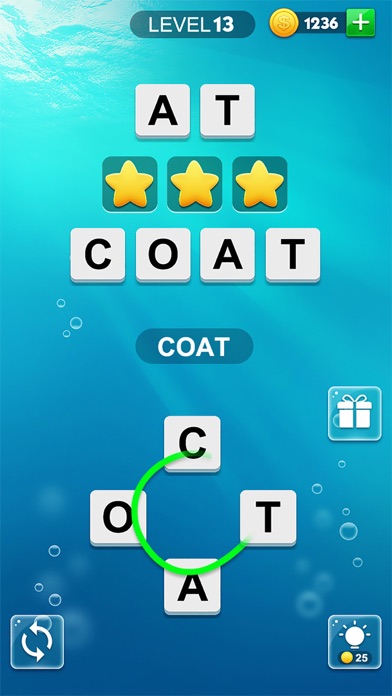
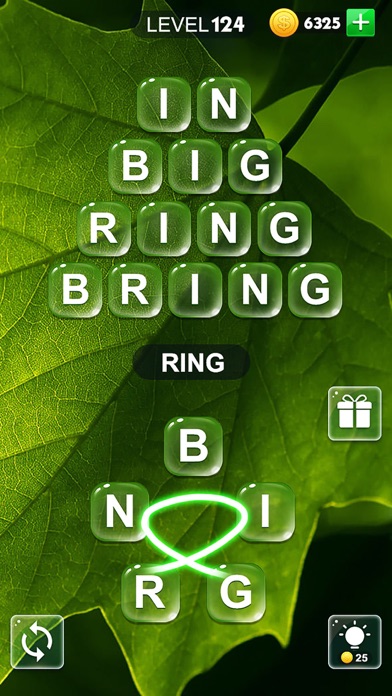
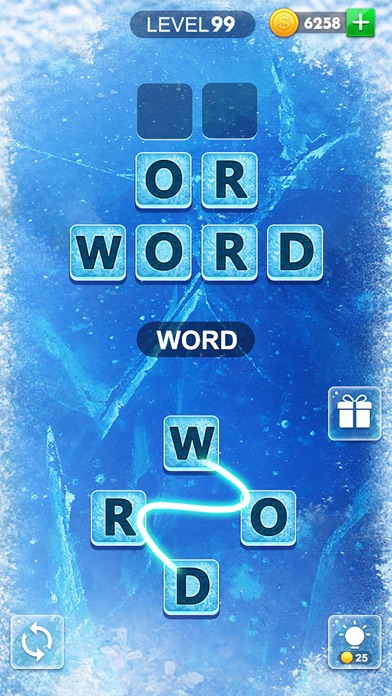
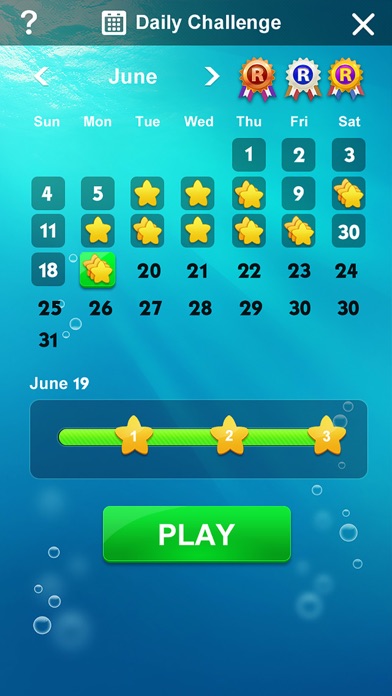
Word Charm is one of the most addictive gameplay of word search games, with superb graphics and good interaction design. It’s the best way to kill time, easy to play and help you train your brain as well as learn more new words. Take a break from your work and refresh your brain in Word Charm! You’re going to love it! New gameplay of word puzzle games Simply swipe letters to form words, easy to grasp and fun to play. You can shuffle the letters to change their orders. More words you find, more coins you will get which you can use in later levels to get hints when you’re stuck. 2000+ levels for you to play More than 2000 levels for you to play which are easy in the beginning and become hard gradually. You’ll find it challenging but interesting enough to keep you playing. We’ll update these levels every now and then to give you surprises continually. Well-designed interfaces and beautiful graphics Our interfaces are intuitive and easy to grasp. We offer you many crafted blocks of letters and backgrounds to choose from so you’ll never get bored. We’ll update them in time so you’ll always have something to look forward to. Best way to relax and train your brain Word Charm can help you exercise your mind and improve your memory ability when you have to try your best to find many words with given letters. Sometimes, the answer is so obvious but you just cannot make out the word, which is the most interesting part of this game. Features • Superb graphics and well-designed interfaces. • New gameplay of word games: simply connect the letters to form words. • 2000+ levels for you to play with increasing difficulty. • 10+ beautiful themes to choose from. • Daily challenge offers an extra bonus and more fun. • Find as many words as you can and get more bonus in extra words. • Tap "Shuffle" button to change the layout of letters. • Tap "Hint" button when you get stuck. • You can play it anywhere and anytime you want with or without connecting to the network. Contact Please feel free to contact us and any feedback to [email protected] will be welcome. Thanks for your support and love to Word Charm.