PC 용 Stream for Roku -Video & Audio
- 카테고리: Entertainment
- 최근 업데이트: 2018-05-04
- 현재 버전: 2.5.6
- 파일 크기: 11.14 MB
- 개발자: 雪梅 张
- 호환성: 필요 Windows XP, Windows Vista, Windows 7, Windows 8, Windows 8.1 and Windows 10, Windows 11

PC에서 Stream for Roku -Video & Audio 용 호환 APK 다운로드
| 다운로드 | 개발자 | 평점 | 점수 | 현재 버전 | 성인 랭킹 |
|---|---|---|---|---|---|
| ↓ PC용 APK 다운로드 | 雪梅 张 | 0 | 0 | 2.5.6 | 4+ |
에뮬레이터의 중요성은 컴퓨터에서 안드로이드 환경을 흉내 내고 안드로이드 폰을 구입하지 않고도 안드로이드 앱을 설치하고 실행하는 것을 매우 쉽게 만들어주는 것입니다. 누가 당신이 두 세계를 즐길 수 없다고 말합니까? 우선 아래에있는 에뮬레이터 앱을 다운로드 할 수 있습니다.
A. Nox App . OR
B. Bluestacks App .
Bluestacks는 매우 대중적이므로 개인적으로 "B"옵션을 사용하는 것이 좋습니다. 문제가 발생하면 Google 또는 Naver.com에서 좋은 해결책을 찾을 수 있습니다.
Bluestacks.exe 또는 Nox.exe를 성공적으로 다운로드 한 경우 컴퓨터의 다운로드 폴더 또는 다운로드 한 파일을 일반적으로 저장하는 곳으로 이동하십시오.
찾으면 클릭하여 응용 프로그램을 설치하십시오. PC에서 설치 프로세스를 시작해야합니다.
다음을 클릭하여 EULA 라이센스 계약에 동의하십시오.
응용 프로그램을 설치하려면 화면 지시문을 따르십시오.
위 사항을 올바르게 수행하면 소프트웨어가 성공적으로 설치됩니다.
이제 설치 한 에뮬레이터 애플리케이션을 열고 검색 창을 찾으십시오. 지금 입력하십시오. - Stream for Roku -Video & Audio 앱을 쉽게 볼 수 있습니다. 그것을 클릭하십시오. 응용 프로그램 창이 열리고 에뮬레이터 소프트웨어에 응용 프로그램이 표시됩니다. 설치 버튼을 누르면 응용 프로그램이 다운로드되기 시작합니다. 이제 우리는 모두 끝났습니다.
그런 다음 "모든 앱"아이콘이 표시됩니다.
클릭하면 설치된 모든 응용 프로그램이 포함 된 페이지로 이동합니다.
당신은 Stream for Roku -Video & Audio 상. 그것을 클릭하고 응용 프로그램 사용을 시작하십시오.
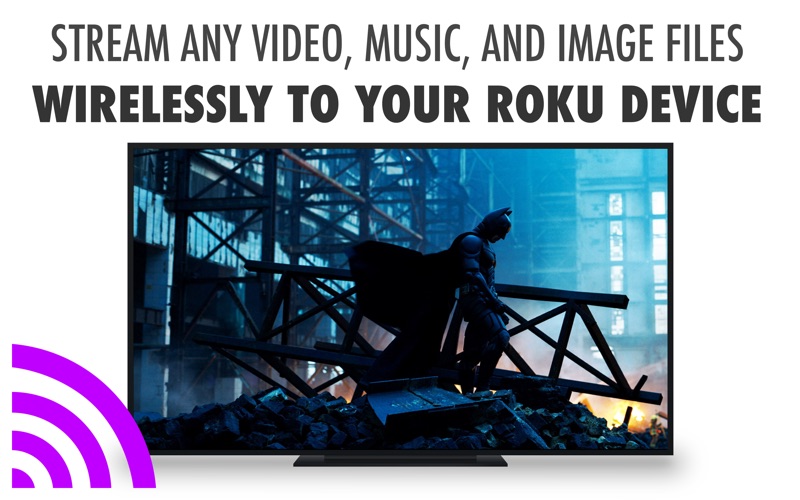
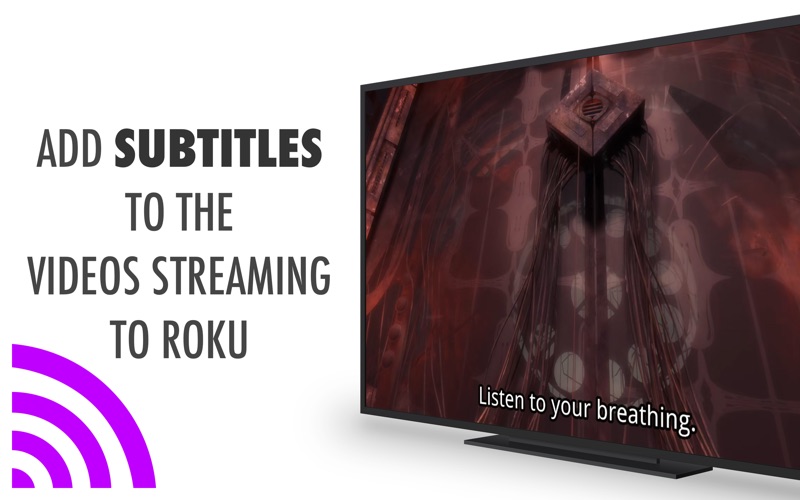
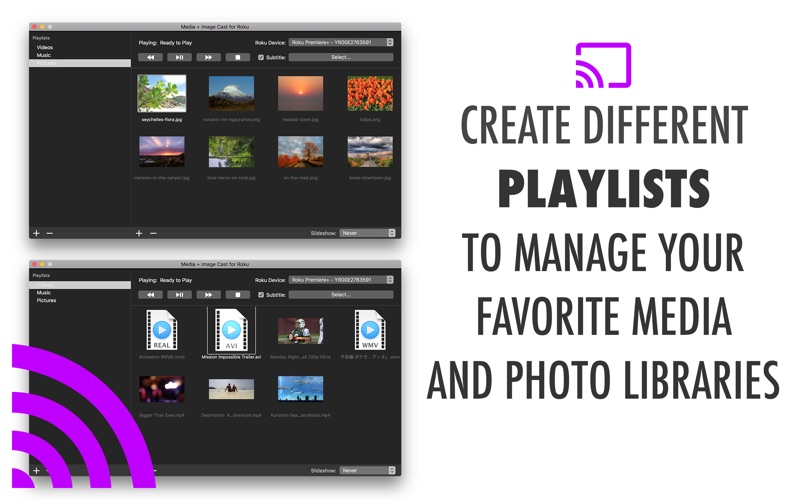
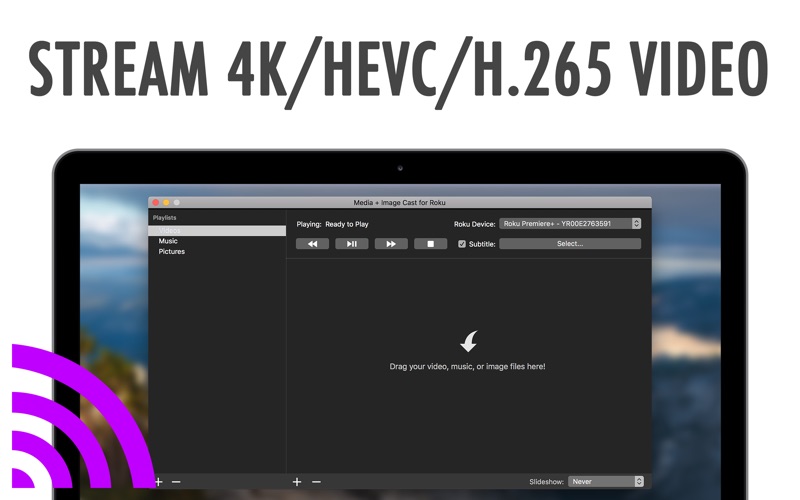
-- Stream any video, music, and image files wirelessly to your Roku device. -- -- Add subtitles to the videos streaming to Roku. -- -- Create different playlists to manage your favorite media and photo libraries. -- -- Create a slideshow (with customizable timing) for your photos and videos. -- -- Stream 4K/HEVC/H.265 video. -- + Stream Any Media Files + Easily stream any video and music format to your Roku. Formats include MP4, MKV, AVI, MOV, RMVB, WMV, M2TS, MP3, FLAC, WAV, DFF... + 4K/HEVC/H.265 Video + Supports 4K and HEVC encoded video. Playback is smooth and beautiful (a high-speed network connection is required). + Subtitles + Add subtitles to the videos you stream to Roku. This function is a must if you like to watch foreign videos. Supports popular subtitle formats including SSA, SRT, and ASS. + Cast Image + View high-quality photos on your Roku. Supports popular image formats: PNG, JPG, GIF, and BMP. + Playlists + Create different playlists to organize your video, music and photo libraries. This makes streaming media and image files to your Roku more organized and convenient. + Slideshow + Create a slideshow for your favorite media and photo library, and customize the timing for each video/music/image. This function is good for presentations or for viewing photos or videos with your family. + Device Compatibility + Supports all Roku Devices running the latest firmware version. + Read Me + Please make sure your Mac and Roku device are connected to the same LAN. If the app is not functioning properly, please restart the app and your Mac. Contact us immediately if the problem persists. Thank you! Legal Note: Video Stream for Roku is a third-party app. We are not associated with, endorsed by or affiliated with Roku, Inc. ROKU, the ROKU Logo and ROKU TV are trademarks and/or registered trademarks of Roku, Inc.