PC 용 Bright Notes
- 카테고리: Lifestyle
- 최근 업데이트: 2018-11-29
- 현재 버전: 1.3.1
- 파일 크기: 19.76 MB
- 개발자: BT Productions
- 호환성: 필요 Windows XP, Windows Vista, Windows 7, Windows 8, Windows 8.1 and Windows 10, Windows 11
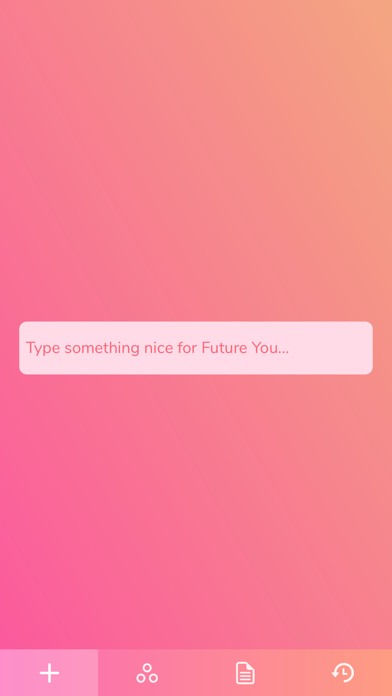
PC에서 Bright Notes 용 호환 APK 다운로드
| 다운로드 | 개발자 | 평점 | 점수 | 현재 버전 | 성인 랭킹 |
|---|---|---|---|---|---|
| ↓ PC용 APK 다운로드 | BT Productions | 1 | 2 | 1.3.1 | 9+ |
에뮬레이터의 중요성은 컴퓨터에서 안드로이드 환경을 흉내 내고 안드로이드 폰을 구입하지 않고도 안드로이드 앱을 설치하고 실행하는 것을 매우 쉽게 만들어주는 것입니다. 누가 당신이 두 세계를 즐길 수 없다고 말합니까? 우선 아래에있는 에뮬레이터 앱을 다운로드 할 수 있습니다.
A. Nox App . OR
B. Bluestacks App .
Bluestacks는 매우 대중적이므로 개인적으로 "B"옵션을 사용하는 것이 좋습니다. 문제가 발생하면 Google 또는 Naver.com에서 좋은 해결책을 찾을 수 있습니다.
Bluestacks.exe 또는 Nox.exe를 성공적으로 다운로드 한 경우 컴퓨터의 다운로드 폴더 또는 다운로드 한 파일을 일반적으로 저장하는 곳으로 이동하십시오.
찾으면 클릭하여 응용 프로그램을 설치하십시오. PC에서 설치 프로세스를 시작해야합니다.
다음을 클릭하여 EULA 라이센스 계약에 동의하십시오.
응용 프로그램을 설치하려면 화면 지시문을 따르십시오.
위 사항을 올바르게 수행하면 소프트웨어가 성공적으로 설치됩니다.
이제 설치 한 에뮬레이터 애플리케이션을 열고 검색 창을 찾으십시오. 지금 입력하십시오. - Bright Notes 앱을 쉽게 볼 수 있습니다. 그것을 클릭하십시오. 응용 프로그램 창이 열리고 에뮬레이터 소프트웨어에 응용 프로그램이 표시됩니다. 설치 버튼을 누르면 응용 프로그램이 다운로드되기 시작합니다. 이제 우리는 모두 끝났습니다.
그런 다음 "모든 앱"아이콘이 표시됩니다.
클릭하면 설치된 모든 응용 프로그램이 포함 된 페이지로 이동합니다.
당신은 Bright Notes 상. 그것을 클릭하고 응용 프로그램 사용을 시작하십시오.
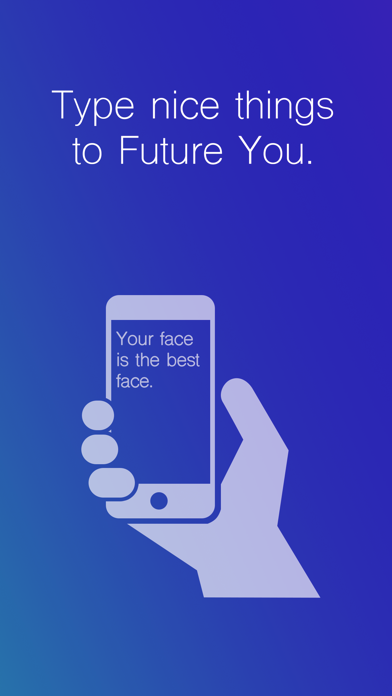
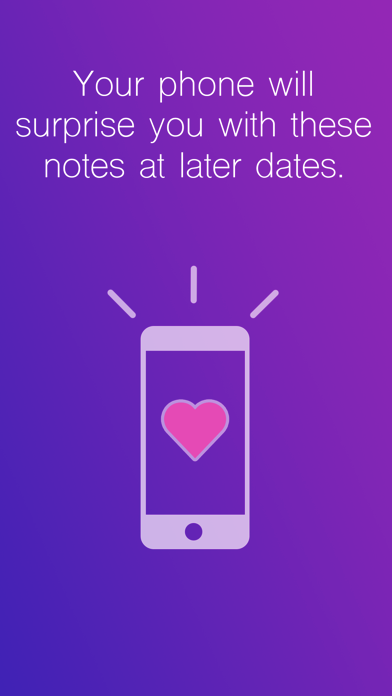
Write nice things to Future You and receive them in the future. Surprise yourself with kindness! BACKSTORY "Where did this idea come from?!" you ask. Well, I originally made this app for myself. I was using iOS Reminders to send my future self inspiring messages, but manually entering the dates was annoying. I just wanted to say nice stuff and my phone take care of planning/sending the notifications. So I made this app! This app has been transformational in keeping me buoyant. Like, I'll get a notification from Past Me telling me to drop my shoulders and realize "Oh. Yeah. I'm stressing out over nothing." Boom. Who was angsty five seconds ago but not right now? This guy. Bright Notes has been so useful for me that I made it into a full app to share with you. I hope it brightens your life! FEATURES * Say something nice to Future You; receive it in the future! (Duh) * No ads :) * Automatic messages from me to you! Just to ensure you're always getting some lovin'. (Prepare to be ambushed with strange, atypical motivational messages!) * Themed packs of Note to buy! All made with care and love. Stress, Physical Wellness, Mindfulness, and Challenges! * Customize how often and when you get notifications * Blast-Me-Tomorrow: Need an extra kick of love mañana? Toggle this on. * “Ahhh I don’t know what to write!!” That’s okay! Deep breaths, beautiful. The app has a button for ideas to get your kindness pump gushing. Sploosh! * You can write ANYthing to yourself. Seriously. Anything. You can use this app to send yourself a daily insult. Whatever you want. The world is your oyster. * View your notification history * Hand your device to a friend to add stuff for you! (This is a lot of fun, and always surprising.) This app has made an ongoing difference in my life, and I hope it does for you too. *** This app requires local notifications to be turned on. ***