PC 용 Coin Flip ∙
- 카테고리: Entertainment
- 최근 업데이트: 2020-01-28
- 현재 버전: 1.7.1
- 파일 크기: 74.85 MB
- 개발자: Fernando Morales
- 호환성: 필요 Windows XP, Windows Vista, Windows 7, Windows 8, Windows 8.1 and Windows 10, Windows 11
PC에서 Coin Flip ∙ 용 호환 APK 다운로드
| 다운로드 | 개발자 | 평점 | 점수 | 현재 버전 | 성인 랭킹 |
|---|---|---|---|---|---|
| ↓ PC용 APK 다운로드 | Fernando Morales | 0 | 0 | 1.7.1 | 12+ |
에뮬레이터의 중요성은 컴퓨터에서 안드로이드 환경을 흉내 내고 안드로이드 폰을 구입하지 않고도 안드로이드 앱을 설치하고 실행하는 것을 매우 쉽게 만들어주는 것입니다. 누가 당신이 두 세계를 즐길 수 없다고 말합니까? 우선 아래에있는 에뮬레이터 앱을 다운로드 할 수 있습니다.
A. Nox App . OR
B. Bluestacks App .
Bluestacks는 매우 대중적이므로 개인적으로 "B"옵션을 사용하는 것이 좋습니다. 문제가 발생하면 Google 또는 Naver.com에서 좋은 해결책을 찾을 수 있습니다.
Bluestacks.exe 또는 Nox.exe를 성공적으로 다운로드 한 경우 컴퓨터의 다운로드 폴더 또는 다운로드 한 파일을 일반적으로 저장하는 곳으로 이동하십시오.
찾으면 클릭하여 응용 프로그램을 설치하십시오. PC에서 설치 프로세스를 시작해야합니다.
다음을 클릭하여 EULA 라이센스 계약에 동의하십시오.
응용 프로그램을 설치하려면 화면 지시문을 따르십시오.
위 사항을 올바르게 수행하면 소프트웨어가 성공적으로 설치됩니다.
이제 설치 한 에뮬레이터 애플리케이션을 열고 검색 창을 찾으십시오. 지금 입력하십시오. - Coin Flip ∙ 앱을 쉽게 볼 수 있습니다. 그것을 클릭하십시오. 응용 프로그램 창이 열리고 에뮬레이터 소프트웨어에 응용 프로그램이 표시됩니다. 설치 버튼을 누르면 응용 프로그램이 다운로드되기 시작합니다. 이제 우리는 모두 끝났습니다.
그런 다음 "모든 앱"아이콘이 표시됩니다.
클릭하면 설치된 모든 응용 프로그램이 포함 된 페이지로 이동합니다.
당신은 Coin Flip ∙ 상. 그것을 클릭하고 응용 프로그램 사용을 시작하십시오.
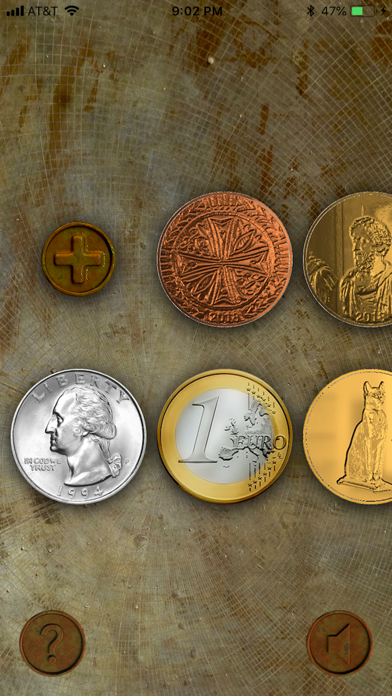
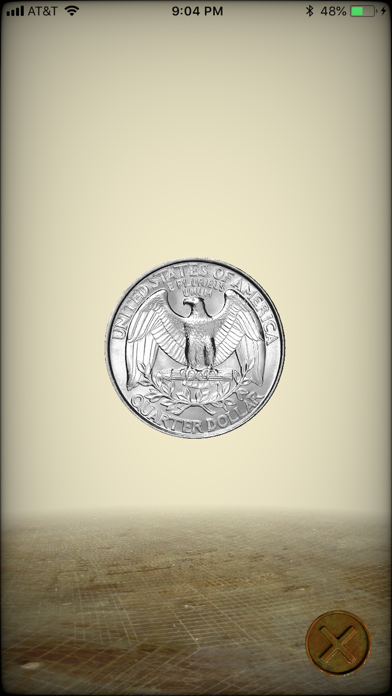
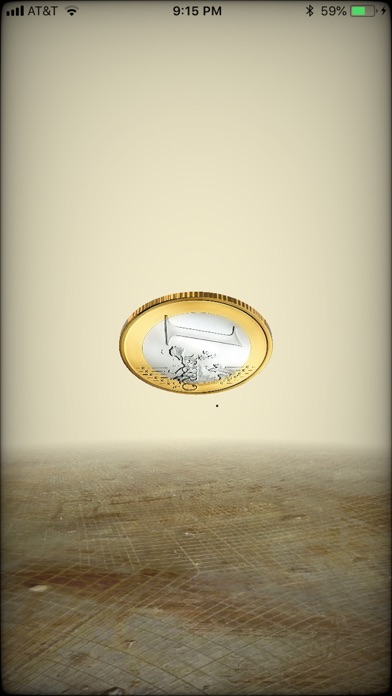
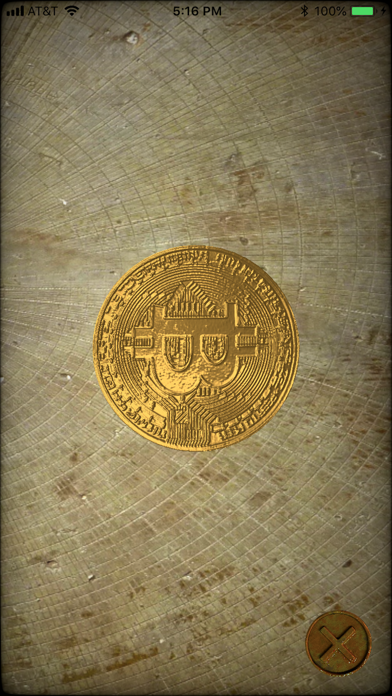
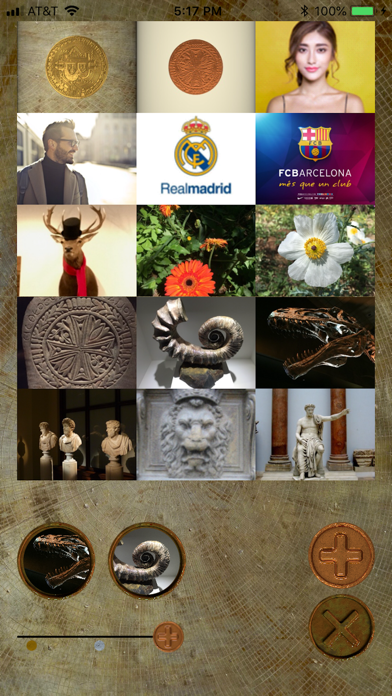
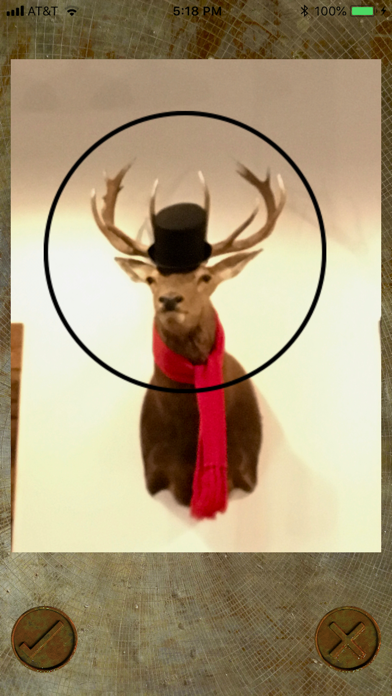
• Flip a coin to make a quick choice or decision! • Mint your own coins from your iPhone pictures! • Every day there are choices and decisions to make: who should pay for dinner, who's turn it is to do the dishes, should I call or not, which team is going to win the game, what should I drink or eat tonight, what color should I pick, where should we go on vacation ... don't fret, argue, or stress about it. Let Coin Flip make a quick choice or decision for you by flipping one of your own minted coins or one of Coin Flip's collection coins. • Mint your own coins using your iPhone pictures. You can mint beautiful coins of yourself, family, friends, pets, animals, flowers, team logos, school logos, family crests, sculptures, buildings, captions, anything that your camera can capture. • When you mint your coins, choose between beautiful and realistic gold, silver and copper coins. • Automatic mint year added to head of coin. • Create your own coin collection. • Coin Flip comes with a collection of six coins featuring different themes and materials. • Physics based coin flip simulation with realistic sound effects. • Share your coins or the result of your coin flip with your friends on Facebook, Twitter or using Messages or E-mail. • Simple and intuitive interface. Just select the coin you want to flip and then use your finger to flip it on the screen. • To delete one of the coins in your collection just press and hold, until a delete menu appears. • You get to mint and keep one coin for free. If you want to keep more than one minted coin, the Unlimited Coins in-app purchase is your solution. For any questions or comments please contact Azul 3D Apps at: [email protected]