
PC 용 PEAK - Bodyweight Workout
- 카테고리: Sports
- 최근 업데이트: 2025-12-12
- 현재 버전: 2.10
- 파일 크기: 147.46 MB
- 개발자: DIGITAL ONLINE DEVELOPMENT SL.
- 호환성: 필요 Windows XP, Windows Vista, Windows 7, Windows 8, Windows 8.1 and Windows 10, Windows 11

PC에서 PEAK - Bodyweight Workout 용 호환 APK 다운로드
| 다운로드 | 개발자 | 평점 | 점수 | 현재 버전 | 성인 랭킹 |
|---|---|---|---|---|---|
| ↓ PC용 APK 다운로드 | DIGITAL ONLINE DEVELOPMENT SL. | 0 | 0 | 2.10 | 4+ |
에뮬레이터의 중요성은 컴퓨터에서 안드로이드 환경을 흉내 내고 안드로이드 폰을 구입하지 않고도 안드로이드 앱을 설치하고 실행하는 것을 매우 쉽게 만들어주는 것입니다. 누가 당신이 두 세계를 즐길 수 없다고 말합니까? 우선 아래에있는 에뮬레이터 앱을 다운로드 할 수 있습니다.
A. Nox App . OR
B. Bluestacks App .
Bluestacks는 매우 대중적이므로 개인적으로 "B"옵션을 사용하는 것이 좋습니다. 문제가 발생하면 Google 또는 Naver.com에서 좋은 해결책을 찾을 수 있습니다.
Bluestacks.exe 또는 Nox.exe를 성공적으로 다운로드 한 경우 컴퓨터의 다운로드 폴더 또는 다운로드 한 파일을 일반적으로 저장하는 곳으로 이동하십시오.
찾으면 클릭하여 응용 프로그램을 설치하십시오. PC에서 설치 프로세스를 시작해야합니다.
다음을 클릭하여 EULA 라이센스 계약에 동의하십시오.
응용 프로그램을 설치하려면 화면 지시문을 따르십시오.
위 사항을 올바르게 수행하면 소프트웨어가 성공적으로 설치됩니다.
이제 설치 한 에뮬레이터 애플리케이션을 열고 검색 창을 찾으십시오. 지금 입력하십시오. - PEAK - Bodyweight Workout 앱을 쉽게 볼 수 있습니다. 그것을 클릭하십시오. 응용 프로그램 창이 열리고 에뮬레이터 소프트웨어에 응용 프로그램이 표시됩니다. 설치 버튼을 누르면 응용 프로그램이 다운로드되기 시작합니다. 이제 우리는 모두 끝났습니다.
그런 다음 "모든 앱"아이콘이 표시됩니다.
클릭하면 설치된 모든 응용 프로그램이 포함 된 페이지로 이동합니다.
당신은 PEAK - Bodyweight Workout 상. 그것을 클릭하고 응용 프로그램 사용을 시작하십시오.
Mac OS 에서 PEAK 다운로드
| 다운로드 | 개발자 | 점수 | 현재 버전 | 성인 랭킹 |
|---|---|---|---|---|
| 무료 - Mac 에서 다운로드 | DIGITAL ONLINE DEVELOPMENT SL. | 0 |
2.10 | 4+ |
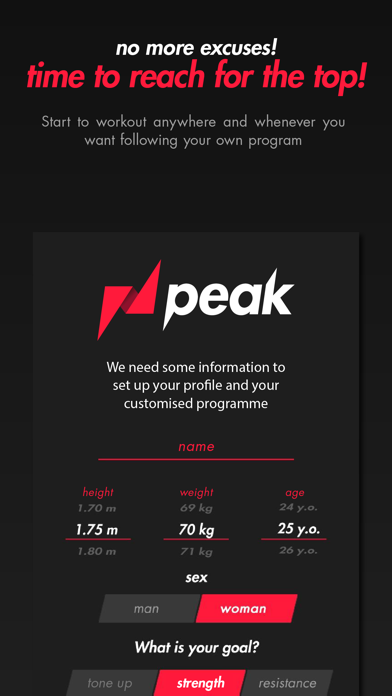
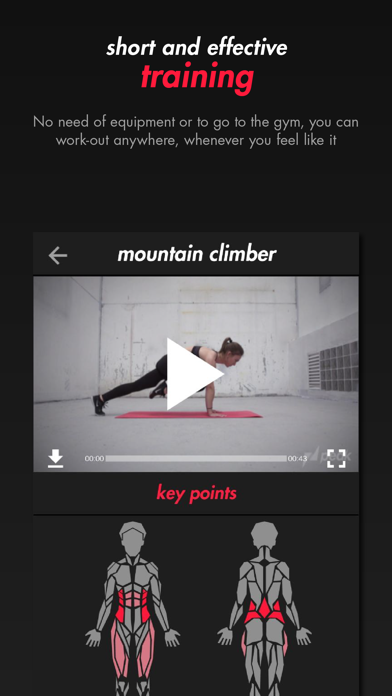
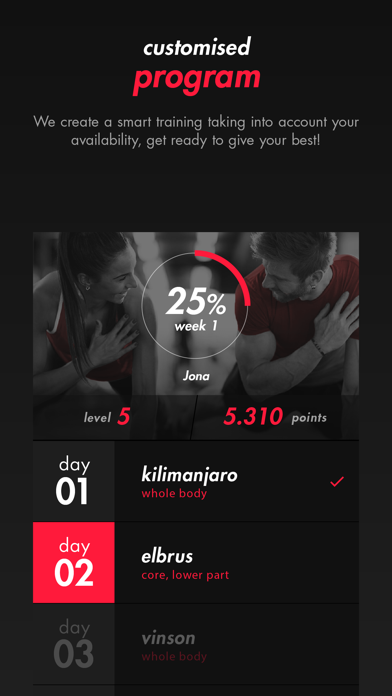
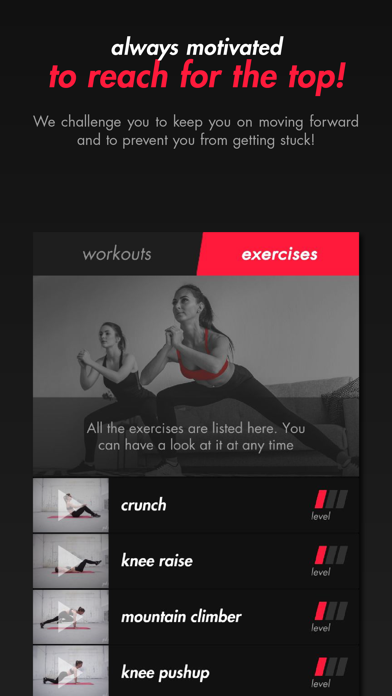
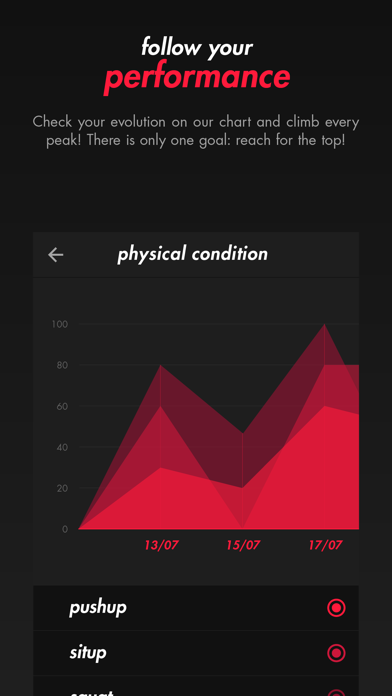
No more excuses! Time to reach for the top! Start to workout anywhere and whenever you feel like it with your customised program. Short and effective training. No need of equipment or to go to the gym, you can work-out anywhere, whenever you feel like it. Personalised Program: We create a smart training taking into account your availability, get ready to give your best! Always motivated to reach for the top!: We challenge you to keep you on moving forward and to prevent you from getting stuck! Follow your performance: Check your evolution on our chart and climb every peak! There is only one goal: reach for the top! You have any questions about PEAK? Send us an email at [email protected] With any of Peak's subscription plans you can access the entire catalog of exercises, training and challenges in an unlimited way. If you like Peak, you do not need to do anything to have your subscription continue automatically as long as you choose to keep it. The subscription to Peak has a monthly character and starts as soon as you subscribe. You can easily cancel it online at any time of the day. Just subscribe to start. If you subscribe through iTunes: The amount will be charged to your iTunes account as soon as the purchase is confirmed. Your subscription will be renewed automatically, unless you deactivate the automatic renewal at least 24 hours before the end of the current period. The renewal will be charged to the account within 24 hours prior to the end of the current period and at the price of the plan you have selected at the time of subscribing. Any unused portion of the free trial period will be forfeited when you purchase a subscription. You can choose between the following durations for your subscription: - monthly You can manage your subscription and deactivate the automatic renewal in the section Account configuration of the device. If you have not subscribed through iTunes, you can manage your subscription through Peak. Privacy policy and terms of use: http://www.peak-workout.com/terms-and-conditions/?lang=en