
PC 용 Alias - party group game
- 카테고리: Games
- 최근 업데이트: 2026-08-15
- 현재 버전: 3.0.5
- 파일 크기: 96.92 MB
- 개발자: CherryPie Studio
- 호환성: 필요 Windows XP, Windows Vista, Windows 7, Windows 8, Windows 8.1 and Windows 10, Windows 11

PC에서 Alias - party group game 용 호환 APK 다운로드
| 다운로드 | 개발자 | 평점 | 점수 | 현재 버전 | 성인 랭킹 |
|---|---|---|---|---|---|
| ↓ PC용 APK 다운로드 | CherryPie Studio | 0 | 0 | 3.0.5 | 4+ |
에뮬레이터의 중요성은 컴퓨터에서 안드로이드 환경을 흉내 내고 안드로이드 폰을 구입하지 않고도 안드로이드 앱을 설치하고 실행하는 것을 매우 쉽게 만들어주는 것입니다. 누가 당신이 두 세계를 즐길 수 없다고 말합니까? 우선 아래에있는 에뮬레이터 앱을 다운로드 할 수 있습니다.
A. Nox App . OR
B. Bluestacks App .
Bluestacks는 매우 대중적이므로 개인적으로 "B"옵션을 사용하는 것이 좋습니다. 문제가 발생하면 Google 또는 Naver.com에서 좋은 해결책을 찾을 수 있습니다.
Bluestacks.exe 또는 Nox.exe를 성공적으로 다운로드 한 경우 컴퓨터의 다운로드 폴더 또는 다운로드 한 파일을 일반적으로 저장하는 곳으로 이동하십시오.
찾으면 클릭하여 응용 프로그램을 설치하십시오. PC에서 설치 프로세스를 시작해야합니다.
다음을 클릭하여 EULA 라이센스 계약에 동의하십시오.
응용 프로그램을 설치하려면 화면 지시문을 따르십시오.
위 사항을 올바르게 수행하면 소프트웨어가 성공적으로 설치됩니다.
이제 설치 한 에뮬레이터 애플리케이션을 열고 검색 창을 찾으십시오. 지금 입력하십시오. - Alias - party group game 앱을 쉽게 볼 수 있습니다. 그것을 클릭하십시오. 응용 프로그램 창이 열리고 에뮬레이터 소프트웨어에 응용 프로그램이 표시됩니다. 설치 버튼을 누르면 응용 프로그램이 다운로드되기 시작합니다. 이제 우리는 모두 끝났습니다.
그런 다음 "모든 앱"아이콘이 표시됩니다.
클릭하면 설치된 모든 응용 프로그램이 포함 된 페이지로 이동합니다.
당신은 Alias - party group game 상. 그것을 클릭하고 응용 프로그램 사용을 시작하십시오.
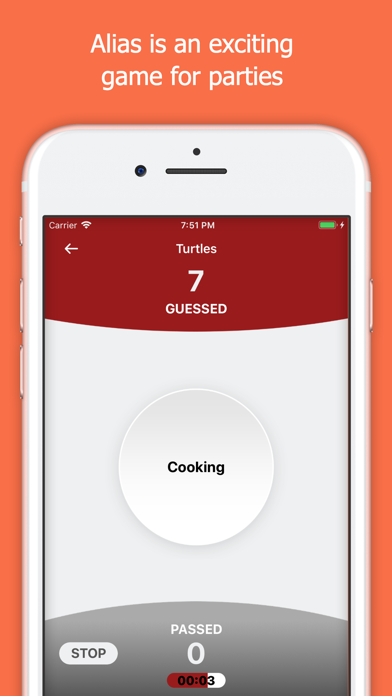
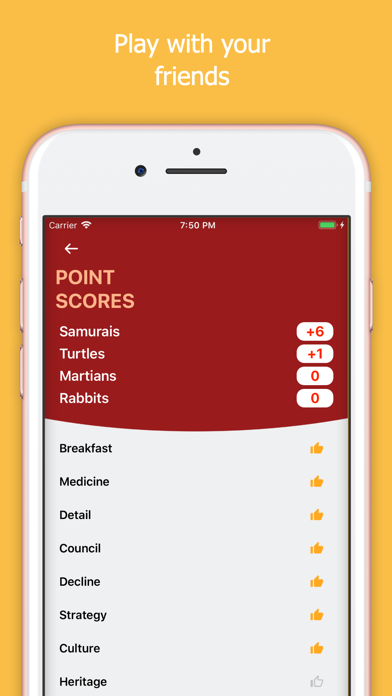
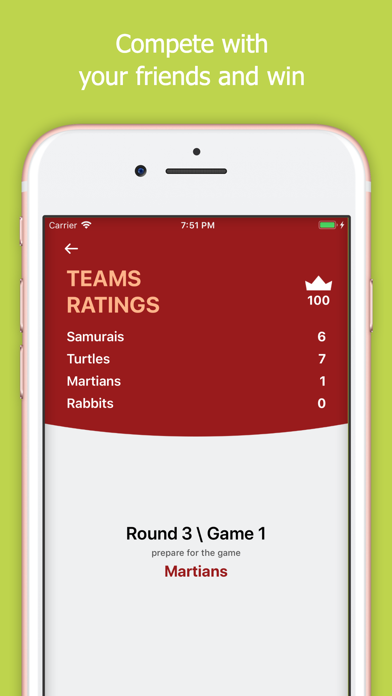
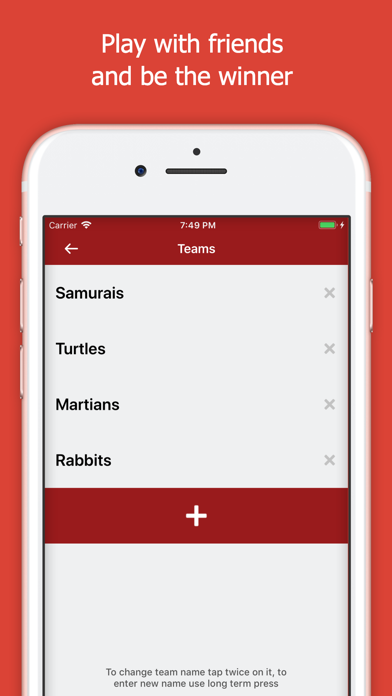
Bring everyone together with Alias — the fast, funny word game made for parties, family nights, road trips, and spontaneous get-togethers. HOW TO PLAY Split into teams. One player explains as many words as possible before the timer runs out — without saying the word, using a translation, spelling it, or revealing the answer with gestures. Every correct guess moves your team closer to victory. WHY GROUPS LOVE ALIAS • Simple rules that anyone can learn in seconds • Fast rounds packed with clever clues and unexpected answers • A wide range of categories for different moods and groups • Extra challenges that make each round feel different • Word decks available without an internet connection MAKE IT YOUR GAME Choose the categories, create your teams, set the round duration and target score, and adjust the rules to match your group. Whether you want a quick warm-up or a full tournament, Alias is ready. PLAY IN YOUR LANGUAGE Enjoy Alias in English, Ukrainian, Russian, Polish, Czech, Finnish, German, Swedish, Norwegian, Danish, Dutch, Spanish, French, Italian, or Brazilian Portuguese. GO PREMIUM Alias Premium unlocks every Premium category and removes ads, so nothing gets between your group and the next great clue. Alias Premium is an optional auto-renewing subscription. Payment is charged to your Apple Account when you confirm your purchase. The subscription renews automatically unless canceled at least 24 hours before the end of the current period. You can manage or cancel it in your App Store account settings. Free trials, when offered, are available to eligible new subscribers; offers may vary by storefront. Terms of Use: https://www.cherrypiestudio.com/terms Privacy Policy: https://www.cherrypiestudio.com/privacy