PC 용 ISEKAI
- 카테고리: Entertainment
- 최근 업데이트: 2021-03-31
- 현재 버전: 2.7.0
- 파일 크기: 367.13 MB
- 개발자: BOOKWALKER
- 호환성: 필요 Windows XP, Windows Vista, Windows 7, Windows 8, Windows 8.1 and Windows 10, Windows 11


에뮬레이터의 중요성은 컴퓨터에서 안드로이드 환경을 흉내 내고 안드로이드 폰을 구입하지 않고도 안드로이드 앱을 설치하고 실행하는 것을 매우 쉽게 만들어주는 것입니다. 누가 당신이 두 세계를 즐길 수 없다고 말합니까? 우선 아래에있는 에뮬레이터 앱을 다운로드 할 수 있습니다.
A. Nox App . OR
B. Bluestacks App .
Bluestacks는 매우 대중적이므로 개인적으로 "B"옵션을 사용하는 것이 좋습니다. 문제가 발생하면 Google 또는 Naver.com에서 좋은 해결책을 찾을 수 있습니다.
Bluestacks.exe 또는 Nox.exe를 성공적으로 다운로드 한 경우 컴퓨터의 다운로드 폴더 또는 다운로드 한 파일을 일반적으로 저장하는 곳으로 이동하십시오.
찾으면 클릭하여 응용 프로그램을 설치하십시오. PC에서 설치 프로세스를 시작해야합니다.
다음을 클릭하여 EULA 라이센스 계약에 동의하십시오.
응용 프로그램을 설치하려면 화면 지시문을 따르십시오.
위 사항을 올바르게 수행하면 소프트웨어가 성공적으로 설치됩니다.
이제 설치 한 에뮬레이터 애플리케이션을 열고 검색 창을 찾으십시오. 지금 입력하십시오. - ISEKAI 앱을 쉽게 볼 수 있습니다. 그것을 클릭하십시오. 응용 프로그램 창이 열리고 에뮬레이터 소프트웨어에 응용 프로그램이 표시됩니다. 설치 버튼을 누르면 응용 프로그램이 다운로드되기 시작합니다. 이제 우리는 모두 끝났습니다.
그런 다음 "모든 앱"아이콘이 표시됩니다.
클릭하면 설치된 모든 응용 프로그램이 포함 된 페이지로 이동합니다.
당신은 ISEKAI 상. 그것을 클릭하고 응용 프로그램 사용을 시작하십시오.
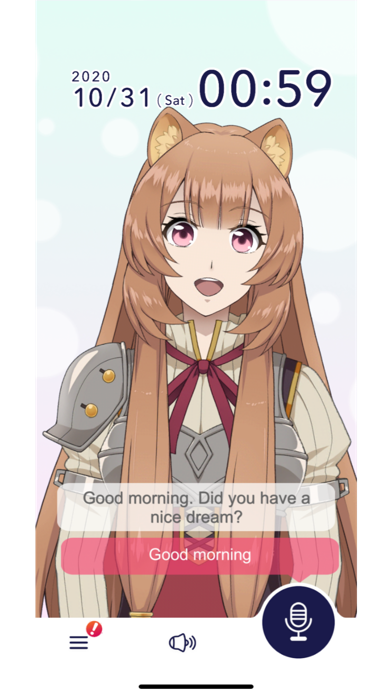
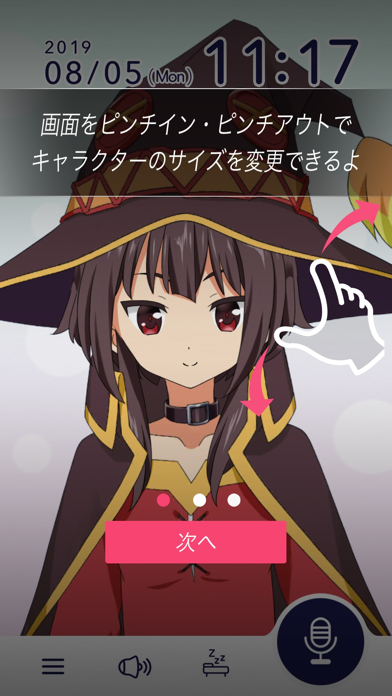
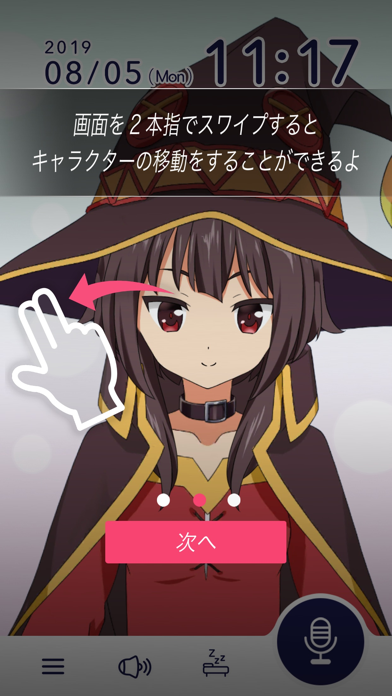
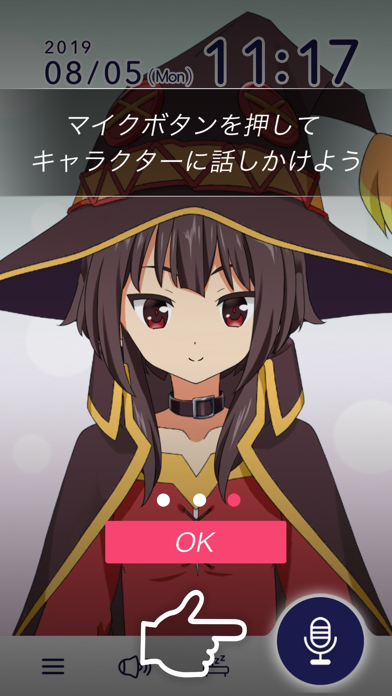
◆App Explanation ISEKAI is a service that allows you to have conversations with anime characters. In addition to a number of lines recorded from the anime, the latest speech synthesis technology(※1) is used to create speech that sounds exactly like Megumin and Raphtalia to allow for a multitude of conversations. We plan on increasing the number of lines and characters in the future. ◆Function Explanations ○Talk Mode (Conversations) Megumin and Raphtalia will respond to you after you talk to her using your device's microphone. There are over 500 voice lines recorded! She is able to respond to a variety of key words, so please feel free to try many topics. ▼Examples of words to start conversations▼ "Good morning!" "It's a match!" "Congratulations." "What is your name?" ○Alarm Clock The app is equipped with an alarm clock that wakes you up with Megumin and Raphtalia's voice. The alarm comes with a beginning set of 10 voice lines which can be mixed and matched. We plan on adding more recordings as needed, so please look forward to them. ▼Alarm Voice Examples▼ "Explosion!!" (Meguminn) "Ahhh, don’t fall back asleep!" (Raphtalia) ○Other Functions ・Timer ・Stopwatch ・English voice recognition and subtitles ・Outfit changes ・Character choice ○Points of Caution Please use the app after confirming that the free version is compatible with your device. ■■■ Regarding the Monthly Subscription Service■■■ The basic app can be used for free, but by purchasing a monthly subscription you can greatly increase the number of words the character responds to as well as the topics the characters talks about. Please confirm that the free version of the app can be used without any problems on your device before considering the paid version. ○Price and Period for "Megumin Basic Conversation - Paid Version" and "Raphtalia Basic Conversation - Paid Version" These are monthly subscription that is automatically renewed at 360 JPY/month. A trial period of one month is offered at 120 JPY (tax included) for the first month only. ○Details Regarding Purchase Charges and Automatic Renewal Your Apple ID will be billed. The subscription period is one month after the day you purchase the app. Once the monthly period is over, it will automatically be extended and your Apple ID will be charged for the next month’s fee. The fee will be deducted from your account in the last 24 hours before the end of the previous period. If you cancel and then repurchase a subscription, you will forfeit any days you had remaining in the trial period. ○Confirming Your Purchases and Canceling Subscriptions Complete the following steps to confirm details of or cancel your subscription. 1. Open Settings 2. Open “iTunes & App Store” 3. Tap your Apple ID and select “View Apple ID”. 4. Tap “Subscriptions” 5. Select [Megumin Basic Conversation - Paid Version] or [Raphtalia Basic Conversation - Paid Version] and hit Confirm. *You can also confirm details and change settings/cancel subscriptions from iTunes at any time. 6. If you wish to delete the [Megumin Basic Conversation - Paid Version] or [Raphtalia Basic Conversation - Paid Version] app, after following the previous steps please cancel your subscription. You can continue to use the [Megumin Basic Conversation - Paid Version] or [Raphtalia Basic Conversation - Paid Version] app for the entirety of that pay period even after canceling your subscription. ○Regarding the Restoration of Purchases Purchases can be restored through Menu > Help > Restore Purchases on the ISEKAI app. ○Terms of Use https://isekai.app/en/terms/ ※1:Inflections and intonation may differ from speech in the anime or movies.