
PC 용 Feynman
- 카테고리: Education
- 최근 업데이트: 2020-02-20
- 현재 버전: 1.5
- 파일 크기: 16.64 MB
- 개발자: Mohamed Kamal
- 호환성: 필요 Windows XP, Windows Vista, Windows 7, Windows 8, Windows 8.1 and Windows 10, Windows 11


에뮬레이터의 중요성은 컴퓨터에서 안드로이드 환경을 흉내 내고 안드로이드 폰을 구입하지 않고도 안드로이드 앱을 설치하고 실행하는 것을 매우 쉽게 만들어주는 것입니다. 누가 당신이 두 세계를 즐길 수 없다고 말합니까? 우선 아래에있는 에뮬레이터 앱을 다운로드 할 수 있습니다.
A. Nox App . OR
B. Bluestacks App .
Bluestacks는 매우 대중적이므로 개인적으로 "B"옵션을 사용하는 것이 좋습니다. 문제가 발생하면 Google 또는 Naver.com에서 좋은 해결책을 찾을 수 있습니다.
Bluestacks.exe 또는 Nox.exe를 성공적으로 다운로드 한 경우 컴퓨터의 다운로드 폴더 또는 다운로드 한 파일을 일반적으로 저장하는 곳으로 이동하십시오.
찾으면 클릭하여 응용 프로그램을 설치하십시오. PC에서 설치 프로세스를 시작해야합니다.
다음을 클릭하여 EULA 라이센스 계약에 동의하십시오.
응용 프로그램을 설치하려면 화면 지시문을 따르십시오.
위 사항을 올바르게 수행하면 소프트웨어가 성공적으로 설치됩니다.
이제 설치 한 에뮬레이터 애플리케이션을 열고 검색 창을 찾으십시오. 지금 입력하십시오. - Feynman 앱을 쉽게 볼 수 있습니다. 그것을 클릭하십시오. 응용 프로그램 창이 열리고 에뮬레이터 소프트웨어에 응용 프로그램이 표시됩니다. 설치 버튼을 누르면 응용 프로그램이 다운로드되기 시작합니다. 이제 우리는 모두 끝났습니다.
그런 다음 "모든 앱"아이콘이 표시됩니다.
클릭하면 설치된 모든 응용 프로그램이 포함 된 페이지로 이동합니다.
당신은 Feynman 상. 그것을 클릭하고 응용 프로그램 사용을 시작하십시오.
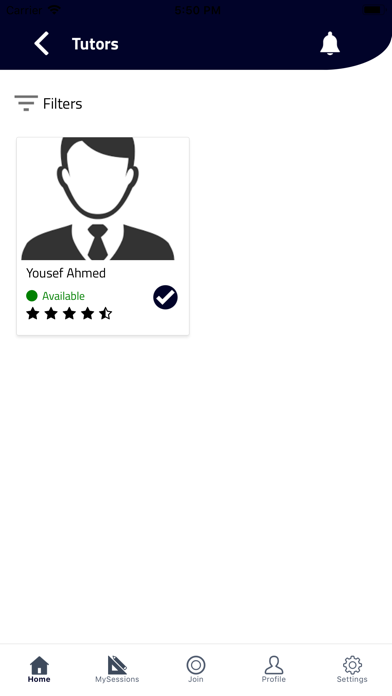
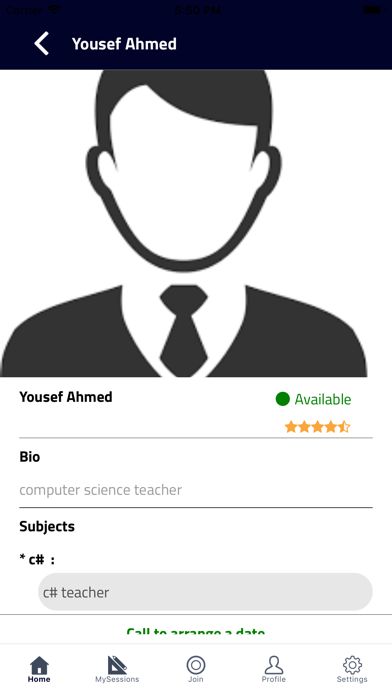
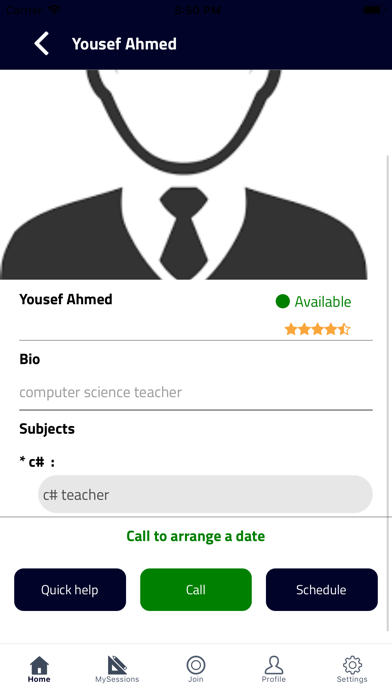
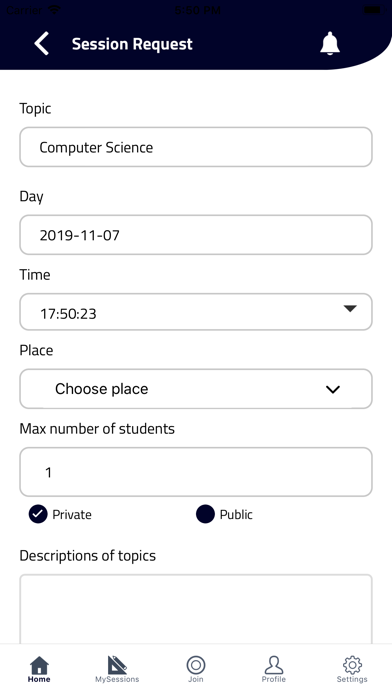
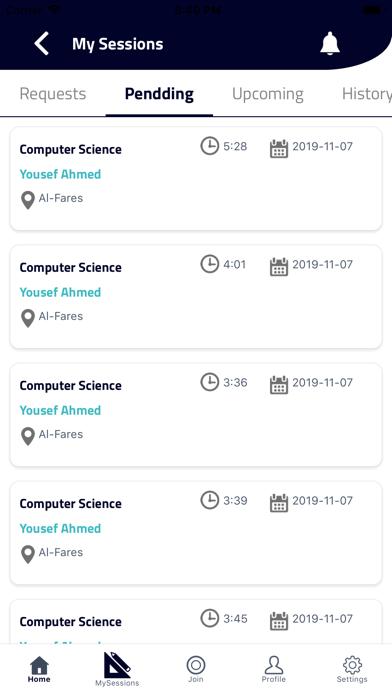
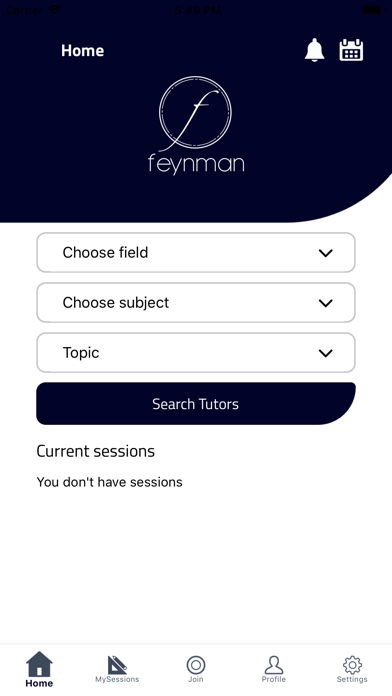
Feynman is a tech startup company based in Alexandria, Egypt. Feynman's main core is providing educational help for college students to understand academic/non-academic subjects. The main use of the application is that students who need help in any academic or non-academic subjects can smoothly pick one of Feynman's tutors staff and arrange a tutoring session. Initially, Feynman has gathered a team of tutors to provide the service. Our current tutors team is a team of undergraduate students who are enrolled in normal universities in Egypt. What defines our current/new tutors the best is that they are students/experts who are very passionate about helping other students, concerned in contributing to the creation of a unique way of teaching using the Feynman technique. The meetings would happen in places that are contracted with Feynman. Student have two session nature options. The first one is called a "quick help" session, which is only obligated to students who have quick topic to learn or quick question to be answered. The second option is called a scheduled session where students can learn bigger topics and ask more advanced problems/questions. In addition, the application has a feature called ‘Join’. This feature is provided for students who want to join an already booked sessions; those session are booked by other users. If the tutor accepts the joining request, then the student is welcome to join the session