PC 용 Sudoku King™ - Daily Puzzle
- 카테고리: Games
- 최근 업데이트: 2022-11-08
- 현재 버전: 1.8
- 파일 크기: 98.61 MB
- 개발자: Gametion
- 호환성: 필요 Windows XP, Windows Vista, Windows 7, Windows 8, Windows 8.1 and Windows 10, Windows 11
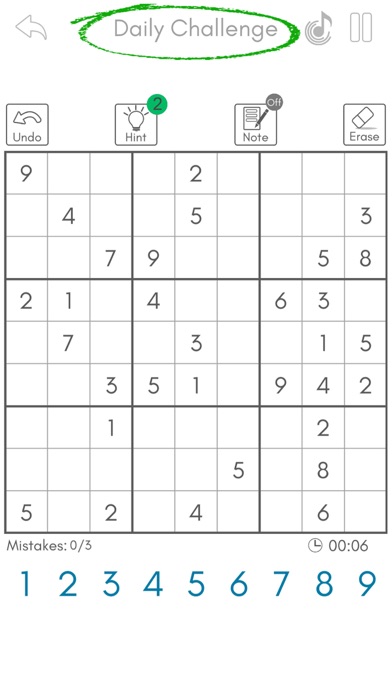
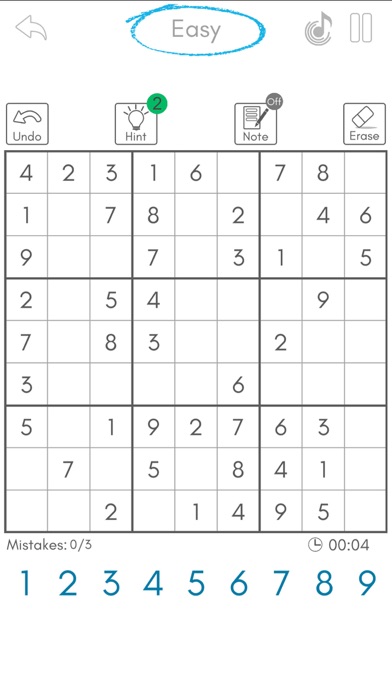
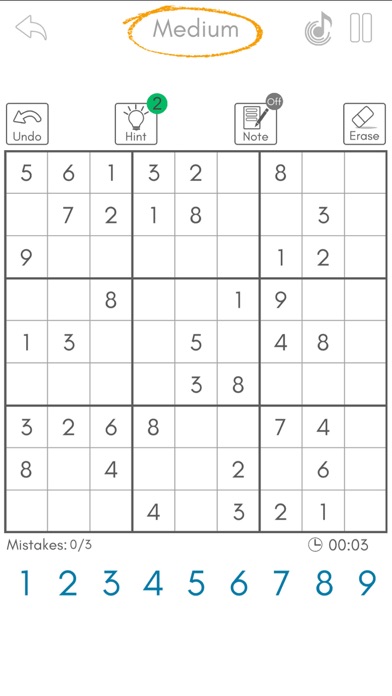
PC에서 Sudoku King™ - Daily Puzzle 용 호환 APK 다운로드
| 다운로드 | 개발자 | 평점 | 점수 | 현재 버전 | 성인 랭킹 |
|---|---|---|---|---|---|
| ↓ PC용 APK 다운로드 | Gametion | 0 | 0 | 1.8 | 4+ |
에뮬레이터의 중요성은 컴퓨터에서 안드로이드 환경을 흉내 내고 안드로이드 폰을 구입하지 않고도 안드로이드 앱을 설치하고 실행하는 것을 매우 쉽게 만들어주는 것입니다. 누가 당신이 두 세계를 즐길 수 없다고 말합니까? 우선 아래에있는 에뮬레이터 앱을 다운로드 할 수 있습니다.
A. Nox App . OR
B. Bluestacks App .
Bluestacks는 매우 대중적이므로 개인적으로 "B"옵션을 사용하는 것이 좋습니다. 문제가 발생하면 Google 또는 Naver.com에서 좋은 해결책을 찾을 수 있습니다.
Bluestacks.exe 또는 Nox.exe를 성공적으로 다운로드 한 경우 컴퓨터의 다운로드 폴더 또는 다운로드 한 파일을 일반적으로 저장하는 곳으로 이동하십시오.
찾으면 클릭하여 응용 프로그램을 설치하십시오. PC에서 설치 프로세스를 시작해야합니다.
다음을 클릭하여 EULA 라이센스 계약에 동의하십시오.
응용 프로그램을 설치하려면 화면 지시문을 따르십시오.
위 사항을 올바르게 수행하면 소프트웨어가 성공적으로 설치됩니다.
이제 설치 한 에뮬레이터 애플리케이션을 열고 검색 창을 찾으십시오. 지금 입력하십시오. - Sudoku King™ - Daily Puzzle 앱을 쉽게 볼 수 있습니다. 그것을 클릭하십시오. 응용 프로그램 창이 열리고 에뮬레이터 소프트웨어에 응용 프로그램이 표시됩니다. 설치 버튼을 누르면 응용 프로그램이 다운로드되기 시작합니다. 이제 우리는 모두 끝났습니다.
그런 다음 "모든 앱"아이콘이 표시됩니다.
클릭하면 설치된 모든 응용 프로그램이 포함 된 페이지로 이동합니다.
당신은 Sudoku King™ - Daily Puzzle 상. 그것을 클릭하고 응용 프로그램 사용을 시작하십시오.
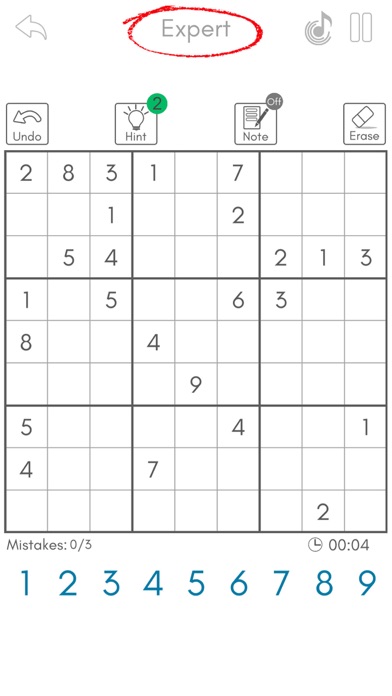
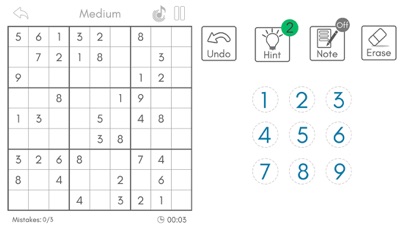
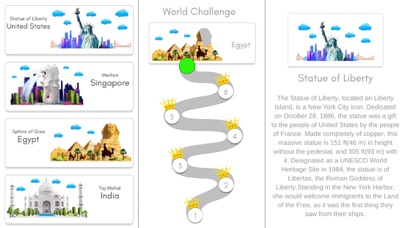
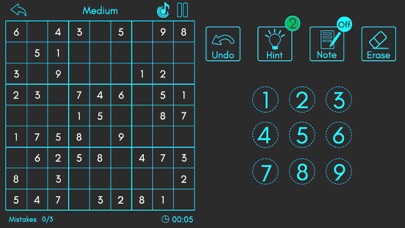
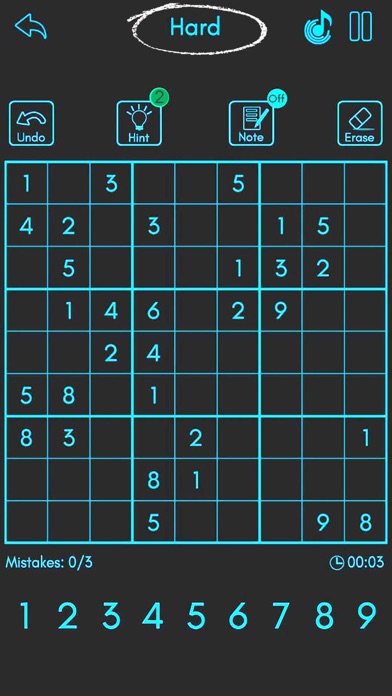
Welcome to Sudoku King™ - A Number Game! A game by Ludo King developer! Welcome to Sudoku Puzzle - Free Classic Sudoku puzzles challenge! Sudoku King is most addictive and challenging game with 1000's of classic Su Doku puzzles. Daily Sudoku puzzles, 365 days puzzle, daily challenges and 4 difficulty levels! A best Sudoku game for all aged mobile puzzle game lovers. A mind exercise game designed for high challenges, gives you a unique Sudoku game experience with a great graphical interface. Become a center of attention as a smart and fast puzzle solver with high IQ that everyone will admire. Master Sudoku - the evergreen puzzle game for smart people! Sudoku (Japanese: 数独) originated as a puzzle game which had the concept of Latin squares where users had to place numbers 1 to 9 into each grid cell in such a way that the number had to appear only once per row or per column or per mini-grid. Sudoku King is the same as the old classic Sudoku puzzle game, a well designed exercise mental muscle. Sudoku has been classically known to improve problem-solving speed and IQ, a number games. It is a great brain exercise to improve the mental capability in children. Sudoku King is a free Sudoku game for puzzle game lovers who like to crack challenging game levels. A range of different levels available in the app for beginners as well as experts. Features - Clear, simple design - Daily challenge included - Play with relaxing music - New Leaderboard added - State of the art graphic grid style and soothing colors - Play in two themes - black or white - Plenty of challenges in 4 different categories - Easy, Medium, Hard, and Expert - Play World Challenge in different countries like USA, Singapore, Egypt, India, Dubai, France, etc. - Get statistics to learn about your game performance - Upgrade the game by purchasing hints packages - Play country challenge and reveal famous tourist spots and monuments and know about them This is the sodoku game for sudoku lovers. If you play soduku game, you should download the suduku game. Sudoku King has 4 difficulty levels. Download now and play sudoko everyday. How to play Sudoku? Sudoku solver offers a brainy numbers challenge with balanced difficulty levels for all Sudoku lovers. Place numbers from 1 to 9 in empty grid cells that need to be filled without repeating within the row, column or square. You can note the probable numbers in the cells to make the game easy. The puzzle gets solved when all the cells are filled without repetition of numbers. Want to take small breaks from your boring routine and exercise your brain? Sudoku King gameplay not only kills time but also sharpens your logical mind. It is a great mobile Sudoku game for kids. Enjoy this user-friendly, colorful and challenging brain puzzle game. Install Sudoku game for free today and become a Sudoku King!