
PC 용 Cleaner:Clean Album & Reminder
- 카테고리: Utilities
- 최근 업데이트: 2024-08-27
- 현재 버전: 3.2
- 파일 크기: 33.44 MB
- 개발자: BEST MUSIC VIDEO & IMAGE MAKER LIMITED
- 호환성: 필요 Windows XP, Windows Vista, Windows 7, Windows 8, Windows 8.1 and Windows 10, Windows 11


PC에서 Cleaner:Clean Album & Reminder 용 호환 APK 다운로드
| 다운로드 | 개발자 | 평점 | 점수 | 현재 버전 | 성인 랭킹 |
|---|---|---|---|---|---|
| ↓ PC용 APK 다운로드 | BEST MUSIC VIDEO & IMAGE MAKER LIMITED | 12 | 4.83333 | 3.2 | 4+ |
호환되는 PC 앱 또는 대안 확인
| 소프트웨어 | 다운로드 | 평점 | 개발자 |
|---|---|---|---|
| Cleaner |
PC 앱 받기 | 4.83333/5 12 리뷰 4.83333 |
BEST MUSIC VIDEO & IMAGE MAKER LIMITED |
에뮬레이터의 중요성은 컴퓨터에서 안드로이드 환경을 흉내 내고 안드로이드 폰을 구입하지 않고도 안드로이드 앱을 설치하고 실행하는 것을 매우 쉽게 만들어주는 것입니다. 누가 당신이 두 세계를 즐길 수 없다고 말합니까? 우선 아래에있는 에뮬레이터 앱을 다운로드 할 수 있습니다.
A. Nox App . OR
B. Bluestacks App .
Bluestacks는 매우 대중적이므로 개인적으로 "B"옵션을 사용하는 것이 좋습니다. 문제가 발생하면 Google 또는 Naver.com에서 좋은 해결책을 찾을 수 있습니다.
Bluestacks.exe 또는 Nox.exe를 성공적으로 다운로드 한 경우 컴퓨터의 다운로드 폴더 또는 다운로드 한 파일을 일반적으로 저장하는 곳으로 이동하십시오.
찾으면 클릭하여 응용 프로그램을 설치하십시오. PC에서 설치 프로세스를 시작해야합니다.
다음을 클릭하여 EULA 라이센스 계약에 동의하십시오.
응용 프로그램을 설치하려면 화면 지시문을 따르십시오.
위 사항을 올바르게 수행하면 소프트웨어가 성공적으로 설치됩니다.
이제 설치 한 에뮬레이터 애플리케이션을 열고 검색 창을 찾으십시오. 지금 입력하십시오. - Cleaner:Clean Album & Reminder 앱을 쉽게 볼 수 있습니다. 그것을 클릭하십시오. 응용 프로그램 창이 열리고 에뮬레이터 소프트웨어에 응용 프로그램이 표시됩니다. 설치 버튼을 누르면 응용 프로그램이 다운로드되기 시작합니다. 이제 우리는 모두 끝났습니다.
그런 다음 "모든 앱"아이콘이 표시됩니다.
클릭하면 설치된 모든 응용 프로그램이 포함 된 페이지로 이동합니다.
당신은 Cleaner:Clean Album & Reminder 상. 그것을 클릭하고 응용 프로그램 사용을 시작하십시오.
Mac OS 에서 Cleaner 다운로드
| 다운로드 | 개발자 | 점수 | 현재 버전 | 성인 랭킹 |
|---|---|---|---|---|
| 무료 - Mac 에서 다운로드 | BEST MUSIC VIDEO & IMAGE MAKER LIMITED | 4.83333 |
3.2 | 4+ |
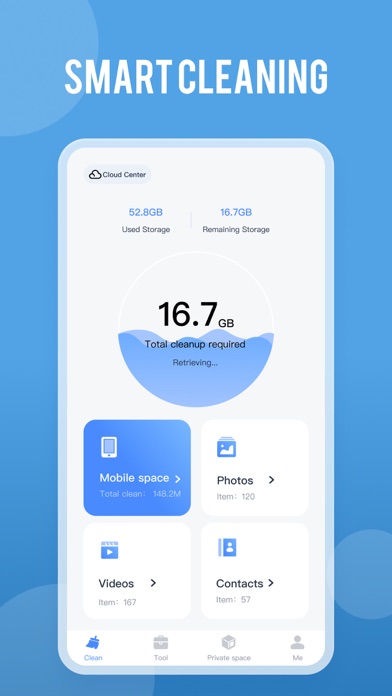
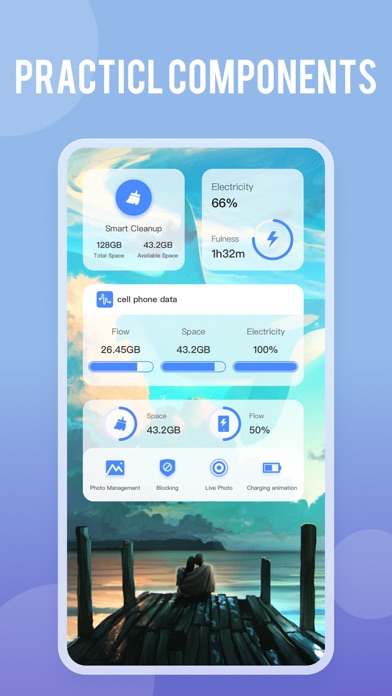
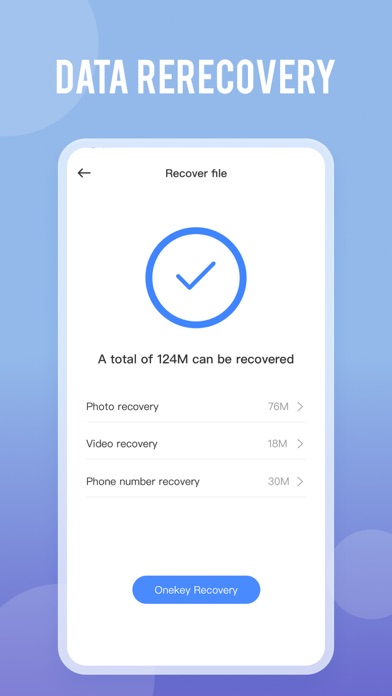
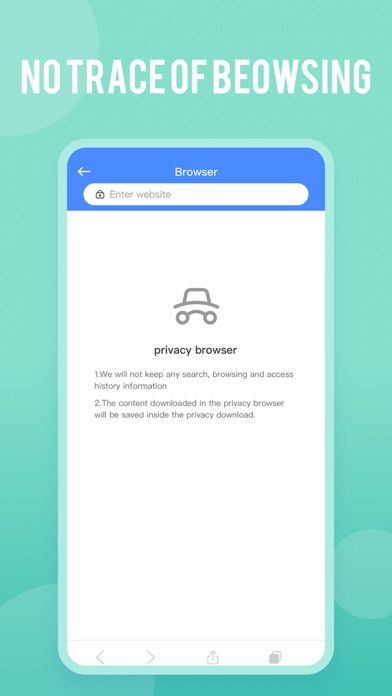
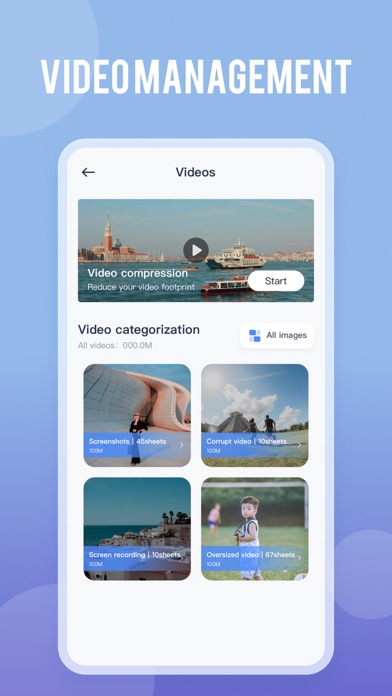
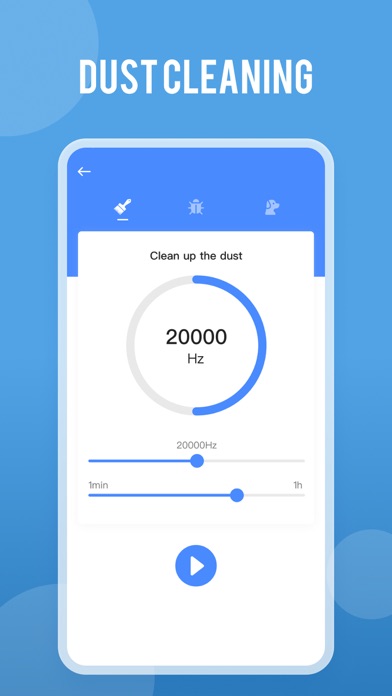
Simple interface, smooth operation, help you to organize your mobile photo album! Easily remove duplicate contacts, screenshots, similar pictures and dynamic photos from your device. With the smart clean feature, you can clean up your device with just one click. With our app, you can: 1.remove unnecessary photos, videos, contacts, calendar, reminders 2.search and delete screenshots 3.search and delete similar pictures 4.search and delete similar dynamic photos 5.search and delete similar series photos 6.search and delete similar videos, videos of large size, screen recording videos 7.organize photos by location 8.delete all photos taken in one location 9.browse photos in a convenient list 10.hide your photos, videos and contacts in a secret space 11.search and delete duplicate contacts 12.merge contacts 13.quickly delete contacts 14.widgets 15.charging animation VIP Membership subscription - Payment will be charged to iTunes Account at confirmation of purchase - You will be able to use all premium features for the duration of the subscription - Subscription automatically renews for the same price and duration period as the original "one year"/"one month" package unless auto-renew is turned off at least 24-hours before the end of the current period - Account will be charged for renewal within 24-hours prior to the end of the current period at the cost of yearly package - Subscriptions may be managed by the user and auto-renewal may be turned off by going to the user's iTunes Account Settings after purchase - No cancellation of the current subscription is allowed during active subscription period - You may cancel a subscription during its free trial period via the subscription setting through your iTunes account. This must be done 24 hours before the end of the subscription period to avoid being charged. Please visit http://support.apple.com/kb/ht4098 for more information - You may turn off the auto-renewal of your subscription via your iTunes Account Settings. However, you are not able to cancel the current subscription during its active period - Any unused portion of a free trial period, if offered, will be forfeited when the user purchases a subscription to that publication, where applicable Links to our Terms of Service and Privacy Policy can be found below Privacy Policy:https://m1wqvbi0bf.feishu.cn/docx/HJF1d8MKBo7b9jxNPEqcauBMnJc Terms of Use: https://m1wqvbi0bf.feishu.cn/docx/FruodSgkMoBekex18Mbciek7nqG


