
PC 용 Smart Comic Reader
- 카테고리: Book
- 최근 업데이트: 2026-02-24
- 현재 버전: 2.0.0
- 파일 크기: 53.19 MB
- 개발자: Onne van Dijk
- 호환성: 필요 Windows XP, Windows Vista, Windows 7, Windows 8, Windows 8.1 and Windows 10, Windows 11
PC에서 Smart Comic Reader 용 호환 APK 다운로드
| 다운로드 | 개발자 | 평점 | 점수 | 현재 버전 | 성인 랭킹 |
|---|---|---|---|---|---|
| ↓ PC용 APK 다운로드 | Onne van Dijk | 4 | 5 | 2.0.0 | 4+ |
에뮬레이터의 중요성은 컴퓨터에서 안드로이드 환경을 흉내 내고 안드로이드 폰을 구입하지 않고도 안드로이드 앱을 설치하고 실행하는 것을 매우 쉽게 만들어주는 것입니다. 누가 당신이 두 세계를 즐길 수 없다고 말합니까? 우선 아래에있는 에뮬레이터 앱을 다운로드 할 수 있습니다.
A. Nox App . OR
B. Bluestacks App .
Bluestacks는 매우 대중적이므로 개인적으로 "B"옵션을 사용하는 것이 좋습니다. 문제가 발생하면 Google 또는 Naver.com에서 좋은 해결책을 찾을 수 있습니다.
Bluestacks.exe 또는 Nox.exe를 성공적으로 다운로드 한 경우 컴퓨터의 다운로드 폴더 또는 다운로드 한 파일을 일반적으로 저장하는 곳으로 이동하십시오.
찾으면 클릭하여 응용 프로그램을 설치하십시오. PC에서 설치 프로세스를 시작해야합니다.
다음을 클릭하여 EULA 라이센스 계약에 동의하십시오.
응용 프로그램을 설치하려면 화면 지시문을 따르십시오.
위 사항을 올바르게 수행하면 소프트웨어가 성공적으로 설치됩니다.
이제 설치 한 에뮬레이터 애플리케이션을 열고 검색 창을 찾으십시오. 지금 입력하십시오. - Smart Comic Reader 앱을 쉽게 볼 수 있습니다. 그것을 클릭하십시오. 응용 프로그램 창이 열리고 에뮬레이터 소프트웨어에 응용 프로그램이 표시됩니다. 설치 버튼을 누르면 응용 프로그램이 다운로드되기 시작합니다. 이제 우리는 모두 끝났습니다.
그런 다음 "모든 앱"아이콘이 표시됩니다.
클릭하면 설치된 모든 응용 프로그램이 포함 된 페이지로 이동합니다.
당신은 Smart Comic Reader 상. 그것을 클릭하고 응용 프로그램 사용을 시작하십시오.
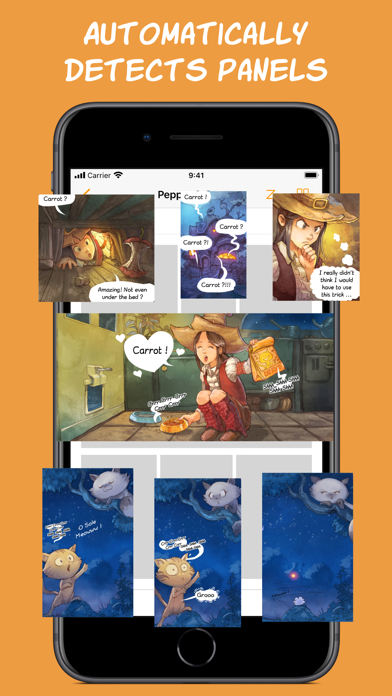
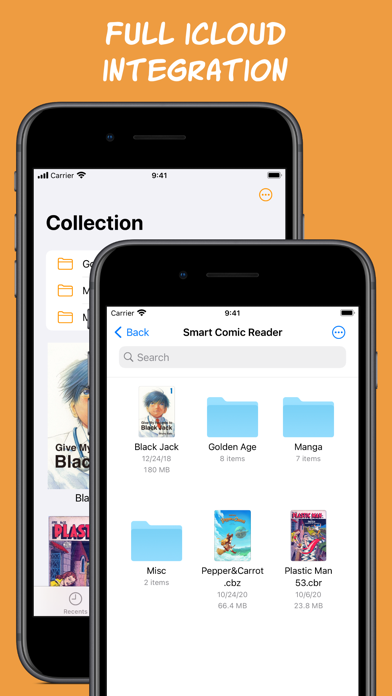
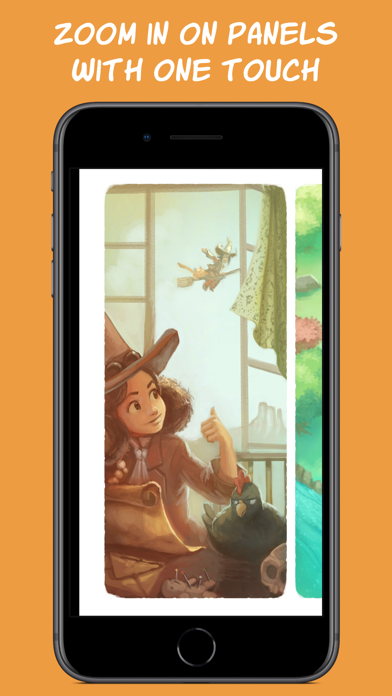
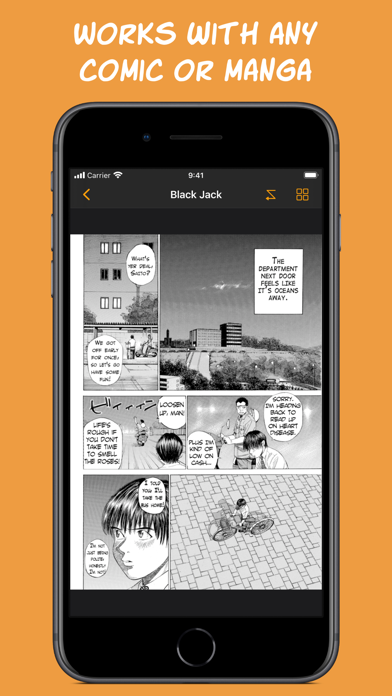
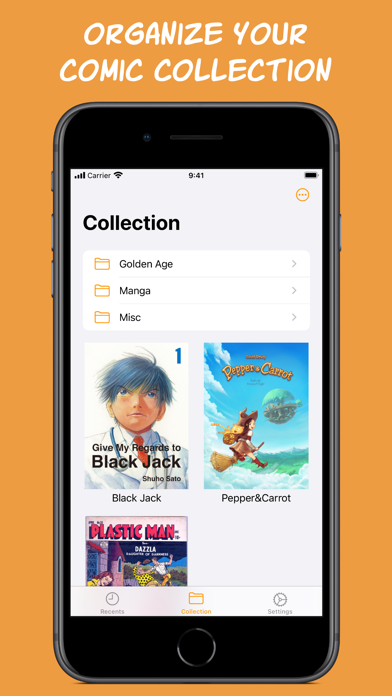
A different kind of comic reader that offers a better way to read comics on a smaller screen. How it works: 1. Import any comic into the app. 2. Double tap on a panel and watch the app automatically detect its boundaries and zoom in on it. 3. Tap on the side of the screen to easily move to the next panel. If needed, the app will rotate the comic to make maximum use of your screen space. Key Features ============ Smart Reader: - Automatically zoom in and move between panels for a smooth reading experience. - Works with any comic, western or manga, no matter the art style. Panels do not need well-defined edges to be detected. - Always stay in control, let the app guide you over the page while you can always manually zoom and pan. Comic Collection: - Import comics from anywhere and organize your comic collection. - Comics are stored in iCloud to save storage space and keep your collection in sync across devices. - Your Smart Comic Reader collection is a regular folder on your iCloud Drive that you can access and manage from any iCloud connected device, like a Mac, or a Windows device using iCloud for Windows. - Also works locally if iCloud is disabled. - Supports comics in CBZ/ZIP, CBR/RAR and PDF formats. And many more features to come! If you have any questions or suggestions, please do not hesitate to send them to: [email protected]. Comics in video and screenshots: “Pepper&Carrot”, David Revoy, CC-By “Plastic Man”, Quality Comics, Public Domain “Say Hello to Black Jack”, Shuho Sato



