
PC 용 AFBrand
- 카테고리: Shopping
- 최근 업데이트: 2025-09-25
- 현재 버전: 1.8.3
- 파일 크기: 27.98 MB
- 개발자: Amjad Shaikh
- 호환성: 필요 Windows XP, Windows Vista, Windows 7, Windows 8, Windows 8.1 and Windows 10, Windows 11

에뮬레이터의 중요성은 컴퓨터에서 안드로이드 환경을 흉내 내고 안드로이드 폰을 구입하지 않고도 안드로이드 앱을 설치하고 실행하는 것을 매우 쉽게 만들어주는 것입니다. 누가 당신이 두 세계를 즐길 수 없다고 말합니까? 우선 아래에있는 에뮬레이터 앱을 다운로드 할 수 있습니다.
A. Nox App . OR
B. Bluestacks App .
Bluestacks는 매우 대중적이므로 개인적으로 "B"옵션을 사용하는 것이 좋습니다. 문제가 발생하면 Google 또는 Naver.com에서 좋은 해결책을 찾을 수 있습니다.
Bluestacks.exe 또는 Nox.exe를 성공적으로 다운로드 한 경우 컴퓨터의 다운로드 폴더 또는 다운로드 한 파일을 일반적으로 저장하는 곳으로 이동하십시오.
찾으면 클릭하여 응용 프로그램을 설치하십시오. PC에서 설치 프로세스를 시작해야합니다.
다음을 클릭하여 EULA 라이센스 계약에 동의하십시오.
응용 프로그램을 설치하려면 화면 지시문을 따르십시오.
위 사항을 올바르게 수행하면 소프트웨어가 성공적으로 설치됩니다.
이제 설치 한 에뮬레이터 애플리케이션을 열고 검색 창을 찾으십시오. 지금 입력하십시오. - AFBrand 앱을 쉽게 볼 수 있습니다. 그것을 클릭하십시오. 응용 프로그램 창이 열리고 에뮬레이터 소프트웨어에 응용 프로그램이 표시됩니다. 설치 버튼을 누르면 응용 프로그램이 다운로드되기 시작합니다. 이제 우리는 모두 끝났습니다.
그런 다음 "모든 앱"아이콘이 표시됩니다.
클릭하면 설치된 모든 응용 프로그램이 포함 된 페이지로 이동합니다.
당신은 AFBrand 상. 그것을 클릭하고 응용 프로그램 사용을 시작하십시오.
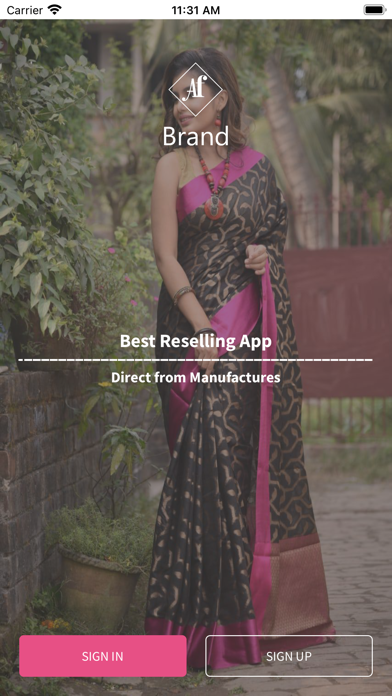
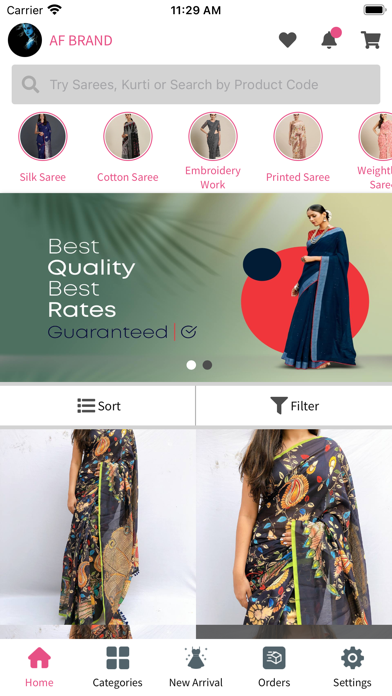
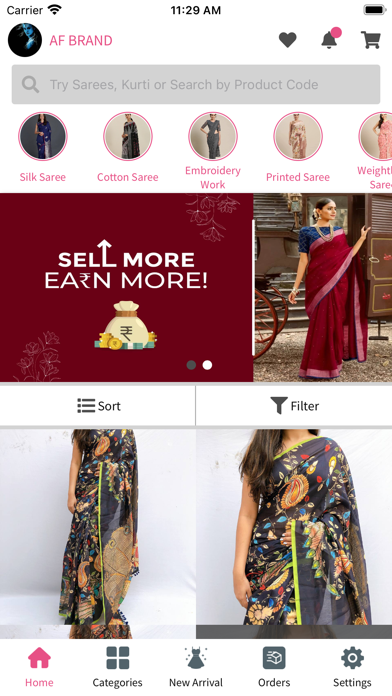
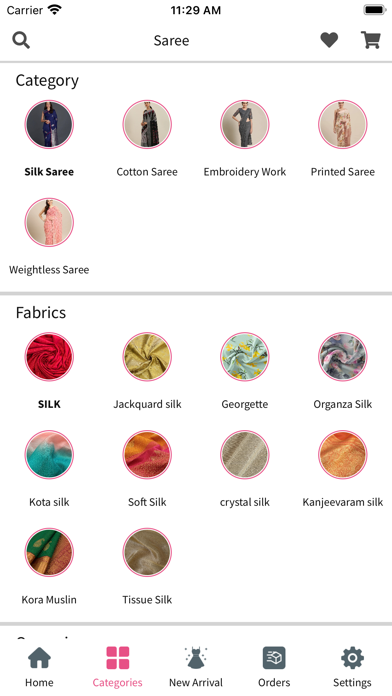
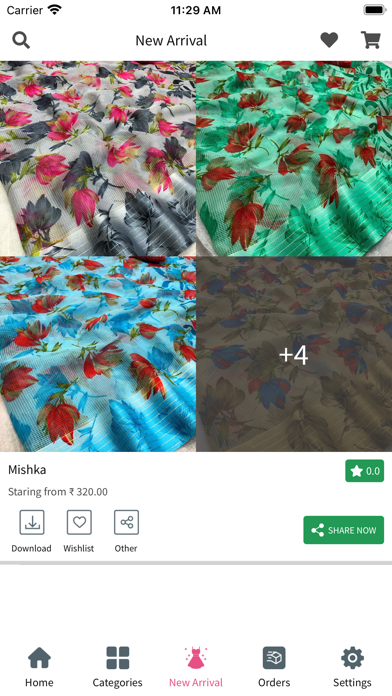
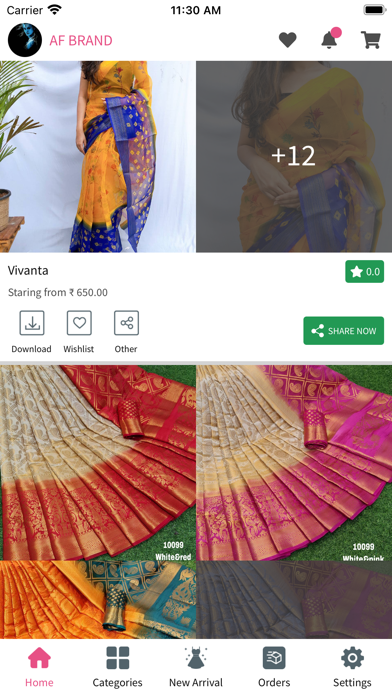
Are you planning to start your own Home Based Business? Now it's easy to do so with AF Brand App! Start your online reselling business with the AF Brand app and resell the product. Earn money online with zero investment and absolutely no risk. Resell Sarees and Start Your Own Business From products like Sarees, AF Brand offers a huge variety of products. Just Install AF Brand App, Share the Products and get your First Sale. Once the orders start pouring in, add the margin price or the commission to that of the product's price, collect the payment from the customer, and place the order on their behalf. For a New Reseller Business, setting Up an Online Business Has Never Been Easier. With AF Brand, It is Just a Few Steps Away: * Register as an AF Brand ReSeller - Download the AF Brand app, register as an AF Brand Reseller, and Begin Your Online Selling Journey. * Select the Product You Want to Resell and Send it to WhatsApp. * Start Reselling, Receive & Order Products. AF Brand app lets you access different business management features entirely from your smartphone. * Order Your Products From the App. * Share the AF Brand App Products Via WhatsApp with anyone. * Manage your Orders in the App. * Wishlist the Products of Your Choice for Check Out Later. * Maintain Your Cart for Orders. * Explore the Wide Range of Products in the Category Section of the App. * Search For Favourite Products Directly From the Search Option in the App. * Explore the various options in settings of AF Brand like Payment, Orders, Contact Us, Shipping Address, etc. Get Help We have One Dedicated Video and Contact Us Options in the App by Which You Can Learn How to Place an Order On the AF brand app and Get Customer Support. Follow us at https://www.instagram.com/afbrand_saree/ https://www.facebook.com/profile.php?id=100057496875965


