
PC 용 Authenticator App - Fast 2FA
- 카테고리: Productivity
- 최근 업데이트: 2023-01-03
- 현재 버전: 1.5.6
- 파일 크기: 17.12 MB
- 개발자: Minyu Zhai
- 호환성: 필요 Windows XP, Windows Vista, Windows 7, Windows 8, Windows 8.1 and Windows 10, Windows 11
PC에서 Authenticator App - Fast 2FA 용 호환 APK 다운로드
| 다운로드 | 개발자 | 평점 | 점수 | 현재 버전 | 성인 랭킹 |
|---|---|---|---|---|---|
| ↓ PC용 APK 다운로드 | Minyu Zhai | 0 | 0 | 1.5.6 | 4+ |
에뮬레이터의 중요성은 컴퓨터에서 안드로이드 환경을 흉내 내고 안드로이드 폰을 구입하지 않고도 안드로이드 앱을 설치하고 실행하는 것을 매우 쉽게 만들어주는 것입니다. 누가 당신이 두 세계를 즐길 수 없다고 말합니까? 우선 아래에있는 에뮬레이터 앱을 다운로드 할 수 있습니다.
A. Nox App . OR
B. Bluestacks App .
Bluestacks는 매우 대중적이므로 개인적으로 "B"옵션을 사용하는 것이 좋습니다. 문제가 발생하면 Google 또는 Naver.com에서 좋은 해결책을 찾을 수 있습니다.
Bluestacks.exe 또는 Nox.exe를 성공적으로 다운로드 한 경우 컴퓨터의 다운로드 폴더 또는 다운로드 한 파일을 일반적으로 저장하는 곳으로 이동하십시오.
찾으면 클릭하여 응용 프로그램을 설치하십시오. PC에서 설치 프로세스를 시작해야합니다.
다음을 클릭하여 EULA 라이센스 계약에 동의하십시오.
응용 프로그램을 설치하려면 화면 지시문을 따르십시오.
위 사항을 올바르게 수행하면 소프트웨어가 성공적으로 설치됩니다.
이제 설치 한 에뮬레이터 애플리케이션을 열고 검색 창을 찾으십시오. 지금 입력하십시오. - Authenticator App - Fast 2FA 앱을 쉽게 볼 수 있습니다. 그것을 클릭하십시오. 응용 프로그램 창이 열리고 에뮬레이터 소프트웨어에 응용 프로그램이 표시됩니다. 설치 버튼을 누르면 응용 프로그램이 다운로드되기 시작합니다. 이제 우리는 모두 끝났습니다.
그런 다음 "모든 앱"아이콘이 표시됩니다.
클릭하면 설치된 모든 응용 프로그램이 포함 된 페이지로 이동합니다.
당신은 Authenticator App - Fast 2FA 상. 그것을 클릭하고 응용 프로그램 사용을 시작하십시오.
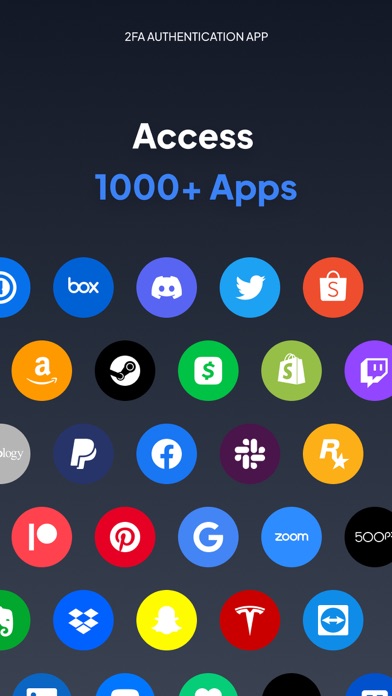
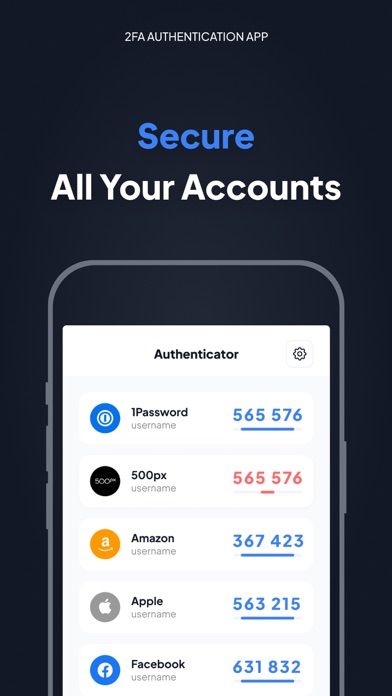
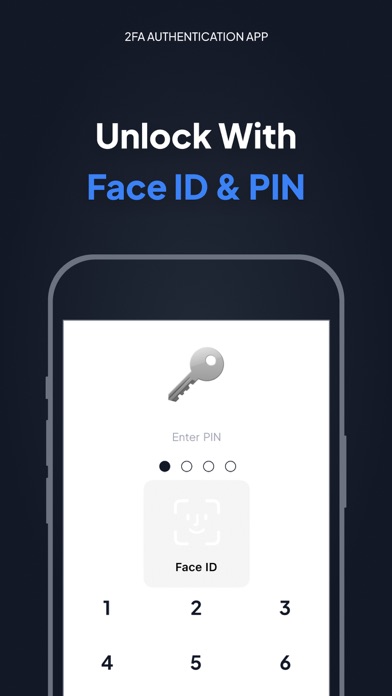
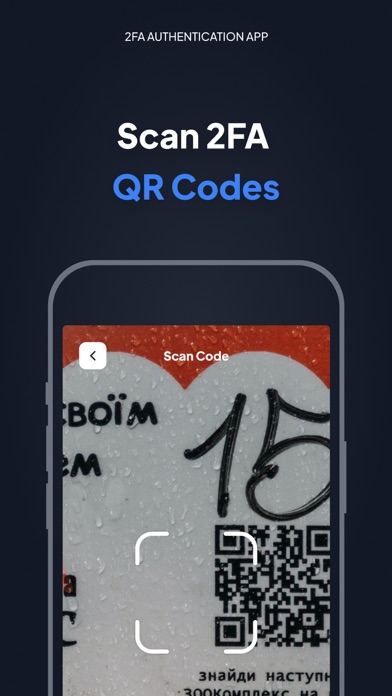
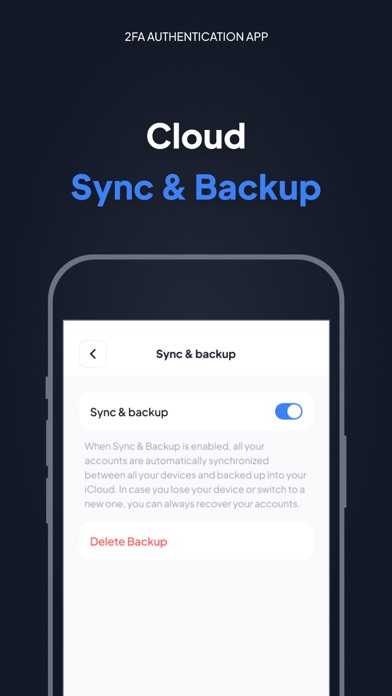
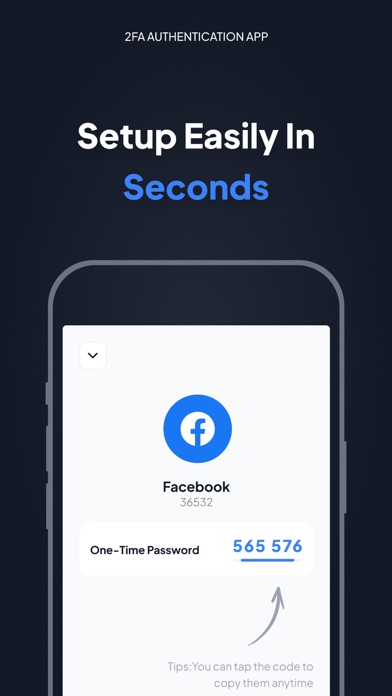
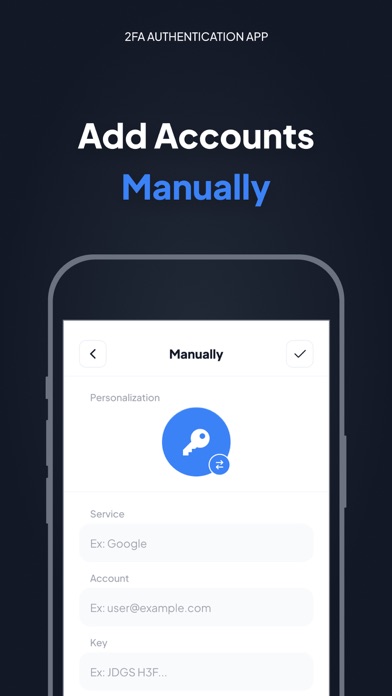
Authenticator app is a highly recommended 2FA authentication application for securing your multiple accounts on different platforms such as social media, internet and many such 1000s of services Make your security impeccable by adding two-factor authentication (2FA) to protect your accounts from hackers. Just enable two-factor authentication in your provider's account settings, scan the provided QR code and you're good to go. Once configured, you can get the verification code without the need for an internet or mobile connection. ============ Top Features - Super Safe & Secure Your password is very secure and the application does not exchange data with the Internet, so no one else can know it but you. - Cloud Sync & Backup A secure, encrypted backup is automatically made in the Authenticator App in case your device is lost or replaced with a new one. And all your accounts will be automatically synced across all Apple devices - No Password Stored The Authenticator App generates time-based one-time passwords (TOTP) that are stored on the user's phone and do not require Internet access. As a result, the Authenticator App generates secure codes even when offline, which will allow you to authenticate securely even when the device is in airplane mode. - Supports All Popular Accounts The Authenticator app supports the most popular services, including Facebook, Coinbase, Amazon, Google, Instagram, Roblox and other vendors that support 2fa services, up to 1000+ - Setup Guide Don't know how to set up? No problem, we have prepared a setup method for you for almost all platforms that offer 2fa services. Just follow the steps to set it up. - Scan QR Code Just click on the QR code to scan it and you can setup easily in seconds without any hassle - Enter Code Manually Enter a secret key to the app for secure authentication. - Personalization The application allows you to set unique icons for your account, which can be selected from the list provided. This helps you to easily identify and categorize your accounts. More features will be coming soon… ============ Authenticator PRO Choose from different purchase options: • 1 month subscription • 1 year subscription Payment will be charged to your Apple ID account at the time of purchase confirmation. Subscription renews automatically unless it is canceled at least 24 hours before the end of the current period. Your account will be charged for renewal within 24 hours prior to the end of the current period. You can manage and cancel your subscriptions by going to your account settings on the App Store after purchase. By completing your subscription, you agree to ZING's Terms of Service & Privacy Policy. Privacy Policy:https://docs.google.com/document/d/1MbkvoLc3zLq-P3tGJ0r8YtkI0rEj7ZBJ96tOtMjBbzQ/edit?usp=sharing Terms of Service: https://docs.google.com/document/d/1HN6jXfvs3dj7V11thiFUkjXyiJfg4PHu2ezoFgZ6raE/edit?usp=sharing


