
PC 용 Inner Balance
- 카테고리: Health & Fitness
- 최근 업데이트: 2025-06-24
- 현재 버전: 3.22
- 파일 크기: 20.41 MB
- 개발자: HeartMath Inc.
- 호환성: 필요 Windows XP, Windows Vista, Windows 7, Windows 8, Windows 8.1 and Windows 10, Windows 11



PC에서 Inner Balance 용 호환 APK 다운로드
| 다운로드 | 개발자 | 평점 | 점수 | 현재 버전 | 성인 랭킹 |
|---|---|---|---|---|---|
| ↓ PC용 APK 다운로드 | HeartMath Inc. | 35 | 4.82857 | 3.22 | 4+ |
에뮬레이터의 중요성은 컴퓨터에서 안드로이드 환경을 흉내 내고 안드로이드 폰을 구입하지 않고도 안드로이드 앱을 설치하고 실행하는 것을 매우 쉽게 만들어주는 것입니다. 누가 당신이 두 세계를 즐길 수 없다고 말합니까? 우선 아래에있는 에뮬레이터 앱을 다운로드 할 수 있습니다.
A. Nox App . OR
B. Bluestacks App .
Bluestacks는 매우 대중적이므로 개인적으로 "B"옵션을 사용하는 것이 좋습니다. 문제가 발생하면 Google 또는 Naver.com에서 좋은 해결책을 찾을 수 있습니다.
Bluestacks.exe 또는 Nox.exe를 성공적으로 다운로드 한 경우 컴퓨터의 다운로드 폴더 또는 다운로드 한 파일을 일반적으로 저장하는 곳으로 이동하십시오.
찾으면 클릭하여 응용 프로그램을 설치하십시오. PC에서 설치 프로세스를 시작해야합니다.
다음을 클릭하여 EULA 라이센스 계약에 동의하십시오.
응용 프로그램을 설치하려면 화면 지시문을 따르십시오.
위 사항을 올바르게 수행하면 소프트웨어가 성공적으로 설치됩니다.
이제 설치 한 에뮬레이터 애플리케이션을 열고 검색 창을 찾으십시오. 지금 입력하십시오. - Inner Balance 앱을 쉽게 볼 수 있습니다. 그것을 클릭하십시오. 응용 프로그램 창이 열리고 에뮬레이터 소프트웨어에 응용 프로그램이 표시됩니다. 설치 버튼을 누르면 응용 프로그램이 다운로드되기 시작합니다. 이제 우리는 모두 끝났습니다.
그런 다음 "모든 앱"아이콘이 표시됩니다.
클릭하면 설치된 모든 응용 프로그램이 포함 된 페이지로 이동합니다.
당신은 Inner Balance 상. 그것을 클릭하고 응용 프로그램 사용을 시작하십시오.
Mac OS 에서 Inner Balance 다운로드
| 다운로드 | 개발자 | 점수 | 현재 버전 | 성인 랭킹 |
|---|---|---|---|---|
| 무료 - Mac 에서 다운로드 | HeartMath Inc. | 4.82857 |
3.22 | 4+ |
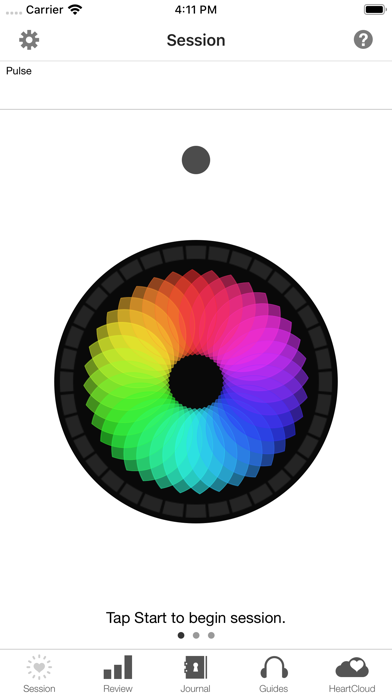
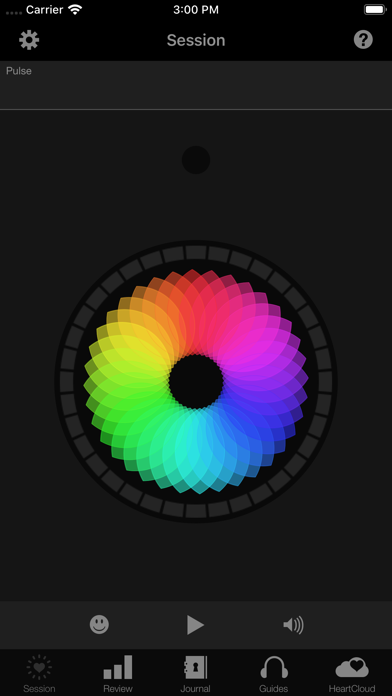
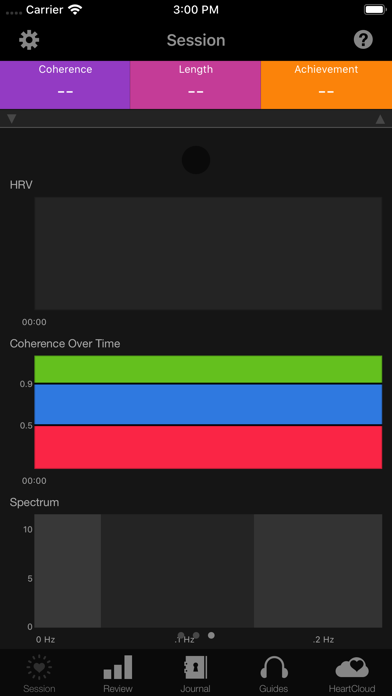
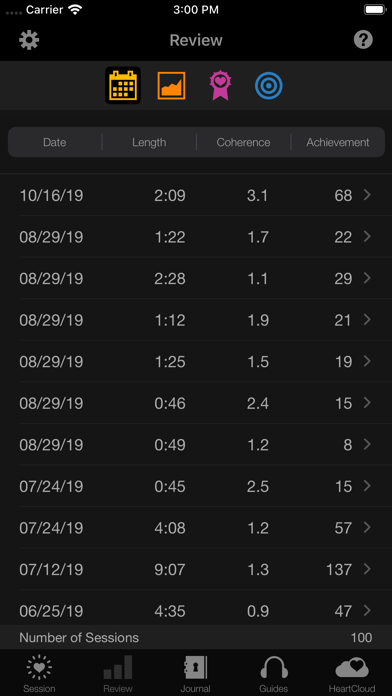
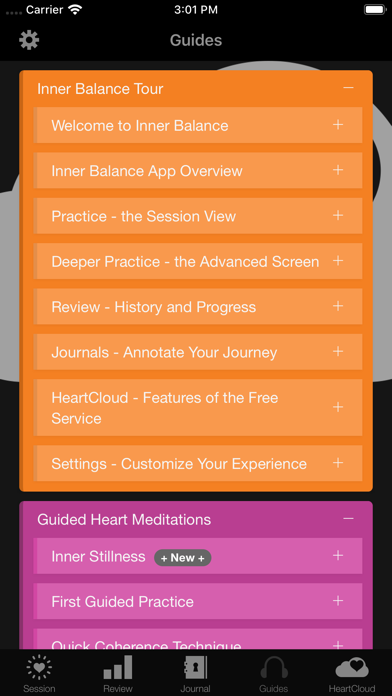
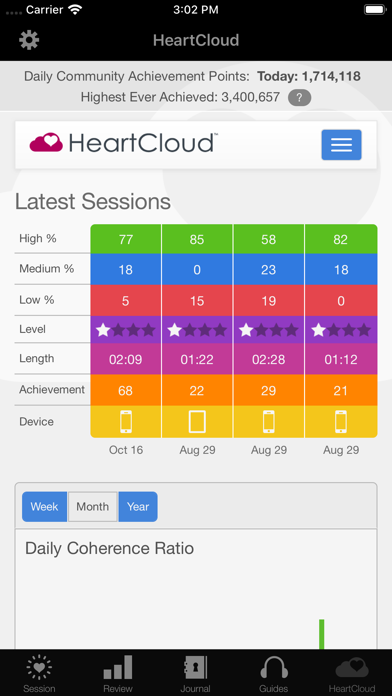
Inner Balance™ gets your heart, mind and emotions in sync to improve health, well-being and performance. HEARTMATH® SENSOR REQUIRED: This is the companion app to the Inner Balance sensor. This app requires any of the HeartMath Inner Balance sensors such as Bluetooth® or the Inner Balance Lightning sensor which connects to your phone and clips to your earlobe to measure your heart rhythms. Inner Balance™ is based on years of scientific research and designed to teach you how to shift your emotional state in the moment – so you feel better and think more clearly. Learn how to synchronize your heart, mind, and body to reset your composure and inner clarity, calm reactive emotions, and neutralize stress. This creates an inner state called coherence. Over 400 independent, peer-reviewed studies have been published on HeartMath technologies and methodologies that demonstrate the benefits of coherence including feeling calmer, more centered and focused, and access to more intuitive discernment to make better decisions. Inner Balance provides you with an accurate, real-time coherence score. Guided meditations and dynamic graphics coach you toward improved results. LEARN HOW TO: • Restore emotional balance in the moment • Synchronize your heart, mind, and body to reset your composure and inner clarity, calm reactive emotions, and neutralize stress • Feel calmer, more centered and focused • Access more intuitive discernment to make better decisions Using Inner Balance just three times a day for three to five minutes has been shown to make a meaningful difference in your overall well-being. Inner Balance guides you and measures your progress as you shift your emotional state and watch the changes occur in real time. FEATURES: • Real time HRV monitoring guides your practice and helps you increase coherence • Guided Meditations - Reduce stress, upgrade your meditation practice, sleep better and more • Real-Time Coaching Tips - Encouraging onscreen prompts • Advanced Options - Four challenge levels, customizable settings and screens • Access to a free cloud platform where you can save and review all your sessions and benefit from tips and training BENEFITS: • Neutralize stressful reactions that erode health and composure • Reduce fatigue and exhaustion • Improve mental focus under pressure • Quickly shift from reactive states to calm and balanced states • Learn to quiet the mind and still restless thoughts • Build resilience and faster recovery from stress • Improve coordination and reaction times in sports • Enhance your meditation practice • BTLE Sensor can be used in the background with other applications • App supports iPad Slide Over and Split View multi tasking HOW TO CONNECT YOUR INNER BALANCE APP TO THE SENSOR Inner Balance Bluetooth Sensor: 1. Clip the sensor to your earlobe and press the soft button on the sensor pod to activate a blue flashing light. 2. Open the Inner Balance app and press the “Start” arrow to make the app start scanning for the sensor. 3. Once you see your sensor ID number displayed and verify that it matches the number on the back side of the sensor pod, tap it to accept and wait 15-20 seconds for the device to calibrate and begin the first session. Inner Balance Lightning Sensor: 1. Clip the sensor to your earlobe and press the soft button on the sensor pod to activate a blue flashing light. 2. Open the Inner Balance app and press the “Start” arrow to make the app start scanning for the sensor. 3. Once you see your sensor ID number displayed and verify that it matches the number on the back side of the sensor pod, tap it to accept and wait 15-20 seconds for the device to calibrate and begin the first session. You can purchase an Inner Balance sensor at https://store.heartmath.com/innerbalance. The HeartMath technology is for stress education and resilience training. It is not a medical device. We encourage you to consult a health professional before making any medical decisions.


