
PC 용 Amerigo File Manager
- 카테고리: Utilities
- 최근 업데이트: 2026-08-21
- 현재 버전: 3.14.4
- 파일 크기: 75.57 MB
- 개발자: IdeaSolutions S.r.l.
- 호환성: 필요 Windows XP, Windows Vista, Windows 7, Windows 8, Windows 8.1 and Windows 10, Windows 11
PC에서 Amerigo File Manager 용 호환 APK 다운로드
| 다운로드 | 개발자 | 평점 | 점수 | 현재 버전 | 성인 랭킹 |
|---|---|---|---|---|---|
| ↓ PC용 APK 다운로드 | IdeaSolutions S.r.l. | 326 | 4.57975 | 3.14.4 | 17+ |
호환되는 PC 앱 또는 대안 확인
| 소프트웨어 | 다운로드 | 평점 | 개발자 |
|---|---|---|---|
| Amerigo File Manager |
PC 앱 받기 | 4.57975/5 326 리뷰 4.57975 |
IdeaSolutions S.r.l. |
에뮬레이터의 중요성은 컴퓨터에서 안드로이드 환경을 흉내 내고 안드로이드 폰을 구입하지 않고도 안드로이드 앱을 설치하고 실행하는 것을 매우 쉽게 만들어주는 것입니다. 누가 당신이 두 세계를 즐길 수 없다고 말합니까? 우선 아래에있는 에뮬레이터 앱을 다운로드 할 수 있습니다.
A. Nox App . OR
B. Bluestacks App .
Bluestacks는 매우 대중적이므로 개인적으로 "B"옵션을 사용하는 것이 좋습니다. 문제가 발생하면 Google 또는 Naver.com에서 좋은 해결책을 찾을 수 있습니다.
Bluestacks.exe 또는 Nox.exe를 성공적으로 다운로드 한 경우 컴퓨터의 다운로드 폴더 또는 다운로드 한 파일을 일반적으로 저장하는 곳으로 이동하십시오.
찾으면 클릭하여 응용 프로그램을 설치하십시오. PC에서 설치 프로세스를 시작해야합니다.
다음을 클릭하여 EULA 라이센스 계약에 동의하십시오.
응용 프로그램을 설치하려면 화면 지시문을 따르십시오.
위 사항을 올바르게 수행하면 소프트웨어가 성공적으로 설치됩니다.
이제 설치 한 에뮬레이터 애플리케이션을 열고 검색 창을 찾으십시오. 지금 입력하십시오. - Amerigo File Manager 앱을 쉽게 볼 수 있습니다. 그것을 클릭하십시오. 응용 프로그램 창이 열리고 에뮬레이터 소프트웨어에 응용 프로그램이 표시됩니다. 설치 버튼을 누르면 응용 프로그램이 다운로드되기 시작합니다. 이제 우리는 모두 끝났습니다.
그런 다음 "모든 앱"아이콘이 표시됩니다.
클릭하면 설치된 모든 응용 프로그램이 포함 된 페이지로 이동합니다.
당신은 Amerigo File Manager 상. 그것을 클릭하고 응용 프로그램 사용을 시작하십시오.
Mac OS 에서 Amerigo File Manager 다운로드
| 다운로드 | 개발자 | 점수 | 현재 버전 | 성인 랭킹 |
|---|---|---|---|---|
| 무료 - Mac 에서 다운로드 | IdeaSolutions S.r.l. | 4.57975 |
3.14.4 | 17+ |
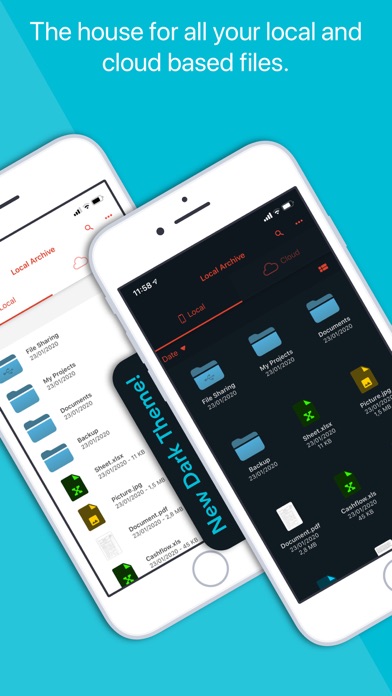
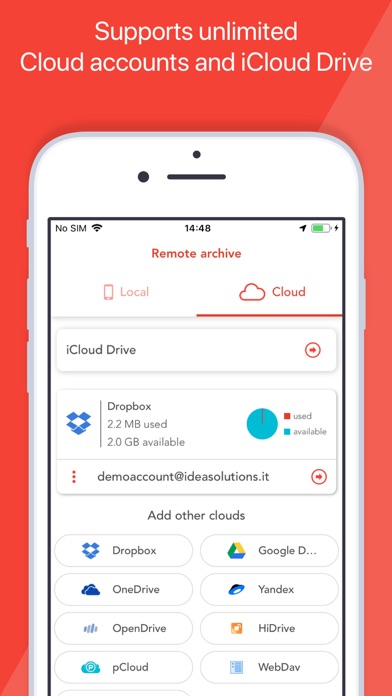
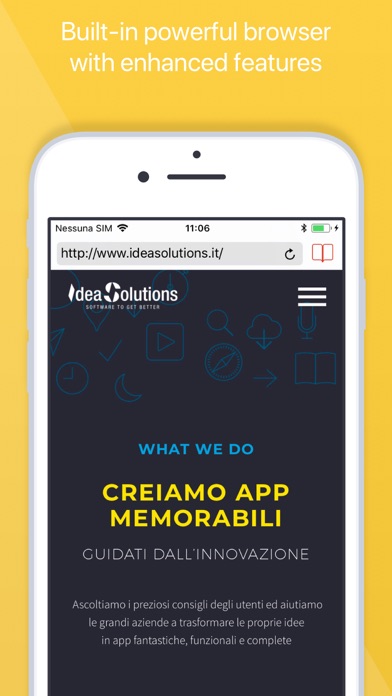
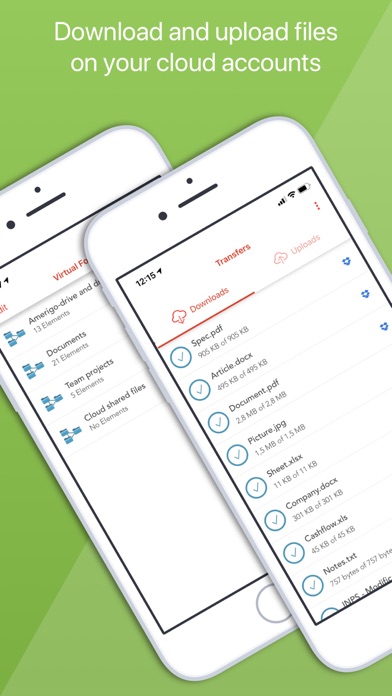
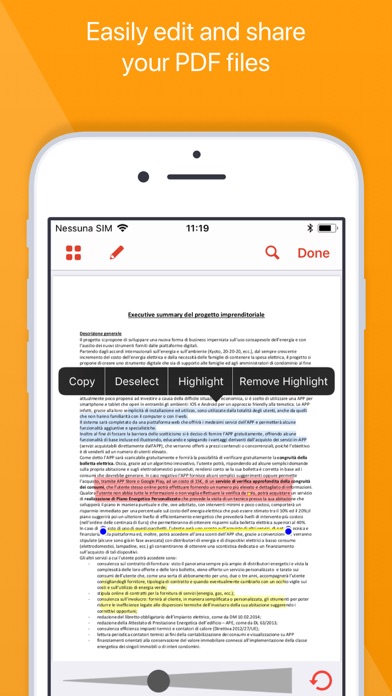
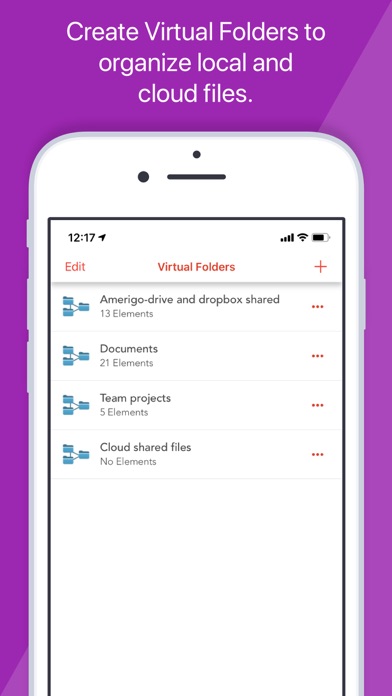
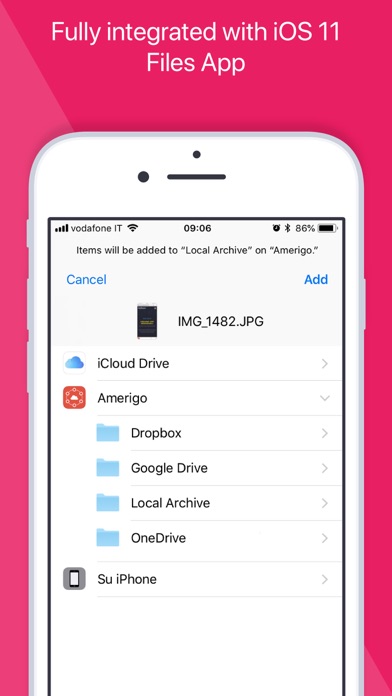
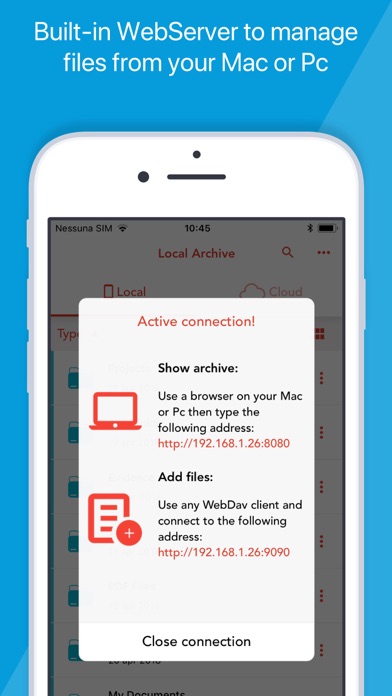
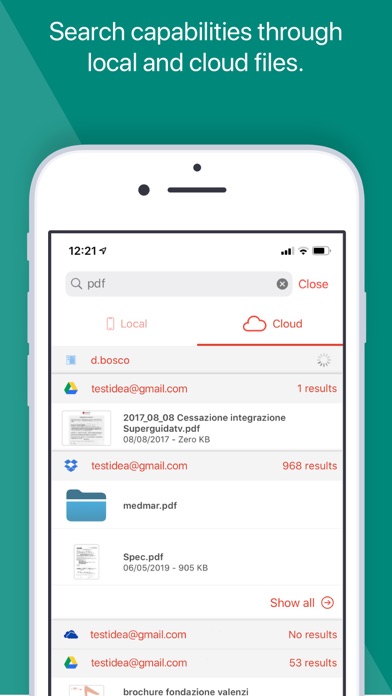
Amerigo is an enhanced file manager that allows you to manage and organize local and cloud-saved files. It's the only APP that allows to link multiple cloud (DropBox, Google Drive, OneDrive, iCloud Files) and offers iOS Files app integration to download and upload to any cloud from any app! For example if you receive an email, you can directly save the email attachments to one of the cloud linked in Amerigo, simply choosing "Save in files" in the action sheet. Virtual folders allows to group files that come from different sources (cloud/local): you can for example have a virtual folder with all the files that belongs to a project but are stored on different cloud storage providers. The Spotlight indexing of all local contents allows to immediately find and open the file you're looking for, without opening the app! You can also add more than one account for each clouds to increase your space! The integrated PDF viewer with enhanced annotation capabilities, automatically recognize common shapes and gestures, and allows to highlight paragraph by drawing a line over it. Main features: - iOS 11 Files app integration for ALL clouds linked to the app in read write mode. - Spotlight indexing of all content in the app. - Integration with the Dropbox, GDrive, OneDrive, iCloud services for remote file storage. - Search between all contents in the app and in the linked cloud storages thanks to the advanced search - Compression (zip) and decompression (zip & rar) of any files. - PDF editor with annotation, free-hand writing. - Support for all Microsoft Office files. - Simultaneous management of multiple Cloud accounts and management of folders shared with other users. - Enhanced bookmarks and history management. - URL autocomplete and search suggestions - Quick search bar, and enhanced search within all cloud and local files. - File archive with folders and subfolders capabilities. - PIN to hide selected folders. - Multi-tab fast internet browsing - Private browsing mode Available as in-app subscription: - No Ad & Ad Block for browsers: allows to stop advertising in the app, in the integrated browser and in Safari (by enabling the content block extension) • Free 7 days trial and then renew for a period of a month • Payment will be charged to iTunes Account at confirmation of purchase • Subscription automatically renews unless auto-renew is turned off at least 24-hours before the end of the current period • Account will be charged for renewal within 24-hours prior to the end of the current period, and identify the cost of the renewal • Any unused portion of a free trial period, if offered, will be forfeited when the user purchases a subscription to that publication • Subscriptions may be managed by the user and auto-renewal may be turned off by going to the user's Account Settings after purchase Terms of use (EULA) available at: https://www.apple.com/legal/internet-services/itunes/dev/stdeula/