PC 용 Digital Cockpit - CARID
- 카테고리: Navigation
- 최근 업데이트: 2025-10-20
- 현재 버전: 1.1.1
- 파일 크기: 41.60 MB
- 개발자: Miroslaw Kapalka
- 호환성: 필요 Windows XP, Windows Vista, Windows 7, Windows 8, Windows 8.1 and Windows 10, Windows 11

PC에서 Digital Cockpit - CARID 용 호환 APK 다운로드
| 다운로드 | 개발자 | 평점 | 점수 | 현재 버전 | 성인 랭킹 |
|---|---|---|---|---|---|
| ↓ PC용 APK 다운로드 | Miroslaw Kapalka | 1 | 1 | 1.1.1 | 4+ |
에뮬레이터의 중요성은 컴퓨터에서 안드로이드 환경을 흉내 내고 안드로이드 폰을 구입하지 않고도 안드로이드 앱을 설치하고 실행하는 것을 매우 쉽게 만들어주는 것입니다. 누가 당신이 두 세계를 즐길 수 없다고 말합니까? 우선 아래에있는 에뮬레이터 앱을 다운로드 할 수 있습니다.
A. Nox App . OR
B. Bluestacks App .
Bluestacks는 매우 대중적이므로 개인적으로 "B"옵션을 사용하는 것이 좋습니다. 문제가 발생하면 Google 또는 Naver.com에서 좋은 해결책을 찾을 수 있습니다.
Bluestacks.exe 또는 Nox.exe를 성공적으로 다운로드 한 경우 컴퓨터의 다운로드 폴더 또는 다운로드 한 파일을 일반적으로 저장하는 곳으로 이동하십시오.
찾으면 클릭하여 응용 프로그램을 설치하십시오. PC에서 설치 프로세스를 시작해야합니다.
다음을 클릭하여 EULA 라이센스 계약에 동의하십시오.
응용 프로그램을 설치하려면 화면 지시문을 따르십시오.
위 사항을 올바르게 수행하면 소프트웨어가 성공적으로 설치됩니다.
이제 설치 한 에뮬레이터 애플리케이션을 열고 검색 창을 찾으십시오. 지금 입력하십시오. - Digital Cockpit - CARID 앱을 쉽게 볼 수 있습니다. 그것을 클릭하십시오. 응용 프로그램 창이 열리고 에뮬레이터 소프트웨어에 응용 프로그램이 표시됩니다. 설치 버튼을 누르면 응용 프로그램이 다운로드되기 시작합니다. 이제 우리는 모두 끝났습니다.
그런 다음 "모든 앱"아이콘이 표시됩니다.
클릭하면 설치된 모든 응용 프로그램이 포함 된 페이지로 이동합니다.
당신은 Digital Cockpit - CARID 상. 그것을 클릭하고 응용 프로그램 사용을 시작하십시오.
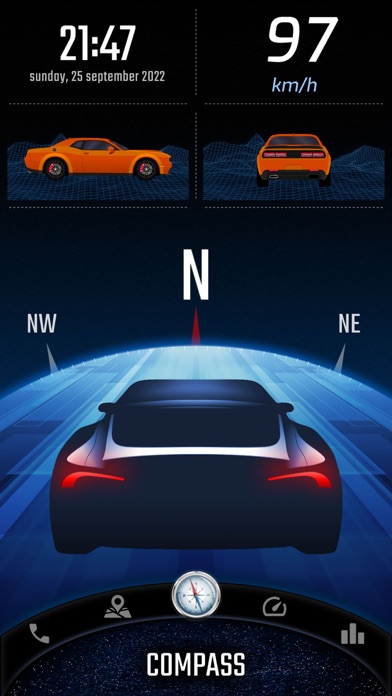
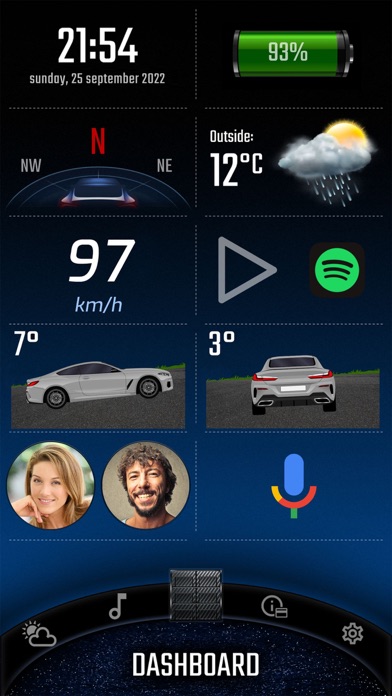
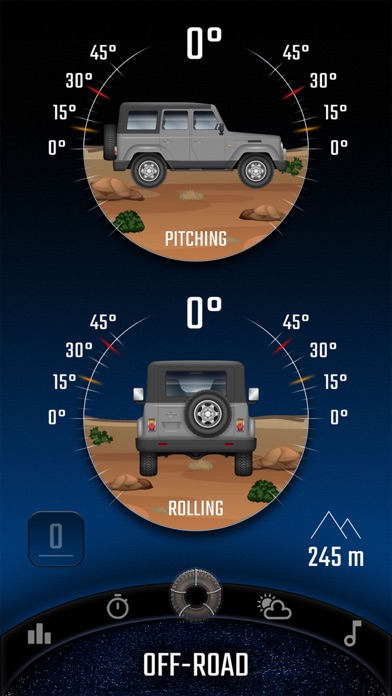
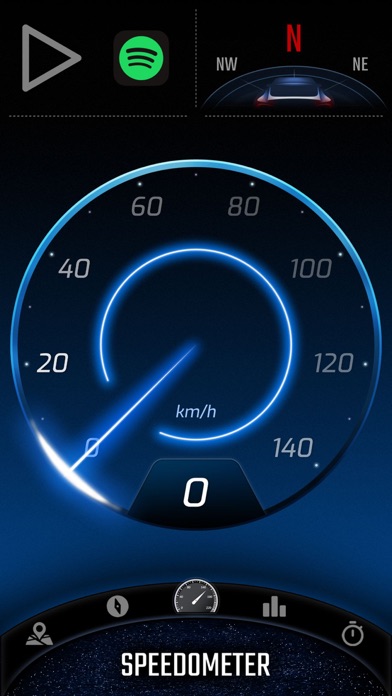
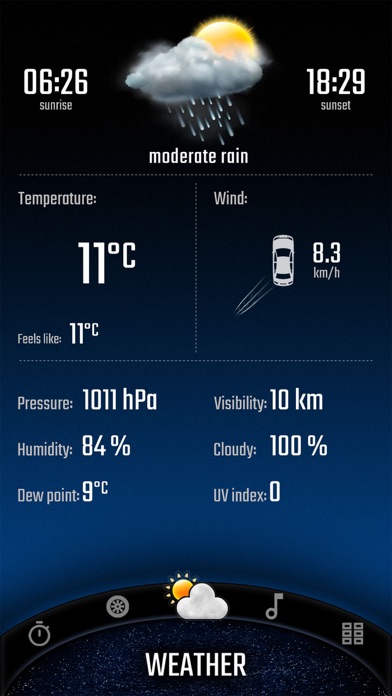
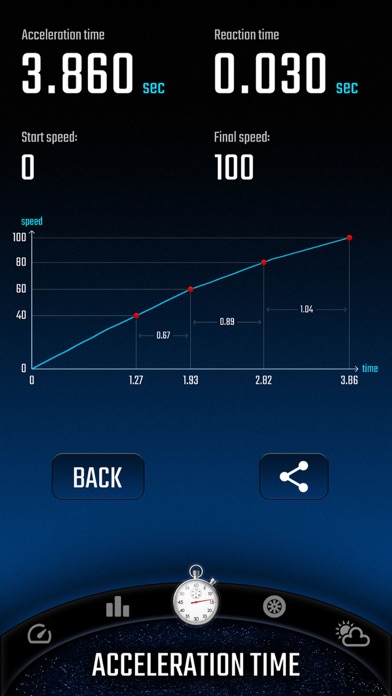
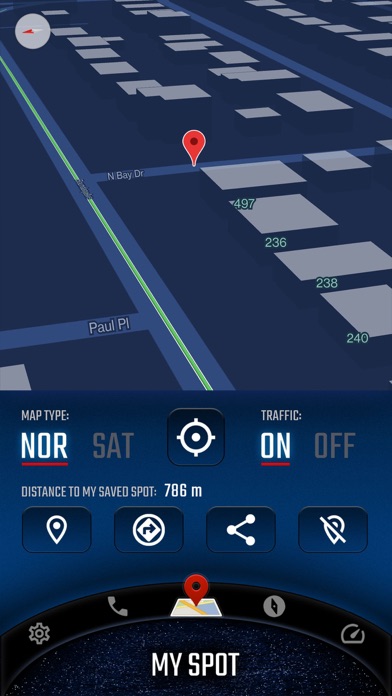
CARID is a set of carefully selected functions that you won't find in the multimedia systems of most cars. Simply and conveniently switch between them while staying safe on the road. You don't have to waste time customizing the layout of our application for your car. Right after launching, a visually attractive application appears ready for use. Our application is one of the few that can work in portrait or landscape mode - adapting to the position of the mounted device in the car. You will find features such as: • Off-road. The inclinometer will tell you how much your vehicle is pitch/roll. You can set visual and sound warnings - necessary for driving in rough terrain. In addition, the altitude above sea level is displayed. You can customize the appearance of your vehicle and terrain. • Statistics. Distance covered, time, average and maximum speed. You can measure all this data for three, independent routes, and then conveniently share with your friends. • Speedometer - an eye-catching display of your current speed. In addition, it shows the current speed limit on the road on which you are traveling (beta version). • Compass - a very reliable way (based on GPS coordinates, not a sensor from the device) to show the direction of the vehicle. • Acceleration times - with this function you will check the acceleration parameters of your car. You can set any starting and ending speed. During the measurement you will see a graph of the speed to time ratio. An interesting feature is also the measurement of reaction time (the moment of detecting movement from the start signal). • Speed dial - add your favorite contacts, then make phone calls with one click. • My place. A map where you can see your current position. You can easily switch between vector view and satellite view (photos) and turn on traffic information. The most important function is to save your current position (or the position selected on the map - by holding the place with your finger for a second). A useful feature to remember the location of your car or a favorite place. Once you save a point, you can very quickly start navigation to that place or share it with friends. • Internet radio stations from around the world. With one click switch between stations, add them to favorites, search by country or keywords. • Current weather that is automatically refreshed based on your location. The most important information for the driver is loaded, including temperature, humidity, cloud cover, visibility and wind direction in relation to the moving car. You can add widgets with the most important information on the home screen (main panel), speedometer and compass views: • Clock (time and date), • Battery charge status, • Compass, • Weather, • Current speed, • Tilt (pitching/rolling) of the car, • Address of the place where you are, • Information on the distance to the saved location, • Statistics information, • Speed dial (phone), • Altitude above sea level. Apple Terms of Use (EULA): https://www.apple.com/legal/internet-services/itunes/dev/stdeula/