
PC 용 Arrival Bus Challenge
- 카테고리: Games
- 최근 업데이트: 2023-03-29
- 현재 버전: 1.0
- 파일 크기: 460.46 MB
- 개발자: N A M Jebaul Hoque
- 호환성: 필요 Windows XP, Windows Vista, Windows 7, Windows 8, Windows 8.1 and Windows 10, Windows 11


PC에서 Arrival Bus Challenge 용 호환 APK 다운로드
| 다운로드 | 개발자 | 평점 | 점수 | 현재 버전 | 성인 랭킹 |
|---|---|---|---|---|---|
| ↓ PC용 APK 다운로드 | N A M Jebaul Hoque | 0 | 1.0 | 4+ |
에뮬레이터의 중요성은 컴퓨터에서 안드로이드 환경을 흉내 내고 안드로이드 폰을 구입하지 않고도 안드로이드 앱을 설치하고 실행하는 것을 매우 쉽게 만들어주는 것입니다. 누가 당신이 두 세계를 즐길 수 없다고 말합니까? 우선 아래에있는 에뮬레이터 앱을 다운로드 할 수 있습니다.
A. Nox App . OR
B. Bluestacks App .
Bluestacks는 매우 대중적이므로 개인적으로 "B"옵션을 사용하는 것이 좋습니다. 문제가 발생하면 Google 또는 Naver.com에서 좋은 해결책을 찾을 수 있습니다.
Bluestacks.exe 또는 Nox.exe를 성공적으로 다운로드 한 경우 컴퓨터의 다운로드 폴더 또는 다운로드 한 파일을 일반적으로 저장하는 곳으로 이동하십시오.
찾으면 클릭하여 응용 프로그램을 설치하십시오. PC에서 설치 프로세스를 시작해야합니다.
다음을 클릭하여 EULA 라이센스 계약에 동의하십시오.
응용 프로그램을 설치하려면 화면 지시문을 따르십시오.
위 사항을 올바르게 수행하면 소프트웨어가 성공적으로 설치됩니다.
이제 설치 한 에뮬레이터 애플리케이션을 열고 검색 창을 찾으십시오. 지금 입력하십시오. - Arrival Bus Challenge 앱을 쉽게 볼 수 있습니다. 그것을 클릭하십시오. 응용 프로그램 창이 열리고 에뮬레이터 소프트웨어에 응용 프로그램이 표시됩니다. 설치 버튼을 누르면 응용 프로그램이 다운로드되기 시작합니다. 이제 우리는 모두 끝났습니다.
그런 다음 "모든 앱"아이콘이 표시됩니다.
클릭하면 설치된 모든 응용 프로그램이 포함 된 페이지로 이동합니다.
당신은 Arrival Bus Challenge 상. 그것을 클릭하고 응용 프로그램 사용을 시작하십시오.
Mac OS 에서 Arrival Bus Challenge 다운로드
| 다운로드 | 개발자 | 점수 | 현재 버전 | 성인 랭킹 |
|---|---|---|---|---|
| 무료 - Mac 에서 다운로드 | N A M Jebaul Hoque | 1.0 | 4+ |
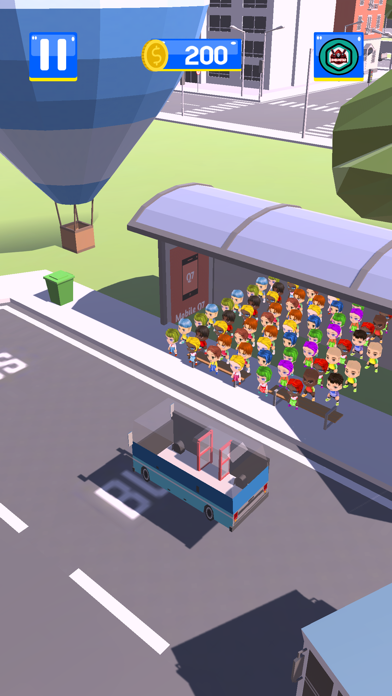
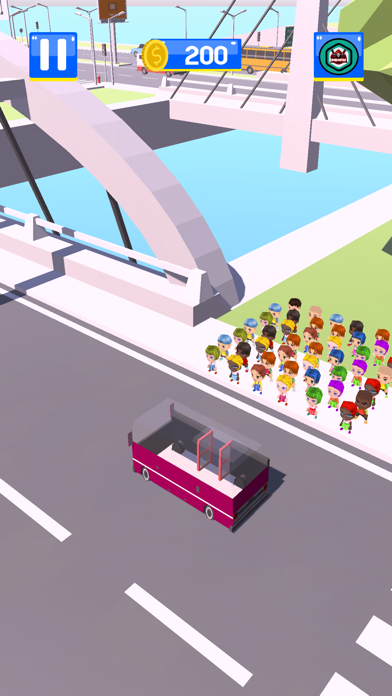
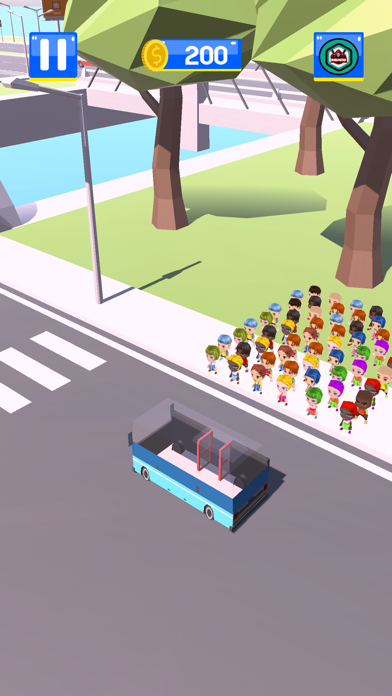
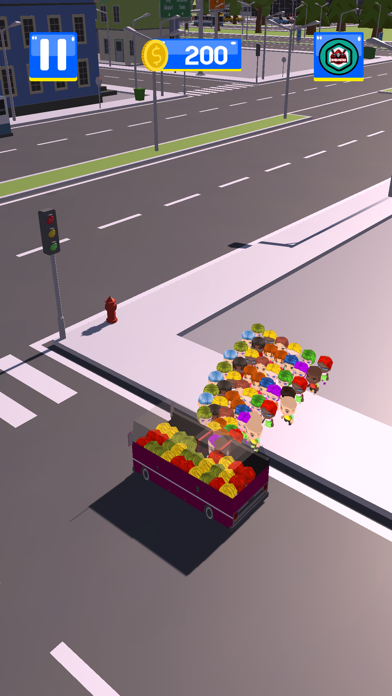
Welcome to "Arrival Bus Challenge", the ultimate bus driving game where you need to carefully manage the space in your bus to make sure you can transport all the passengers to their destination safely and comfortably! In each level, you'll need to navigate through the city to pick up passengers and transport them to their desired location. But be careful - the number of passengers you can transport is limited by the number of seats available in your bus. If you overload the bus, the level will fail and you'll have to start again. With intuitive controls and realistic physics, "Arrival Bus Challenge" offers an immersive driving experience that will put your skills to the test. You'll need to carefully manage your speed, braking, and acceleration to ensure that your passengers arrive at their destination safely and on time. But it's not just about driving - "Arrival Bus Challenge" also features a variety of customization options to make your bus stand out from the rest. Choose from a range of colors, decals, and upgrades to create your own unique bus and show it off to other players. To optimize your gameplay experience, "Arrival Bus Challenge" includes intuitive controls that are easy to use but hard to master. Use the virtual steering wheel to control your bus's movements, and use the pedals to accelerate and brake. With practice, you'll be able to master the art of driving an arrival bus and transport passengers like a pro!


