PC 용 Chess V+, fun chess game
- 카테고리: Games
- 최근 업데이트: 2025-12-23
- 현재 버전: 5.60
- 파일 크기: 19.66 MB
- 개발자: ZingMagic Limited
- 호환성: 필요 Windows XP, Windows Vista, Windows 7, Windows 8, Windows 8.1 and Windows 10, Windows 11


PC에서 Chess V+, fun chess game 용 호환 APK 다운로드
| 다운로드 | 개발자 | 평점 | 점수 | 현재 버전 | 성인 랭킹 |
|---|---|---|---|---|---|
| ↓ PC용 APK 다운로드 | ZingMagic Limited | 0 | 0 | 5.60 | 4+ |
에뮬레이터의 중요성은 컴퓨터에서 안드로이드 환경을 흉내 내고 안드로이드 폰을 구입하지 않고도 안드로이드 앱을 설치하고 실행하는 것을 매우 쉽게 만들어주는 것입니다. 누가 당신이 두 세계를 즐길 수 없다고 말합니까? 우선 아래에있는 에뮬레이터 앱을 다운로드 할 수 있습니다.
A. Nox App . OR
B. Bluestacks App .
Bluestacks는 매우 대중적이므로 개인적으로 "B"옵션을 사용하는 것이 좋습니다. 문제가 발생하면 Google 또는 Naver.com에서 좋은 해결책을 찾을 수 있습니다.
Bluestacks.exe 또는 Nox.exe를 성공적으로 다운로드 한 경우 컴퓨터의 다운로드 폴더 또는 다운로드 한 파일을 일반적으로 저장하는 곳으로 이동하십시오.
찾으면 클릭하여 응용 프로그램을 설치하십시오. PC에서 설치 프로세스를 시작해야합니다.
다음을 클릭하여 EULA 라이센스 계약에 동의하십시오.
응용 프로그램을 설치하려면 화면 지시문을 따르십시오.
위 사항을 올바르게 수행하면 소프트웨어가 성공적으로 설치됩니다.
이제 설치 한 에뮬레이터 애플리케이션을 열고 검색 창을 찾으십시오. 지금 입력하십시오. - Chess V+, fun chess game 앱을 쉽게 볼 수 있습니다. 그것을 클릭하십시오. 응용 프로그램 창이 열리고 에뮬레이터 소프트웨어에 응용 프로그램이 표시됩니다. 설치 버튼을 누르면 응용 프로그램이 다운로드되기 시작합니다. 이제 우리는 모두 끝났습니다.
그런 다음 "모든 앱"아이콘이 표시됩니다.
클릭하면 설치된 모든 응용 프로그램이 포함 된 페이지로 이동합니다.
당신은 Chess V+, fun chess game 상. 그것을 클릭하고 응용 프로그램 사용을 시작하십시오.
Mac OS 에서 Chess V+, fun chess game 다운로드
| 다운로드 | 개발자 | 점수 | 현재 버전 | 성인 랭킹 |
|---|---|---|---|---|
| 무료 - Mac 에서 다운로드 | ZingMagic Limited | 0 |
5.60 | 4+ |
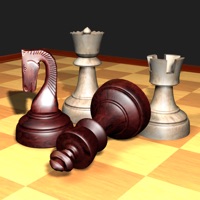
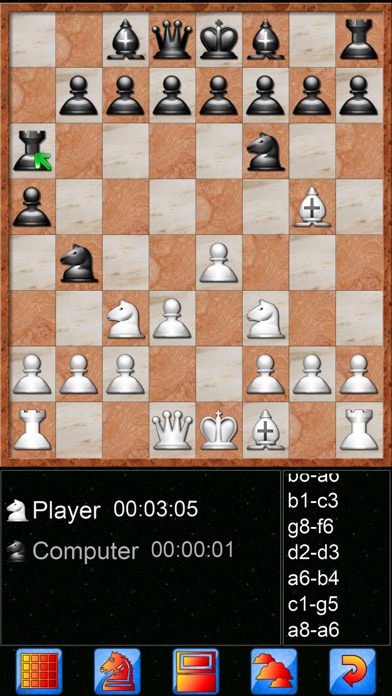
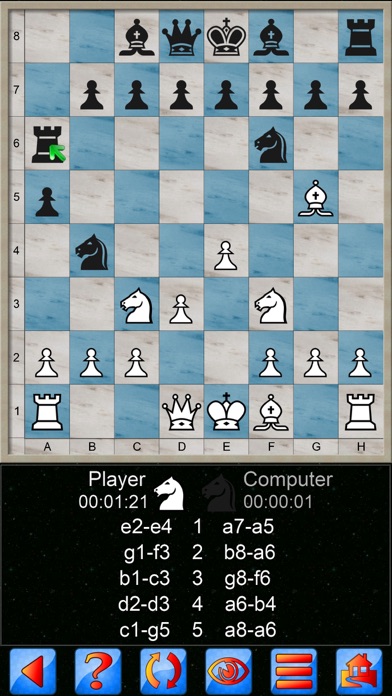
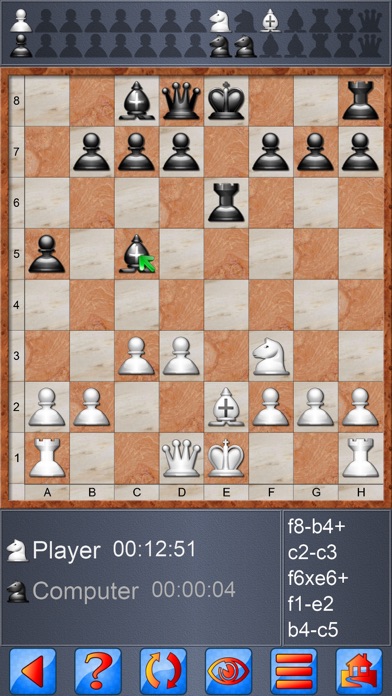
Welcome to the 2026 Edition of Chess. Relieve boredom, have fun and exercise your mind all at the same time with this classic board game. Regardless of your playing level, ZingMagic's multi award winning Chess is a fun, stimulating and challenging game for beginners and champions alike. Chess is a two player game with a colourful history which can be traced back to its Indian ancestor, Chaturanga. In 1291 the Archbishop of Canterbury in England threatened clergy who continued playing Chess with a diet of bread and water. The game has flourished over the years and is now one of the most popular board games in the world, requiring thought, skill and strategy to become successful. The object of Chess is to capture the opponent's King. To capture the King you must place it in check. If the King cannot escape by itself, or with the help of its army, it is in checkmate and the King is captured. Never played Chess before, not a problem. The game helps you at every step with hints, legal move display, piece move information, game information and over 20 levels of play enabling you to learn Chess at your own pace. Game features: * Play against the computer or another human player on the same device. * Over 20 levels of play to suit your mood. * Award winning artificial intelligence engine which is particularly strong at expert levels. * Understands all Chess rules such as en passant captures, castling, under promotion, draw by repetition, perpetual check and 50 move rule. * Support for alternate boards and pieces, including super touch friendly boards. * Full undo and redo of moves. * Show last move. * Show legal moves. * Show threatened pieces. * Hints. * Chess is just one of our large collection of best of breed classic board, card and puzzle games available for a wide range of platforms.