PC 용 Solitaire (Klondike)
- 카테고리: Games
- 최근 업데이트: 2020-09-16
- 현재 버전: 1.5.1
- 파일 크기: 15.20 MB
- 개발자: Pawpaw Inc.
- 호환성: 필요 Windows XP, Windows Vista, Windows 7, Windows 8, Windows 8.1 and Windows 10, Windows 11



PC에서 Solitaire (Klondike) 용 호환 APK 다운로드
| 다운로드 | 개발자 | 평점 | 점수 | 현재 버전 | 성인 랭킹 |
|---|---|---|---|---|---|
| ↓ PC용 APK 다운로드 | Pawpaw Inc. | 0 | 0 | 1.5.1 | 4+ |
에뮬레이터의 중요성은 컴퓨터에서 안드로이드 환경을 흉내 내고 안드로이드 폰을 구입하지 않고도 안드로이드 앱을 설치하고 실행하는 것을 매우 쉽게 만들어주는 것입니다. 누가 당신이 두 세계를 즐길 수 없다고 말합니까? 우선 아래에있는 에뮬레이터 앱을 다운로드 할 수 있습니다.
A. Nox App . OR
B. Bluestacks App .
Bluestacks는 매우 대중적이므로 개인적으로 "B"옵션을 사용하는 것이 좋습니다. 문제가 발생하면 Google 또는 Naver.com에서 좋은 해결책을 찾을 수 있습니다.
Bluestacks.exe 또는 Nox.exe를 성공적으로 다운로드 한 경우 컴퓨터의 다운로드 폴더 또는 다운로드 한 파일을 일반적으로 저장하는 곳으로 이동하십시오.
찾으면 클릭하여 응용 프로그램을 설치하십시오. PC에서 설치 프로세스를 시작해야합니다.
다음을 클릭하여 EULA 라이센스 계약에 동의하십시오.
응용 프로그램을 설치하려면 화면 지시문을 따르십시오.
위 사항을 올바르게 수행하면 소프트웨어가 성공적으로 설치됩니다.
이제 설치 한 에뮬레이터 애플리케이션을 열고 검색 창을 찾으십시오. 지금 입력하십시오. - Solitaire (Klondike) 앱을 쉽게 볼 수 있습니다. 그것을 클릭하십시오. 응용 프로그램 창이 열리고 에뮬레이터 소프트웨어에 응용 프로그램이 표시됩니다. 설치 버튼을 누르면 응용 프로그램이 다운로드되기 시작합니다. 이제 우리는 모두 끝났습니다.
그런 다음 "모든 앱"아이콘이 표시됩니다.
클릭하면 설치된 모든 응용 프로그램이 포함 된 페이지로 이동합니다.
당신은 Solitaire (Klondike) 상. 그것을 클릭하고 응용 프로그램 사용을 시작하십시오.
Mac OS 에서 Solitaire (Klondike) 다운로드
| 다운로드 | 개발자 | 점수 | 현재 버전 | 성인 랭킹 |
|---|---|---|---|---|
| ₩500 - Mac 에서 다운로드 | Pawpaw Inc. | 0 |
1.5.1 | 4+ |
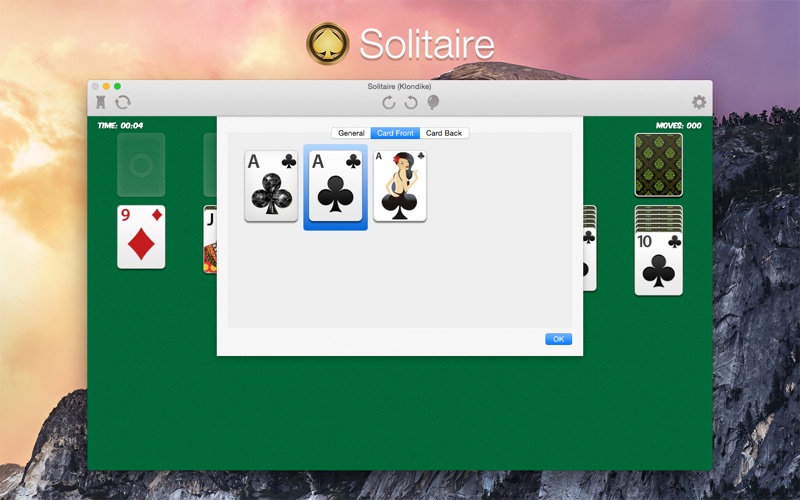
Solitaire (Klondike) is the most popular solitaire card game in the world. Most people think of Solitaire when they think of a solitaire game. This game with all the superb features, graphics, and animations that you would expect on your Mac :) FEATURES • Draw One card and Draw Three cards • Unlimited undos / redos • Card placement hints • Single-click to place a card and Drag and Drop • Scores, Moves, and Times • Statistics • Awesome graphics and animations • Support Game Center • Support Retina Display RULES • The goal of Solitaire is to move all cards from the deck and seven tableau stacks to the four foundation stacks. The cards in each foundation stack must be of the same suite and in ascending order, from Ace to King. • Cards can be moved from the deck to a tableau stack, or between tableau stacks. A card moved to a tableau stack must be opposite color and one value lower than the card it is placed on (from King to Ace). Example: A red four may only be placed on a black five. When a tableau stack is empty only a King may be placed on it. • When the player gets stuck he can click on the deck, this will deal three cards at a time onto the waste, and only the top-most card on the flip pile may be played at any given time. When the end of the deck has been reached the entire deck is flipped over and redealt three at a time. TIPS • Play at least one card from the deck as early as you can so you can see different cards the next time through. • The short tableau stacks can make room for Kings quickly, but the stacks on the right have more cards and will take longer to clear.