
PC 용 Tigrigna and Geez Study Bible
- 카테고리: Book
- 최근 업데이트: 2024-03-08
- 현재 버전: 4.2.21
- 파일 크기: 29.84 MB
- 개발자: Haile Berhe
- 호환성: 필요 Windows XP, Windows Vista, Windows 7, Windows 8, Windows 8.1 and Windows 10, Windows 11
PC에서 Tigrigna and Geez Study Bible 용 호환 APK 다운로드
| 다운로드 | 개발자 | 평점 | 점수 | 현재 버전 | 성인 랭킹 |
|---|---|---|---|---|---|
| ↓ PC용 APK 다운로드 | Haile Berhe | 0 | 0 | 4.2.21 | 4+ |
에뮬레이터의 중요성은 컴퓨터에서 안드로이드 환경을 흉내 내고 안드로이드 폰을 구입하지 않고도 안드로이드 앱을 설치하고 실행하는 것을 매우 쉽게 만들어주는 것입니다. 누가 당신이 두 세계를 즐길 수 없다고 말합니까? 우선 아래에있는 에뮬레이터 앱을 다운로드 할 수 있습니다.
A. Nox App . OR
B. Bluestacks App .
Bluestacks는 매우 대중적이므로 개인적으로 "B"옵션을 사용하는 것이 좋습니다. 문제가 발생하면 Google 또는 Naver.com에서 좋은 해결책을 찾을 수 있습니다.
Bluestacks.exe 또는 Nox.exe를 성공적으로 다운로드 한 경우 컴퓨터의 다운로드 폴더 또는 다운로드 한 파일을 일반적으로 저장하는 곳으로 이동하십시오.
찾으면 클릭하여 응용 프로그램을 설치하십시오. PC에서 설치 프로세스를 시작해야합니다.
다음을 클릭하여 EULA 라이센스 계약에 동의하십시오.
응용 프로그램을 설치하려면 화면 지시문을 따르십시오.
위 사항을 올바르게 수행하면 소프트웨어가 성공적으로 설치됩니다.
이제 설치 한 에뮬레이터 애플리케이션을 열고 검색 창을 찾으십시오. 지금 입력하십시오. - Tigrigna and Geez Study Bible 앱을 쉽게 볼 수 있습니다. 그것을 클릭하십시오. 응용 프로그램 창이 열리고 에뮬레이터 소프트웨어에 응용 프로그램이 표시됩니다. 설치 버튼을 누르면 응용 프로그램이 다운로드되기 시작합니다. 이제 우리는 모두 끝났습니다.
그런 다음 "모든 앱"아이콘이 표시됩니다.
클릭하면 설치된 모든 응용 프로그램이 포함 된 페이지로 이동합니다.
당신은 Tigrigna and Geez Study Bible 상. 그것을 클릭하고 응용 프로그램 사용을 시작하십시오.
Mac OS 에서 Tigrigna and Geez Study Bible 다운로드
| 다운로드 | 개발자 | 점수 | 현재 버전 | 성인 랭킹 |
|---|---|---|---|---|
| 무료 - Mac 에서 다운로드 | Haile Berhe | 0 |
4.2.21 | 4+ |
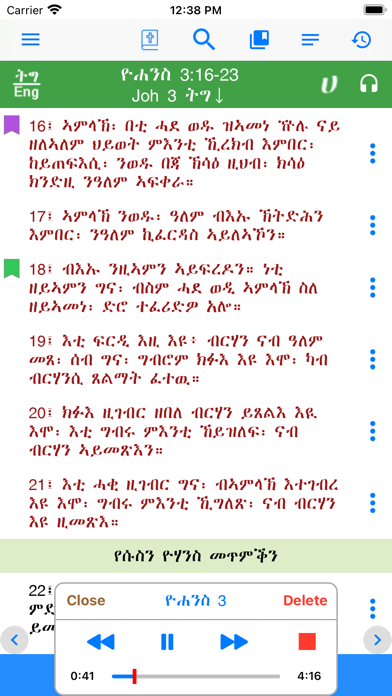
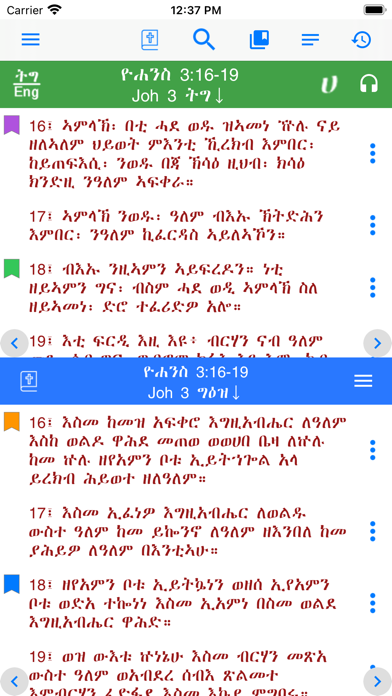
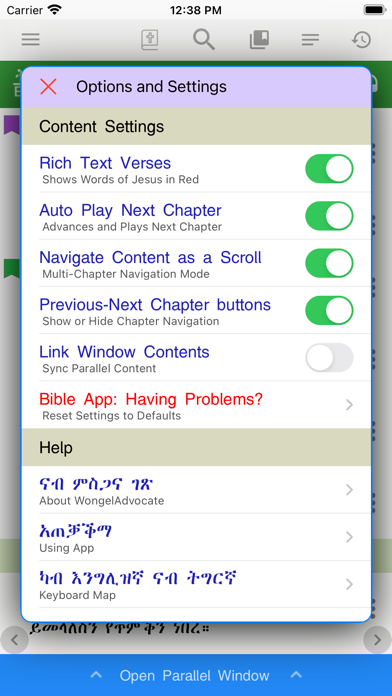
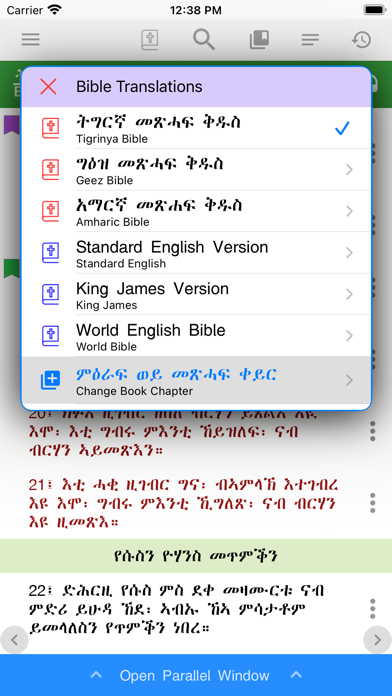
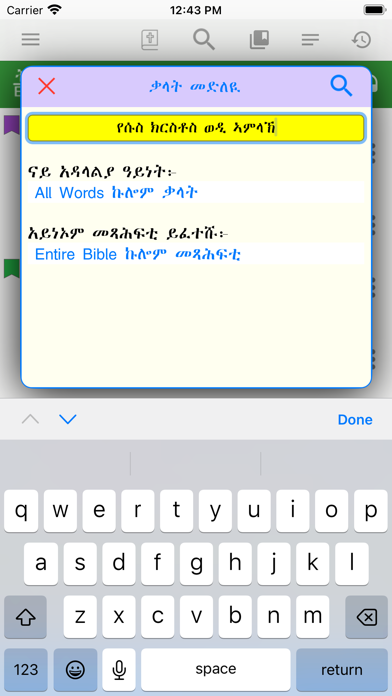
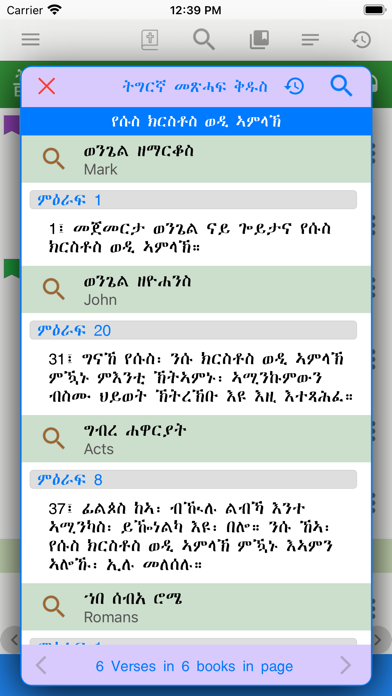
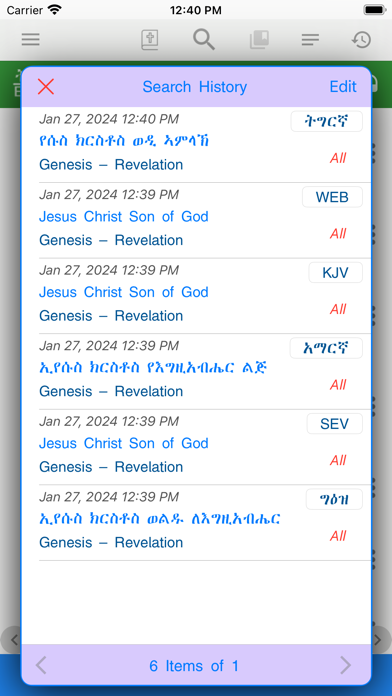
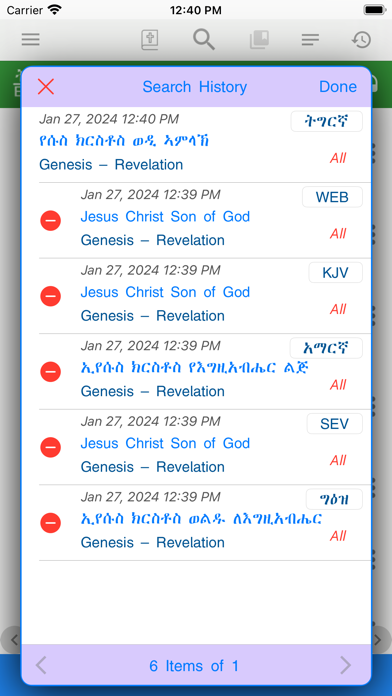
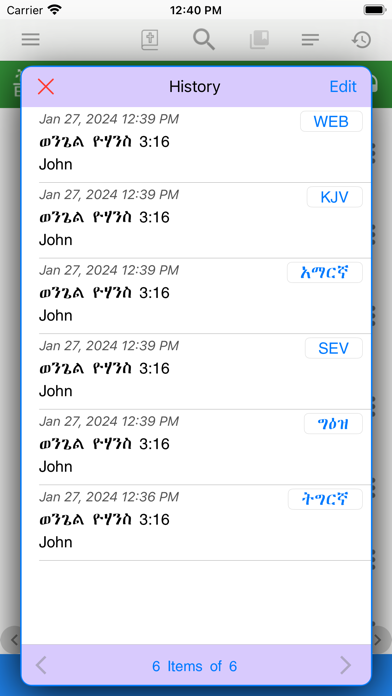
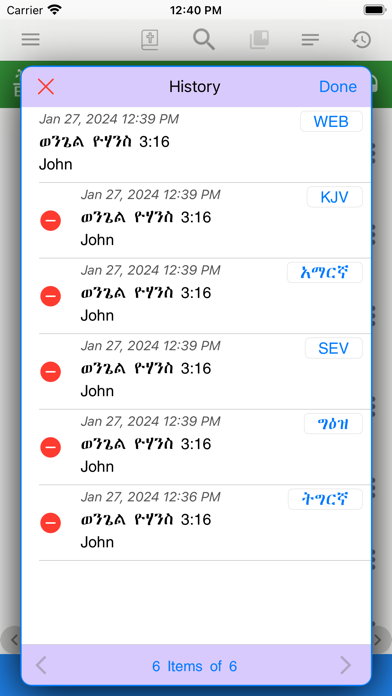
FEATURES On-demand Tigrigna Audio. Plus Geez, ASB, KJV and WEB bibles * Lean the Geez language by using parallel text screens * Verse by verse Cross References for all included Bible translations * Highlight a verse(s), then touch the Cross-Ref icon to see related verses for selection * Chapter subtitles in all Tigrigna and Geez Bible books, OT and NT * Many color-coded section/topic title cross reference links to which open in a separate window * Section titles and mini content references that open in new windows * Selecting a verse in cross reference windows to top open whole Bible in popup content screen * Search by: verses only, titles only, or verses plus subtitles * View your Bookmarks in Search results, Mini-content... * Great tool for serious Tigrigna, Geez Bible Study users, and beginners alike * Select verses and Copy, Bookmark, and share to Facebook... * Type in Geez to Search or to Add Notes (if no Geez keyboard installed) * Track Reading History * Chapter Notes: paste or type in Geez and/or Latin * Share to Facebook, Twitter, Flickr, SMS, Mail... On-demand audio requires Internet connection, it downloads a whole book at once and and then to it offline. Best to be on WIFI when downloading, some books are large. If your device does not have storage limitations, use our other Tigrigna Bible app with offline Audio allowing you to listen any book chapter at any time with no Internet required. When you are done listening to a book, you can delete the temporary files using the popup. We are grateful to the many volunteers who typed up the Tigrigna Bible, and our appreciation to geezexperience.com. The English Bible translations ASB, KJV and WEB are in the public domain, God bless those who made it possible. We are grateful for the many groups of volunteers who work tirelessly to make the quality and accuracy of the app possible - BLESS YOU! For more info: visit WongelAdvocate.com (Living Word Gospel Ministry)