
PC 용 Stars Messenger Kids Safe Chat
- 카테고리: Social Networking
- 최근 업데이트: 2026-08-16
- 현재 버전: 2.0.158
- 파일 크기: 126.56 MB
- 개발자: Connect Star Works Incorporated
- 호환성: 필요 Windows XP, Windows Vista, Windows 7, Windows 8, Windows 8.1 and Windows 10, Windows 11

PC에서 Stars Messenger Kids Safe Chat 용 호환 APK 다운로드
| 다운로드 | 개발자 | 평점 | 점수 | 현재 버전 | 성인 랭킹 |
|---|---|---|---|---|---|
| ↓ PC용 APK 다운로드 | Connect Star Works Incorporated | 10 | 4.4 | 2.0.158 | 4+ |
호환되는 PC 앱 또는 대안 확인
| 소프트웨어 | 다운로드 | 평점 | 개발자 |
|---|---|---|---|
| Stars Messenger Kids Safe Chat |
PC 앱 받기 | 4.4/5 10 리뷰 4.4 |
Connect Star Works Incorporated |
에뮬레이터의 중요성은 컴퓨터에서 안드로이드 환경을 흉내 내고 안드로이드 폰을 구입하지 않고도 안드로이드 앱을 설치하고 실행하는 것을 매우 쉽게 만들어주는 것입니다. 누가 당신이 두 세계를 즐길 수 없다고 말합니까? 우선 아래에있는 에뮬레이터 앱을 다운로드 할 수 있습니다.
A. Nox App . OR
B. Bluestacks App .
Bluestacks는 매우 대중적이므로 개인적으로 "B"옵션을 사용하는 것이 좋습니다. 문제가 발생하면 Google 또는 Naver.com에서 좋은 해결책을 찾을 수 있습니다.
Bluestacks.exe 또는 Nox.exe를 성공적으로 다운로드 한 경우 컴퓨터의 다운로드 폴더 또는 다운로드 한 파일을 일반적으로 저장하는 곳으로 이동하십시오.
찾으면 클릭하여 응용 프로그램을 설치하십시오. PC에서 설치 프로세스를 시작해야합니다.
다음을 클릭하여 EULA 라이센스 계약에 동의하십시오.
응용 프로그램을 설치하려면 화면 지시문을 따르십시오.
위 사항을 올바르게 수행하면 소프트웨어가 성공적으로 설치됩니다.
이제 설치 한 에뮬레이터 애플리케이션을 열고 검색 창을 찾으십시오. 지금 입력하십시오. - Stars Messenger Kids Safe Chat 앱을 쉽게 볼 수 있습니다. 그것을 클릭하십시오. 응용 프로그램 창이 열리고 에뮬레이터 소프트웨어에 응용 프로그램이 표시됩니다. 설치 버튼을 누르면 응용 프로그램이 다운로드되기 시작합니다. 이제 우리는 모두 끝났습니다.
그런 다음 "모든 앱"아이콘이 표시됩니다.
클릭하면 설치된 모든 응용 프로그램이 포함 된 페이지로 이동합니다.
당신은 Stars Messenger Kids Safe Chat 상. 그것을 클릭하고 응용 프로그램 사용을 시작하십시오.
Mac OS 에서 Stars Messenger Kids Safe Chat 다운로드
| 다운로드 | 개발자 | 점수 | 현재 버전 | 성인 랭킹 |
|---|---|---|---|---|
| 무료 - Mac 에서 다운로드 | Connect Star Works Incorporated | 4.4 |
2.0.158 | 4+ |
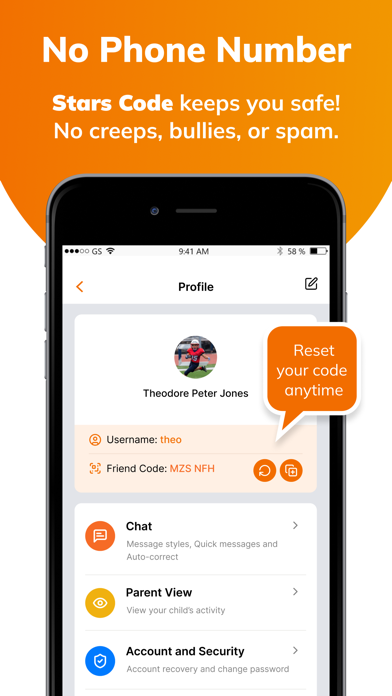
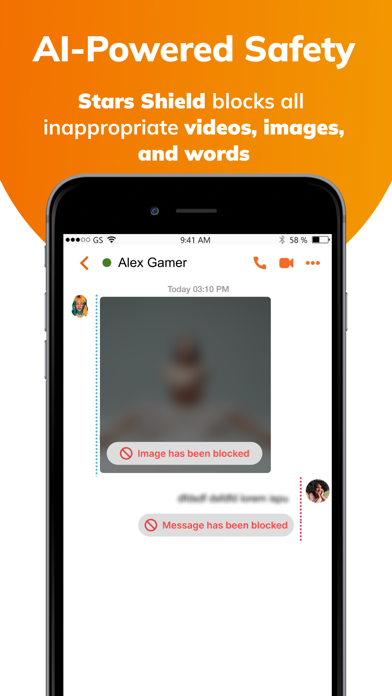
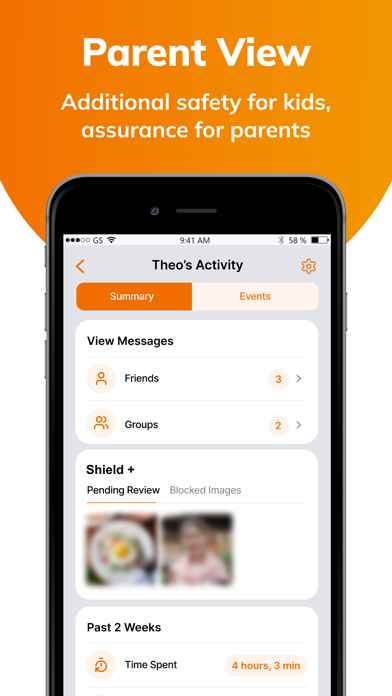
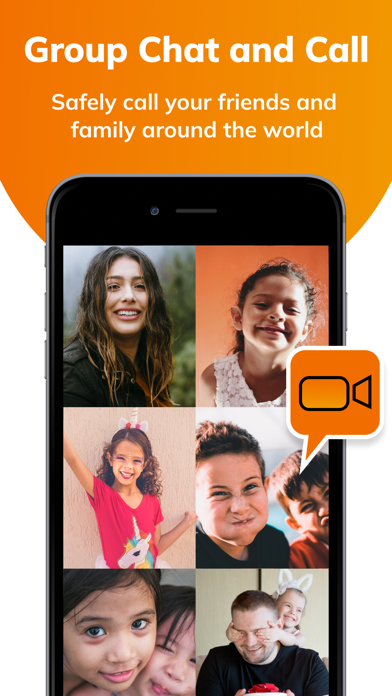
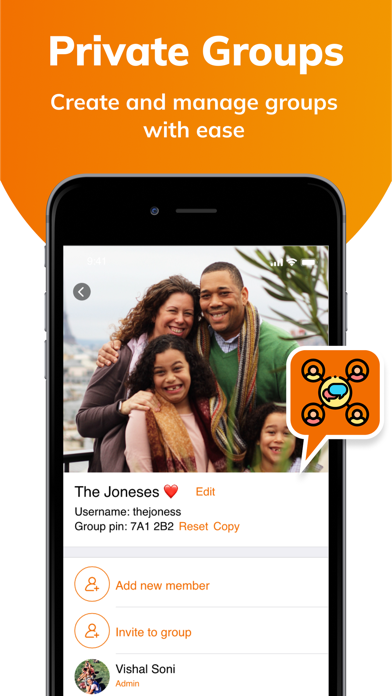
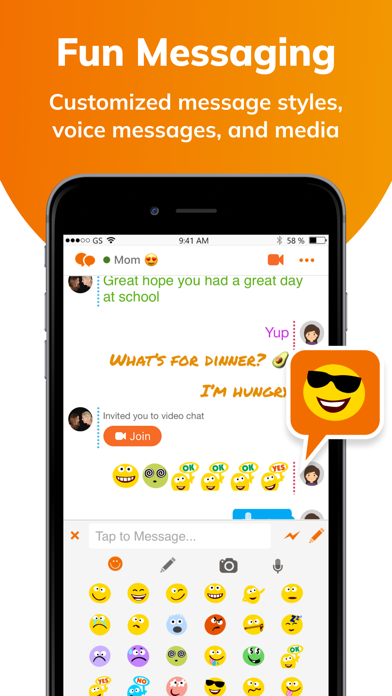
Welcome to Stars Messenger Kids - private, safe, and free messaging/video chat for kids and all ages. Stars Messenger Kids lets you safely message, call, and group video chat with your family and friends without any phone number, strangers, or ads. On most messaging platforms, once your phone number or username is publicly discovered, you are no longer in control of who can contact you. Stars is safe by design - instead of searching for people to add, users need their friend’s username as well as their unique private Friend Code. With the ability to reset your Friend Code, you are always in control of who can connect with you. All group chats are also protected with a unique group code. Parents can also optionally enable Parent View for their child. Parent View allows you the ability to see who your child is friends with, the groups they're in, their time spent on Stars, and more. You'll receive notifications in real time upon your child's activity. Stars Messenger Kids isn’t just safe, it’s super fun too: Customizable message styles with a range of fonts, colors, and sizes Cool emojis! Group video call Send custom quick messages with just 1 tap - “On my way!”, “What’s for dinner?” Share Photos, Videos, and Audio messages with friends and family Create private group chats with family and friends Supports all devices We guarantee: Stars Messenger Kids App is free to use Works on smartphones and tablets A 100% safe, private, phishing and spam-free environment No ads. A friend code that you can reset at anytime No phone number is required to use Stars Messenger Kids Lots of fun and memories! DOWNLOAD STARS MESSENGER KIDS TODAY! What are you waiting for? Download Stars Messenger Kids App for FREE and enjoy 100% safe chatting, video calling, and group video chats with your family and friends using our kids messenger app. Have fun! Try it, you will love it :) Thanks! GIVE US FEEDBACK: If you like the Stars Messenger Kids app, please give us feedback. We always appreciate your suggestions, improvement ideas, and recommendations. Send us your feedback at [email protected] or you can visit our site at www.GetStarsApp.com so that we can improve our kids messenger app and give you more and better features in the future. FAQ: Q: What is a Friend Code? A: On Stars, your Friend Code is your unique randomly generated code that you should only give out to the people that you want to be added by on Stars. You can reset this for a new randomly generated code at any time. To add a friend on Stars, you will need to ask them for their username and friend code, and to be added on Stars, they will need your username and friend code. Q: I don’t want to talk to someone anymore on Stars. What should I do? A: Step one is to delete the person you no longer want to talk to. After you delete the person from your contacts, you will be prompted to reset your Friend Code - this way, the person you have blocked will have no way to add you again. All done! This is unlike a phone number, email, or public username, which you cannot just easily change to avoid someone. Q: Can I decline add requests? A: Yes! On Stars, you must first accept add requests first for that person to be able to message you. If you don’t know the person, or don’t want to talk to them, you can decline the request. Terms of Use: https://www.apple.com/legal/internet-services/itunes/dev/stdeula/


