
PC 용 EVERSPORTS Book & Find Sports
- 카테고리: Health & Fitness
- 최근 업데이트: 2026-10-13
- 현재 버전: 2.62.2
- 파일 크기: 169.17 MB
- 개발자: Eversport GmbH
- 호환성: 필요 Windows XP, Windows Vista, Windows 7, Windows 8, Windows 8.1 and Windows 10, Windows 11



PC에서 EVERSPORTS Book & Find Sports 용 호환 APK 다운로드
| 다운로드 | 개발자 | 평점 | 점수 | 현재 버전 | 성인 랭킹 |
|---|---|---|---|---|---|
| ↓ PC용 APK 다운로드 | Eversport GmbH | 0 | 0 | 2.62.2 | 4+ |
호환되는 PC 앱 또는 대안 확인
| 소프트웨어 | 다운로드 | 평점 | 개발자 |
|---|---|---|---|
| EVERSPORTS Book & Find Sports |
PC 앱 받기 | 0/5 0 리뷰 0 |
Eversport GmbH |
에뮬레이터의 중요성은 컴퓨터에서 안드로이드 환경을 흉내 내고 안드로이드 폰을 구입하지 않고도 안드로이드 앱을 설치하고 실행하는 것을 매우 쉽게 만들어주는 것입니다. 누가 당신이 두 세계를 즐길 수 없다고 말합니까? 우선 아래에있는 에뮬레이터 앱을 다운로드 할 수 있습니다.
A. Nox App . OR
B. Bluestacks App .
Bluestacks는 매우 대중적이므로 개인적으로 "B"옵션을 사용하는 것이 좋습니다. 문제가 발생하면 Google 또는 Naver.com에서 좋은 해결책을 찾을 수 있습니다.
Bluestacks.exe 또는 Nox.exe를 성공적으로 다운로드 한 경우 컴퓨터의 다운로드 폴더 또는 다운로드 한 파일을 일반적으로 저장하는 곳으로 이동하십시오.
찾으면 클릭하여 응용 프로그램을 설치하십시오. PC에서 설치 프로세스를 시작해야합니다.
다음을 클릭하여 EULA 라이센스 계약에 동의하십시오.
응용 프로그램을 설치하려면 화면 지시문을 따르십시오.
위 사항을 올바르게 수행하면 소프트웨어가 성공적으로 설치됩니다.
이제 설치 한 에뮬레이터 애플리케이션을 열고 검색 창을 찾으십시오. 지금 입력하십시오. - EVERSPORTS Book & Find Sports 앱을 쉽게 볼 수 있습니다. 그것을 클릭하십시오. 응용 프로그램 창이 열리고 에뮬레이터 소프트웨어에 응용 프로그램이 표시됩니다. 설치 버튼을 누르면 응용 프로그램이 다운로드되기 시작합니다. 이제 우리는 모두 끝났습니다.
그런 다음 "모든 앱"아이콘이 표시됩니다.
클릭하면 설치된 모든 응용 프로그램이 포함 된 페이지로 이동합니다.
당신은 EVERSPORTS Book & Find Sports 상. 그것을 클릭하고 응용 프로그램 사용을 시작하십시오.
Mac OS 에서 EVERSPORTS Book & Find Sports 다운로드
| 다운로드 | 개발자 | 점수 | 현재 버전 | 성인 랭킹 |
|---|---|---|---|---|
| 무료 - Mac 에서 다운로드 | Eversport GmbH | 0 |
2.62.2 | 4+ |
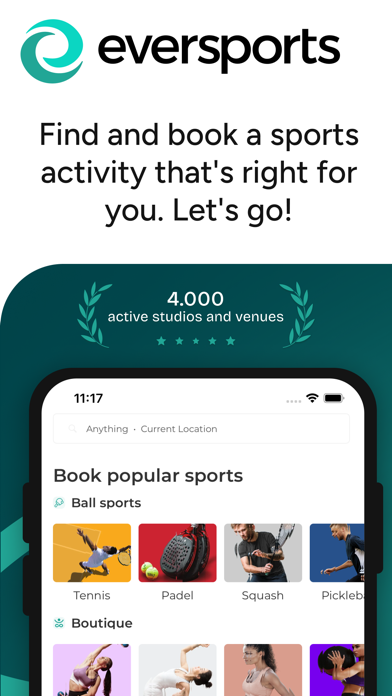
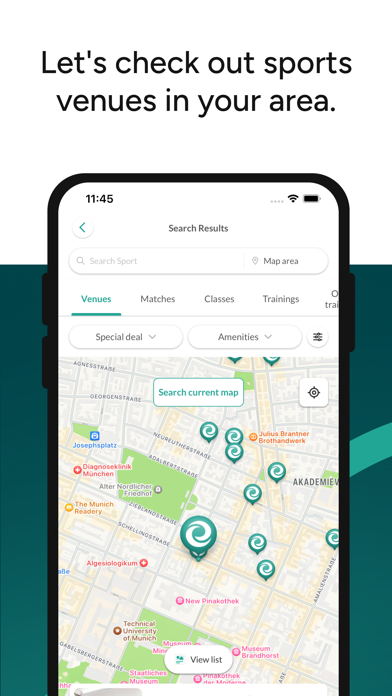
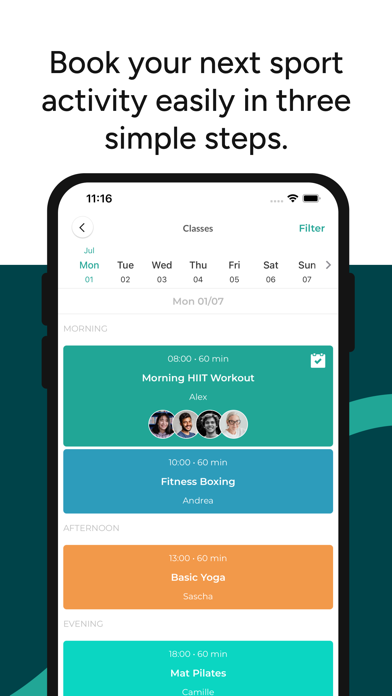
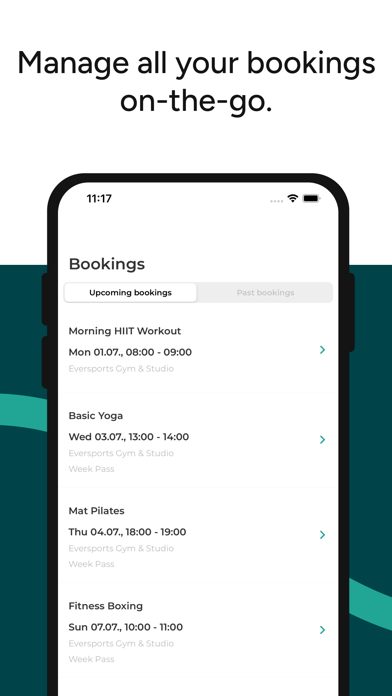
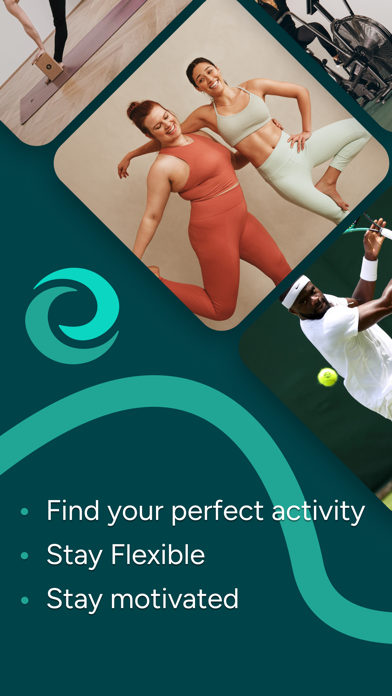
Why you will love Eversports: VARIETY OF SPORTS No matter if you are into yoga - looking for a new studio for your regular practice, a new CrossFit box, a day entry into a gym, dance and aerobic classes, or a tennis or padel court to play with your friends, Eversports will show you all the different offers in your area of our 500 different sports. DIFFERENT TYPES OF ACTIVITIES Besides regular classes, our partners offer various workshops and courses as well as online live sessions for your workout at home. With Eversports you can find the type of activity that fits your needs and routine. INTRO-OFFERS AND DROP-IN OPTIONS With intro-offers and drop-in options you can easily try out new things, stay flexible or get to know the studio first before switching to a membership. EASY BOOKING, PAYMENT AND CANCELLATION Booking and payment is super easy with Eversports, as well as cancelling your participation if something comes in between. WAITING LIST If a popular class is fully booked already, you can set yourself on the waiting list and Eversports will inform you when a spot gets free immediately. REVIEWS AND PICTURES Reviews and pictures can help you to get an impression about a sports facility before you go and check it out yourself. With our 3000 sport facilities in Germany, Austria, the Netherlands, Switzerland, France, Belgium, Luxembourg, Spain and Italy we are sure you can find the right one to build your personal sports routine. Stay active and healthy. ever moving. eversports. We are happy to read your feedback about Eversports. Send us your ideas on how we can improve the App to [email protected]


