
PC 용 Fixtable - Restaurant Reservation
- 카테고리: Food & Drink
- 최근 업데이트: 2015-06-01
- 현재 버전: 1.1.0
- 파일 크기: 27.60 MB
- 개발자: Bilgetech
- 호환성: 필요 Windows XP, Windows Vista, Windows 7, Windows 8, Windows 8.1 and Windows 10, Windows 11

PC에서 Fixtable - Restaurant Reservation 용 호환 APK 다운로드
| 다운로드 | 개발자 | 평점 | 점수 | 현재 버전 | 성인 랭킹 |
|---|---|---|---|---|---|
| ↓ PC용 APK 다운로드 | Bilgetech | 0 | 0 | 1.1.0 | 4+ |
에뮬레이터의 중요성은 컴퓨터에서 안드로이드 환경을 흉내 내고 안드로이드 폰을 구입하지 않고도 안드로이드 앱을 설치하고 실행하는 것을 매우 쉽게 만들어주는 것입니다. 누가 당신이 두 세계를 즐길 수 없다고 말합니까? 우선 아래에있는 에뮬레이터 앱을 다운로드 할 수 있습니다.
A. Nox App . OR
B. Bluestacks App .
Bluestacks는 매우 대중적이므로 개인적으로 "B"옵션을 사용하는 것이 좋습니다. 문제가 발생하면 Google 또는 Naver.com에서 좋은 해결책을 찾을 수 있습니다.
Bluestacks.exe 또는 Nox.exe를 성공적으로 다운로드 한 경우 컴퓨터의 다운로드 폴더 또는 다운로드 한 파일을 일반적으로 저장하는 곳으로 이동하십시오.
찾으면 클릭하여 응용 프로그램을 설치하십시오. PC에서 설치 프로세스를 시작해야합니다.
다음을 클릭하여 EULA 라이센스 계약에 동의하십시오.
응용 프로그램을 설치하려면 화면 지시문을 따르십시오.
위 사항을 올바르게 수행하면 소프트웨어가 성공적으로 설치됩니다.
이제 설치 한 에뮬레이터 애플리케이션을 열고 검색 창을 찾으십시오. 지금 입력하십시오. - Fixtable - Restaurant Reservation 앱을 쉽게 볼 수 있습니다. 그것을 클릭하십시오. 응용 프로그램 창이 열리고 에뮬레이터 소프트웨어에 응용 프로그램이 표시됩니다. 설치 버튼을 누르면 응용 프로그램이 다운로드되기 시작합니다. 이제 우리는 모두 끝났습니다.
그런 다음 "모든 앱"아이콘이 표시됩니다.
클릭하면 설치된 모든 응용 프로그램이 포함 된 페이지로 이동합니다.
당신은 Fixtable - Restaurant Reservation 상. 그것을 클릭하고 응용 프로그램 사용을 시작하십시오.
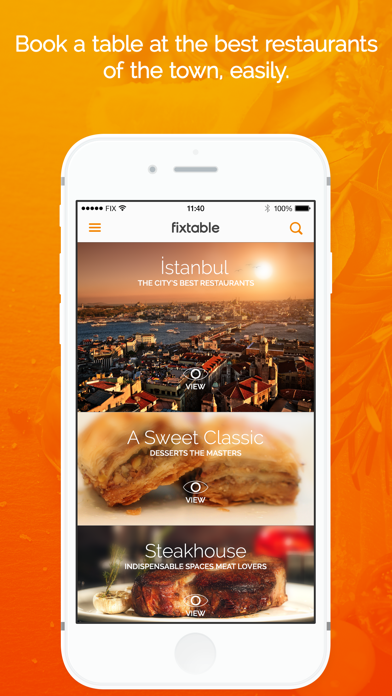
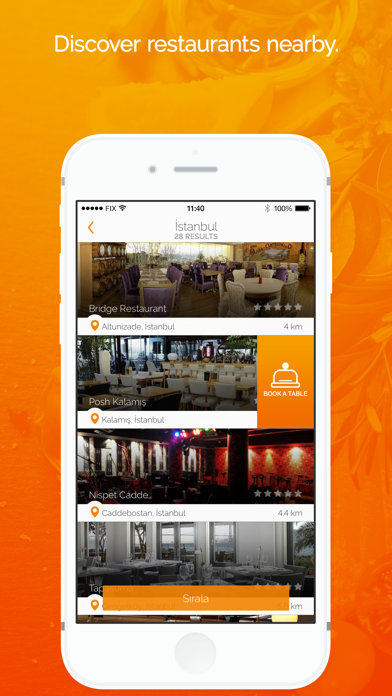
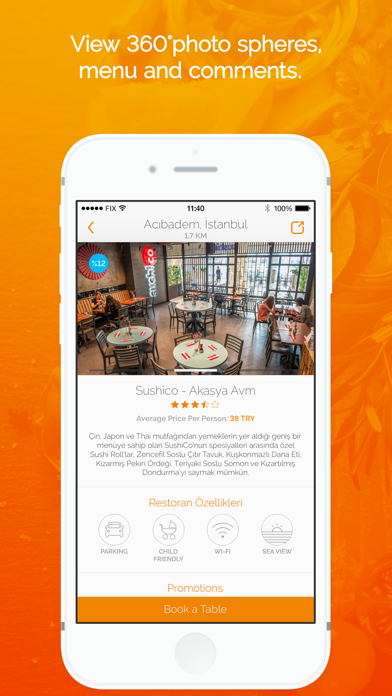
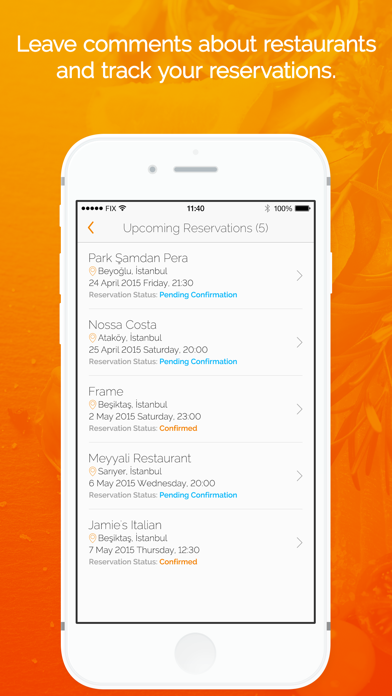
Fixtable is so excited for providing the best service both for the customers and restaurants in order to ease their whole reservation process at the food and beverage sector! • Thanks to our carefully gathered and categorized restaurant list that it is now so easy to discover new restaurants! • Benefit the priviledges of completing your reservations for the best restaurant of the city in seconds. • Take a detailed look to the restaurants nearby whenever you want. • Sort the results by distance,average price,review score or special discounts which are unique to the Fixtable. • Browse the restaurants in detailed according to cuisine, distance, stars, price range, properties and payment type. • Experience the priviledge of finding the restaurant at which you can find your special meal. • Prevent unpleasant surprises by investigating the every inch of the restaurant by our 360° pictures prior to your reservation. • Beside all fancy features such as 360° pictures,detailed properties, user comments, pictures and menus including the price information,payment types and location; Fixtable event let you view the desired restaurants and get you there. • With the heşp of the real time menus,make your meal decisions beforehand and benefit the special promotions and the gifts exclusive for Fixtable users. • Before completing your reservation proce you can also send your notes and special demands to the restaurant. • Track your reservation through Fixtable and edit them if necessary. • You can make comments and rate the restaurants, you have visited.


