
PC 용 TeamHub - Manage Sports Teams
- 카테고리: Sports
- 최근 업데이트: 2026-08-24
- 현재 버전: 9.1.21
- 파일 크기: 59.04 MB
- 개발자: Link Sports Inc.
- 호환성: 필요 Windows XP, Windows Vista, Windows 7, Windows 8, Windows 8.1 and Windows 10, Windows 11
PC에서 TeamHub - Manage Sports Teams 용 호환 APK 다운로드
| 다운로드 | 개발자 | 평점 | 점수 | 현재 버전 | 성인 랭킹 |
|---|---|---|---|---|---|
| ↓ PC용 APK 다운로드 | Link Sports Inc. | 7 | 4.71429 | 9.1.21 | 4+ |
에뮬레이터의 중요성은 컴퓨터에서 안드로이드 환경을 흉내 내고 안드로이드 폰을 구입하지 않고도 안드로이드 앱을 설치하고 실행하는 것을 매우 쉽게 만들어주는 것입니다. 누가 당신이 두 세계를 즐길 수 없다고 말합니까? 우선 아래에있는 에뮬레이터 앱을 다운로드 할 수 있습니다.
A. Nox App . OR
B. Bluestacks App .
Bluestacks는 매우 대중적이므로 개인적으로 "B"옵션을 사용하는 것이 좋습니다. 문제가 발생하면 Google 또는 Naver.com에서 좋은 해결책을 찾을 수 있습니다.
Bluestacks.exe 또는 Nox.exe를 성공적으로 다운로드 한 경우 컴퓨터의 다운로드 폴더 또는 다운로드 한 파일을 일반적으로 저장하는 곳으로 이동하십시오.
찾으면 클릭하여 응용 프로그램을 설치하십시오. PC에서 설치 프로세스를 시작해야합니다.
다음을 클릭하여 EULA 라이센스 계약에 동의하십시오.
응용 프로그램을 설치하려면 화면 지시문을 따르십시오.
위 사항을 올바르게 수행하면 소프트웨어가 성공적으로 설치됩니다.
이제 설치 한 에뮬레이터 애플리케이션을 열고 검색 창을 찾으십시오. 지금 입력하십시오. - TeamHub - Manage Sports Teams 앱을 쉽게 볼 수 있습니다. 그것을 클릭하십시오. 응용 프로그램 창이 열리고 에뮬레이터 소프트웨어에 응용 프로그램이 표시됩니다. 설치 버튼을 누르면 응용 프로그램이 다운로드되기 시작합니다. 이제 우리는 모두 끝났습니다.
그런 다음 "모든 앱"아이콘이 표시됩니다.
클릭하면 설치된 모든 응용 프로그램이 포함 된 페이지로 이동합니다.
당신은 TeamHub - Manage Sports Teams 상. 그것을 클릭하고 응용 프로그램 사용을 시작하십시오.
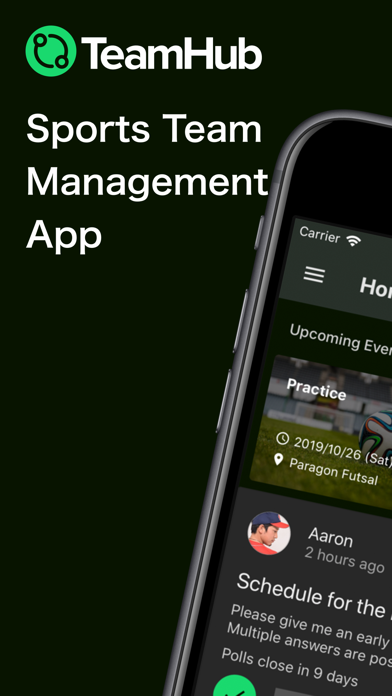
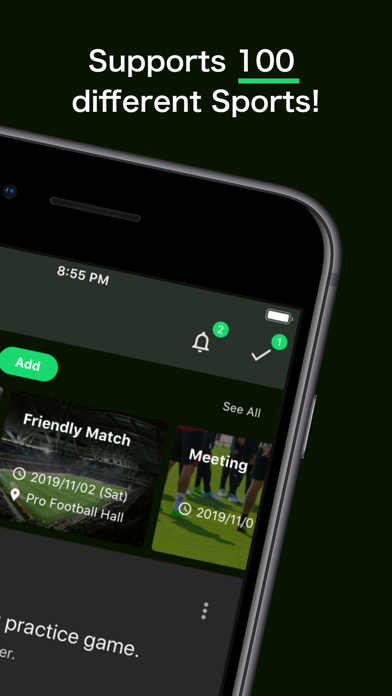
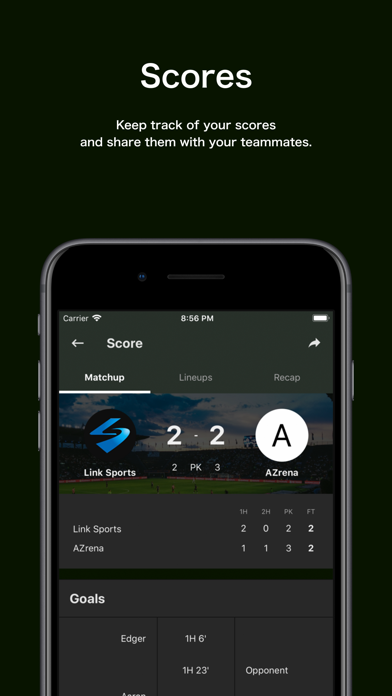
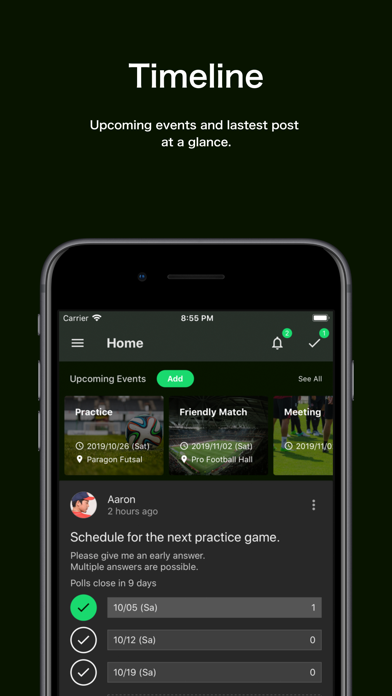
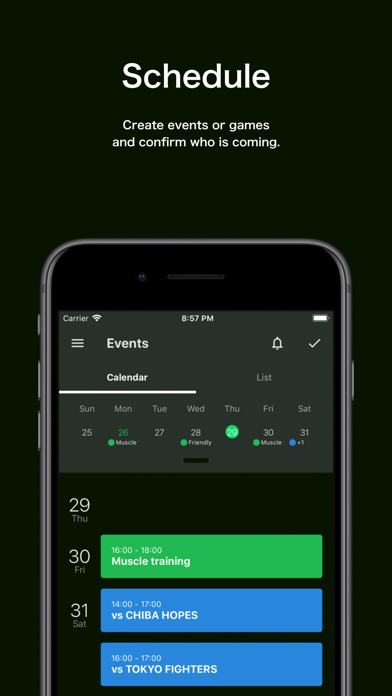
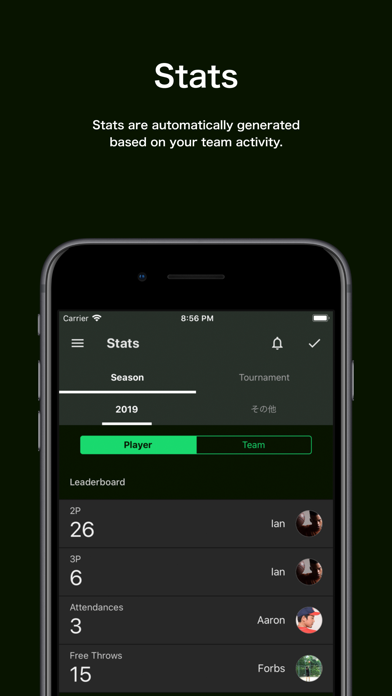
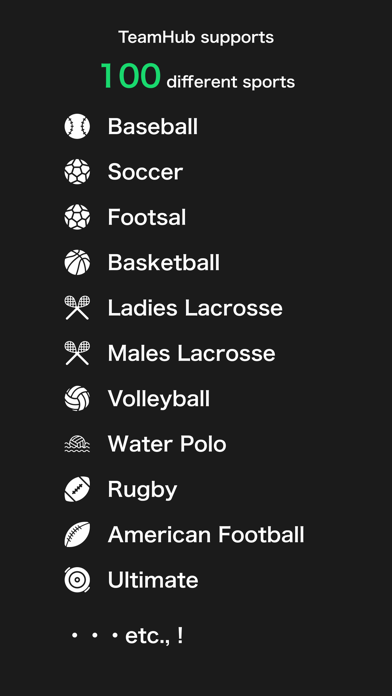
TeamHub is the all-in-one sports team management app for youth, reacreational and competitive sports teams. TeamHub provides simple, yet powerful solutions for communicating with members, scheduling events, scorekeeping games and generating stats. Our app makes your life easier to manage any sports team of all ages and skill levels. We currently support 100 different sports for scorekeeping such as baseball, football, basketball, hockey, rugby, volleyball, tennis, badminton and so on. You can use our app without scorekeeping even if your team's sport is not supported yet. KEY FEATURES * FEED - Feed is the hub for all team communication. Quickly view upcoming events and latest posts to keep yourself updated with what's going on with your team. Create surveys and questionnaires to collect members opinions and event availabilities. * PRACTICE AND GAME SCHEDULING - Calendar view makes it easy to access up-to-date practice and game schedules. List view is a little more detailed and lets you see the number of comments and attendees for each event. * EVENT RSVP - Notify your members of the event through push notifications and emails. Track who’s coming, not coming or not responded to each game or practice with the list of attendees, absentees and nonrespondents. * MEMBER MANAGEMENT - Maintain members and contact info all in one place. Mailing list is created for members of each team so that you can easily make announcements to members even without the app installed on their smartphone. * SIMPLE SCOREKEEPING - Anyone can add scores to games in a sport specific way. For soccer, it is as simple as adding who scored when, and for baseball, capture the play-by-play with our advanced scorekeeping tool. * AUTOMATIC STATS GENERATION - Your team and individual stats for each season and tournament are automatically generated everytime you scorekeep a game. View stats to back up your decisions on rosters and tactics for upcoming games. HOW TO GET STARTED 1. Download TeamHub and create your account 2. Create your team in the app 3. Invite all members of your team 4. Schedule a game, practice, or other team events 5. Notify team members to mark their availability so you know who can make events 6. Scorekeep a game and write recap 7. View generated stats to analyze your team's performance HOW CAN TEAMHUB HELP YOUR TEAM? ADMINISTRATORS: Keep your team organized, informed, and connected. PLAYERS: Spend less time on scheduling, communicating, scorekeeping, and more time on analyzing team's performance and discussing tactics for next game. OTHER MEMBERS: Easily access up-to-date practice and game schedules. Communicate with other members. View stats of the players you follow. HOW MUCH DOES TEAMHUB COST? TeamHub is totally free to download from the App Store. Unlocking our best time-saving features requires one of our premium pricing levels. We also offer a limited-feature free plan. Sign up, schedule, communicate and coordinate everything with TeamHub in a few simple clicks. You’ll save hours on team administration. TeamHub Basic/Plus Want even more? Subscribe to TeamHub Basic/Plus and see your entire stats and leaderboard for your team. Try it free for 30 days. After the trial period, you will automatically be charged and your subscription will continue month-to-month until you cancel, which you can do online, at any time, with no fees or hassles. Subscribe to get started! Payment will be charged to iTunes Account at confirmation of purchase. Subscription automatically renews unless auto-renew is turned off at least 24 hours before the end of the current period. Subscriptions can be managed in Account Settings on your device. Account will be charged for renewal within 24 hours prior to the end of the current period. Get all your questions answered at [email protected]. Even questions about the app! https://tmhub.jp/terms.html


