
PC 용 Photo locker-Secure Private Pictures
- 카테고리: Photo & Video
- 최근 업데이트: 2017-03-14
- 현재 버전: 1.4
- 파일 크기: 38.02 MB
- 개발자: . Salim Ullah
- 호환성: 필요 Windows XP, Windows Vista, Windows 7, Windows 8, Windows 8.1 and Windows 10, Windows 11
PC에서 Photo locker-Secure Private Pictures 용 호환 APK 다운로드
| 다운로드 | 개발자 | 평점 | 점수 | 현재 버전 | 성인 랭킹 |
|---|---|---|---|---|---|
| ↓ PC용 APK 다운로드 | . Salim Ullah | 0 | 0 | 1.4 | 4+ |
호환되는 PC 앱 또는 대안 확인
| 소프트웨어 | 다운로드 | 평점 | 개발자 |
|---|---|---|---|
| Photo locker-Secure Private Pictures |
PC 앱 받기 | 0/5 0 리뷰 0 |
. Salim Ullah |
에뮬레이터의 중요성은 컴퓨터에서 안드로이드 환경을 흉내 내고 안드로이드 폰을 구입하지 않고도 안드로이드 앱을 설치하고 실행하는 것을 매우 쉽게 만들어주는 것입니다. 누가 당신이 두 세계를 즐길 수 없다고 말합니까? 우선 아래에있는 에뮬레이터 앱을 다운로드 할 수 있습니다.
A. Nox App . OR
B. Bluestacks App .
Bluestacks는 매우 대중적이므로 개인적으로 "B"옵션을 사용하는 것이 좋습니다. 문제가 발생하면 Google 또는 Naver.com에서 좋은 해결책을 찾을 수 있습니다.
Bluestacks.exe 또는 Nox.exe를 성공적으로 다운로드 한 경우 컴퓨터의 다운로드 폴더 또는 다운로드 한 파일을 일반적으로 저장하는 곳으로 이동하십시오.
찾으면 클릭하여 응용 프로그램을 설치하십시오. PC에서 설치 프로세스를 시작해야합니다.
다음을 클릭하여 EULA 라이센스 계약에 동의하십시오.
응용 프로그램을 설치하려면 화면 지시문을 따르십시오.
위 사항을 올바르게 수행하면 소프트웨어가 성공적으로 설치됩니다.
이제 설치 한 에뮬레이터 애플리케이션을 열고 검색 창을 찾으십시오. 지금 입력하십시오. - Photo locker-Secure Private Pictures 앱을 쉽게 볼 수 있습니다. 그것을 클릭하십시오. 응용 프로그램 창이 열리고 에뮬레이터 소프트웨어에 응용 프로그램이 표시됩니다. 설치 버튼을 누르면 응용 프로그램이 다운로드되기 시작합니다. 이제 우리는 모두 끝났습니다.
그런 다음 "모든 앱"아이콘이 표시됩니다.
클릭하면 설치된 모든 응용 프로그램이 포함 된 페이지로 이동합니다.
당신은 Photo locker-Secure Private Pictures 상. 그것을 클릭하고 응용 프로그램 사용을 시작하십시오.
Mac OS 에서 Photo locker-Secure Private Pictures 다운로드
| 다운로드 | 개발자 | 점수 | 현재 버전 | 성인 랭킹 |
|---|---|---|---|---|
| 무료 - Mac 에서 다운로드 | . Salim Ullah | 0 |
1.4 | 4+ |
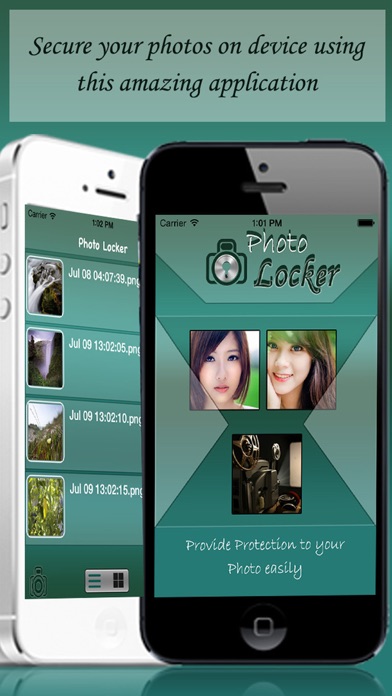
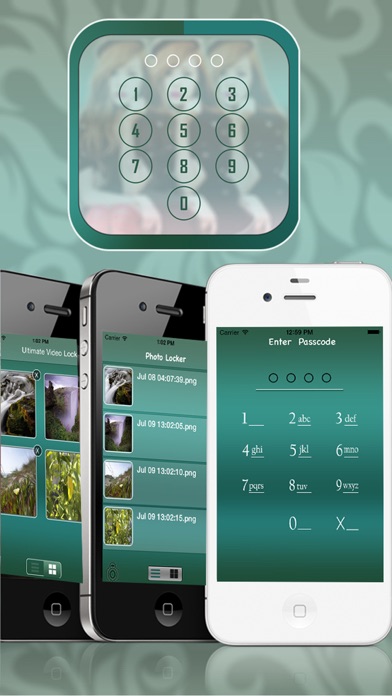
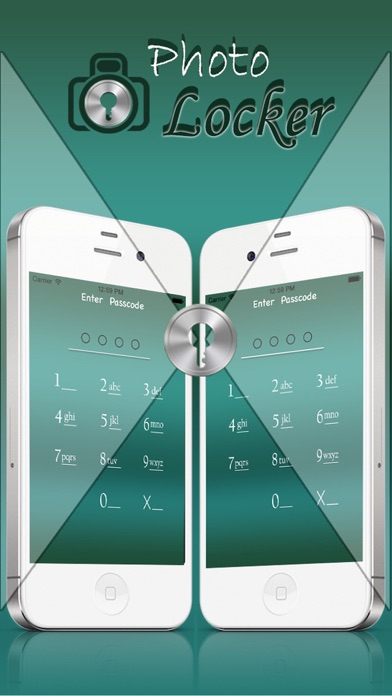
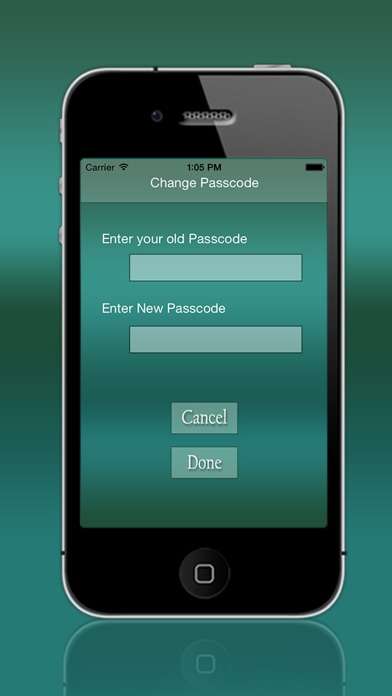
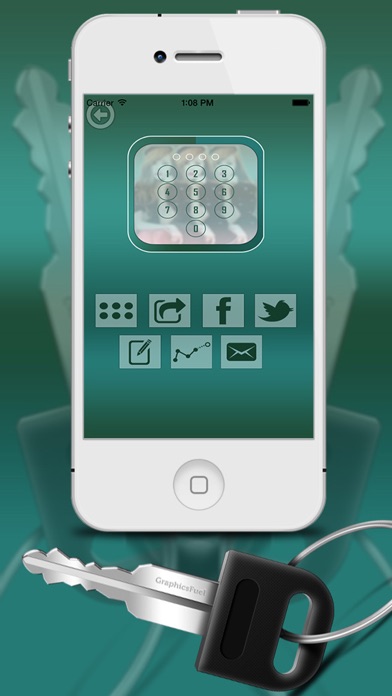
Stop worrying about the photos saved in your iOS device now you can secure it easily , Protect the pictures in the good way , Don't worry about the security of the photos .Hide pictures securely and conveniently in this photo protection iOS Tool . The Photo Locker for hiding pictures on your device . Everyone have personal images of the Family & private life they want an good performance locker to lock the photos .Lock the photos of the Great memories using this tool , Give protection to the personal Images of the family & friends. Just in case you lose the mobile if you install this application it will lock & secure the images of the gallery that you added. Enjoy this & Stop Worrying about the images on the device. Everyone have personal images of great memories. How about private pictures of loved ones? So keep your photos secure and private with Photo Locker for iPhone and iPad. Photo Locker is the Good way to create secure location on your device to store and protect important photos. Photo Locker works with your device's photo album to import and export photos .Take pictures directly into Photo Locker . * Features Include in this application * Features include in this application are as follows. * Password Protection to the Photos * Store the photos from the gallery of the device make it password protected. save easy password that will look after the photos. Password protect your photos in a secure location on your device. * Store an secure location on your device * Collect the photos from the gallery & make it together at one place. The secure & password protected place for your photos. * Capture Photos * Direct the Capture image using photo locker or you can take photo form the device gallery . Import and export your photos from your device's photo album. Take pictures directly into Photo Locker. * Share the Photos * Share the photo with your friends & family . Using social media like face book , or mail it using Google , twitter & what sup. * Thumbnail & List Viewer of the photos * Both thumbnail and list view for photos save in the photo locker application . Photo Locker having the functionality to instantly switches to built-in apps. * Changing / Reset of the Password * Set / Reset the password on the photo locker can be done any time . no rules & time period. Enjoy this application & save the photos of your family , dear ones , loved ones & personal life. If you feel any problem feel free to ask .