PC 용 Capto:Screen Capture& Recorder
- 카테고리: Photo & Video
- 최근 업데이트: 2026-01-06
- 현재 버전: 2.1.4
- 파일 크기: 42.74 MB
- 개발자: Global Delight Technologies Pvt. Ltd
- 호환성: 필요 Windows XP, Windows Vista, Windows 7, Windows 8, Windows 8.1 and Windows 10, Windows 11




PC에서 Capto:Screen Capture& Recorder 용 호환 APK 다운로드
| 다운로드 | 개발자 | 평점 | 점수 | 현재 버전 | 성인 랭킹 |
|---|---|---|---|---|---|
| ↓ PC용 APK 다운로드 | Global Delight Technologies Pvt. Ltd | 0 | 0 | 2.1.4 | 4+ |
에뮬레이터의 중요성은 컴퓨터에서 안드로이드 환경을 흉내 내고 안드로이드 폰을 구입하지 않고도 안드로이드 앱을 설치하고 실행하는 것을 매우 쉽게 만들어주는 것입니다. 누가 당신이 두 세계를 즐길 수 없다고 말합니까? 우선 아래에있는 에뮬레이터 앱을 다운로드 할 수 있습니다.
A. Nox App . OR
B. Bluestacks App .
Bluestacks는 매우 대중적이므로 개인적으로 "B"옵션을 사용하는 것이 좋습니다. 문제가 발생하면 Google 또는 Naver.com에서 좋은 해결책을 찾을 수 있습니다.
Bluestacks.exe 또는 Nox.exe를 성공적으로 다운로드 한 경우 컴퓨터의 다운로드 폴더 또는 다운로드 한 파일을 일반적으로 저장하는 곳으로 이동하십시오.
찾으면 클릭하여 응용 프로그램을 설치하십시오. PC에서 설치 프로세스를 시작해야합니다.
다음을 클릭하여 EULA 라이센스 계약에 동의하십시오.
응용 프로그램을 설치하려면 화면 지시문을 따르십시오.
위 사항을 올바르게 수행하면 소프트웨어가 성공적으로 설치됩니다.
이제 설치 한 에뮬레이터 애플리케이션을 열고 검색 창을 찾으십시오. 지금 입력하십시오. - Capto:Screen Capture& Recorder 앱을 쉽게 볼 수 있습니다. 그것을 클릭하십시오. 응용 프로그램 창이 열리고 에뮬레이터 소프트웨어에 응용 프로그램이 표시됩니다. 설치 버튼을 누르면 응용 프로그램이 다운로드되기 시작합니다. 이제 우리는 모두 끝났습니다.
그런 다음 "모든 앱"아이콘이 표시됩니다.
클릭하면 설치된 모든 응용 프로그램이 포함 된 페이지로 이동합니다.
당신은 Capto:Screen Capture& Recorder 상. 그것을 클릭하고 응용 프로그램 사용을 시작하십시오.
Mac OS 에서 Capto 다운로드
| 다운로드 | 개발자 | 점수 | 현재 버전 | 성인 랭킹 |
|---|---|---|---|---|
| ₩37,000 - Mac 에서 다운로드 | Global Delight Technologies Pvt. Ltd | 0 |
2.1.4 | 4+ |
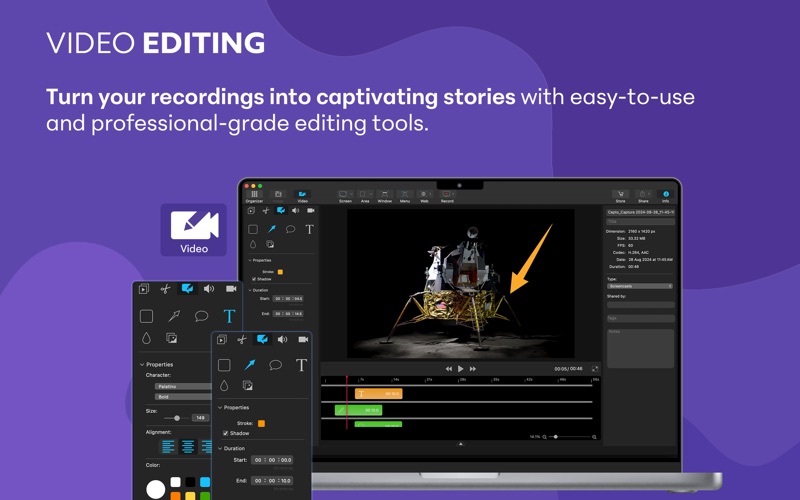
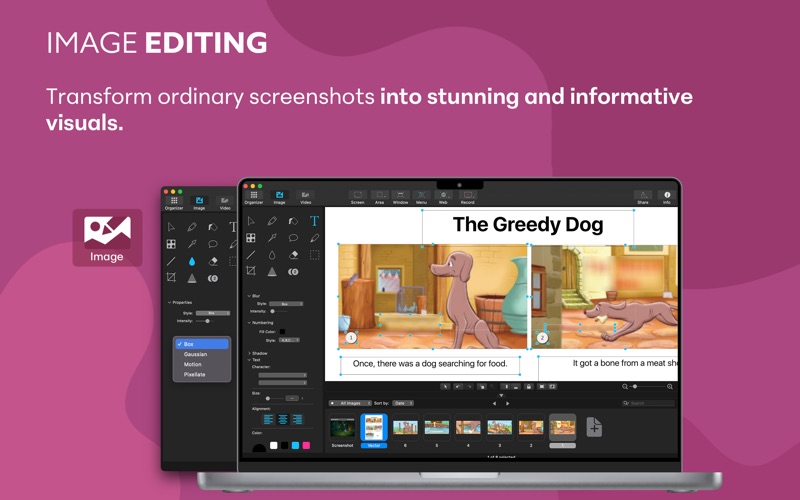
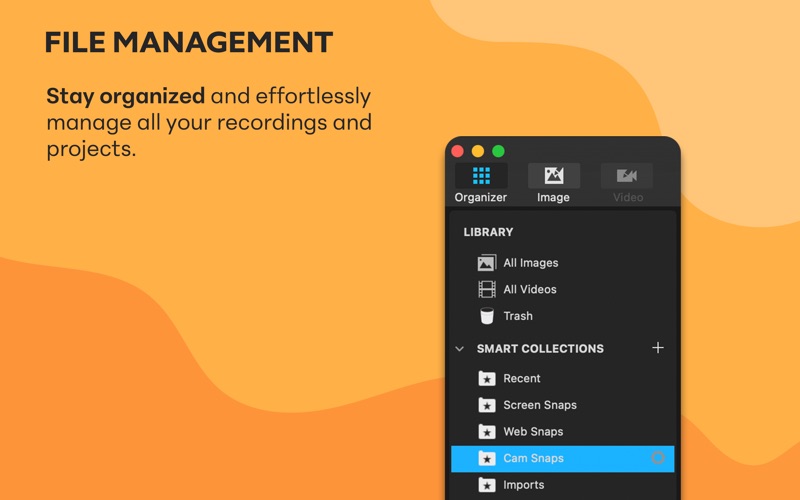
Capto is a new screen capture, screen recording and editing app suite that’s perfect for creating informative and compelling captures. Instantly record a video of your screen or take a screenshot, edit it and share at the press of a button. The app has a broad range of image and video editing tools as well as an easily navigable folder-based organizer for your screen captures. You can also setup instant sharing to all popular platforms like YouTube, Dropbox, Tumblr, FTP/SFTP servers and more by signing into them just once inside Capto. Your imagination combined with rich onscreen content can be effectively used for designing Professional Tutorials, Vlogs, Educational Lessons, Design Concepts and more. Fullscreen and Selection Capture | Webpage Capture You have the choice of taking fullscreen image captures or select portions with Capto’s flexible screenshot options. For saving a webpage with one click, use your own supported browser. Fullscreen and Region Recording |Timed Recording Record your entire screen or select portions in full HD at 60 FPS along with clear audio. Capto also has a video capture feature for your iOS device. You may also set up a timed recording that records for a predetermined amount of time. Video Recording | Tutorial Video Making Make your tutorial videos more interactive. Record your own video while the screen recording continues in parallel. Get to choose from either the system camera or an external recording device for desired input. Resize the video as per your need and re-position it across the screen to make the tutorial more effective. Video Editing | Annotations Capto’s powerful video editing suite gives you all the tools necessary to Cut, Join, Trim or Crop videos. In addition, you can add annotations to make your captured videos much more professional and detailed. Audio Recording & Editing | Individual Track Control Record crystal clear audio from either the system or the microphone and get better control over the output. Use the individual track control to adjust the inputs from the system and the mic separately and bring the best out of the audio. Image Editing | Annotations Capto has a fully featured image editor to enhance and create informative images. Highlight, Annotate, correct, or adjust the properties of your captured screenshot and make them stand out. Smart Collection Folder | File information Capto comes with an easy file manager for easy storage and retrieval of screen captures and recordings. Every screenshot and video you take is sorted into smartly labeled folders that can also be customized. Online Platform Sharing | Server Sharing Instantly share or upload screenshots and screen recordings to your favorite services like Facebook, Tumblr, Dropbox, Evernote, YouTube and more directly with a single click. Capto also supports FTP/SFTP server uploads. Please follow Capto on social media for news, updates and tips. Twitter - @CaptoForMac Facebook - CaptoForMac YouTube - www.youtube.com/c/GlobaldelightTech/ You can email us at [email protected] with your queries or suggestions and we will be glad to assist you. If you like Capto, please keep your support coming in by leaving a positive review and rating on the Mac App Store. We appreciate it!