PC 용 Gemini 2: The Duplicate Finder
- 카테고리: Utilities
- 최근 업데이트: 2024-02-14
- 현재 버전: 2.9.11
- 파일 크기: 34.47 MB
- 개발자: MacPaw Inc.
- 호환성: 필요 Windows XP, Windows Vista, Windows 7, Windows 8, Windows 8.1 and Windows 10, Windows 11
PC에서 Gemini 2: The Duplicate Finder 용 호환 APK 다운로드
| 다운로드 | 개발자 | 평점 | 점수 | 현재 버전 | 성인 랭킹 |
|---|---|---|---|---|---|
| ↓ PC용 APK 다운로드 | MacPaw Inc. | 0 | 0 | 2.9.11 | 4+ |
에뮬레이터의 중요성은 컴퓨터에서 안드로이드 환경을 흉내 내고 안드로이드 폰을 구입하지 않고도 안드로이드 앱을 설치하고 실행하는 것을 매우 쉽게 만들어주는 것입니다. 누가 당신이 두 세계를 즐길 수 없다고 말합니까? 우선 아래에있는 에뮬레이터 앱을 다운로드 할 수 있습니다.
A. Nox App . OR
B. Bluestacks App .
Bluestacks는 매우 대중적이므로 개인적으로 "B"옵션을 사용하는 것이 좋습니다. 문제가 발생하면 Google 또는 Naver.com에서 좋은 해결책을 찾을 수 있습니다.
Bluestacks.exe 또는 Nox.exe를 성공적으로 다운로드 한 경우 컴퓨터의 다운로드 폴더 또는 다운로드 한 파일을 일반적으로 저장하는 곳으로 이동하십시오.
찾으면 클릭하여 응용 프로그램을 설치하십시오. PC에서 설치 프로세스를 시작해야합니다.
다음을 클릭하여 EULA 라이센스 계약에 동의하십시오.
응용 프로그램을 설치하려면 화면 지시문을 따르십시오.
위 사항을 올바르게 수행하면 소프트웨어가 성공적으로 설치됩니다.
이제 설치 한 에뮬레이터 애플리케이션을 열고 검색 창을 찾으십시오. 지금 입력하십시오. - Gemini 2: The Duplicate Finder 앱을 쉽게 볼 수 있습니다. 그것을 클릭하십시오. 응용 프로그램 창이 열리고 에뮬레이터 소프트웨어에 응용 프로그램이 표시됩니다. 설치 버튼을 누르면 응용 프로그램이 다운로드되기 시작합니다. 이제 우리는 모두 끝났습니다.
그런 다음 "모든 앱"아이콘이 표시됩니다.
클릭하면 설치된 모든 응용 프로그램이 포함 된 페이지로 이동합니다.
당신은 Gemini 2: The Duplicate Finder 상. 그것을 클릭하고 응용 프로그램 사용을 시작하십시오.
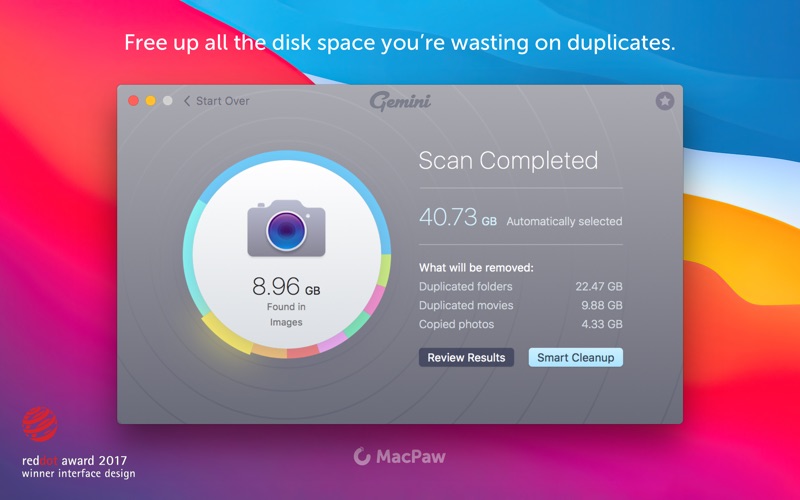
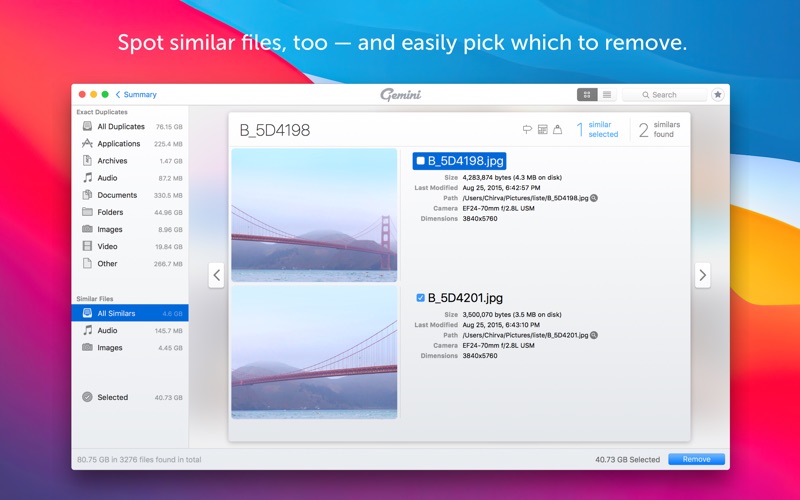
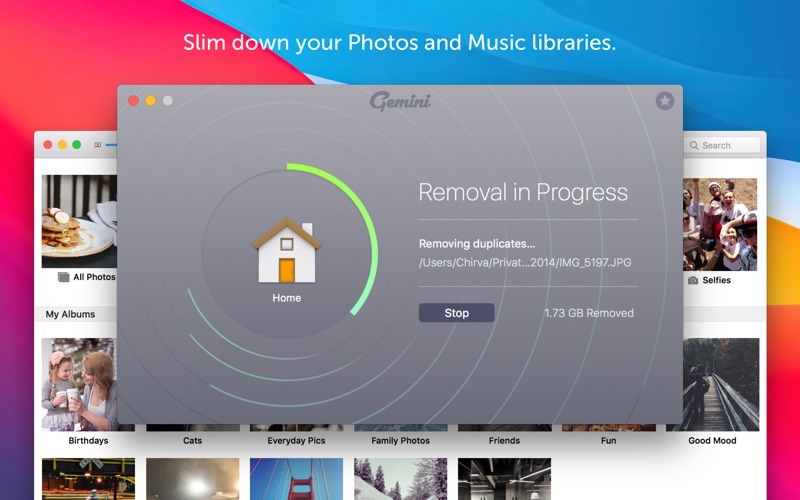
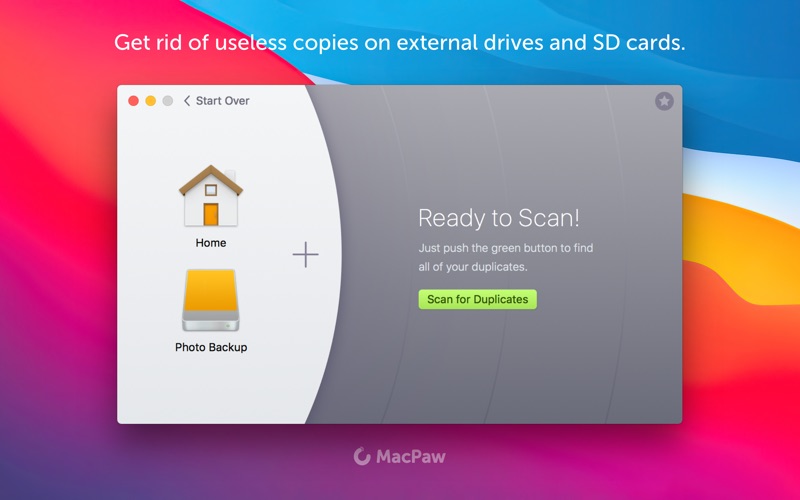
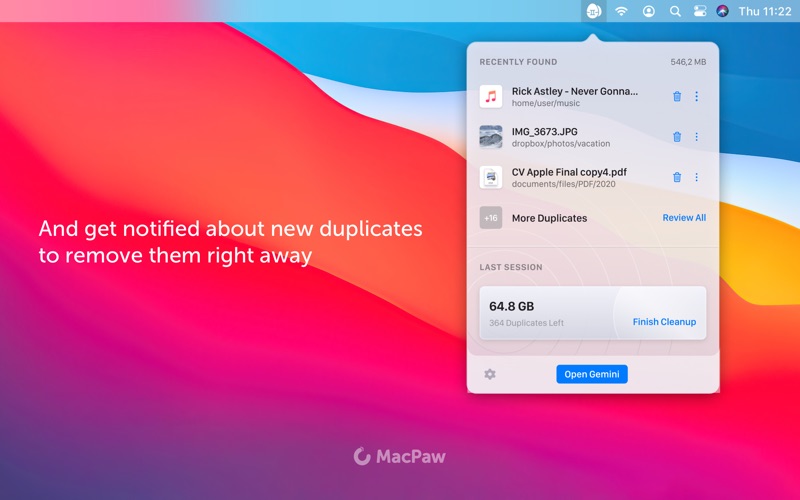
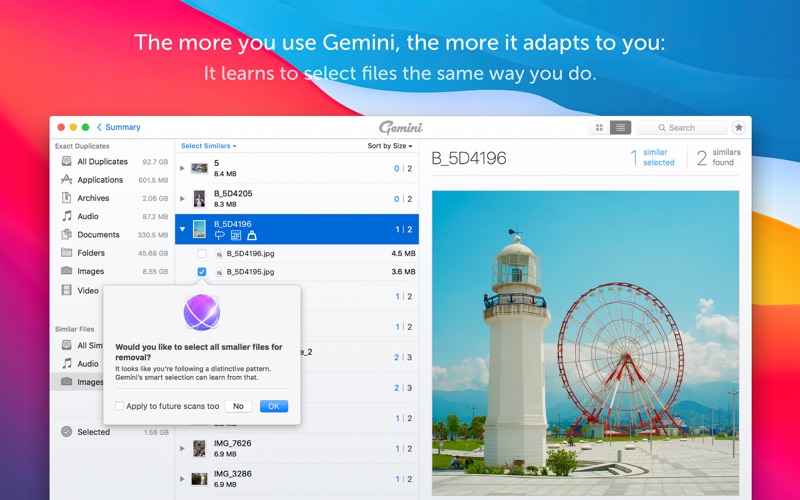
Introducing Duplicates Monitor. A new powerful feature that helps Gemini 2 not only find duplicates that are already on your Mac, but also look out for new ones. Preventing future cluttering. Gemini 2 detects duplicate and similar files in every corner of your Mac, including Photos, Music, and even external drives. And helps you free up tons of disk space. Gemini 2: The Duplicate File Finder is brought to you by the team behind CleanMyMac X. Removing clutter and recovering disk space are our specialty, so we made a duplicate cleaner that does both like a pro. KEY FEATURES Free up gigabytes of storage space: - Find duplicate files of any kind: pics, music, docs, you name it - Identify duplicate folders, too - Delete duplicates on external drives and network volumes - Monitor your Mac or separate folders for new duplicates and delete them right away Organize your photos and music: - Find duplicate photos in your Photos library - Detect pictures that are similar, but not identical - Spot iTunes and Music library duplicates - Find similar music in iTunes and Music library (files that differ only by format or bit rate) Save time picking out duplicate files: - Trust Gemini to autoselect the copies and keep the originals intact - See how similar files differ with the help of handy icons - Add your own Smart Selection rules, like deleting the duplicates that are older Never lose an important file by mistake: - If you removed the wrong duplicate, put it back in a click - Exclude certain files and folders from scan - Move duplicates to a separate folder or onto a USB drive - Replace copies with hardlinks to save space without deleting the files Make finding duplicates less of a drag: - Enjoy the sleek space-themed design - Have fun with wacky achievements and ranks - See if you can spot the Easter Egg! And if you’re wondering what tech reviews say about Gemini 2, wonder no more: we’ve gathered some of them below. WHAT MAC EXPERTS SAY “I’ve been an active user of MacPaw’s Gemini software since its inception, and Gemini 2’s release today has made me fall in love with it all over again. In just the initial scan, Gemini 2 found more files and more places where I could intelligently clear and save space on my Mac.” - 9to5mac “If you want to clean up your Mac, but are trepidatious about digging around in your files and accidentally deleting something important, Gemini 2 has a lot to offer and makes the whole process very simple.” - iMore “With Gemini 2 there’s little reason to fear duplicates. It has a polished, intuitive user interface and the brains to differentiate copies from originals by testing them against nearly a dozen different parameters. It’s also much faster, especially compared to digging through thousands of files and folders the old-fashioned way.” - MacWorld SUBSCRIPTION AND PRICING Some features are only partially available for non-paying users and can be unlocked with a Yearly Access plan. For example, the non-paying users can delete found duplicates only manually via Reveal in Finder feature and don’t have access to Smart Cleanup. See the pricing details in the Information section under In-App Purchases. Have questions? We are always here to help. Please message our support using the contact below. https://macpaw.com/support/contact