PC 용 ArkMS Pro –Media Streaming Server, video audio
- 카테고리: Photo & Video
- 최근 업데이트: 2017-01-30
- 현재 버전: 1.0.40
- 파일 크기: 66.11 MB
- 개발자: Arkuda Digital LLC
- 호환성: 필요 Windows XP, Windows Vista, Windows 7, Windows 8, Windows 8.1 and Windows 10, Windows 11

PC에서 ArkMS Pro –Media Streaming Server, video audio 용 호환 APK 다운로드
| 다운로드 | 개발자 | 평점 | 점수 | 현재 버전 | 성인 랭킹 |
|---|---|---|---|---|---|
| ↓ PC용 APK 다운로드 | Arkuda Digital LLC | 0 | 1.0.40 | 4+ |
에뮬레이터의 중요성은 컴퓨터에서 안드로이드 환경을 흉내 내고 안드로이드 폰을 구입하지 않고도 안드로이드 앱을 설치하고 실행하는 것을 매우 쉽게 만들어주는 것입니다. 누가 당신이 두 세계를 즐길 수 없다고 말합니까? 우선 아래에있는 에뮬레이터 앱을 다운로드 할 수 있습니다.
A. Nox App . OR
B. Bluestacks App .
Bluestacks는 매우 대중적이므로 개인적으로 "B"옵션을 사용하는 것이 좋습니다. 문제가 발생하면 Google 또는 Naver.com에서 좋은 해결책을 찾을 수 있습니다.
Bluestacks.exe 또는 Nox.exe를 성공적으로 다운로드 한 경우 컴퓨터의 다운로드 폴더 또는 다운로드 한 파일을 일반적으로 저장하는 곳으로 이동하십시오.
찾으면 클릭하여 응용 프로그램을 설치하십시오. PC에서 설치 프로세스를 시작해야합니다.
다음을 클릭하여 EULA 라이센스 계약에 동의하십시오.
응용 프로그램을 설치하려면 화면 지시문을 따르십시오.
위 사항을 올바르게 수행하면 소프트웨어가 성공적으로 설치됩니다.
이제 설치 한 에뮬레이터 애플리케이션을 열고 검색 창을 찾으십시오. 지금 입력하십시오. - ArkMS Pro –Media Streaming Server, video audio 앱을 쉽게 볼 수 있습니다. 그것을 클릭하십시오. 응용 프로그램 창이 열리고 에뮬레이터 소프트웨어에 응용 프로그램이 표시됩니다. 설치 버튼을 누르면 응용 프로그램이 다운로드되기 시작합니다. 이제 우리는 모두 끝났습니다.
그런 다음 "모든 앱"아이콘이 표시됩니다.
클릭하면 설치된 모든 응용 프로그램이 포함 된 페이지로 이동합니다.
당신은 ArkMS Pro –Media Streaming Server, video audio 상. 그것을 클릭하고 응용 프로그램 사용을 시작하십시오.
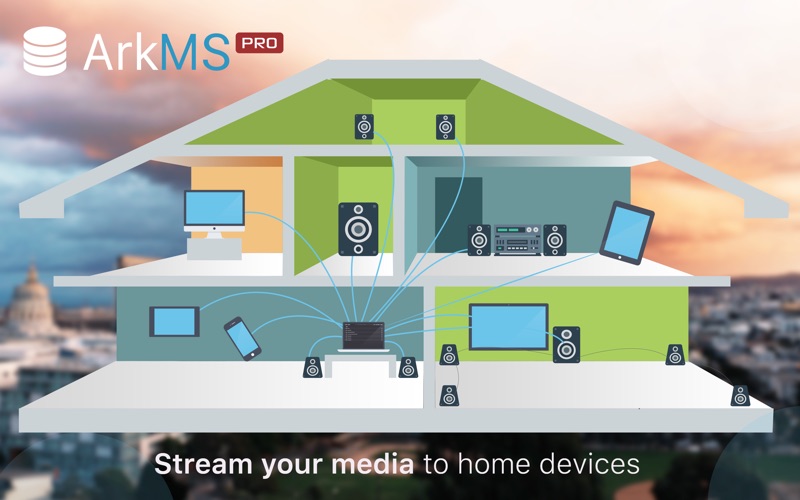
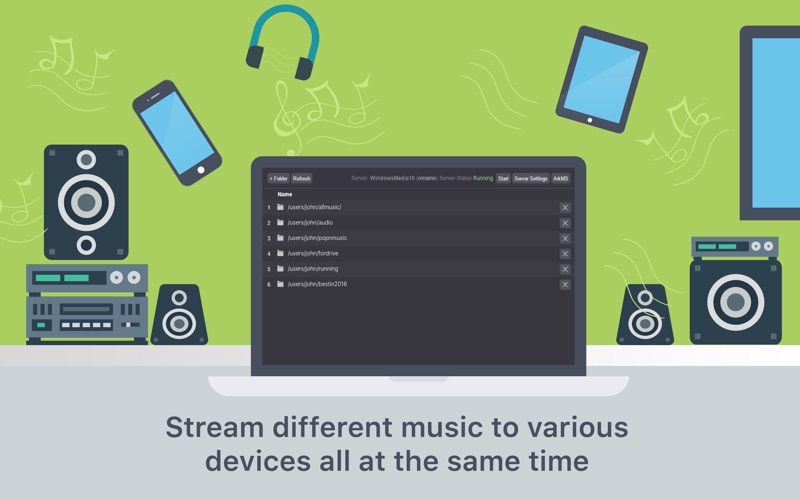
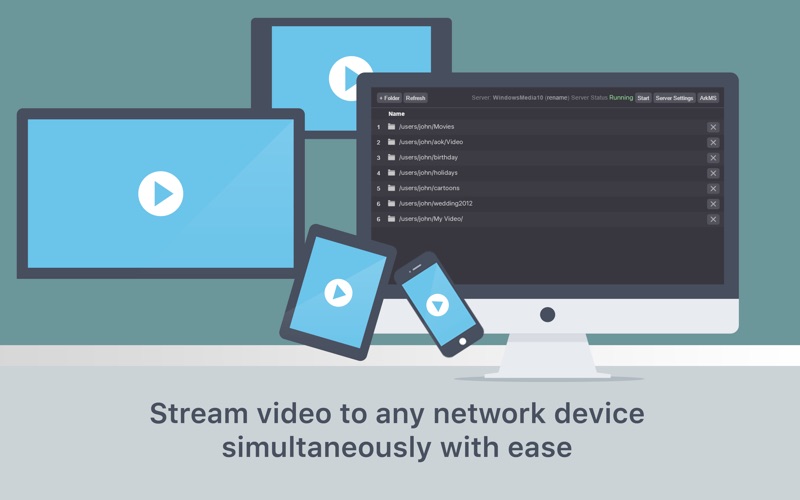
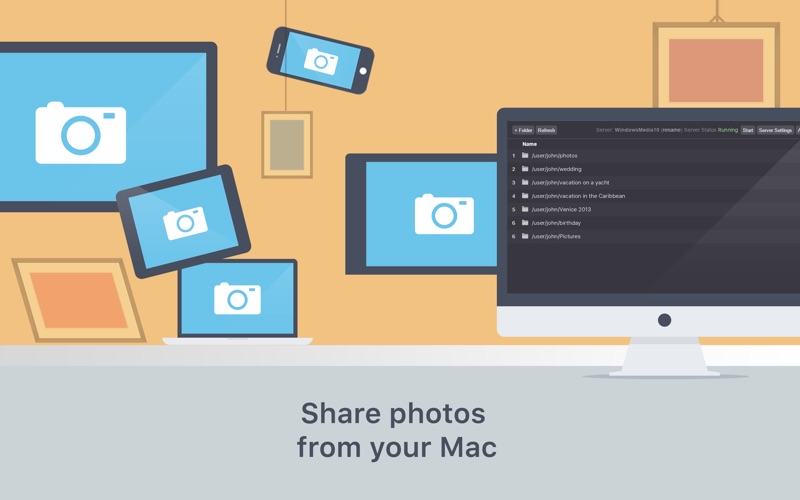
- meet Arkuda’ products family on Mac! 2.5+ millions users worldwide. - The only application to stream all your media from your Mac to HD TV, iPhone, iPad, Mac, PC, AllShare TV, Xbox360, Xbox One, PlayStation 3 and 4 or any other DLNA/UPnP screen. - Very easy to use, straightforward menu to discover, select and stream all your movies, music, videos and photos - Simultaneous streaming of different media files – to different screens – at the same time (multi-screen playback) - Your HD TV can find & display your photo, videos, music stored on your computer - Enjoy stored HD Movies, videos and photos, on your TV or any other screen, without any wires or plugs needed - Stream music from your Mac on Wireless Speakers - And much more to come… without any extra costs A unique high-end media network solution, offering you the rich experience to stream & enjoy all your media, with just a few clicks on your Mac. Have fun with your friends and family and stream -to any screen- your favorite movies, videos, music or photos. To share media files in your home wifi network, ArkMS offers the easiest user interface, with impressive performance and a list of unique features. In a few seconds ArkMS connects a DLNA, Samsung Link and UPnP compatible display (TV/PC/TABLET/MOBILE/GAME CONSOLE) or music installations with the media stored on your Mac computer. The user interface is straightforward and offers complete control of your media files within your Wi-Fi home network. The enthusiastic and motivated Arkuda Digital team is dedicated to offer its customers the best experience and will continue to surprise ArkMS users with cool features and performance updates. If you have any suggestions, just drop a line and we will come back to you NOTE! Due to DRM restrictions, movies bought from iTunes service, cannot be streamed to the other devices by this application. Sharing makes life Beautiful! Tested media Players: - Samsung TVs, Philips TVs, LG TVs, Panasonic TVs, SONY TVs - XBMX Media renderers - WD TV Live - Windows Media Player - Foobar2000 media renderer - XBOX 360, XBOX One - PlayStation 3, 4