PC 용 Readaway
- 카테고리: Productivity
- 최근 업데이트: 2020-12-04
- 현재 버전: 4.5
- 파일 크기: 26.45 MB
- 개발자: Mihir Panchal
- 호환성: 필요 Windows XP, Windows Vista, Windows 7, Windows 8, Windows 8.1 and Windows 10, Windows 11

에뮬레이터의 중요성은 컴퓨터에서 안드로이드 환경을 흉내 내고 안드로이드 폰을 구입하지 않고도 안드로이드 앱을 설치하고 실행하는 것을 매우 쉽게 만들어주는 것입니다. 누가 당신이 두 세계를 즐길 수 없다고 말합니까? 우선 아래에있는 에뮬레이터 앱을 다운로드 할 수 있습니다.
A. Nox App . OR
B. Bluestacks App .
Bluestacks는 매우 대중적이므로 개인적으로 "B"옵션을 사용하는 것이 좋습니다. 문제가 발생하면 Google 또는 Naver.com에서 좋은 해결책을 찾을 수 있습니다.
Bluestacks.exe 또는 Nox.exe를 성공적으로 다운로드 한 경우 컴퓨터의 다운로드 폴더 또는 다운로드 한 파일을 일반적으로 저장하는 곳으로 이동하십시오.
찾으면 클릭하여 응용 프로그램을 설치하십시오. PC에서 설치 프로세스를 시작해야합니다.
다음을 클릭하여 EULA 라이센스 계약에 동의하십시오.
응용 프로그램을 설치하려면 화면 지시문을 따르십시오.
위 사항을 올바르게 수행하면 소프트웨어가 성공적으로 설치됩니다.
이제 설치 한 에뮬레이터 애플리케이션을 열고 검색 창을 찾으십시오. 지금 입력하십시오. - Readaway 앱을 쉽게 볼 수 있습니다. 그것을 클릭하십시오. 응용 프로그램 창이 열리고 에뮬레이터 소프트웨어에 응용 프로그램이 표시됩니다. 설치 버튼을 누르면 응용 프로그램이 다운로드되기 시작합니다. 이제 우리는 모두 끝났습니다.
그런 다음 "모든 앱"아이콘이 표시됩니다.
클릭하면 설치된 모든 응용 프로그램이 포함 된 페이지로 이동합니다.
당신은 Readaway 상. 그것을 클릭하고 응용 프로그램 사용을 시작하십시오.
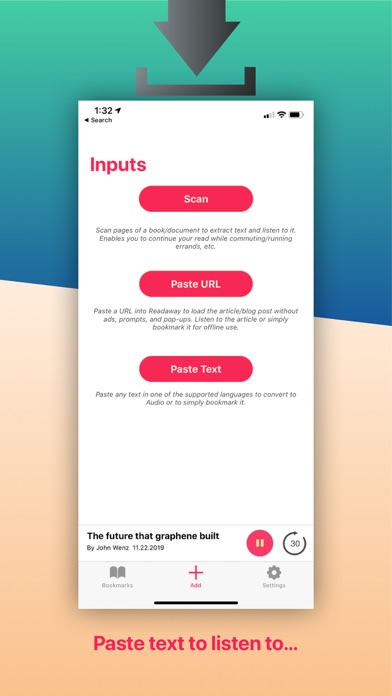
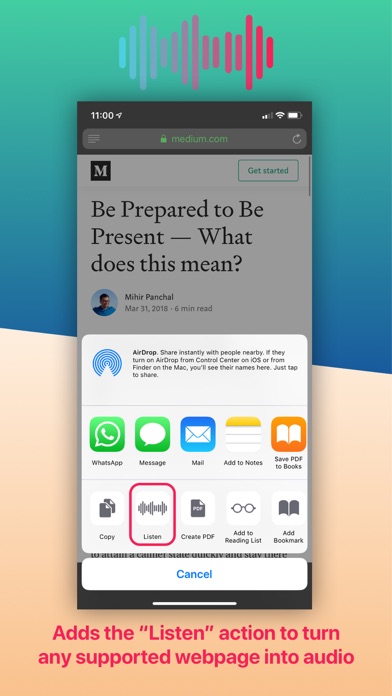
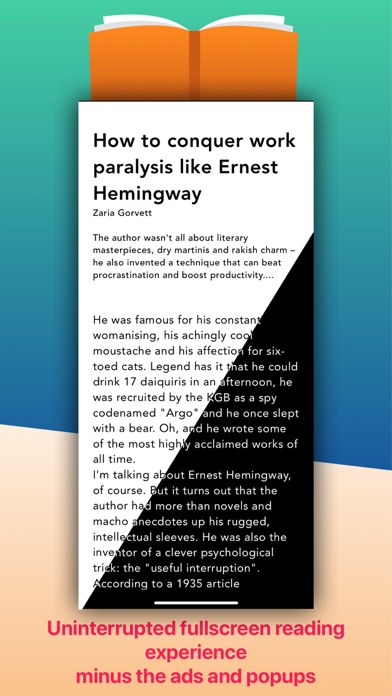
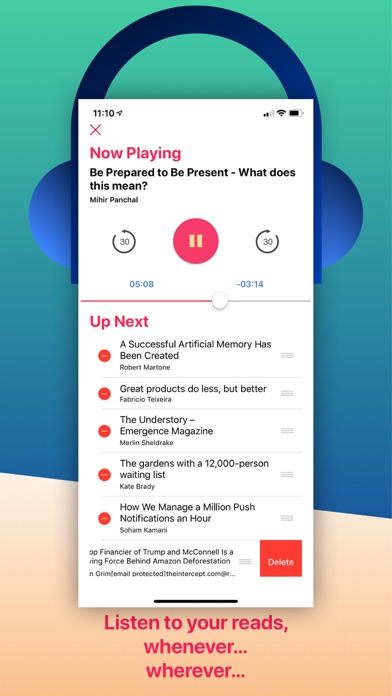
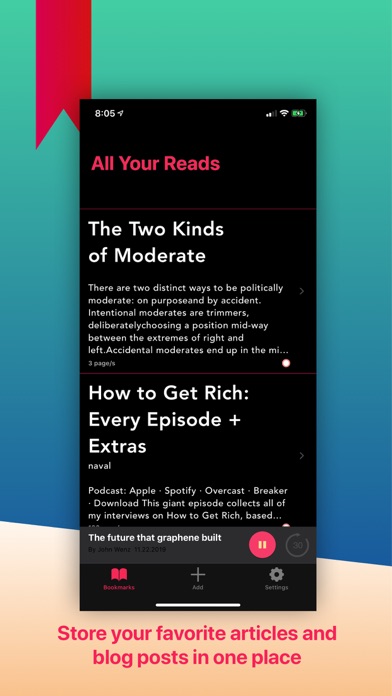
Features ====== * Scan any document or book page to listen to - works with English, Spanish, French and Swedish Language documents * Proofread your write-up, copy, article, blog post before submitting or publishing - its very easy to spot the tiniest of typos over audio * Bookmark and store your articles and blog posts offline - Minus the ads and pop-ups * Type or copy-paste text to convert to audio to proofread * Listen to articles and blog posts in 23 languages * 60+ supported voices in various languages * Multiple voices available in most major languages for a more enjoyable listening experience * Podcast mode to make listening more engaging * Adjustable listening speed * Convert to audio once and listen to your reads anywhere and at anytime * Create a playlist * A clean fullscreen reading experience - just start scrolling for a clean user interface * Customize how text looks in your app by selecting a font scheme of your choice * Adjust font sizes from the settings or simply use the pinch gesture in the reading view * Adjust letter and word spacing to make it easier to read - great for users with reading and comprehension challenges * Highlight nouns, adjectives, verbs and adverbs. * 1 hour of trial listening included in the app * Subscriptions and one-time packs designed to suit any listening habit Supported Languages ====== 65+ voices in the following 23 languages: English (US, British, Australian, Indian, Welsh) Spanish (US, Mexico and Spain) Hindi Arabic Mandarin (Chinese) Russian Portuguese French (Canada and France) Japanese German Korean Turkish Vietnamese Italian Polish Romanian Dutch Danish Swedish Norwegian Icelandic Welsh Ukranian What is it? ======= Convert text to speech with a simple user-friendly app. Who is it for? ========= Are you a commuter, student, busy parent, someone who wants to rest their eyes, someone who wants to minimize screen time, someone visually challenged, someone who has trouble concentrating, a writer who wants to proofread before final submission? Get Readaway! ===== Subscription options: 1. You have a variety of subscription options available inside the app to suite any kind of need. 2. Subscriptions offer a specific # of hours of text-to-speech conversion. Every page of text of text is assumed to contain 250 words on average with 5 letters per word. Every page of text roughly converts to audio of 1.4 mins duration. 3. Subscription hours accumulate but have to be utilized within a year of purchase. Remaining subscription hours after a year from purchase date will lapse. 4. Payment will be charged to iTunes account at confirmation of purchase. 5. Your subscription will automatically renew unless auto-renew is turned off at least 24-hour prior to the end of the current period. 6. Your account will be charged for renewal within 24-hours prior to the end of the current period, and identify the cost of the renewal. 7. Your subscriptions can be managed by the user and auto-renewal may be turned off by going to the user’s Account Settings after purchase. 8. No cancellation of the current subscription is allowed during the active subscription period. Terms: http://readaway.communis.co.in/terms.html Privacy policy: http://readaway.communis.co.in/privacy.html