PC 용 Full Screen Video Status Maker
- 카테고리: Photo & Video
- 최근 업데이트: 2019-02-14
- 현재 버전: 4
- 파일 크기: 57.83 MB
- 개발자: Jaydeep Dhameliya
- 호환성: 필요 Windows XP, Windows Vista, Windows 7, Windows 8, Windows 8.1 and Windows 10, Windows 11




PC에서 Full Screen Video Status Maker 용 호환 APK 다운로드
| 다운로드 | 개발자 | 평점 | 점수 | 현재 버전 | 성인 랭킹 |
|---|---|---|---|---|---|
| ↓ PC용 APK 다운로드 | Jaydeep Dhameliya | 0 | 0 | 4 | 4+ |
호환되는 PC 앱 또는 대안 확인
| 소프트웨어 | 다운로드 | 평점 | 개발자 |
|---|---|---|---|
| Full Screen Video Status Maker |
PC 앱 받기 | 0/5 0 리뷰 0 |
Jaydeep Dhameliya |
에뮬레이터의 중요성은 컴퓨터에서 안드로이드 환경을 흉내 내고 안드로이드 폰을 구입하지 않고도 안드로이드 앱을 설치하고 실행하는 것을 매우 쉽게 만들어주는 것입니다. 누가 당신이 두 세계를 즐길 수 없다고 말합니까? 우선 아래에있는 에뮬레이터 앱을 다운로드 할 수 있습니다.
A. Nox App . OR
B. Bluestacks App .
Bluestacks는 매우 대중적이므로 개인적으로 "B"옵션을 사용하는 것이 좋습니다. 문제가 발생하면 Google 또는 Naver.com에서 좋은 해결책을 찾을 수 있습니다.
Bluestacks.exe 또는 Nox.exe를 성공적으로 다운로드 한 경우 컴퓨터의 다운로드 폴더 또는 다운로드 한 파일을 일반적으로 저장하는 곳으로 이동하십시오.
찾으면 클릭하여 응용 프로그램을 설치하십시오. PC에서 설치 프로세스를 시작해야합니다.
다음을 클릭하여 EULA 라이센스 계약에 동의하십시오.
응용 프로그램을 설치하려면 화면 지시문을 따르십시오.
위 사항을 올바르게 수행하면 소프트웨어가 성공적으로 설치됩니다.
이제 설치 한 에뮬레이터 애플리케이션을 열고 검색 창을 찾으십시오. 지금 입력하십시오. - Full Screen Video Status Maker 앱을 쉽게 볼 수 있습니다. 그것을 클릭하십시오. 응용 프로그램 창이 열리고 에뮬레이터 소프트웨어에 응용 프로그램이 표시됩니다. 설치 버튼을 누르면 응용 프로그램이 다운로드되기 시작합니다. 이제 우리는 모두 끝났습니다.
그런 다음 "모든 앱"아이콘이 표시됩니다.
클릭하면 설치된 모든 응용 프로그램이 포함 된 페이지로 이동합니다.
당신은 Full Screen Video Status Maker 상. 그것을 클릭하고 응용 프로그램 사용을 시작하십시오.
Mac OS 에서 Full Screen Video Status Maker 다운로드
| 다운로드 | 개발자 | 점수 | 현재 버전 | 성인 랭킹 |
|---|---|---|---|---|
| 무료 - Mac 에서 다운로드 | Jaydeep Dhameliya | 0 |
4 | 4+ |
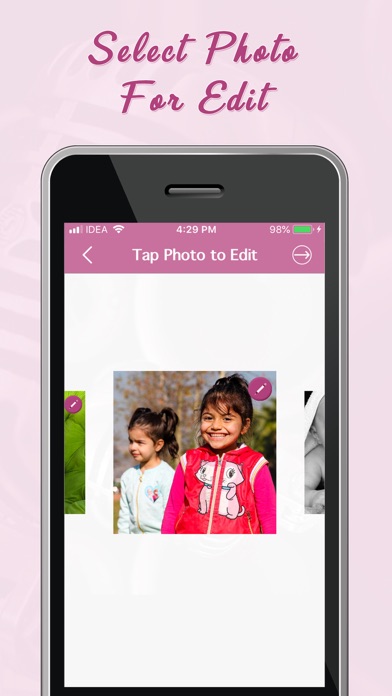
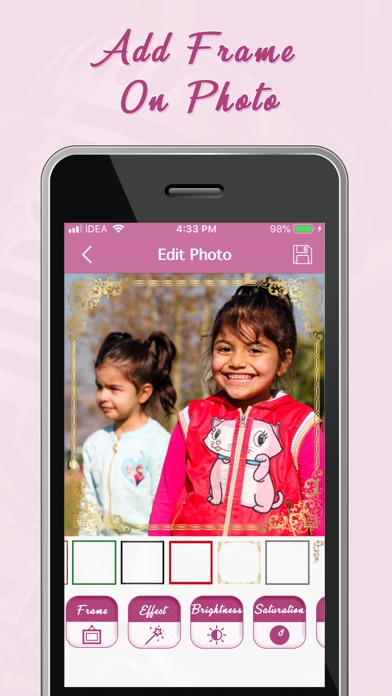
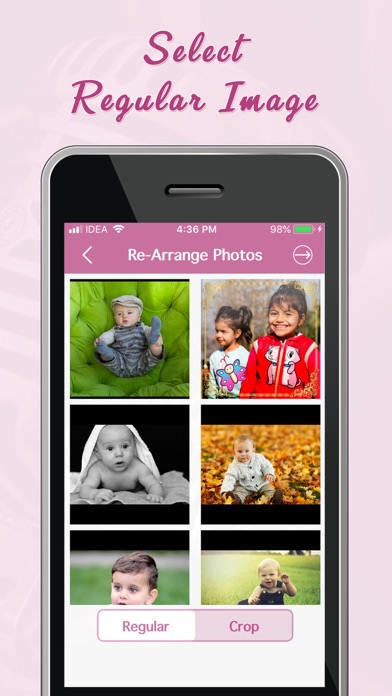
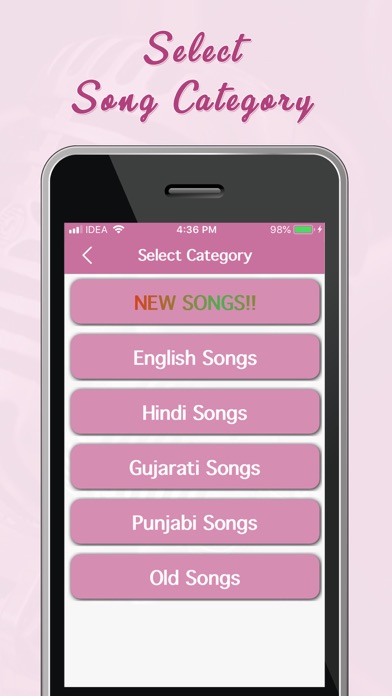
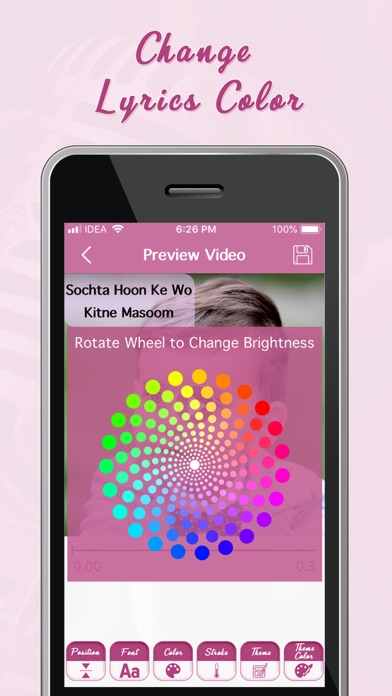
Sharing of video status is not a new thing, people creating a different type of videos for whatsapp just to make some variation. There is a new trend going on social media is sharing of full screen video status. Full Screen Video Status Maker application is the best way to cover the full screen video status with beautiful photos. Now a days social has made it very easy to express your mood by sharing short video status. In this days full screen videos are not available in short size with the best quality to share on social media. Here you can create something new as your personal video status in full screen to share with friends. Full Screen Video Status Maker application happy to helps you for creating your own photo lyrical video status. After creating your own video status people getting crazy about after sharing on social media. This application helps to create your photo video status with lyrics & full screen & share on social media application. Create your photo lyrics video status from your selected photos. Now you can create your own video status easily with full screen. A brand new concept in the real market is that you can make lyrical video of your own beautiful photos. You can create new lyrical video status daily using your photos with latest lyrical songs. You can get access all songs which are being loved by everyone with updated songs. Features :- * Create Full Screen Video Status using your own photos. * Choose multiple photos from your gallery which is best for you to create video status. * Re arrange all your photos if you want to change your photos position. * Edit each & every photos with smart photo editor studio. * Easily edit your photos with crop tool, add filter effects, brightness, saturation, contrast, flip, rotate & many more editing studio. * Latest & updated collection of music song list. * Choose best songs given here to create full screen lyrical video status. * Smart text editing studio given here which is extra ordinary for your video status. * You can add own text with stylish fonts, colour & shadow with high lights on status text. * One click to Save your created video status in your phone. * Directly share your created full screen lyrical video status on social media application. * All your created video status you will find it for future usage. * You can direct put your created Full Screen Video Status as video status on social media application. * Very easiest way to create video, editing in video and share video status with music. * You can make filmy style video status. Easy to create Video Status from your own photos, your own music & share Full Screen Video Status with "Full Screen Video Status Maker" application.