PC 용 Zip & Unzip Files - Extractor
- 카테고리: Photo & Video
- 최근 업데이트: 2023-07-01
- 현재 버전: 2.1
- 파일 크기: 35.48 MB
- 개발자: Nalin Savaliya
- 호환성: 필요 Windows XP, Windows Vista, Windows 7, Windows 8, Windows 8.1 and Windows 10, Windows 11


PC에서 Zip & Unzip Files - Extractor 용 호환 APK 다운로드
| 다운로드 | 개발자 | 평점 | 점수 | 현재 버전 | 성인 랭킹 |
|---|---|---|---|---|---|
| ↓ PC용 APK 다운로드 | Nalin Savaliya | 0 | 0 | 2.1 | 4+ |
에뮬레이터의 중요성은 컴퓨터에서 안드로이드 환경을 흉내 내고 안드로이드 폰을 구입하지 않고도 안드로이드 앱을 설치하고 실행하는 것을 매우 쉽게 만들어주는 것입니다. 누가 당신이 두 세계를 즐길 수 없다고 말합니까? 우선 아래에있는 에뮬레이터 앱을 다운로드 할 수 있습니다.
A. Nox App . OR
B. Bluestacks App .
Bluestacks는 매우 대중적이므로 개인적으로 "B"옵션을 사용하는 것이 좋습니다. 문제가 발생하면 Google 또는 Naver.com에서 좋은 해결책을 찾을 수 있습니다.
Bluestacks.exe 또는 Nox.exe를 성공적으로 다운로드 한 경우 컴퓨터의 다운로드 폴더 또는 다운로드 한 파일을 일반적으로 저장하는 곳으로 이동하십시오.
찾으면 클릭하여 응용 프로그램을 설치하십시오. PC에서 설치 프로세스를 시작해야합니다.
다음을 클릭하여 EULA 라이센스 계약에 동의하십시오.
응용 프로그램을 설치하려면 화면 지시문을 따르십시오.
위 사항을 올바르게 수행하면 소프트웨어가 성공적으로 설치됩니다.
이제 설치 한 에뮬레이터 애플리케이션을 열고 검색 창을 찾으십시오. 지금 입력하십시오. - Zip & Unzip Files - Extractor 앱을 쉽게 볼 수 있습니다. 그것을 클릭하십시오. 응용 프로그램 창이 열리고 에뮬레이터 소프트웨어에 응용 프로그램이 표시됩니다. 설치 버튼을 누르면 응용 프로그램이 다운로드되기 시작합니다. 이제 우리는 모두 끝났습니다.
그런 다음 "모든 앱"아이콘이 표시됩니다.
클릭하면 설치된 모든 응용 프로그램이 포함 된 페이지로 이동합니다.
당신은 Zip & Unzip Files - Extractor 상. 그것을 클릭하고 응용 프로그램 사용을 시작하십시오.
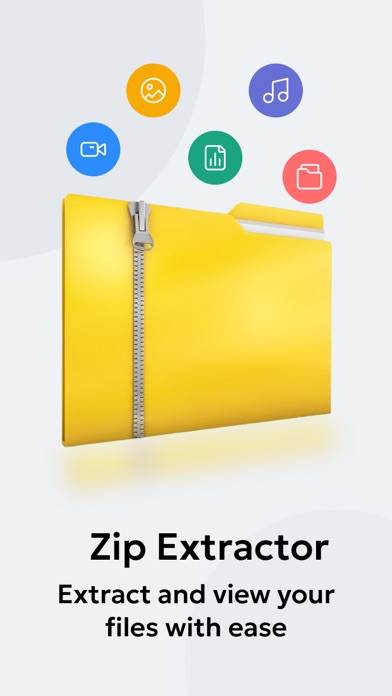
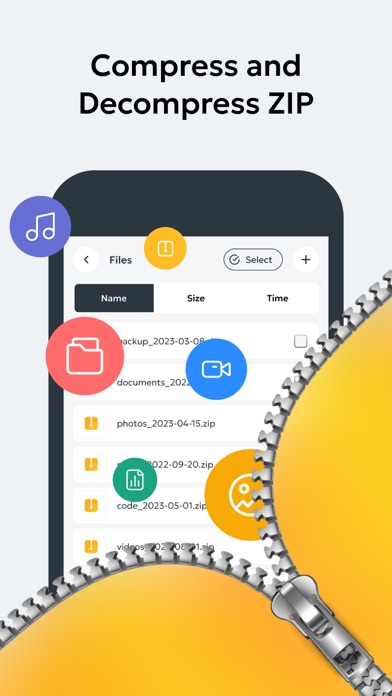
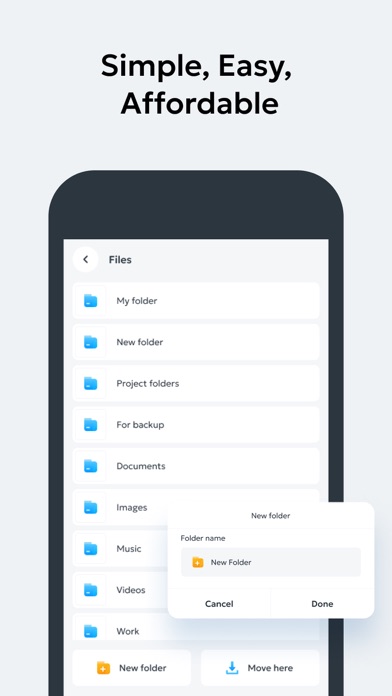
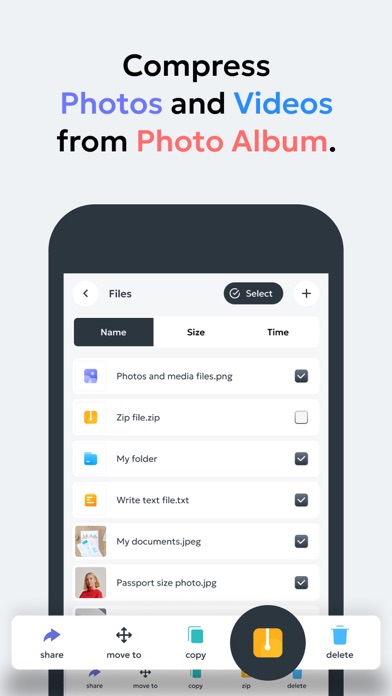
Now it's easy to extract your all videos, songs or also images into one folder with using this Zip & Unzip Files - Extractor application. this application has Convenient User Interface to Zip your file in one folder and compresses it to share on social media easily with anyone.it's also easy to unzip whenever you want. Sometimes it's a too boring to share everything one by one to anyone on the social app or also in any devices, but now no worries with this Zip & Unzip Files - Extractor application which is smartly designed to share and save all your file into one ZIP folder and application also allows users to compress the file size in one montage folder of all Zip file or also many more file in one folder. Zip & Unzip Files - Extractor with easy to convert one montage ZIP folder in which you add your own wish videos, Images, Song or files. it's is a smart method to share all file in one zip folder and our application has one advantage to decompress your folder to reduce size of ZIP folder so with that it's easy to share and save in your file folder which does not take any more space in your device and it is also easy way to Unzip your file or folder in your device whenever you want. Zip & Unzip Files - Extractor is a Zip file opener & Compressor Application. Reduce your all kind of Files Size Like Doc, Images, and extract all your Zipped files & Compress them. Zip & Unzip Files - Extractor allows you to protect your files before with best encryption. You can Browse your Album and select multiple zip and share photo collections. You can compress files and shrink them easily. Unzip and view your files. You can Zip Photos & Videos from your device and share them Easily. FEATURES - Extract easily all zip files and folders using our app - Easy to extract into ZIP file or folder - Simple to use the app - Clear User Interface design - Decompress zip file - Zip all your Song, Video, Photos in one folder - Option to Delete your file with one touch - Move your file in another folder - Share with anyone using the share button - Easy to zip/ unzip photos, songs, videos or also files - Simple to manage ZIP files - Easily view all images in a Zip file with the enhanced image viewer - Compress files into a ZIP file - Compress photos, songs, and videos - Easy to manage files on your mobile devices, including Saving, Moving, Deleting For more information : Privacy Policy : http://nhapplab.in/privacy_policy.html Terms of Use : http://nhapplab.in/terms_of_use.html