
PC 용 TokkingHeads AI Magic Avatars
- 카테고리: Photo & Video
- 최근 업데이트: 2024-08-12
- 현재 버전: 2.0.11
- 파일 크기: 25.42 MB
- 개발자: Rosebud AI
- 호환성: 필요 Windows XP, Windows Vista, Windows 7, Windows 8, Windows 8.1 and Windows 10, Windows 11


PC에서 TokkingHeads AI Magic Avatars 용 호환 APK 다운로드
| 다운로드 | 개발자 | 평점 | 점수 | 현재 버전 | 성인 랭킹 |
|---|---|---|---|---|---|
| ↓ PC용 APK 다운로드 | Rosebud AI | 105 | 4.68571 | 2.0.11 | 4+ |
호환되는 PC 앱 또는 대안 확인
| 소프트웨어 | 다운로드 | 평점 | 개발자 |
|---|---|---|---|
| TokkingHeads AI Magic Avatars |
PC 앱 받기 | 4.68571/5 105 리뷰 4.68571 |
Rosebud AI |
에뮬레이터의 중요성은 컴퓨터에서 안드로이드 환경을 흉내 내고 안드로이드 폰을 구입하지 않고도 안드로이드 앱을 설치하고 실행하는 것을 매우 쉽게 만들어주는 것입니다. 누가 당신이 두 세계를 즐길 수 없다고 말합니까? 우선 아래에있는 에뮬레이터 앱을 다운로드 할 수 있습니다.
A. Nox App . OR
B. Bluestacks App .
Bluestacks는 매우 대중적이므로 개인적으로 "B"옵션을 사용하는 것이 좋습니다. 문제가 발생하면 Google 또는 Naver.com에서 좋은 해결책을 찾을 수 있습니다.
Bluestacks.exe 또는 Nox.exe를 성공적으로 다운로드 한 경우 컴퓨터의 다운로드 폴더 또는 다운로드 한 파일을 일반적으로 저장하는 곳으로 이동하십시오.
찾으면 클릭하여 응용 프로그램을 설치하십시오. PC에서 설치 프로세스를 시작해야합니다.
다음을 클릭하여 EULA 라이센스 계약에 동의하십시오.
응용 프로그램을 설치하려면 화면 지시문을 따르십시오.
위 사항을 올바르게 수행하면 소프트웨어가 성공적으로 설치됩니다.
이제 설치 한 에뮬레이터 애플리케이션을 열고 검색 창을 찾으십시오. 지금 입력하십시오. - TokkingHeads AI Magic Avatars 앱을 쉽게 볼 수 있습니다. 그것을 클릭하십시오. 응용 프로그램 창이 열리고 에뮬레이터 소프트웨어에 응용 프로그램이 표시됩니다. 설치 버튼을 누르면 응용 프로그램이 다운로드되기 시작합니다. 이제 우리는 모두 끝났습니다.
그런 다음 "모든 앱"아이콘이 표시됩니다.
클릭하면 설치된 모든 응용 프로그램이 포함 된 페이지로 이동합니다.
당신은 TokkingHeads AI Magic Avatars 상. 그것을 클릭하고 응용 프로그램 사용을 시작하십시오.
Mac OS 에서 TokkingHeads AI Magic Avatars 다운로드
| 다운로드 | 개발자 | 점수 | 현재 버전 | 성인 랭킹 |
|---|---|---|---|---|
| 무료 - Mac 에서 다운로드 | Rosebud AI | 4.68571 |
2.0.11 | 4+ |
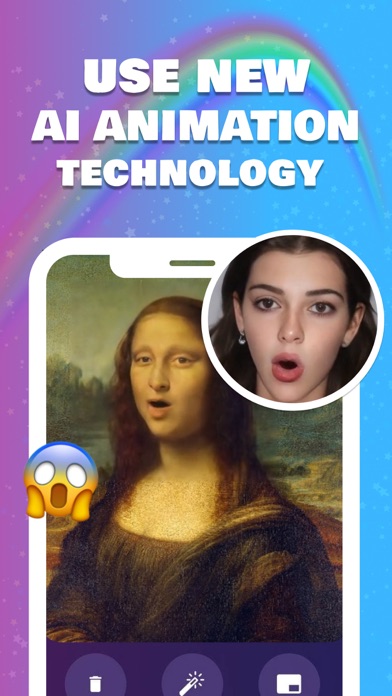
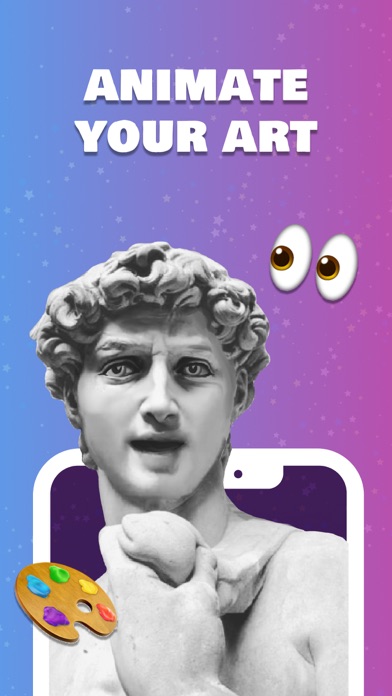
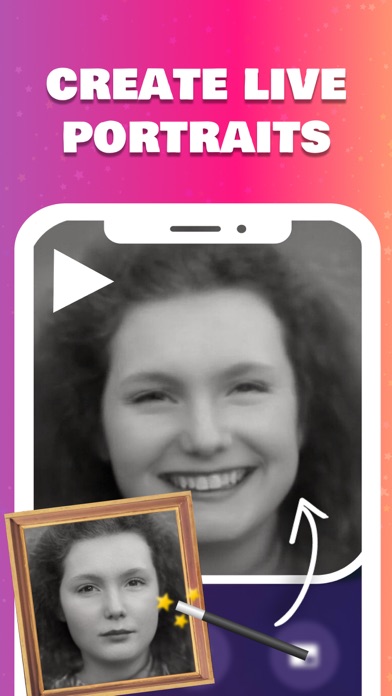
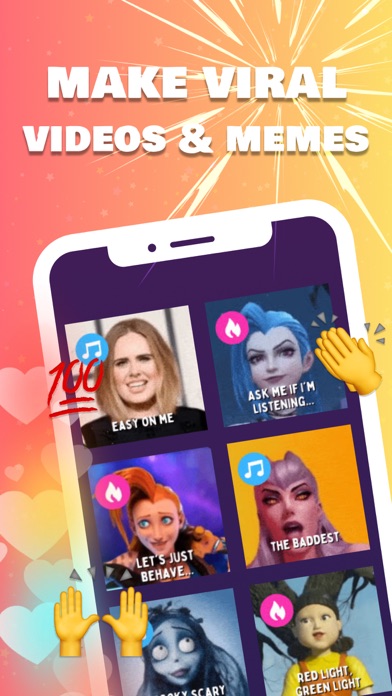
Introducing TokkingHeads, the Ultimate App for Faceplay and AI Character Chat TokkingHeads isn’t just an app; it’s a creative universe where you can animate faces, generate AI-driven videos, and now, chat with diverse and realistic AI characters through Rosebud AI Characters Chat. Unlimited Possibilities with Rosebud AI Characters Chat • With Rosebud AI Characters, you can effortlessly craft a wide range of characters. Explore new fantasies, play dating sims, or connect with a 24/7 AI best friend for support. Rosebud AI Characters Chat offers a new kind of connection with AI like never before. • Utilize TokkingHeads for faceplay, creating memes, pranking friends, generating captivating AI videos, and chatting with these AI personalities. How to Create a Magical Experience with TokkingHeads 1. Choose Your Image: Import a photo or a picture of the character you want to animate. 2. Bring Text to Life: Use Rosebud AI’s video generator within TokkingHeads to animate your creations, making them speak and interact with you. 3. Chat with AI Characters: Engage in conversations with fascinating AI personalities, adapting and evolving based on your dialogue. 4. Unlock Magic Motion: Leverage Rosebud AI Tokkinghead's innovative technology, turning your camera into a puppeteering tool, granting you precise control over facial expressions for the best avatar maker experience. Go Viral with TokkingHeads • Generate eye-catching GIFs and share them on Giphy. • Create mesmerizing AI videos and images that captivate your audience. • Share your AI-generated video masterpieces with friends and family. Upgrade to our premium subscription to enjoy priority processing and watermark-free AI videos and images. Join the TokkingHeads Community Connect with fellow faceplay enthusiasts, AI creators, and meme makers. Share your creations and get inspired: https://discord.com/rosebud-ai Text AI Characters & Play AI Games Your interactions with AI companions in Rosebud AI Characters dictate the flow of each game, from trying to get on the good side of Snake King in “Snake King’s Tribute” to breaking free from a lab as a rogue AI in “The Incredible Machine.” New AI characters and games are added weekly, offering endless adventures tailored to your choices. Terms and Conditions: https://www.rosebud.ai/terms-of-service Privacy Policy: https://www.rosebud.ai/privacy-policy About Rosebud AI Rosebud AI is a platform that empowers you to create, chat, and play with AI characters. Whether it’s simple arcade games or detailed RPGs, Rosebud AI lets you bring your ideas to life using generative AI technology. With Rosebud AI Characters, you can create AI companions to chat with and experience a new level of interaction anytime.


