
PC 용 What Will I Look Like Im Older
- 카테고리: Photo & Video
- 최근 업데이트: 2026-10-09
- 현재 버전: 1.3.8
- 파일 크기: 182.73 MB
- 개발자: Manh Nguyen hong
- 호환성: 필요 Windows XP, Windows Vista, Windows 7, Windows 8, Windows 8.1 and Windows 10, Windows 11




PC에서 What Will I Look Like Im Older 용 호환 APK 다운로드
| 다운로드 | 개발자 | 평점 | 점수 | 현재 버전 | 성인 랭킹 |
|---|---|---|---|---|---|
| ↓ PC용 APK 다운로드 | Manh Nguyen hong | 6 | 4.5 | 1.3.8 | 4+ |
호환되는 PC 앱 또는 대안 확인
| 소프트웨어 | 다운로드 | 평점 | 개발자 |
|---|---|---|---|
| What Will I Look Like Im Older |
PC 앱 받기 | 4.5/5 6 리뷰 4.5 |
Manh Nguyen hong |
에뮬레이터의 중요성은 컴퓨터에서 안드로이드 환경을 흉내 내고 안드로이드 폰을 구입하지 않고도 안드로이드 앱을 설치하고 실행하는 것을 매우 쉽게 만들어주는 것입니다. 누가 당신이 두 세계를 즐길 수 없다고 말합니까? 우선 아래에있는 에뮬레이터 앱을 다운로드 할 수 있습니다.
A. Nox App . OR
B. Bluestacks App .
Bluestacks는 매우 대중적이므로 개인적으로 "B"옵션을 사용하는 것이 좋습니다. 문제가 발생하면 Google 또는 Naver.com에서 좋은 해결책을 찾을 수 있습니다.
Bluestacks.exe 또는 Nox.exe를 성공적으로 다운로드 한 경우 컴퓨터의 다운로드 폴더 또는 다운로드 한 파일을 일반적으로 저장하는 곳으로 이동하십시오.
찾으면 클릭하여 응용 프로그램을 설치하십시오. PC에서 설치 프로세스를 시작해야합니다.
다음을 클릭하여 EULA 라이센스 계약에 동의하십시오.
응용 프로그램을 설치하려면 화면 지시문을 따르십시오.
위 사항을 올바르게 수행하면 소프트웨어가 성공적으로 설치됩니다.
이제 설치 한 에뮬레이터 애플리케이션을 열고 검색 창을 찾으십시오. 지금 입력하십시오. - What Will I Look Like Im Older 앱을 쉽게 볼 수 있습니다. 그것을 클릭하십시오. 응용 프로그램 창이 열리고 에뮬레이터 소프트웨어에 응용 프로그램이 표시됩니다. 설치 버튼을 누르면 응용 프로그램이 다운로드되기 시작합니다. 이제 우리는 모두 끝났습니다.
그런 다음 "모든 앱"아이콘이 표시됩니다.
클릭하면 설치된 모든 응용 프로그램이 포함 된 페이지로 이동합니다.
당신은 What Will I Look Like Im Older 상. 그것을 클릭하고 응용 프로그램 사용을 시작하십시오.
Mac OS 에서 What Will I Look Like Im Older 다운로드
| 다운로드 | 개발자 | 점수 | 현재 버전 | 성인 랭킹 |
|---|---|---|---|---|
| 무료 - Mac 에서 다운로드 | Manh Nguyen hong | 4.5 |
1.3.8 | 4+ |
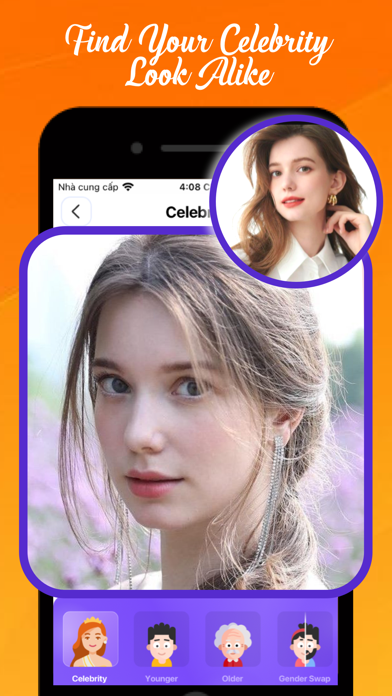
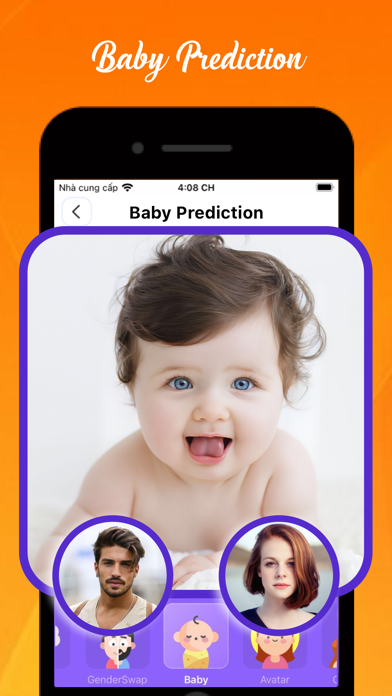
Do you wonder what you will look like when you're older? Now you can find out with our app ! Choose one of our fun functions and create your own funny pictures. TIME MACHINE Take a selfie from your phone camera or select a photo from your gallery. Choose the desired age and see the amazing results. The application will recognize your face and turn it into your desired age. This will be a surprise and fun worth waiting for! GENDER SWAP Have you ever wondered what it would be like if you converted to the other gender? Transform into a beautiful woman with long hair or a man with a cool beard in seconds! Take a photo or upload it wait a few seconds and you will be surprised with the results. YOUNG EFFECT With AI-powered technology, you can go back to your childhood again. You can easily look younger with smooth skin or go back to your childhood to see how lovely you already are. CELEBRITY LOOK ALIKE CELEBRITY LOOK ALIKE will show you which celebrity or historical figure resembles you! Try it now to see if the results surprise you! How Will I Look When Im Older Premium Subscription auto-renew at the end of subscription period, unless cancelled 24-hours in advance prior to the end of the current period. The subscription fee is charged to your iTunes account at confirmation of purchase. You may manage your subscription and turn off auto-renewal by going to your Account Settings after purchase. Per Apple policy, no cancellation of the current subscription is allowed during active subscription period. Once purchased, refunds will not be provided for any unused portion of the term. Terms of use: https://sites.google.com/view/what-i-look-like-when-i-am-old/terms-of-use Privacy policy: https://sites.google.com/view/what-i-look-like-when-i-am-old/privacy-policy


