PC 용 TireLab
- 카테고리: Utilities
- 최근 업데이트: 2018-04-13
- 현재 버전: 2.0.0
- 파일 크기: 1.15 MB
- 개발자: Michael Weber
- 호환성: 필요 Windows XP, Windows Vista, Windows 7, Windows 8, Windows 8.1 and Windows 10, Windows 11



에뮬레이터의 중요성은 컴퓨터에서 안드로이드 환경을 흉내 내고 안드로이드 폰을 구입하지 않고도 안드로이드 앱을 설치하고 실행하는 것을 매우 쉽게 만들어주는 것입니다. 누가 당신이 두 세계를 즐길 수 없다고 말합니까? 우선 아래에있는 에뮬레이터 앱을 다운로드 할 수 있습니다.
A. Nox App . OR
B. Bluestacks App .
Bluestacks는 매우 대중적이므로 개인적으로 "B"옵션을 사용하는 것이 좋습니다. 문제가 발생하면 Google 또는 Naver.com에서 좋은 해결책을 찾을 수 있습니다.
Bluestacks.exe 또는 Nox.exe를 성공적으로 다운로드 한 경우 컴퓨터의 다운로드 폴더 또는 다운로드 한 파일을 일반적으로 저장하는 곳으로 이동하십시오.
찾으면 클릭하여 응용 프로그램을 설치하십시오. PC에서 설치 프로세스를 시작해야합니다.
다음을 클릭하여 EULA 라이센스 계약에 동의하십시오.
응용 프로그램을 설치하려면 화면 지시문을 따르십시오.
위 사항을 올바르게 수행하면 소프트웨어가 성공적으로 설치됩니다.
이제 설치 한 에뮬레이터 애플리케이션을 열고 검색 창을 찾으십시오. 지금 입력하십시오. - TireLab 앱을 쉽게 볼 수 있습니다. 그것을 클릭하십시오. 응용 프로그램 창이 열리고 에뮬레이터 소프트웨어에 응용 프로그램이 표시됩니다. 설치 버튼을 누르면 응용 프로그램이 다운로드되기 시작합니다. 이제 우리는 모두 끝났습니다.
그런 다음 "모든 앱"아이콘이 표시됩니다.
클릭하면 설치된 모든 응용 프로그램이 포함 된 페이지로 이동합니다.
당신은 TireLab 상. 그것을 클릭하고 응용 프로그램 사용을 시작하십시오.
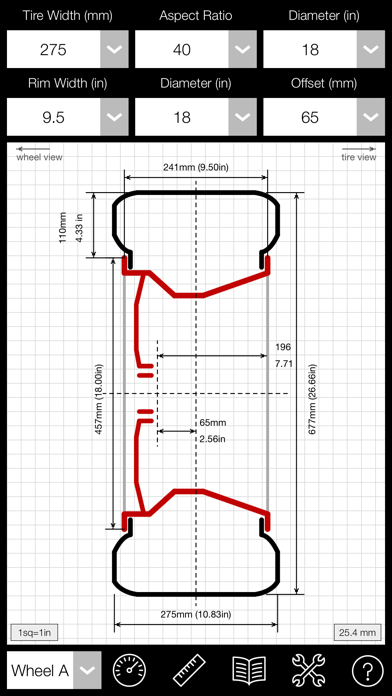
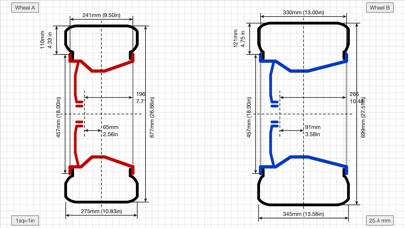
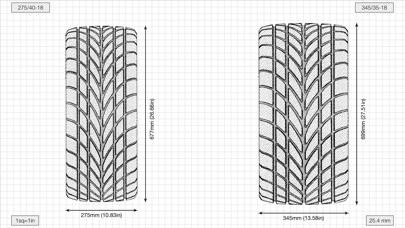
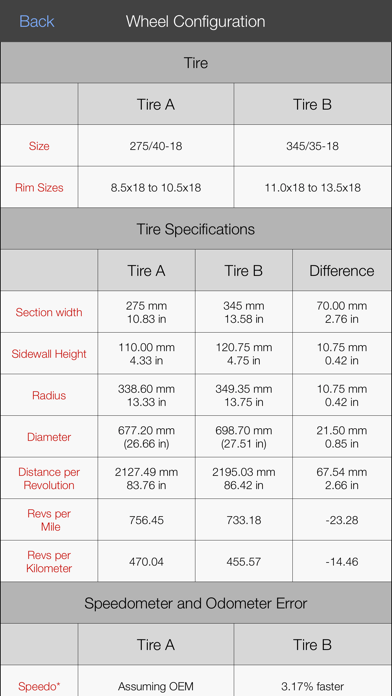
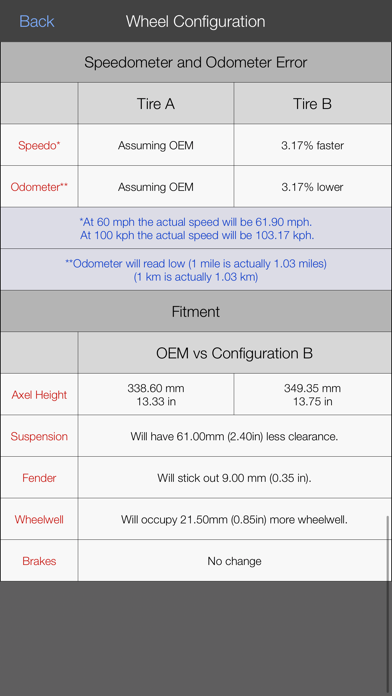
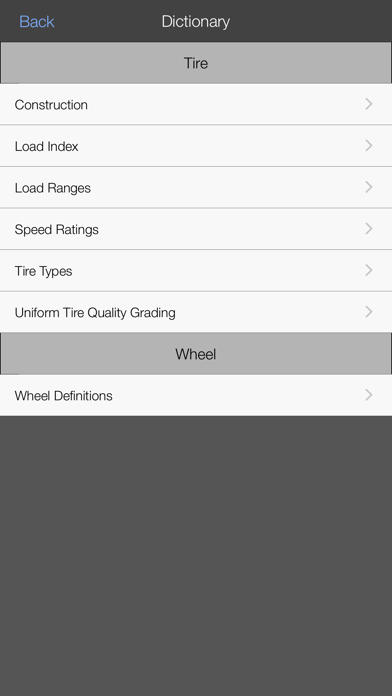
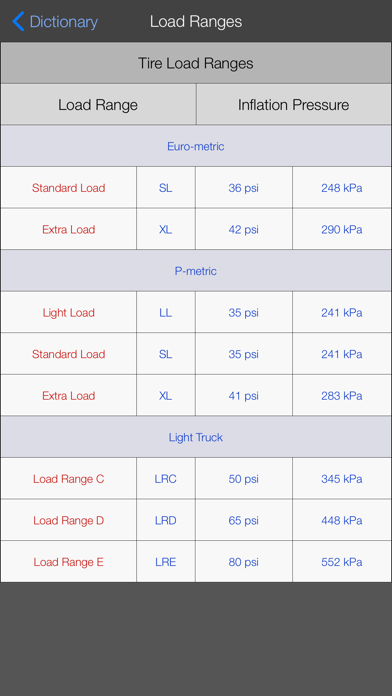
Changing tires or rims on your vehicle? This is the app for you! TireLab is an advanced, yet VERY easy to use, tire and wheel calculator that allows the manipulation of the multiple dimensions of several tire and wheel combinations. It allows professionals, enthusiasts, and weekend mechanics the ability to examine, compare, and visualize multiple tire and wheel configurations in real time. Features: 1) Calculates, compares, and displays all key tire and wheel data points TIRE - Compatible rim sizes - Diameter - Difference - Distance per revolution (circumference) - Odometer error (difference in odometer) - Radius - Revolutions per mile - Revolutions per kilometer - Section (sidewall) height - Section width (tire width) - Size - Speedometer error (difference in speed) WHEEL - Backspace - Difference - Offset - Lip inset - Size 2) Tire/wheel configuration fitment calculator Provides the user the ability to identify vehicle fitment related issues that may potentially result from different tire and wheel configurations. - Axel/ride height - Brake component clearance - Fender (outside) clearance - Suspension (inside) clearance - Wheelwell clearance 3) Intuitive and easy to navigate interface TireLab provides for the ability to manipulate the key dimensions of both tires and wheels. If you desire to only utilize the tire modeling functionality you need only to adjust the tire measurements. All of the controls will automatically adjust to safe and compatible configuration thresholds. 4) Detailed scaled visual representations View, and compare, detailed representations of tire and wheel configurations. A unique "cutaway view" of the wheel provides the user with the ability to visualize and compare key tire and wheel measurements for multiple configurations. In addition, a unique "tire view" permits the user the ability to visualize and compare scale representations of different tire configurations. 5) Tire compatibility display Provides the user a list of compatible tire sizes and accurately indicates the differences in both tire width and tire diameter. 6) Tire and wheel technical reference Provides the user the ability to view codes, definitions, and technical specifications. -Tire construction -Load Index chart -Load Ranges -Speed Ratings -Tire types -Temperature Grades -Traction Grades -Treadwear Grades 7) Tire and wheel technical glossary Includes an extensive dictionary of tire and wheel technical terminology. 8) Imperial and Metric Full Imperial (standard) and Metric support. All information is displayed in both Imperial and Metric units.