개발자 설명
Join MILLIONS of people and start cloning with Dubblen! f you’ve been searching for that cool iPhone app, look no farther. You’ve found it.
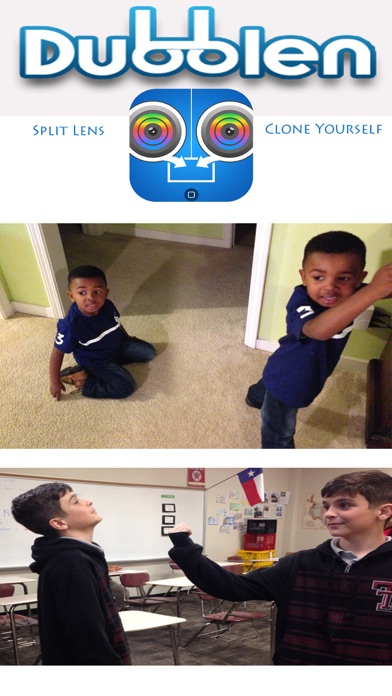
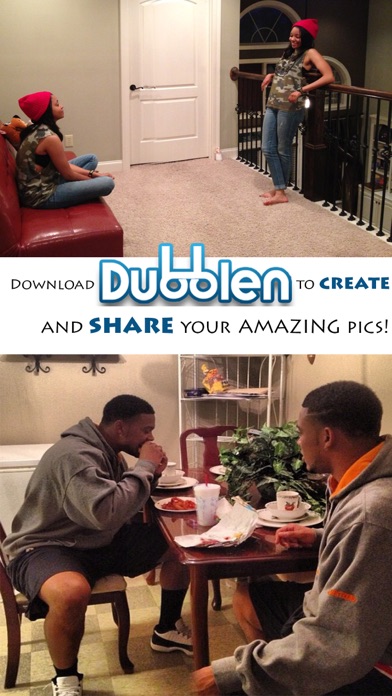
Dubblen is a split camera lens that allows you to create a clone / twin. Easily create two pictures in one with our twin camera. Do anything from shaking your own hand, running from yourself, playing basketball against yourself, and millions of other possibilities.
MENTION US ON TWITTER (@DUBBLENAPP) AND WE WILL REPOST YOUR DUBBLEN PHOTOS!
That's right, you can now clone yourself! You can now create the twin that you never had. Your twin/clone can now be just as cool as you.
HOW IT WORKS (CAMERA):
1. The camera is vertically split down the middle.
2. You take your first photo on the left side of the screen
3. After snapping the first photo on the left side of the screen, the right side of the screen now becomes active. You can now snap the photo using the right side of the camera.
4. Once you have taken both sides, click the red 'Merge' button to merge the left and right side.
If you don’t like the picture you have taken, just hit the “Start Over” button in the top left corner and create another clone photo with our split cam.
HOW IT WORKS (STITCH):
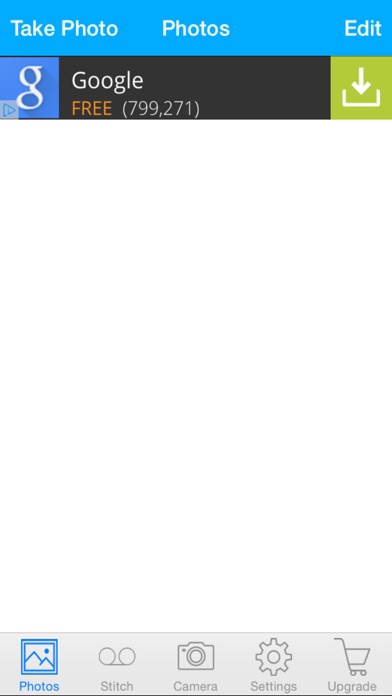
1. Click on the Stitch tab.
2. Choose a photo from your iPhone’s photo library or take a photo using your phone's camera.
3. After choosing your photo(s), you can click on the Settings option (the center icon) to do Picture Effects and change your Photo Filters. In addition to changing Filters, you can also Enhance your photo (auto, night, backlit, balance); change the Orientation of the image (rotate or flip); Crop; Brightness, Contrast, Saturation, Sharpness, Draw, and Redeye.
4. Save & Share!
Upgrade to Dubblen+ and now have access to multiple collage options. More frames. More fun.
SAVE & SHARE
- You can save your images to the [Dubblen] App Library and/or your iPhone/iPod/iPad photo library.
- Simply share your photos through Twitter, Facebook, Tumblr, Flickr, or Instagram. Sign in one time and with one click, you can share through the social network of your choice.
- You can email or text your friends and family and inform them about the Dubblen app or show them your photos taken with the Dubblen app
FEATURES
- Saved share settings – no need in logging into your social networking account every time you want to share a photo.
- Vertically split screen – the split with rotate based on how your are holding your camera (up/down or sideways)
- Using the lightning bold icon, turn the manually turn the flash On, Off, or leave it on Auto (default option)
- Black & White filters
- Take unlimited photos
- Front & back camera support
- please note that when taking a photo with the front camera, the resulted photo is flipped. Please note this when taking a photo with the front camera.
SPECIAL NOTES & SUGGESTIONS
1. If you do not have a very steady hand, we suggest taking photos with backgrounds that you do not have to line a lot of things.
2. Give the camera time to focus. By giving it time to focus, it may adjust the color itself.