PC 용 Easy Square - Post Entire Photos On Instagram With No Crop
- 카테고리: Photo & Video
- 최근 업데이트: 2015-04-06
- 현재 버전: 3.11
- 파일 크기: 71.49 MB
- 개발자: Barney Lee
- 호환성: 필요 Windows XP, Windows Vista, Windows 7, Windows 8, Windows 8.1 and Windows 10, Windows 11


PC에서 Easy Square - Post Entire Photos On Instagram With No Crop 용 호환 APK 다운로드
| 다운로드 | 개발자 | 평점 | 점수 | 현재 버전 | 성인 랭킹 |
|---|---|---|---|---|---|
| ↓ PC용 APK 다운로드 | Barney Lee | 1 | 5 | 3.11 | 4+ |
에뮬레이터의 중요성은 컴퓨터에서 안드로이드 환경을 흉내 내고 안드로이드 폰을 구입하지 않고도 안드로이드 앱을 설치하고 실행하는 것을 매우 쉽게 만들어주는 것입니다. 누가 당신이 두 세계를 즐길 수 없다고 말합니까? 우선 아래에있는 에뮬레이터 앱을 다운로드 할 수 있습니다.
A. Nox App . OR
B. Bluestacks App .
Bluestacks는 매우 대중적이므로 개인적으로 "B"옵션을 사용하는 것이 좋습니다. 문제가 발생하면 Google 또는 Naver.com에서 좋은 해결책을 찾을 수 있습니다.
Bluestacks.exe 또는 Nox.exe를 성공적으로 다운로드 한 경우 컴퓨터의 다운로드 폴더 또는 다운로드 한 파일을 일반적으로 저장하는 곳으로 이동하십시오.
찾으면 클릭하여 응용 프로그램을 설치하십시오. PC에서 설치 프로세스를 시작해야합니다.
다음을 클릭하여 EULA 라이센스 계약에 동의하십시오.
응용 프로그램을 설치하려면 화면 지시문을 따르십시오.
위 사항을 올바르게 수행하면 소프트웨어가 성공적으로 설치됩니다.
이제 설치 한 에뮬레이터 애플리케이션을 열고 검색 창을 찾으십시오. 지금 입력하십시오. - Easy Square - Post Entire Photos On Instagram With No Crop 앱을 쉽게 볼 수 있습니다. 그것을 클릭하십시오. 응용 프로그램 창이 열리고 에뮬레이터 소프트웨어에 응용 프로그램이 표시됩니다. 설치 버튼을 누르면 응용 프로그램이 다운로드되기 시작합니다. 이제 우리는 모두 끝났습니다.
그런 다음 "모든 앱"아이콘이 표시됩니다.
클릭하면 설치된 모든 응용 프로그램이 포함 된 페이지로 이동합니다.
당신은 Easy Square - Post Entire Photos On Instagram With No Crop 상. 그것을 클릭하고 응용 프로그램 사용을 시작하십시오.
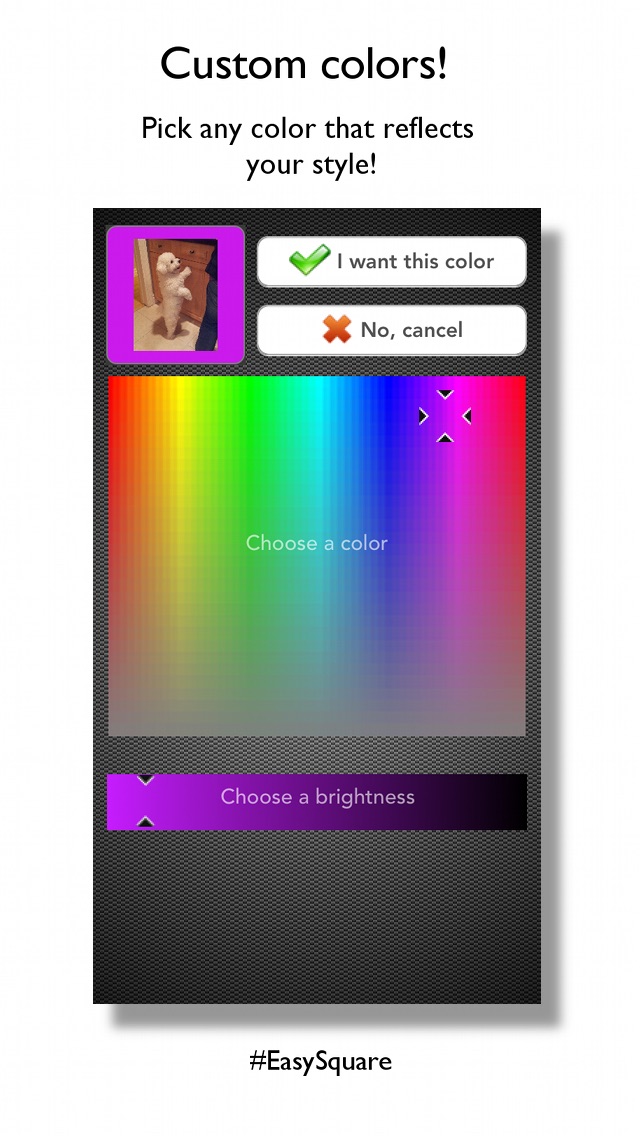
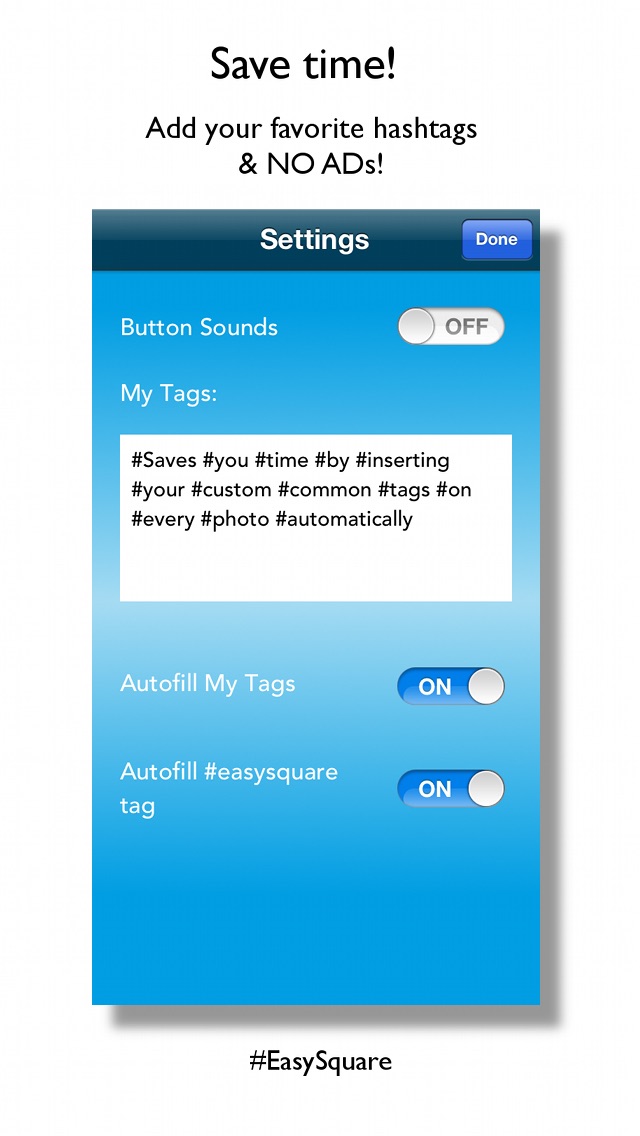
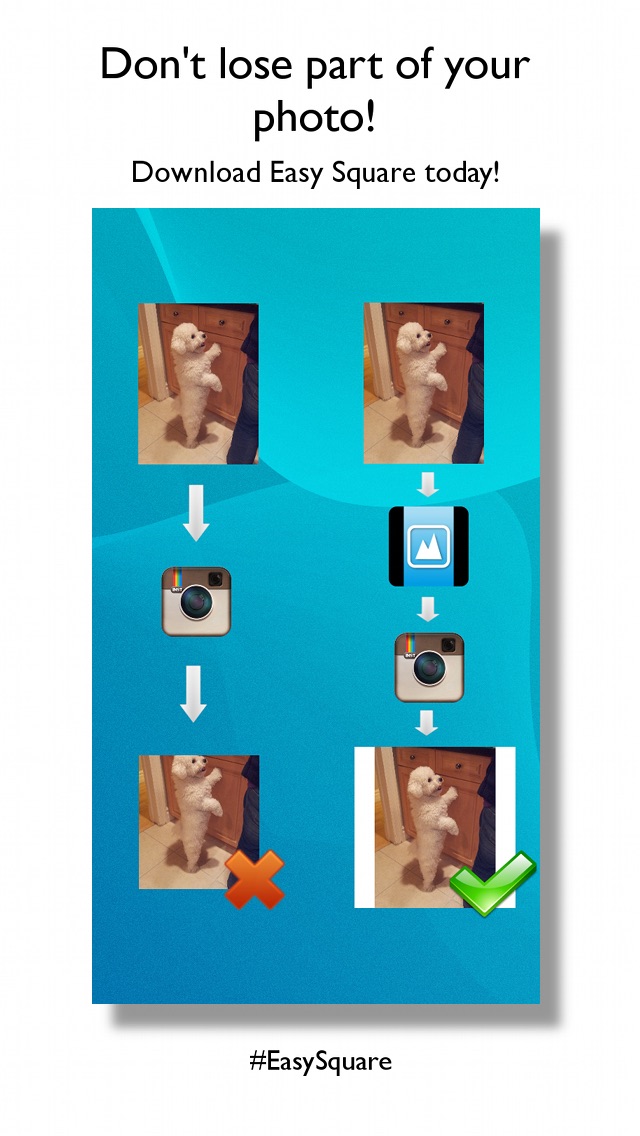
Save time and fit whole images easily to Instagram and Facebook without cropping! Here's what happy users are saying: (thank you!!) Honest and effective +++++ "Refreshingly simple and effective. No ads! Can toggle black or white background. Want to post a full frame image on Instagram, i.e., without cropping? This is the app." -- Portland user 97XXX Great App to Resize Photos +++++ "I have been using this app for just 3 days and I absolutely LOVE IT!!!! All of the trouble I used to have using a photo on FB, iPhone backgrounds or Instagram because they were too big are all remedied with this app :) :). Definitely a keeper!!!" -- Koininia It's about time!! +++++ "Been looking for a way to resize my pictures for Instagram for years!!! This is perfect. Exactly what i needed. Thank you!!" -- JustBelieve! Perfect +++++ "Simple, easy to use, does exactly what it says it will do. I really like this app since i like to put full photos on instagram. It was totally worth it" -- H. Holman Finally! +++++ "Trying to fit a 5 megapixel iPhone pic into Instagram is IMPOSSIBLE. It just won't fit, even w iPhone 5. This app solves that problem BEAUTIFULLY. Thank you thank you thank you." -- Kailee100 So easy and actually works! +++++ "Been looking forever for an app that could post to Instagram a full size pic, and this does that exactly! So easy, and super fast!" -- kara.w ---- No more deciding who or what to crop out in pictures. No more frustration trying to take pictures in a way that will fit on Instagram. Save time on editing and spend more time shooting and sharing with the super simple interface! ----- MAIN FEATURES: * Turns any of your photos into a square for Instagram by automatically adding white, black, or CUSTOM colored sidebars. (NOTE: Please note that the background will be tinted if you choose any other Instagram filters other than "Normal" & use white background in Easy Square) * Be FREE from annoying advertisements. (Yay, no Ads!) * Have your choice of what to highlight: Pinch and Zoom to move your picture around the square or crop screenshots. * Save time tagging: Store your often used hashtags in the settings of the app! * Make your photos stand out on Instagram by optionally adding rounded corners and/or drop shadows to your photos. * Check out app results by looking for the #easysquare tag on Instagram! ----- MORE 5 STAR REVIEWS: AMAZING +++++ "After weeks of downloading app after app to find something that would allow for my full picture to be viewed on Instagram, I found one that works. A simple and speedy app, it allows me to post on the go. I highly recommend this to anyone who wants to add a simple background to their portrait or landscape pictures. Definitely worth the low price of .99 cents!" -- monkelepo11 It does exactly what it says it does. +++++ "Prefect, it's so dumb the Instagram makes you crop the photo! So I looked online found this app. The app is perfect, puts my full photo on just like it says it would. Sure it cost money, but it's only .99c that's not too bad. Worth it though." -- J. Cobb Wonderful App +++++ "After Instagram updated their app, you could view the picture before posting. I absolutely LOVE this app, and wouldn't change it for the world. It IS worth the money, and you CAN see the picture NOW. I highly recommend this app to anyone. (:" -- H. Clark It just works +++++ "I've wasted way too much time looking for ways to resize photos for Instagram. I'm so glad I found this app. It's very simple and easy to use. Just choose the library icon and choose the photo you want to resize. It automatically resizes (puts into a square) for Instagram. Tap on the Instagram icon and confirm you want to send to Instagram and you're all set! Just proceed with posting your image to Instagram as normal. It works great. Best .99 I've spent in a long time! It's actually worth more IMO." -- K. Hayes