
PC 용 Footpath Route Planner
- 카테고리: Navigation
- 최근 업데이트: 2026-09-22
- 현재 버전: 5.0.3
- 파일 크기: 110.98 MB
- 개발자: Half Mile Labs LLC
- 호환성: 필요 Windows XP, Windows Vista, Windows 7, Windows 8, Windows 8.1 and Windows 10, Windows 11



PC에서 Footpath Route Planner 용 호환 APK 다운로드
| 다운로드 | 개발자 | 평점 | 점수 | 현재 버전 | 성인 랭킹 |
|---|---|---|---|---|---|
| ↓ PC용 APK 다운로드 | Half Mile Labs LLC | 13 | 4.84615 | 5.0.3 | 4+ |
호환되는 PC 앱 또는 대안 확인
| 소프트웨어 | 다운로드 | 평점 | 개발자 |
|---|---|---|---|
| Footpath Route Planner |
PC 앱 받기 | 4.84615/5 13 리뷰 4.84615 |
Half Mile Labs LLC |
에뮬레이터의 중요성은 컴퓨터에서 안드로이드 환경을 흉내 내고 안드로이드 폰을 구입하지 않고도 안드로이드 앱을 설치하고 실행하는 것을 매우 쉽게 만들어주는 것입니다. 누가 당신이 두 세계를 즐길 수 없다고 말합니까? 우선 아래에있는 에뮬레이터 앱을 다운로드 할 수 있습니다.
A. Nox App . OR
B. Bluestacks App .
Bluestacks는 매우 대중적이므로 개인적으로 "B"옵션을 사용하는 것이 좋습니다. 문제가 발생하면 Google 또는 Naver.com에서 좋은 해결책을 찾을 수 있습니다.
Bluestacks.exe 또는 Nox.exe를 성공적으로 다운로드 한 경우 컴퓨터의 다운로드 폴더 또는 다운로드 한 파일을 일반적으로 저장하는 곳으로 이동하십시오.
찾으면 클릭하여 응용 프로그램을 설치하십시오. PC에서 설치 프로세스를 시작해야합니다.
다음을 클릭하여 EULA 라이센스 계약에 동의하십시오.
응용 프로그램을 설치하려면 화면 지시문을 따르십시오.
위 사항을 올바르게 수행하면 소프트웨어가 성공적으로 설치됩니다.
이제 설치 한 에뮬레이터 애플리케이션을 열고 검색 창을 찾으십시오. 지금 입력하십시오. - Footpath Route Planner 앱을 쉽게 볼 수 있습니다. 그것을 클릭하십시오. 응용 프로그램 창이 열리고 에뮬레이터 소프트웨어에 응용 프로그램이 표시됩니다. 설치 버튼을 누르면 응용 프로그램이 다운로드되기 시작합니다. 이제 우리는 모두 끝났습니다.
그런 다음 "모든 앱"아이콘이 표시됩니다.
클릭하면 설치된 모든 응용 프로그램이 포함 된 페이지로 이동합니다.
당신은 Footpath Route Planner 상. 그것을 클릭하고 응용 프로그램 사용을 시작하십시오.
Mac OS 에서 Footpath Route Planner 다운로드
| 다운로드 | 개발자 | 점수 | 현재 버전 | 성인 랭킹 |
|---|---|---|---|---|
| 무료 - Mac 에서 다운로드 | Half Mile Labs LLC | 4.84615 |
5.0.3 | 4+ |
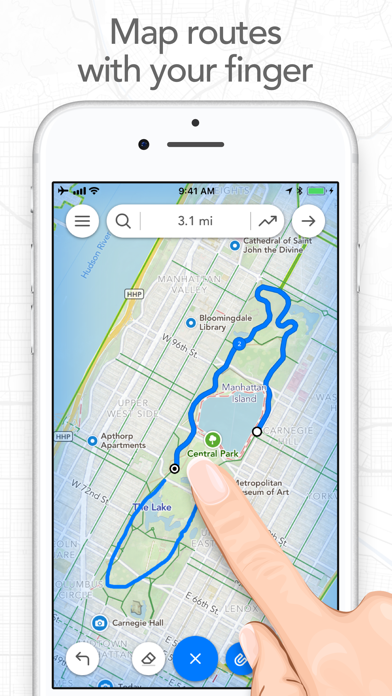
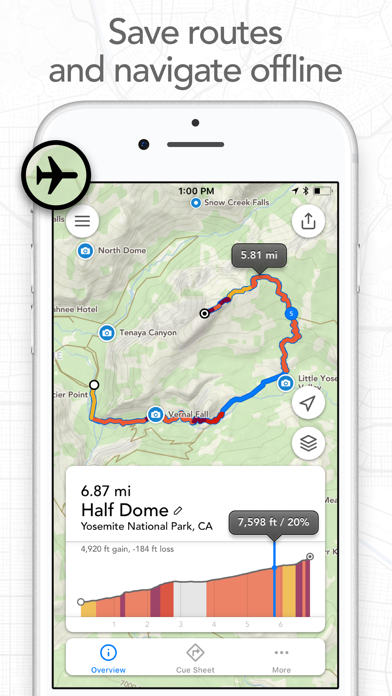
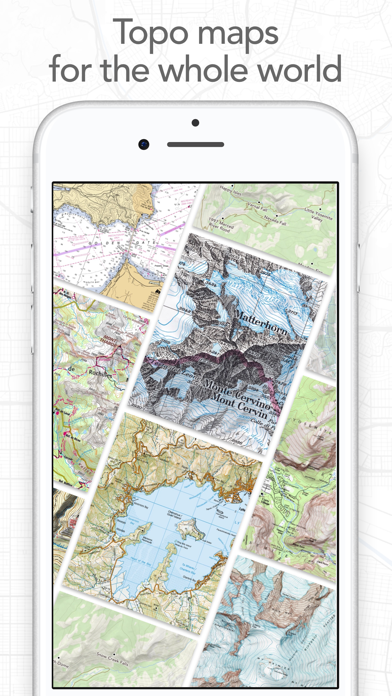
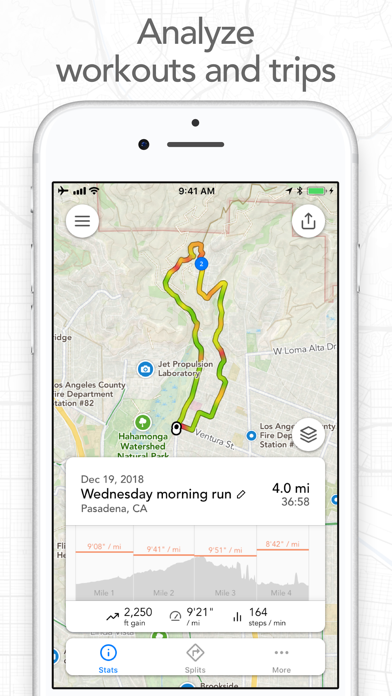
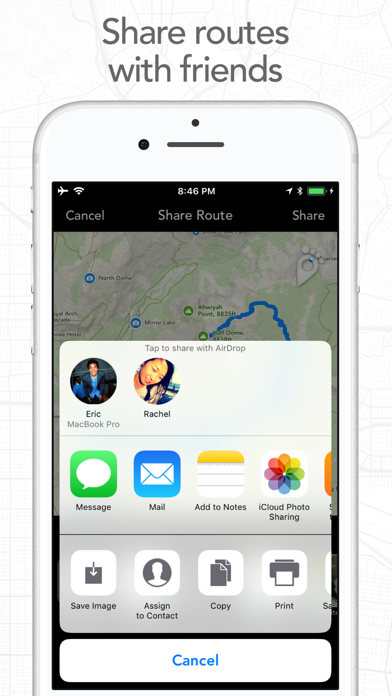
Map routes with your finger and Footpath will snap to roads and trails. Measure distances and elevations in seconds, then navigate along with turn-by-turn directions. Footpath is the ultimate companion for planning and navigating custom routes. Join millions of adventurers and plan out your perfect route. SNAP TO MAP Quickly measure distances by tracing a map with your finger or Apple Pencil. Footpath will snap to roads and trails on the map. MEASURE DISTANCE AND ELEVATION Know exactly how far and how high you'll travel with elevation profiles. Plan routes that match your goals. SAVE ROUTES FOR LATER Plan out your week or trip. Keep up to 5 routes on hand for reference, or save unlimited routes with Footpath Elite. SHARE ROUTES Send your routes to friends or workout partners to open on their device. Footpath is designed to work for pretty much any activity or adventure, in any country: • Running • Cycling and mountain biking • Hiking and mountaineering • Walking • Motorcycling and driving • Backcountry skiing • Kayaking and standup paddleboarding • Sailing • And many more! FOOTPATH ELITE Ready to go the extra mile? Upgrading to Footpath Elite unlocks the following powerful features: TURN-BY-TURN NAVIGATION - Footpath will tell you when to turn with turn-by-turn audio cues on your iPhone and Apple Watch - Save your route and cues in advance for voice guidance that works completely offline - Double tap your AirPods or use the playback controls button on your headphones to replay your next cue PREMIUM OFFLINE MAPS - 3D and topographic maps including Footpath Outdoors (Worldwide), USGS Topo Maps (U.S. and Canada), OpenCycleMap (Worldwide), and many more - Cycling lanes, avalanche slope shading, and elevation contour lines - Download maps for use offline - Save places as favorites to customize your maps ORGANIZE - Create and edit unlimited saved routes - Duplicate, merge, and split routes - Organize and sort routes into custom lists ANALYZE - Record GPS tracks of your activities - Use HealthKit display and log extra health and fitness metrics such as heart rate during a GPS activity - View a calendar log and weekly summary of your activities - Analyze splits, speed, elevation, and heart rate - View a heatmap of your speed during your activity EXPORT - GPX import and export - TCX and FIT course export for turn-by-turn navigation on Garmin and Wahoo GPS devices - Export cue sheets to a spreadsheet app for customization and printing - Export your routes and workouts to Apple Health You can purchase a Footpath Elite monthly or yearly subscription through your iTunes account. Your subscription will automatically renew unless cancelled at least 24 hours before the end of the current period. Auto-renew can be turned off anytime by going to the Manage Subscriptions page in settings after purchase, and your features will remain active until the end of the subscription period. Your account will be charged for renewal within 24-hours prior to the end of the current period at the same cost as your original purchase. TIPS FOR MAPPING ROUTES • For longer routes, try zooming in and mapping your route in multiple segments. • Tap and hold the map to quickly route between waypoints and POIs. • Did Footpath snap to the wrong roads? Trace over the incorrect segment to edit, or use the eraser tool. • Turn off snap to roads (magnet icon) and zoom in to manually trace the map. (Try switching to a satellite layer). • Displaying maps and continuously running GPS in the background can dramatically decrease battery life. Navigate without maps or with the screen off for all day battery life. CONTACT US We've got a lot planned for Footpath. If you have any suggestions or feedback, or if you run into any issues, please contact us at [email protected] Terms of Service: https://footpathapp.com/terms Privacy Policy: https://footpathapp.com/privacy