
PC 용 6Sense AI
- 카테고리: Photo & Video
- 최근 업데이트: 2025-07-20
- 현재 버전: 1.7
- 파일 크기: 120.59 MB
- 개발자: Mechideas
- 호환성: 필요 Windows XP, Windows Vista, Windows 7, Windows 8, Windows 8.1 and Windows 10, Windows 11
에뮬레이터의 중요성은 컴퓨터에서 안드로이드 환경을 흉내 내고 안드로이드 폰을 구입하지 않고도 안드로이드 앱을 설치하고 실행하는 것을 매우 쉽게 만들어주는 것입니다. 누가 당신이 두 세계를 즐길 수 없다고 말합니까? 우선 아래에있는 에뮬레이터 앱을 다운로드 할 수 있습니다.
A. Nox App . OR
B. Bluestacks App .
Bluestacks는 매우 대중적이므로 개인적으로 "B"옵션을 사용하는 것이 좋습니다. 문제가 발생하면 Google 또는 Naver.com에서 좋은 해결책을 찾을 수 있습니다.
Bluestacks.exe 또는 Nox.exe를 성공적으로 다운로드 한 경우 컴퓨터의 다운로드 폴더 또는 다운로드 한 파일을 일반적으로 저장하는 곳으로 이동하십시오.
찾으면 클릭하여 응용 프로그램을 설치하십시오. PC에서 설치 프로세스를 시작해야합니다.
다음을 클릭하여 EULA 라이센스 계약에 동의하십시오.
응용 프로그램을 설치하려면 화면 지시문을 따르십시오.
위 사항을 올바르게 수행하면 소프트웨어가 성공적으로 설치됩니다.
이제 설치 한 에뮬레이터 애플리케이션을 열고 검색 창을 찾으십시오. 지금 입력하십시오. - 6Sense AI 앱을 쉽게 볼 수 있습니다. 그것을 클릭하십시오. 응용 프로그램 창이 열리고 에뮬레이터 소프트웨어에 응용 프로그램이 표시됩니다. 설치 버튼을 누르면 응용 프로그램이 다운로드되기 시작합니다. 이제 우리는 모두 끝났습니다.
그런 다음 "모든 앱"아이콘이 표시됩니다.
클릭하면 설치된 모든 응용 프로그램이 포함 된 페이지로 이동합니다.
당신은 6Sense AI 상. 그것을 클릭하고 응용 프로그램 사용을 시작하십시오.
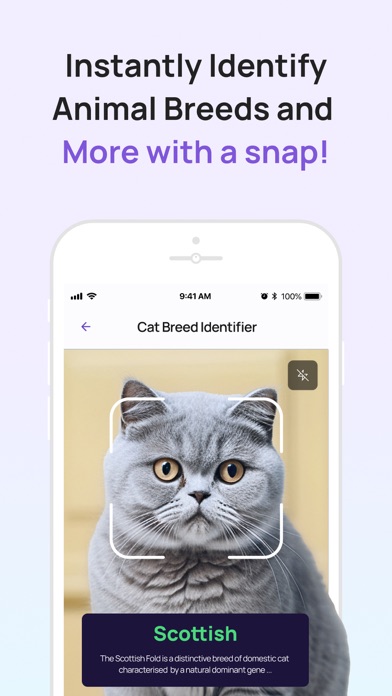
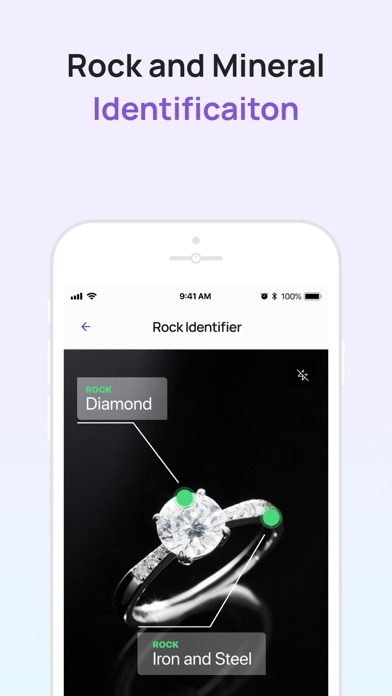
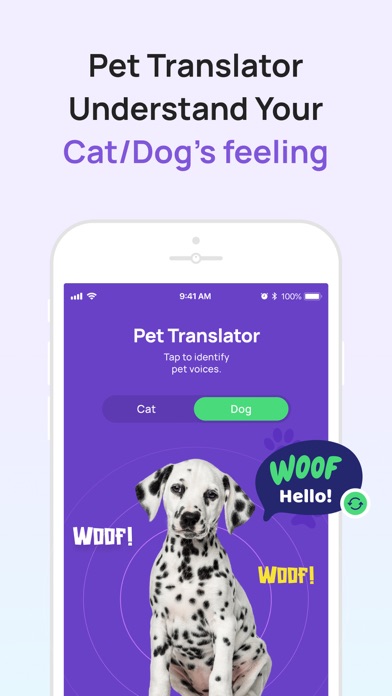
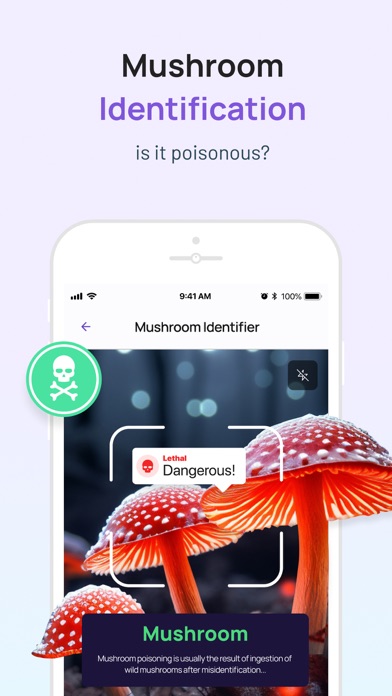
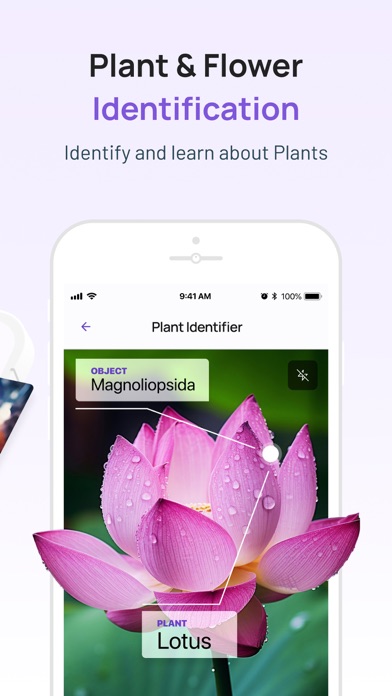
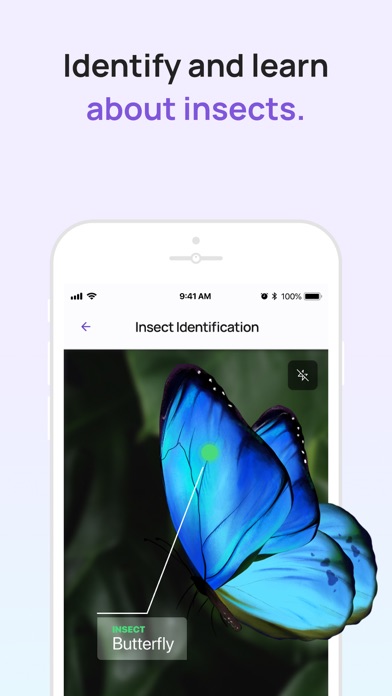
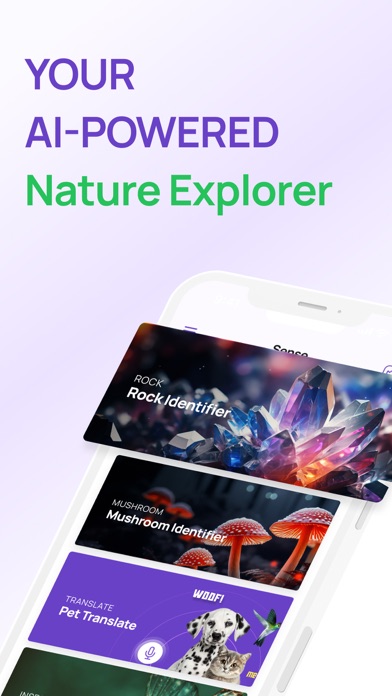
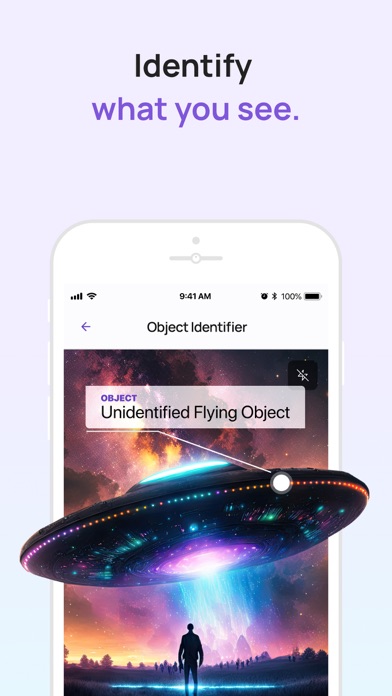
Introducing 6 Sense, an innovative AI-driven app that opens up a world of exploration right at your fingertips. Designed for nature enthusiasts, pet owners, and the perpetually curious, 6 Sense turns your smartphone into a powerful tool for understanding and interacting with the natural world around you. **Key Features:** 1. **Plant Identification**: Capture a photo to quickly identify a wide range of plants, complete with detailed information and interesting facts. 2. **Object Identification**: Unravel the mysteries of everyday objects with a simple snapshot, learning about their history and usage. 3. **Insect Identification**: Become an insect expert by identifying different species and delving into their fascinating world. 4. **Rock Identification**: Geology has never been more accessible. Identify rocks and minerals and learn about their formation and significance. 5. **Animal Identification**: Encounter an animal in the wild? Identify it safely with 6 Sense and understand its behavior and habitat. 6. **Pet Translator**: Strengthen your bond with your pets by understanding their emotions and needs through our innovative pet translator. 7. **Bird Identification**: Bird enthusiasts can easily identify species, listen to bird calls, and learn about their migration patterns. 8. **Cat and Dog Breed Identification**: Discover the breeds of cats and dogs with precision, whether they are your own pets or ones you meet. 9. **Environmental Descriptive AI Model**: Enhance your environmental awareness with detailed, AI-generated descriptions of natural landscapes and scenes. **Why Choose 6 Sense?** - **Intuitive Design**: Easy to use for all ages and levels of tech-savviness. - **Accurate and Fast Identification**: Leverage the power of advanced AI for quick and reliable identifications. - **Educational Tool**: Expand your knowledge about the natural world in an engaging way. - **Privacy-Focused**: We prioritize your data security and privacy. 6 Sense is more than an app; it's your gateway to understanding the environment, the creatures that inhabit it, and the pets that share our lives. Download 6 Sense today and unleash your inner explorer! About Subscriptions • Payment will be charged to iTunes Account at confirmation of purchase. • Subscription automatically renews unless auto-renew is turned off at least 24-hours before the end of the current period. • Account will be charged for renewal within 24 hours of the end of the current period, and the cost of the renewal will be provided. • Any unused portion of a free trial period, if offered, will be forfeited when the user purchases a subscription to that publication, where applicable • Subscriptions may be managed by the user and auto-renewal may be turned off by going to the user's Account Settings after purchase. •You can cancel your subscription by entering the following address: https://support.apple.com/en-us/HT202039 https://mechideas.com/privacy-policy https://mechideas.com/terms-of-use


