PC 용 Crop Video Square Editor
- 카테고리: Photo & Video
- 최근 업데이트: 2026-10-27
- 현재 버전: 4.6.0
- 파일 크기: 400.74 MB
- 개발자: i-App Creation Co., Ltd.
- 호환성: 필요 Windows XP, Windows Vista, Windows 7, Windows 8, Windows 8.1 and Windows 10, Windows 11

PC에서 Crop Video Square Editor 용 호환 APK 다운로드
| 다운로드 | 개발자 | 평점 | 점수 | 현재 버전 | 성인 랭킹 |
|---|---|---|---|---|---|
| ↓ PC용 APK 다운로드 | i-App Creation Co., Ltd. | 19 | 4.31579 | 4.6.0 | 4+ |
호환되는 PC 앱 또는 대안 확인
| 소프트웨어 | 다운로드 | 평점 | 개발자 |
|---|---|---|---|
| Crop Video Square Editor |
PC 앱 받기 | 4.31579/5 19 리뷰 4.31579 |
i-App Creation Co., Ltd. |
에뮬레이터의 중요성은 컴퓨터에서 안드로이드 환경을 흉내 내고 안드로이드 폰을 구입하지 않고도 안드로이드 앱을 설치하고 실행하는 것을 매우 쉽게 만들어주는 것입니다. 누가 당신이 두 세계를 즐길 수 없다고 말합니까? 우선 아래에있는 에뮬레이터 앱을 다운로드 할 수 있습니다.
A. Nox App . OR
B. Bluestacks App .
Bluestacks는 매우 대중적이므로 개인적으로 "B"옵션을 사용하는 것이 좋습니다. 문제가 발생하면 Google 또는 Naver.com에서 좋은 해결책을 찾을 수 있습니다.
Bluestacks.exe 또는 Nox.exe를 성공적으로 다운로드 한 경우 컴퓨터의 다운로드 폴더 또는 다운로드 한 파일을 일반적으로 저장하는 곳으로 이동하십시오.
찾으면 클릭하여 응용 프로그램을 설치하십시오. PC에서 설치 프로세스를 시작해야합니다.
다음을 클릭하여 EULA 라이센스 계약에 동의하십시오.
응용 프로그램을 설치하려면 화면 지시문을 따르십시오.
위 사항을 올바르게 수행하면 소프트웨어가 성공적으로 설치됩니다.
이제 설치 한 에뮬레이터 애플리케이션을 열고 검색 창을 찾으십시오. 지금 입력하십시오. - Crop Video Square Editor 앱을 쉽게 볼 수 있습니다. 그것을 클릭하십시오. 응용 프로그램 창이 열리고 에뮬레이터 소프트웨어에 응용 프로그램이 표시됩니다. 설치 버튼을 누르면 응용 프로그램이 다운로드되기 시작합니다. 이제 우리는 모두 끝났습니다.
그런 다음 "모든 앱"아이콘이 표시됩니다.
클릭하면 설치된 모든 응용 프로그램이 포함 된 페이지로 이동합니다.
당신은 Crop Video Square Editor 상. 그것을 클릭하고 응용 프로그램 사용을 시작하십시오.
Mac OS 에서 Crop Video Square Editor 다운로드
| 다운로드 | 개발자 | 점수 | 현재 버전 | 성인 랭킹 |
|---|---|---|---|---|
| 무료 - Mac 에서 다운로드 | i-App Creation Co., Ltd. | 4.31579 |
4.6.0 | 4+ |
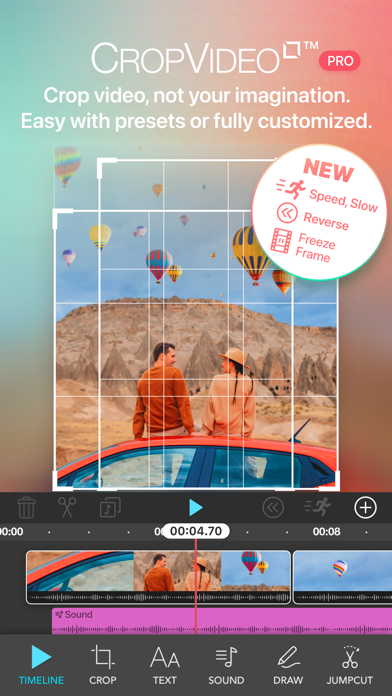
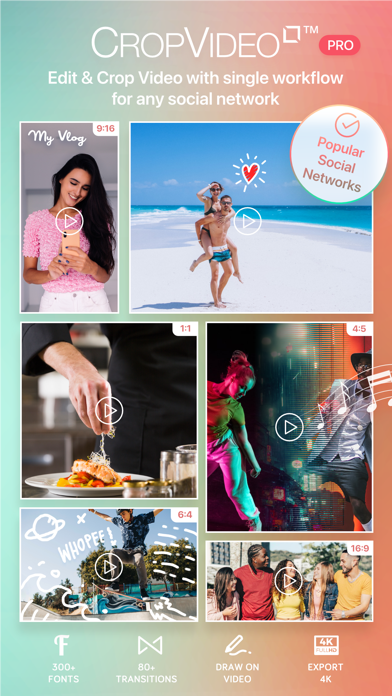
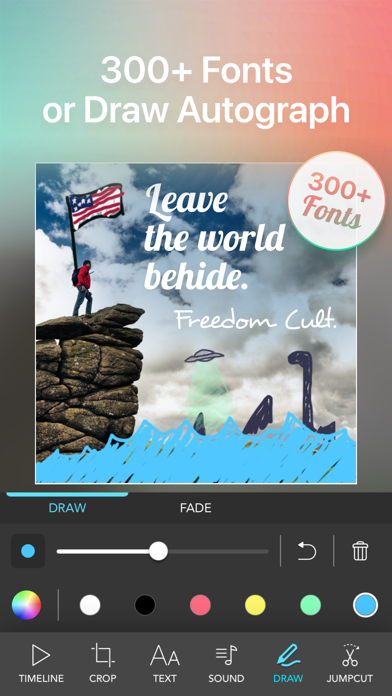
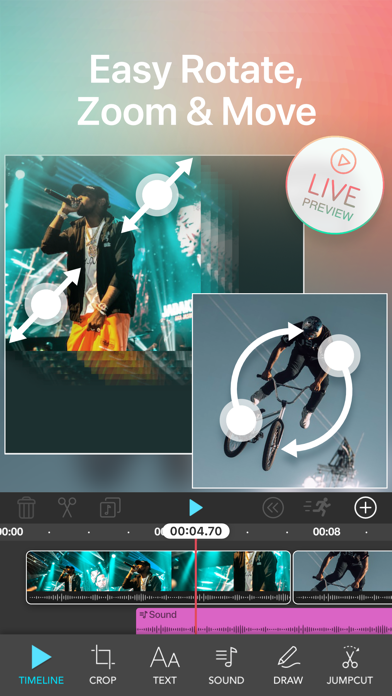
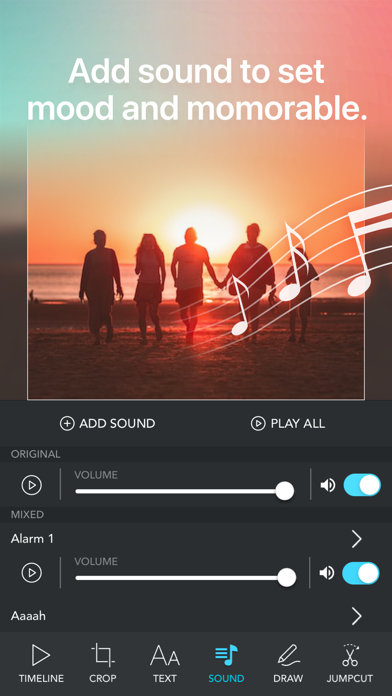
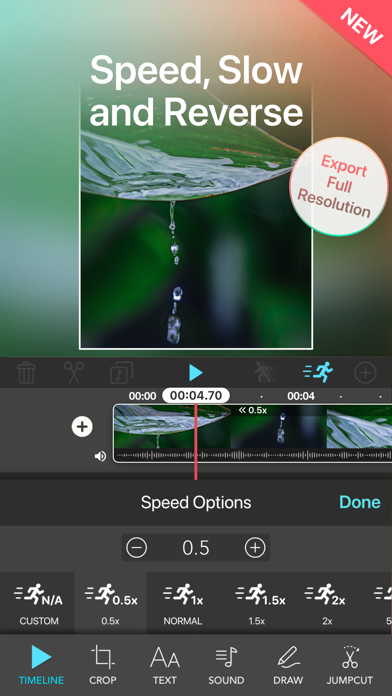
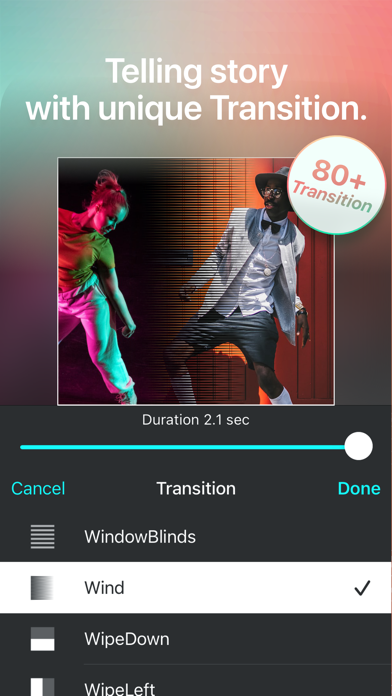
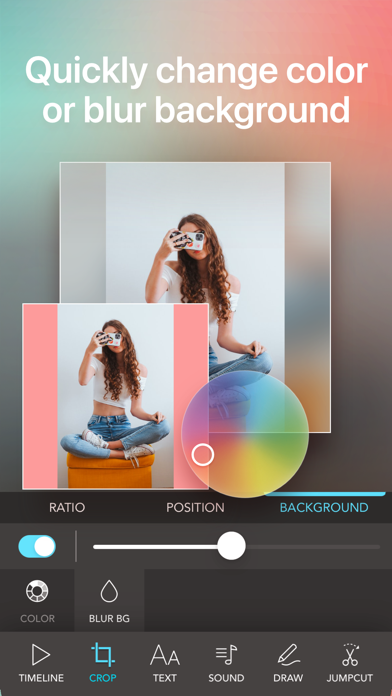
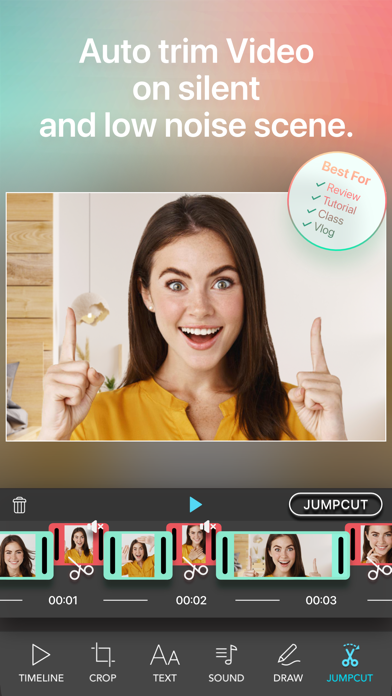
Crop & Edit Video & Photo in any size, ratio incredibly quick & easy, perfect for fb,ig,snapchat,Tiktok,twitter,Youtube & etc. up to 4K. CropVideoSquare™ gives you incredibly quick and easy ways to pinch, zoom, drag and crop! anywhere on your video to square size in just a few sec. Give Keyframe creative in your videos without limits! Make your videos fun and amazing with adding speed or slow motion, reverse, freeze frames. Adjust video position, resize, rotate and fill background with colors Flip your video Horizontally and Vertically and Export with full resolution or optimized size as you require. Easily Cut silent and low noise clip in video with single tap. We have designed a new Timeline Dashboard that makes Crop Video Square Flexible and Powerful on video editing but we still keep a simple and fast workflow for video cropping. KEY FEATURES - All done in just a few sec. - Pinch to zoom in, zoom out video. - Rotate Video. - Drag your video to select position. - Crop your video. - Add music up to 10 songs on video - Add imagination with brush size, color and opacity - Reset button. Back to original. - Preview video before share or save. - Export Video with full resolution or select preset to fit popular social media platforms such as facebook post,Your story,TikTok and many more. MORE FEATURES - New! Voice recording and select sound effects that fit the voice acting. - New! Manage multiple Video and Photo projects, all in one page. - Gorgeous and Easy-to-use UI New Optimized - Keyframe creating stunning videos by using zoom or move never been this easy! - Video Transitions - Import video from another app using Share Extension and Action Extension - Split and Trim precisely on timeline. - Position your video on canvas freely with Snap to center and border. - JumpCut with a single tap. - Flip video Vertically and Horizontally - Non-Square ratio and Original Photo and Video Ratio Support - Live Preview for Quicker Video Preview before export - Export Hi-Resolution Video! - Photo and Video iOS Extension - Powerful Text Management - Blur Background - Font Pack Added available for Purchase - Draw on video add imagination with brush MILLION PEOPLE LOVED CropVideoSquare™ "I alway had a problem with fitting the whole video. Well not anymore it solves the problem for you.” "Just started. Rotated and cropped a video and added title text. Super smooth app!” "Really easy to use and the possibilities of cropping are endless!” "I recommend this app for anyone who has Instagram.” CropVideoSquare Pro With a CropVideoSquare Pro subscription, you have unlimited access to all features Watermark and advertisements will be removed automatically Unlimited access to Blur background feature Unlimited access to Add Music and All Sound Effect feature Unlimited access to Draw feature Unlimited access to All fonts Unlimited access to JumpCut Unlimited access to All Transition We have both monthly and yearly subscriptions available. Monthly Subscription - Free 3 days trial Followed by subscription priced at $1.49 / Month Yearly Subscription - Yearly : $9.99 This subscription automatically renews for $1.49 a month after 3 days free trial. You can cancel anytime. If you upgrade to the CropVideoSquare PRO subscription, payment will be charged to your iTune account. And your account will be charged for renewal 24-hours prior to the endow the current period. Subscriptions may be managed by you and auto-renewal may be turned off by going to the your Account Settings after purchase. Any unused portion of a free trial period, if offered, will be forfeited when you purchase a subscription. Terms of use : https://www.iappcreation.com/terms-and-conditions-of-use