
PC 용 iWatermark+ Watermark Add Logo
- 카테고리: Photo & Video
- 최근 업데이트: 2026-04-22
- 현재 버전: 7.2.7
- 파일 크기: 99.07 MB
- 개발자: Plum Amazing Software LLC
- 호환성: 필요 Windows XP, Windows Vista, Windows 7, Windows 8, Windows 8.1 and Windows 10, Windows 11


PC에서 iWatermark+ Watermark Add Logo 용 호환 APK 다운로드
| 다운로드 | 개발자 | 평점 | 점수 | 현재 버전 | 성인 랭킹 |
|---|---|---|---|---|---|
| ↓ PC용 APK 다운로드 | Plum Amazing Software LLC | 9 | 4.66667 | 7.2.7 | 12+ |
호환되는 PC 앱 또는 대안 확인
| 소프트웨어 | 다운로드 | 평점 | 개발자 |
|---|---|---|---|
| iWatermark+ Watermark Add Logo |
PC 앱 받기 | 4.66667/5 9 리뷰 4.66667 |
Plum Amazing Software LLC |
에뮬레이터의 중요성은 컴퓨터에서 안드로이드 환경을 흉내 내고 안드로이드 폰을 구입하지 않고도 안드로이드 앱을 설치하고 실행하는 것을 매우 쉽게 만들어주는 것입니다. 누가 당신이 두 세계를 즐길 수 없다고 말합니까? 우선 아래에있는 에뮬레이터 앱을 다운로드 할 수 있습니다.
A. Nox App . OR
B. Bluestacks App .
Bluestacks는 매우 대중적이므로 개인적으로 "B"옵션을 사용하는 것이 좋습니다. 문제가 발생하면 Google 또는 Naver.com에서 좋은 해결책을 찾을 수 있습니다.
Bluestacks.exe 또는 Nox.exe를 성공적으로 다운로드 한 경우 컴퓨터의 다운로드 폴더 또는 다운로드 한 파일을 일반적으로 저장하는 곳으로 이동하십시오.
찾으면 클릭하여 응용 프로그램을 설치하십시오. PC에서 설치 프로세스를 시작해야합니다.
다음을 클릭하여 EULA 라이센스 계약에 동의하십시오.
응용 프로그램을 설치하려면 화면 지시문을 따르십시오.
위 사항을 올바르게 수행하면 소프트웨어가 성공적으로 설치됩니다.
이제 설치 한 에뮬레이터 애플리케이션을 열고 검색 창을 찾으십시오. 지금 입력하십시오. - iWatermark+ Watermark Add Logo 앱을 쉽게 볼 수 있습니다. 그것을 클릭하십시오. 응용 프로그램 창이 열리고 에뮬레이터 소프트웨어에 응용 프로그램이 표시됩니다. 설치 버튼을 누르면 응용 프로그램이 다운로드되기 시작합니다. 이제 우리는 모두 끝났습니다.
그런 다음 "모든 앱"아이콘이 표시됩니다.
클릭하면 설치된 모든 응용 프로그램이 포함 된 페이지로 이동합니다.
당신은 iWatermark+ Watermark Add Logo 상. 그것을 클릭하고 응용 프로그램 사용을 시작하십시오.
Mac OS 에서 iWatermark+ Watermark Add Logo 다운로드
| 다운로드 | 개발자 | 점수 | 현재 버전 | 성인 랭킹 |
|---|---|---|---|---|
| ₩5,900 - Mac 에서 다운로드 | Plum Amazing Software LLC | 4.66667 |
7.2.7 | 12+ |
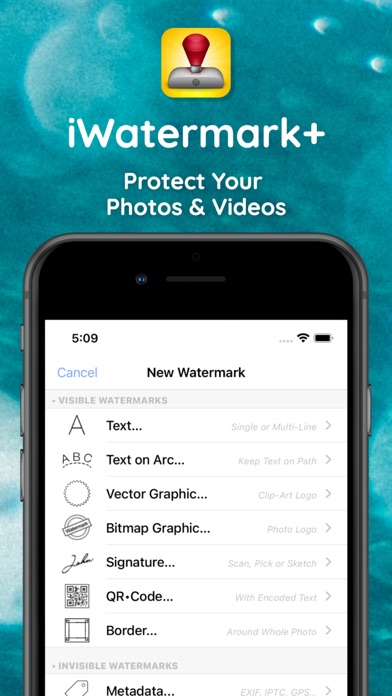
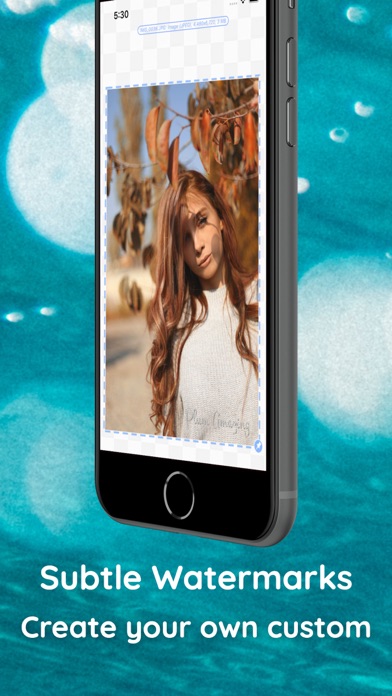
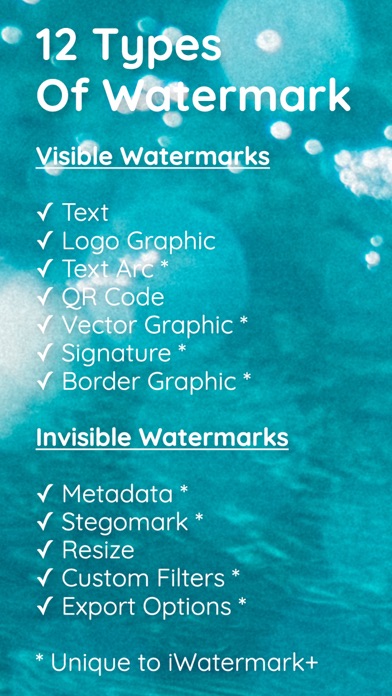
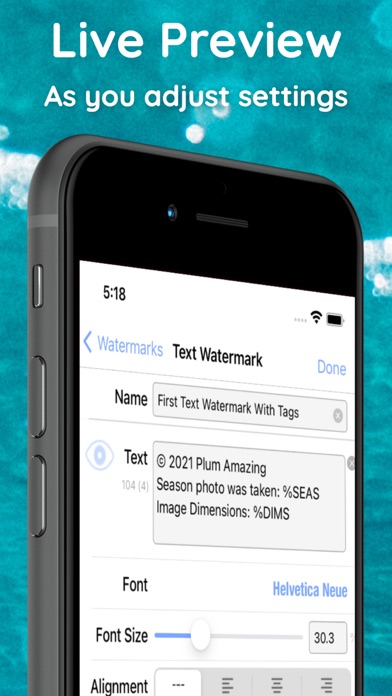
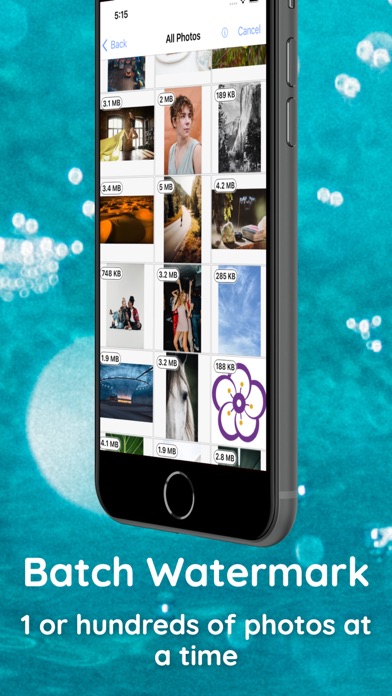
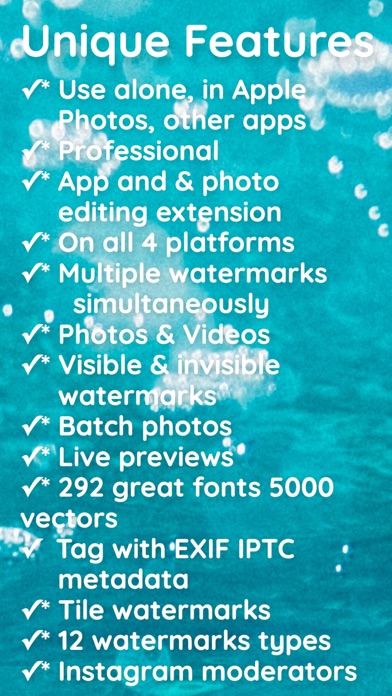
Watermark photos or video. Pro level watermarking with visible or invisible watermarks. Custom watermark with logo, text, metadata tags, QR codes, borders, vectors, metadata, steganographic, lines and signature watermarks. Batch watermark photos. Use 1 watermark or many watermarks simultaneously. The best present you can buy for an iPhonographer The watermarking tool made for photojournalists, professional photographers, influencers and beginners. The #1 app to watermark photos & video. #2 App for Instagram, TikTok, SnapChat & Facebook users. Easy, Popular, Powerful & Professional iOS 14.1, 15 & 16 Compatible Easily, enhance and protect your photos by signing them with iWatermark+'s unique 9 visible watermarks and 3 invisible watermark types. All 12 watermark types can be customized by you in millions of ways to be reused or re-edited easily. Use any of the thousands of included vector & bitmap watermarks. The easiest and most powerful way to add a subtle watermark or watermarks onto one or a batch of thousands of photos. For photographers by photographers "The ultimate Instagram tool" - H.R. The reviews say it all: “iWatermark+ is by far the best watermarking App I’ve seen to date on iOS. Nicely integrated as an iOS photo editing extension.” & “Number 5 of the Top 100 Apps of the year.” – Terry White, Principal Worldwide Design & Photography Evangelist for Adobe Systems, Inc Problem: Your unique photo goes viral & loses all connection to you as owner/creator Solution: Use iWatermark+ to watermark your photos & videos. A watermark subtly displays, no matter where on the internet, Facebook, Instagram, etc that your photo or video goes, that it's your property, created and owned by you iWatermark is unique & the only tool featuring: * 13 watermark types; text, text on an arc, bitmap/logo, border, vector, signature, lines, QR, metadata, steganographic, resize & filter & export options * A database of your custom (template) watermarks for instant reuse * Can use 1 or many watermarks simultaneously * Batch processing! Queue an unlimited number of photos * Watermark videos * Tile a watermark cover a photo/video * Library of 5000+ vector & bitmap watermarks * A massive 293 beautiful fonts * Engrave & emboss text with transparent option * Use iWatermark as photo extension to watermark photos directly in Apple Photos app * Draw, import or scan your signature as watermark * Preview & adjusts effects like scale, opacity, font, color, size, position & angle in realtime * Can embed an invisible steganographic watermark in photos * Touch gestures to drag, pinch/zoom/rotate a watermark * Can display GPS, IPTC & EXIF metadata as visible watermarks * Is on all 4 platforms * Export/Import watermarks to backup &/or share with friends or in a company as official watermark(s) Manual & tutorial videos http://is.gd/5rjnkz Why Watermark? Digitally sign your photos & videos to claim, secure and maintain your intellectual property and reputation. - Photos go viral then they fly off globally. Watermark with name, email or url so your photo has a visible and legal connection to you - Build your company brand, by having your company watermark on all it's photos - Promote your company, name and website by using watermarks - Help protect your copyright and trademarks - Avoid the conflicts, costly litigation and headaches from plagiarists who claim they didn't know that you created it - Avoid intellectual property (IP) squabbles Q:Will it watermark Canon, Sony, Nikon, Fuji, Olympus SLR camera photos? A:Yes From App Store Lov it by EdvbrownSr – Jun 15 Favorite things are: -Batch processing -Embossed watermarks -Transparency controls -Placement controls -Cloning variations is a breeze -Editing and font control is a breeze -Just too many features to mention -Everything I have tried works Keep it going, great software! eVb - The proof is in the tasting. Taste it today. Questions? Contact us anytime