
PC 용 Snippz for YouTube
- 카테고리: Photo & Video
- 최근 업데이트: 2022-02-02
- 현재 버전: 2.0.30
- 파일 크기: 110.86 MB
- 개발자: A Lott Of Ideas LLC
- 호환성: 필요 Windows XP, Windows Vista, Windows 7, Windows 8, Windows 8.1 and Windows 10, Windows 11
PC에서 Snippz for YouTube 용 호환 APK 다운로드
| 다운로드 | 개발자 | 평점 | 점수 | 현재 버전 | 성인 랭킹 |
|---|---|---|---|---|---|
| ↓ PC용 APK 다운로드 | A Lott Of Ideas LLC | 2 | 5 | 2.0.30 | 17+ |
에뮬레이터의 중요성은 컴퓨터에서 안드로이드 환경을 흉내 내고 안드로이드 폰을 구입하지 않고도 안드로이드 앱을 설치하고 실행하는 것을 매우 쉽게 만들어주는 것입니다. 누가 당신이 두 세계를 즐길 수 없다고 말합니까? 우선 아래에있는 에뮬레이터 앱을 다운로드 할 수 있습니다.
A. Nox App . OR
B. Bluestacks App .
Bluestacks는 매우 대중적이므로 개인적으로 "B"옵션을 사용하는 것이 좋습니다. 문제가 발생하면 Google 또는 Naver.com에서 좋은 해결책을 찾을 수 있습니다.
Bluestacks.exe 또는 Nox.exe를 성공적으로 다운로드 한 경우 컴퓨터의 다운로드 폴더 또는 다운로드 한 파일을 일반적으로 저장하는 곳으로 이동하십시오.
찾으면 클릭하여 응용 프로그램을 설치하십시오. PC에서 설치 프로세스를 시작해야합니다.
다음을 클릭하여 EULA 라이센스 계약에 동의하십시오.
응용 프로그램을 설치하려면 화면 지시문을 따르십시오.
위 사항을 올바르게 수행하면 소프트웨어가 성공적으로 설치됩니다.
이제 설치 한 에뮬레이터 애플리케이션을 열고 검색 창을 찾으십시오. 지금 입력하십시오. - Snippz for YouTube 앱을 쉽게 볼 수 있습니다. 그것을 클릭하십시오. 응용 프로그램 창이 열리고 에뮬레이터 소프트웨어에 응용 프로그램이 표시됩니다. 설치 버튼을 누르면 응용 프로그램이 다운로드되기 시작합니다. 이제 우리는 모두 끝났습니다.
그런 다음 "모든 앱"아이콘이 표시됩니다.
클릭하면 설치된 모든 응용 프로그램이 포함 된 페이지로 이동합니다.
당신은 Snippz for YouTube 상. 그것을 클릭하고 응용 프로그램 사용을 시작하십시오.
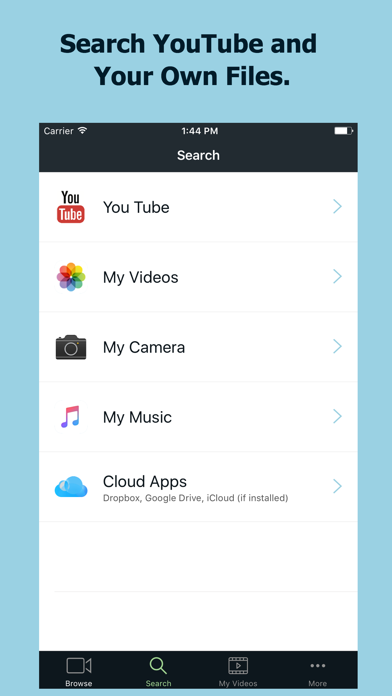
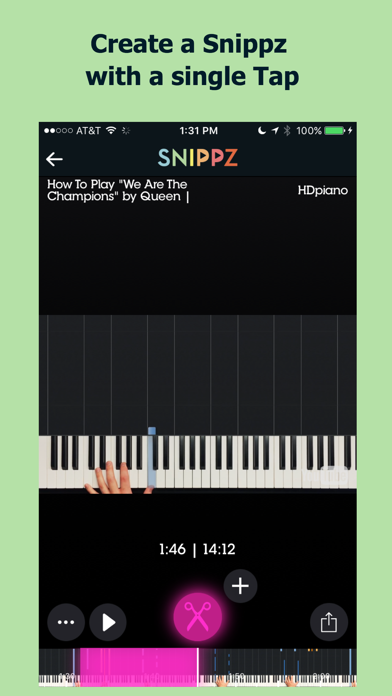
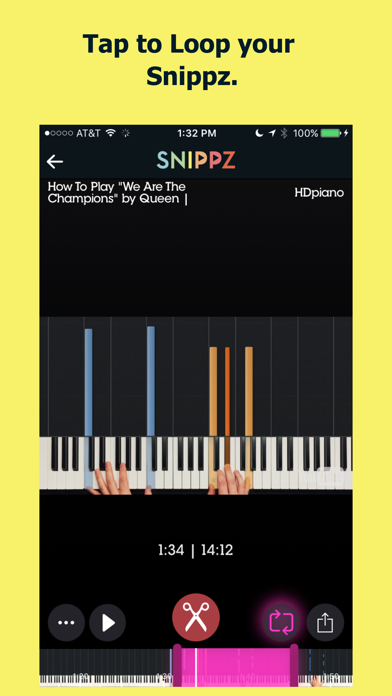
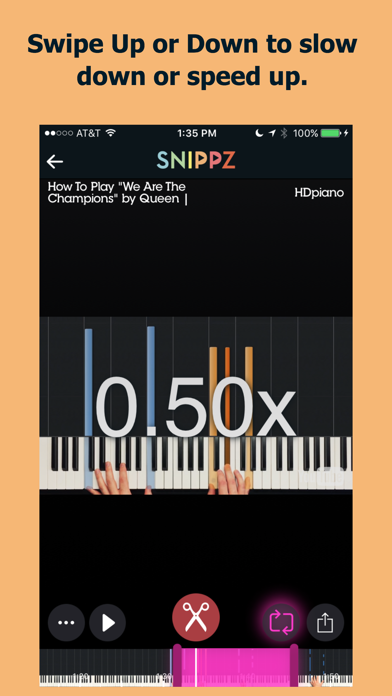
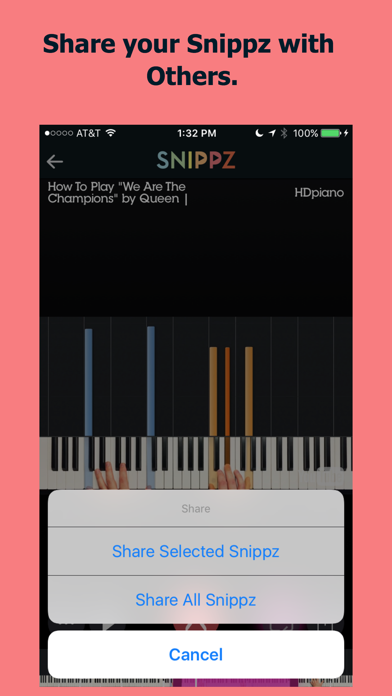
Speed up, Slow down, and loop videos from YouTube! Snippz 2 is now loaded with great features: - Access YouTube videos - Access your own videos and camera for sharing (with In-App purchase) - Access iTunes Library (with In-App purchase) - Access your audio / video files from your installed cloud apps (iCloud, Dropbox, Google Drive). (with In-App purchase) And best of all you can now "Share a 15 second YouTube Snippz to anyone!!!" ** More Details ** Watch and learn the right way! Find your favorite videos or learn something new. This app makes it 1000x easier to learn piano and learn guitar at your own speed. Slow down or speed up any YouTube lesson and learn at your own pace. Many musicians, technicians, and educators are using Snippz to make learning and teaching a breeze. Guitar Videos, Piano Videos, Singing Videos, Arts and Crafts videos, Dancing videos, your favorite videos, DropBox videos, Google Drive Videos, and even more. Slow them down, Loop them, and follow along at your own pace! Tutorials for guitar, piano and music always require rewinding and repetitive instructions. Using Snippz allows for a precise marking of specific regions so that you can loop, replay, and even save that particular region(s), and return to them at a later date. This is better than those normal bookmark feature of other apps. Search easily for any video and then stream and view them on your device. You can even watch the videos in full screen while still utilizing the highly customized Snippz timeline view. Here is why you should use Snippz: - Unique and customized video experience - Simple and intuitive gesture controlled interface - Swipe left and right on the video to jump between Snippz - Drag up and down to adjust the playback speed - Speed up or slow down the video - Super easy search that is fast and simple - Easily browse through your history and saved Snippz So check out what everyone is talking about now and get Snippz!


