PC 용 PDF Merger
- 카테고리: Business
- 최근 업데이트: 2016-09-30
- 현재 버전: 2.2
- 파일 크기: 5.22 MB
- 개발자: xu jianwei
- 호환성: 필요 Windows XP, Windows Vista, Windows 7, Windows 8, Windows 8.1 and Windows 10, Windows 11
에뮬레이터의 중요성은 컴퓨터에서 안드로이드 환경을 흉내 내고 안드로이드 폰을 구입하지 않고도 안드로이드 앱을 설치하고 실행하는 것을 매우 쉽게 만들어주는 것입니다. 누가 당신이 두 세계를 즐길 수 없다고 말합니까? 우선 아래에있는 에뮬레이터 앱을 다운로드 할 수 있습니다.
A. Nox App . OR
B. Bluestacks App .
Bluestacks는 매우 대중적이므로 개인적으로 "B"옵션을 사용하는 것이 좋습니다. 문제가 발생하면 Google 또는 Naver.com에서 좋은 해결책을 찾을 수 있습니다.
Bluestacks.exe 또는 Nox.exe를 성공적으로 다운로드 한 경우 컴퓨터의 다운로드 폴더 또는 다운로드 한 파일을 일반적으로 저장하는 곳으로 이동하십시오.
찾으면 클릭하여 응용 프로그램을 설치하십시오. PC에서 설치 프로세스를 시작해야합니다.
다음을 클릭하여 EULA 라이센스 계약에 동의하십시오.
응용 프로그램을 설치하려면 화면 지시문을 따르십시오.
위 사항을 올바르게 수행하면 소프트웨어가 성공적으로 설치됩니다.
이제 설치 한 에뮬레이터 애플리케이션을 열고 검색 창을 찾으십시오. 지금 입력하십시오. - PDF Merger 앱을 쉽게 볼 수 있습니다. 그것을 클릭하십시오. 응용 프로그램 창이 열리고 에뮬레이터 소프트웨어에 응용 프로그램이 표시됩니다. 설치 버튼을 누르면 응용 프로그램이 다운로드되기 시작합니다. 이제 우리는 모두 끝났습니다.
그런 다음 "모든 앱"아이콘이 표시됩니다.
클릭하면 설치된 모든 응용 프로그램이 포함 된 페이지로 이동합니다.
당신은 PDF Merger 상. 그것을 클릭하고 응용 프로그램 사용을 시작하십시오.
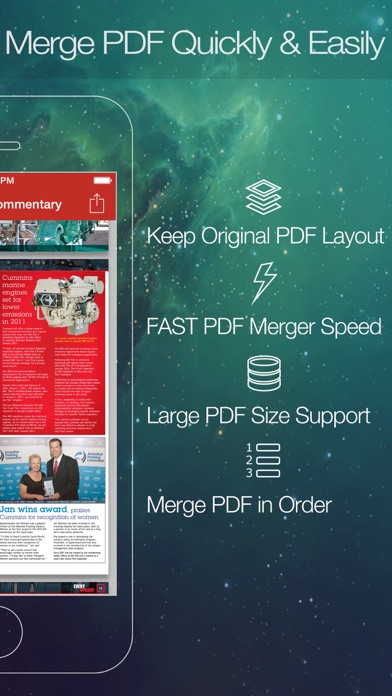
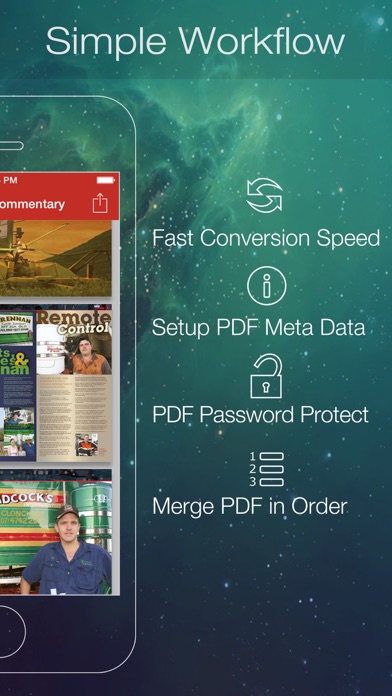
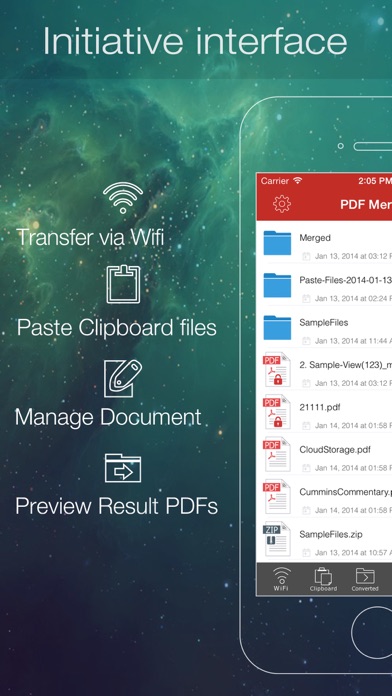
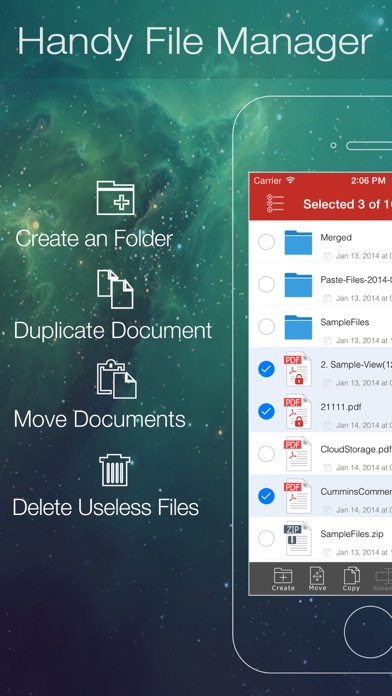
PDF Merger is a professional and easy-to-use PDF file Combiner & Joiner designed to merge PDF files for more convenient organising, archiving and printing in batch. With it you can merge multiple PDF files to create a new single PDF file. == Key features of PDF Merger == 1. Merge PDF files together into one, You can merge any different PDF files together. 2. Support to merge password-protected PDF files: For the owner password-protected PDF files (protect PDF from copying, printing, and editing), PDF Merger can remove the password and merge PDF immediately. For the user/open password-protected PDF files. You need to type in the password, and then PDF Merger can remove the user/open password and merge PDF files for you without any delay. More functions to merge PDF efficiently and conveniently It is very handy and user friendly tool to merge PDF documents in a minute. It is simple, fast and reliable utility. User can set the PDF properties of generated documents like PDF Title, Author Name, Subject and Keywords. PDF Merger does not require and special technical skills to operate. == More functions to merge PDF efficiently and conveniently == > Support importing Adobe PDF 1.0 - 1.7 formats (.pdf); > Batch merge hundreds of PDF files to one at one time. > Save time- as the PDF Merger functionality and outcome are instant. > Self-explanatory user interface to merge PDF easily. > Maintain data integrity of original PDF files after merging. > Support PDF files in most of the languages: English, Turkish, Thai, Latin, Korean, Greek, Cyrillic, Japanese, Chinese, German, French, Italian; > Combine the files in a order set by the user. > Send documents as email attachments; > Can read the following document formats: Word, Excel, Powerpoint, Pages, Numbers, Keynote, RTF, RTFD, TXT, HTML, JPG, PNG, Safari webarchive > Support all apple iOS devices; > Copy to clipboard; > Paste files from the clipboard. > Unzip .zip file; > Air print any part or all of a document; > Send files to iBook, PDF Reader, GoodReader and other apps("Open In.." integration); > WiFi file transfer(Browser or Webdav clients); > USB file transfer(iTunes file sharing); == How to merge PDF files with the PDF Merger == Step1: Download and install the PDF Merger, then run it. An intuitive interface will pop up. Step2: Import PDF files by iTunes File Sharing, connect you device to the USB port, find PDF Merger app in the File Sharing section, click the "Add files" button or drag and drop directly. Step3: Open PDF Merger, click "Edit" button to select files to merge, after select 2 or more PDFs, click "Merge" button and you will merge PDF successfully within seconds. == Why you merge PDF? == Nowadays, PDF is an indispensable and inevitable file format for us in homes and offices. We read e-book in PDF format with mobile devices like Kindle or the commercial contracts are saved as PDF files. It’s common when you receive a great many of PDF files. However, it’s a bothersome problem to manage PDF files. So we want to merge PDF files sometimes for better reutilization. In these cases, an enhanced PDF Merger will be a best assistant. If you want to split one large PDF into multiple smaller PDF files, you can try PDF splitter. Any questions, suggestions and problems please let us know. We will reply ASSP, and continue to update.