
PC 용 Cast Web Videos to TV - iWebTV
- 카테고리: Photo & Video
- 최근 업데이트: 2026-11-24
- 현재 버전: 2.0.122
- 파일 크기: 46.69 MB
- 개발자: Swishly inc
- 호환성: 필요 Windows XP, Windows Vista, Windows 7, Windows 8, Windows 8.1 and Windows 10, Windows 11

PC에서 Cast Web Videos to TV - iWebTV 용 호환 APK 다운로드
| 다운로드 | 개발자 | 평점 | 점수 | 현재 버전 | 성인 랭킹 |
|---|---|---|---|---|---|
| ↓ PC용 APK 다운로드 | Swishly inc | 27 | 4.88889 | 2.0.122 | 17+ |
호환되는 PC 앱 또는 대안 확인
| 소프트웨어 | 다운로드 | 평점 | 개발자 |
|---|---|---|---|
| Cast Web Videos to TV |
PC 앱 받기 | 4.88889/5 27 리뷰 4.88889 |
Swishly inc |
에뮬레이터의 중요성은 컴퓨터에서 안드로이드 환경을 흉내 내고 안드로이드 폰을 구입하지 않고도 안드로이드 앱을 설치하고 실행하는 것을 매우 쉽게 만들어주는 것입니다. 누가 당신이 두 세계를 즐길 수 없다고 말합니까? 우선 아래에있는 에뮬레이터 앱을 다운로드 할 수 있습니다.
A. Nox App . OR
B. Bluestacks App .
Bluestacks는 매우 대중적이므로 개인적으로 "B"옵션을 사용하는 것이 좋습니다. 문제가 발생하면 Google 또는 Naver.com에서 좋은 해결책을 찾을 수 있습니다.
Bluestacks.exe 또는 Nox.exe를 성공적으로 다운로드 한 경우 컴퓨터의 다운로드 폴더 또는 다운로드 한 파일을 일반적으로 저장하는 곳으로 이동하십시오.
찾으면 클릭하여 응용 프로그램을 설치하십시오. PC에서 설치 프로세스를 시작해야합니다.
다음을 클릭하여 EULA 라이센스 계약에 동의하십시오.
응용 프로그램을 설치하려면 화면 지시문을 따르십시오.
위 사항을 올바르게 수행하면 소프트웨어가 성공적으로 설치됩니다.
이제 설치 한 에뮬레이터 애플리케이션을 열고 검색 창을 찾으십시오. 지금 입력하십시오. - Cast Web Videos to TV - iWebTV 앱을 쉽게 볼 수 있습니다. 그것을 클릭하십시오. 응용 프로그램 창이 열리고 에뮬레이터 소프트웨어에 응용 프로그램이 표시됩니다. 설치 버튼을 누르면 응용 프로그램이 다운로드되기 시작합니다. 이제 우리는 모두 끝났습니다.
그런 다음 "모든 앱"아이콘이 표시됩니다.
클릭하면 설치된 모든 응용 프로그램이 포함 된 페이지로 이동합니다.
당신은 Cast Web Videos to TV - iWebTV 상. 그것을 클릭하고 응용 프로그램 사용을 시작하십시오.
Mac OS 에서 Cast Web Videos to TV 다운로드
| 다운로드 | 개발자 | 점수 | 현재 버전 | 성인 랭킹 |
|---|---|---|---|---|
| 무료 - Mac 에서 다운로드 | Swishly inc | 4.88889 |
2.0.122 | 17+ |
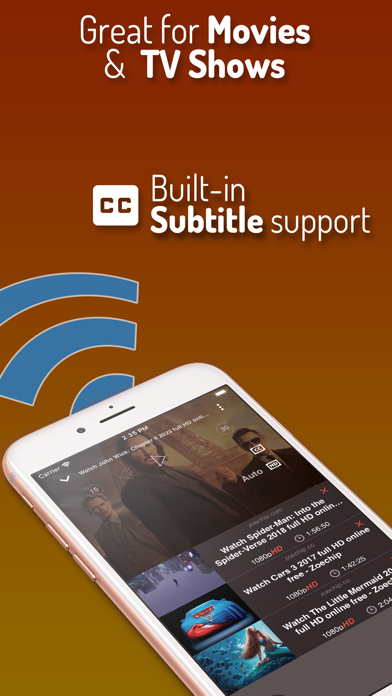
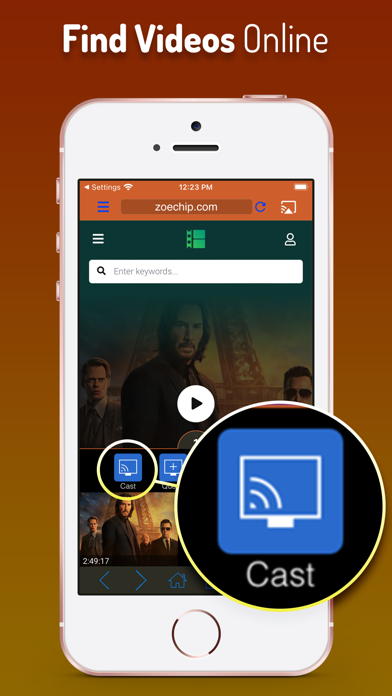
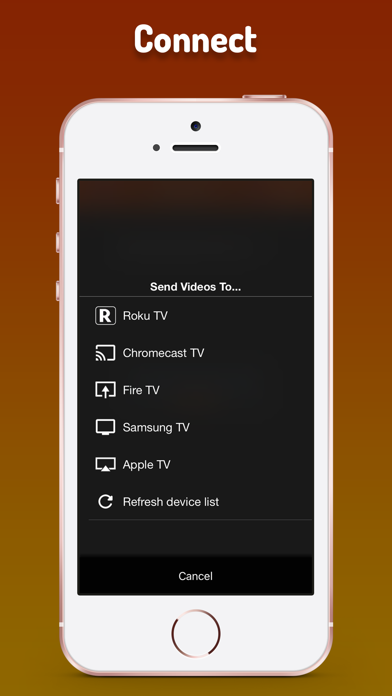
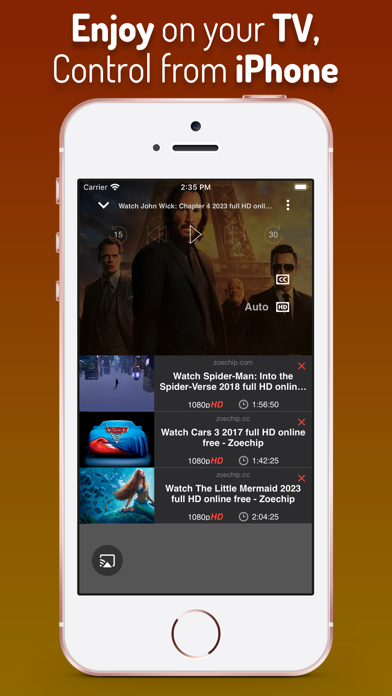
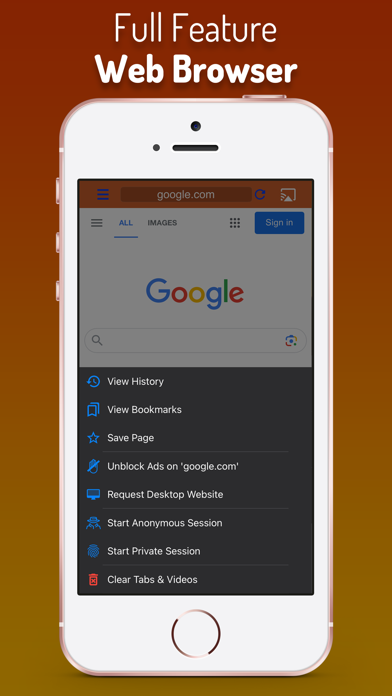
Best Casting App! Cast any online video to your TV. iWebTV® works with any TV equipped with Chromecast® + Roku® + Fire TV® + Apple TV® (4th Gen) + Samsung TVs (2018 and later models). *** Feature Highlights *** • HD resolution supported (1080p and up to 4K depending on the device) • Unlike mirroring apps, iWebTV sends the actual video stream to your TV (Much better image quality & overall experience). • Advanced browser, supports multiple browser tabs, blocks or hides spammy popups, search from the URL bar, ad blocker, browsing history etc... • Subtitle auto-detect + Movie/TV Subtitle library • Live streams support • Video preview to instantly locate your favorite scenes. • Binge-ready: queue up several videos, and enjoy. • Set your own home page, bookmark web page or videos. • Full playback controls, even after exiting the app (from the lock screen). • Privacy modes Some of the features above require in-app purchase iWebTV actually plays the video on your media player which results in a much higher quality picture than apps that mirror your screen. **** Notes **** (1) Some premium features require in-app purchases. (2) Excluding video formats incompatible with iOS (flash). (3) While most video websites work well, email us from the app menu if you experience any issues: > “Get Help” > “Frequent Questions” > “Need more help? (Other Issues)”> “Contact Support” (opens email). Smart TV from most TV manufacturers will work with this app without any preliminary setup. Just start the app, choose a video & hit the cast button! This includes TVs from Samsung, TCL, Vizio, Sony, Hisense, Insigna, Sharp, Philips and others. **** Disclosures **** iWebTV™ is a trademark of Swishly Inc. "Chromecast" and "Google Cast" are trademark of Google LLC. "Fire TV" is a trademark of Amazon Technologies, Inc. "Roku" is a trademark of Roku Inc. "Apple TV" is a trademark of Apple Inc. "Samsung" is a trademark of Samsung Electronics Co., Ltd iWebTV is developed by Swishly Inc. Roku, Chromecast, Google Cast, Samsung, Fire TV, and related marks are trademarks of their respective owners. iWebTV is compatible with these devices but is not affiliated with, endorsed by, or sponsored by Apple, Roku, Google, Samsung, or Amazon. Terms: • Privacy Policy: https://iwebtv.app/legal/privacy-policy.html • Terms of Use: https://iwebtv.app/legal/terms-of-use.html iWebTV offers a variety of upgrades, one of which is subscription-based ("Premium Services" $0.99/month or $9.99/year). With this subscription you will get the benefit of all premium features in addition to 2 premium services (Cloud Proxy Streaming + Unlimited subtitle downloads)